Template details
Drishtikon
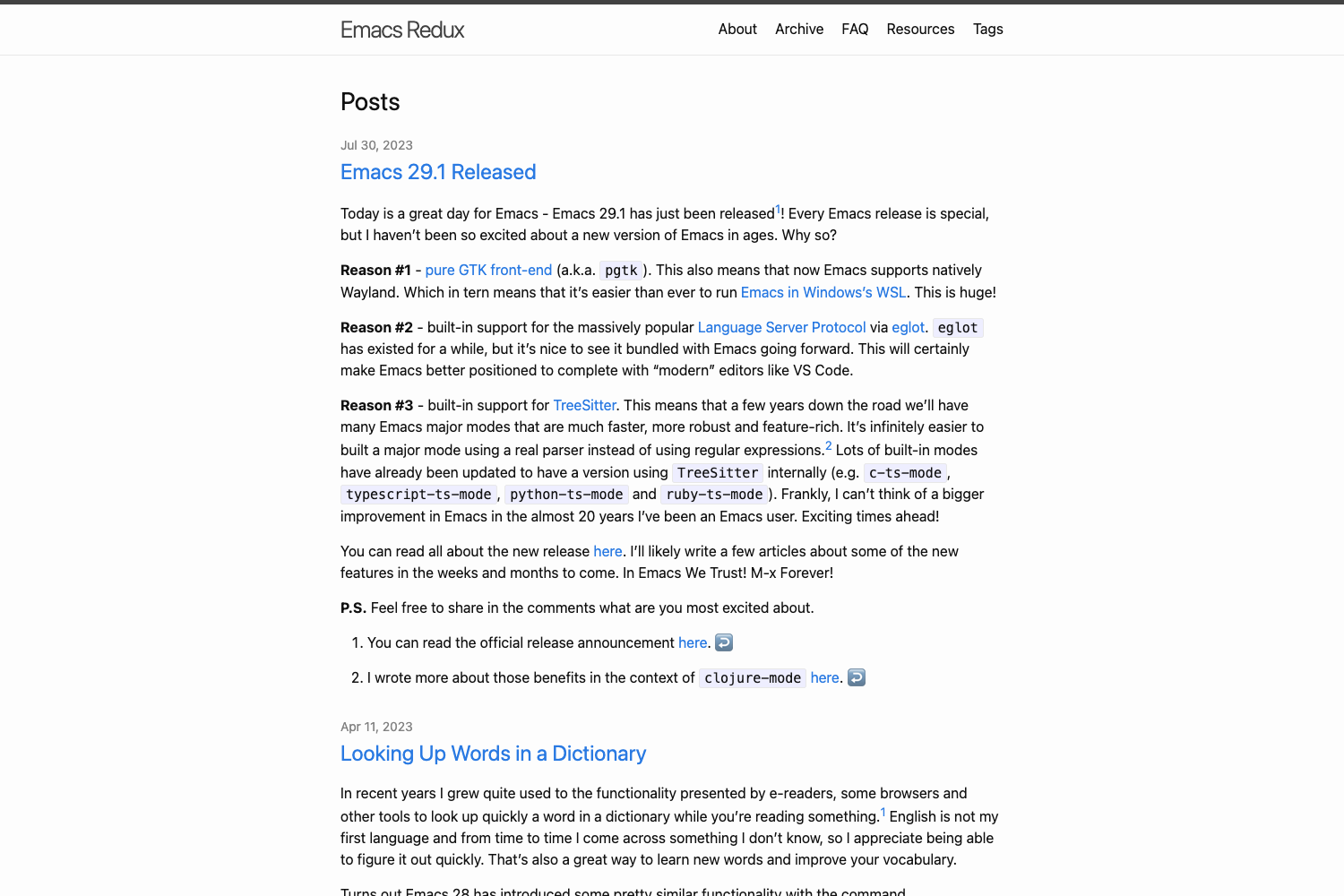
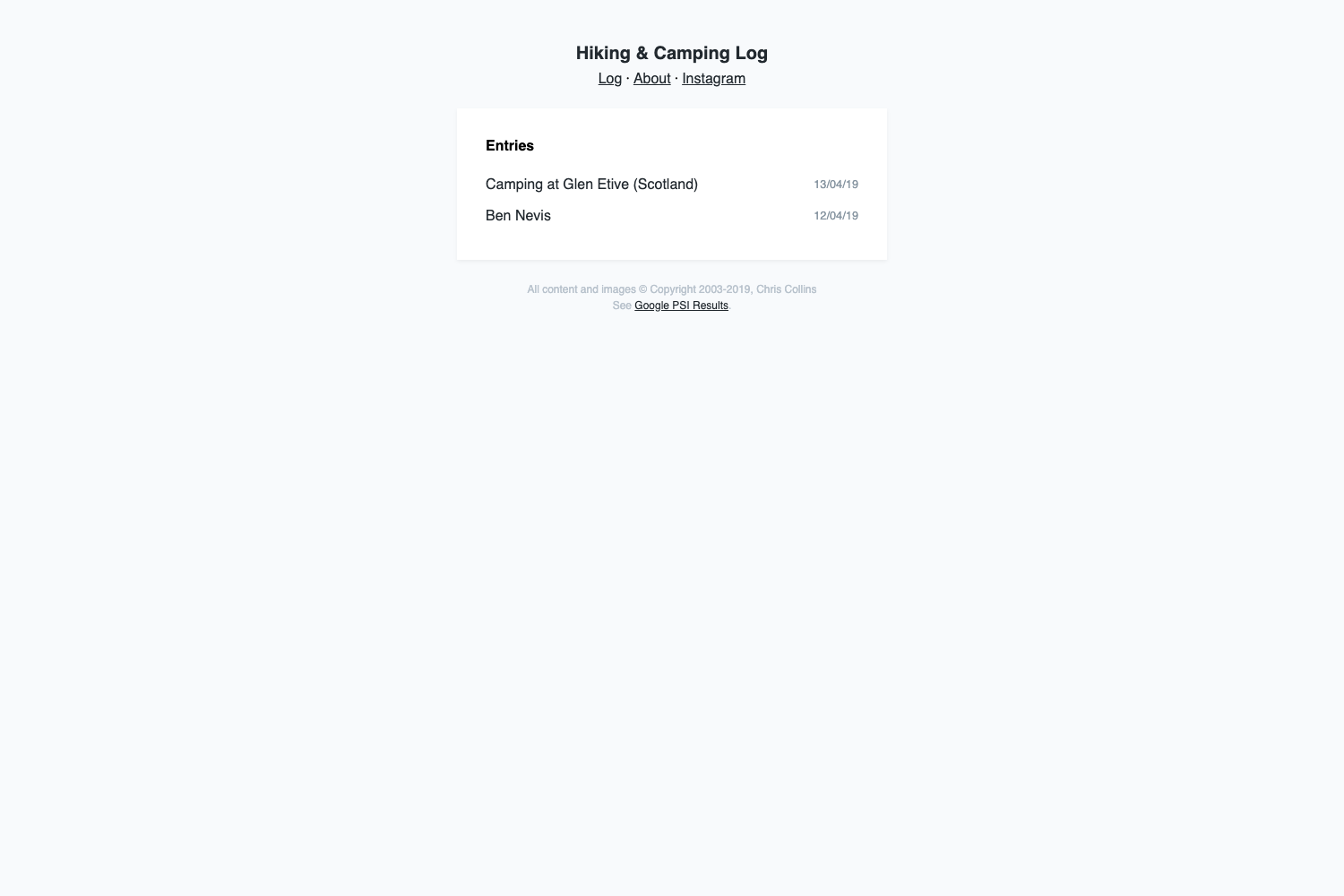
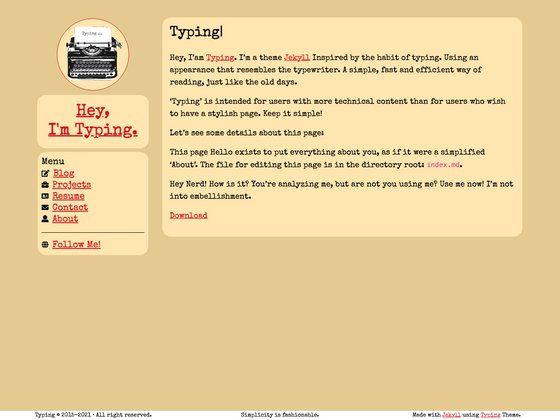
A minimal Hugo theme for blogging and portfolio websites with photo albums, writings, and KaTeX math support.
About this template
Drishtikon is a minimal Hugo theme for personal blogs and portfolio websites. It takes markdown content organized into posts, writings, and photos folders and generates a static site with a profile homepage, section listing pages, and photo albums. The theme runs on the Hugo static site generator, requires Go and Hugo for installation, and is open-sourced under the MIT License in the repository maintained by kishenarayan.
What is Drishtikon?
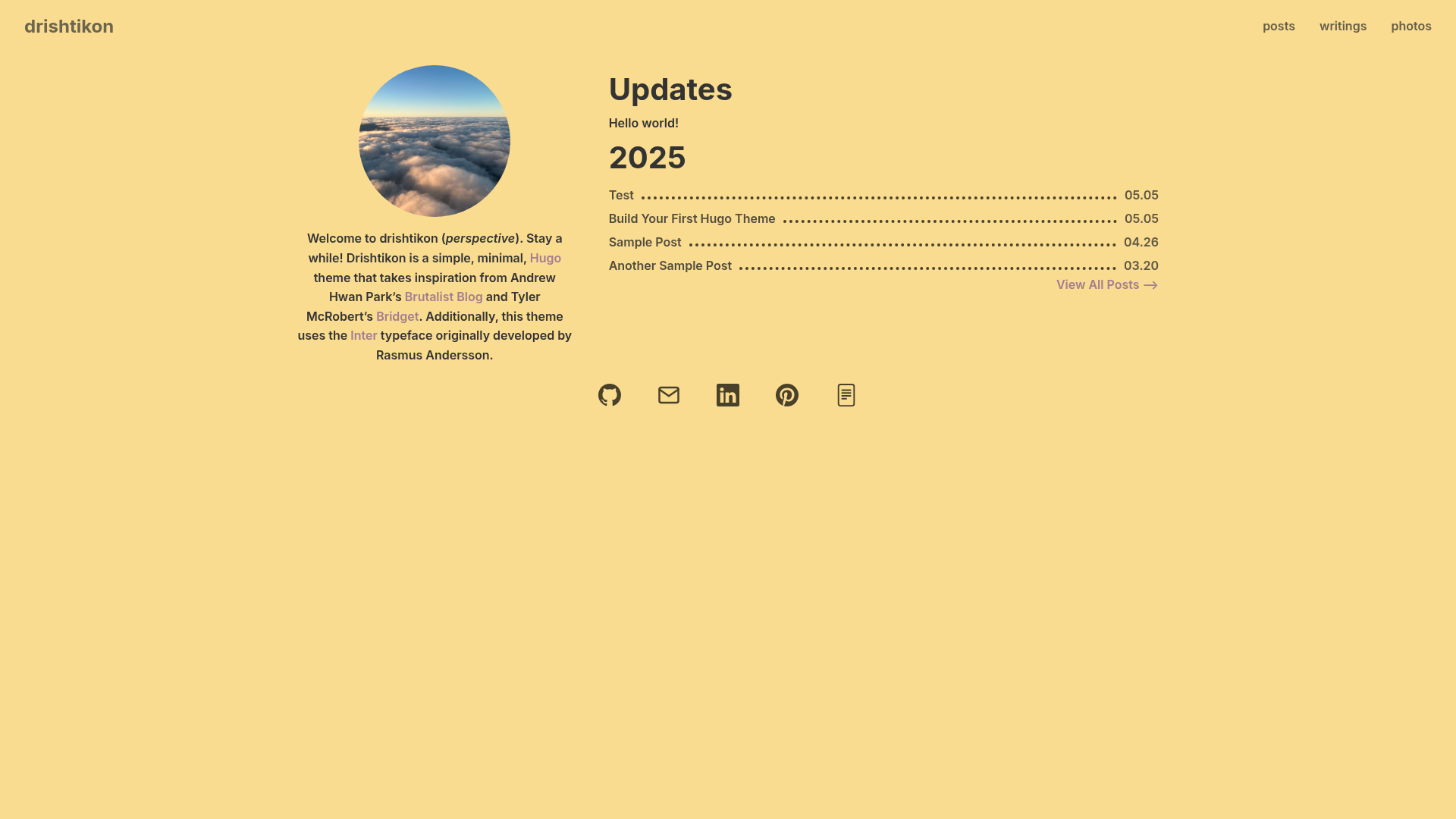
Drishtikon (Sanskrit for "perspective") is a minimal Hugo theme that builds a personal blog or portfolio from markdown files. You provide content in the posts, writings, and photos folders, and the theme outputs static pages with a profile intro, separate listings for each section, and album-based photo galleries. It is fast because Hugo generates plain HTML with no server-side dependencies.
Key Features
- Three content types — Posts, writings, and photos each get their own menu section; writings can carry a category (research, expository, or projects) and photos are grouped into albums using _index.md files.
- KaTeX math support — Setting the
mathparam totruein hugo.toml enables rendering of LaTeX-style math written with delimiters such as [ ] or $$ $$. - Profile homepage — The front page displays a profile photo, description, updates line, and social links to GitHub, email, LinkedIn, Pinterest, and a CV, all configured through site params.
- Configurable colors and font — Users can change backgroundColor, linksColor, textColor, fontFamily, table colors, and writing-card background from hugo.toml without editing templates.
- Inter typeface default — The theme ships with the Inter font designed by Rasmus Andersson as its default typography.
- Menu-driven navigation — A main menu with posts, writings, and photos entries is defined in hugo.toml, with weight values controlling order.
Who is it for?
- Personal bloggers who want a fast, dependency-light site to publish markdown posts without a CMS or database.
- Photographers who need album-based photo galleries paired with a blog or portfolio.
- Academics and researchers who want to publish expository or research writings with mathematical notation rendered by KaTeX.
- Hugo users who prefer to customize their site through config parameters rather than modifying theme templates.
What can you do with Drishtikon?
- Photographers: create an album folder under content/photos, add an _index.md with a title, and drop photo markdown files that specify title, description, image path, and weight to build a gallery.
- Writers: add markdown files to content/writings with a category frontmatter value of research, expository, or projects to organize long-form work.
- Developers: use the theme as a starter, tweak the color and font parameters, and set up a personal site with a custom logo by placing an image in the icons directory.
- Students: enable math rendering and write LaTeX equations directly in post markdown for technical notes or assignments.
How does Drishtikon work?
Drishtikon operates as a standard Hugo theme: you structure your content folder into posts, writings, and photos, add a hugo.toml with the theme set to drishtikon and the desired params, then run hugo server for local preview or hugo to output static files. The theme reads the folder structure and renders each section with its own listing and detail pages.
Pricing
Drishtikon is free and open source under the MIT License. There are no paid tiers or premium features described in the documentation.
FAQ
Is Drishtikon free to use?
Yes, the theme is released under the MIT License, so you can use it freely for personal or commercial projects, modify it, and redistribute it.
What dependencies do I need?
The README instructs installing both Hugo and Go, and recommends checking that they are available with go version and hugo version before installing the theme.
What content types does Drishtikon support?
It supports posts, writings, and photos. Posts are simple markdown files, writings require a category value in their frontmatter, and photos live in album folders that each contain an _index.md plus individual photo markdown files.
Can I change the colors without editing CSS?
Yes, the hugo.toml params include backgroundColor, linksColor, textColor, fontFamily, tableHeaderColor, tableContentColor, tableRowHoverColor, and writingCardBackground, all of which can be set directly.
How do I include math in my posts?
Set math = true in the hugo.toml params, then use KaTeX delimiters such as [ ] for block math or ( ) for inline math in your markdown content.