Template details
Spaceship
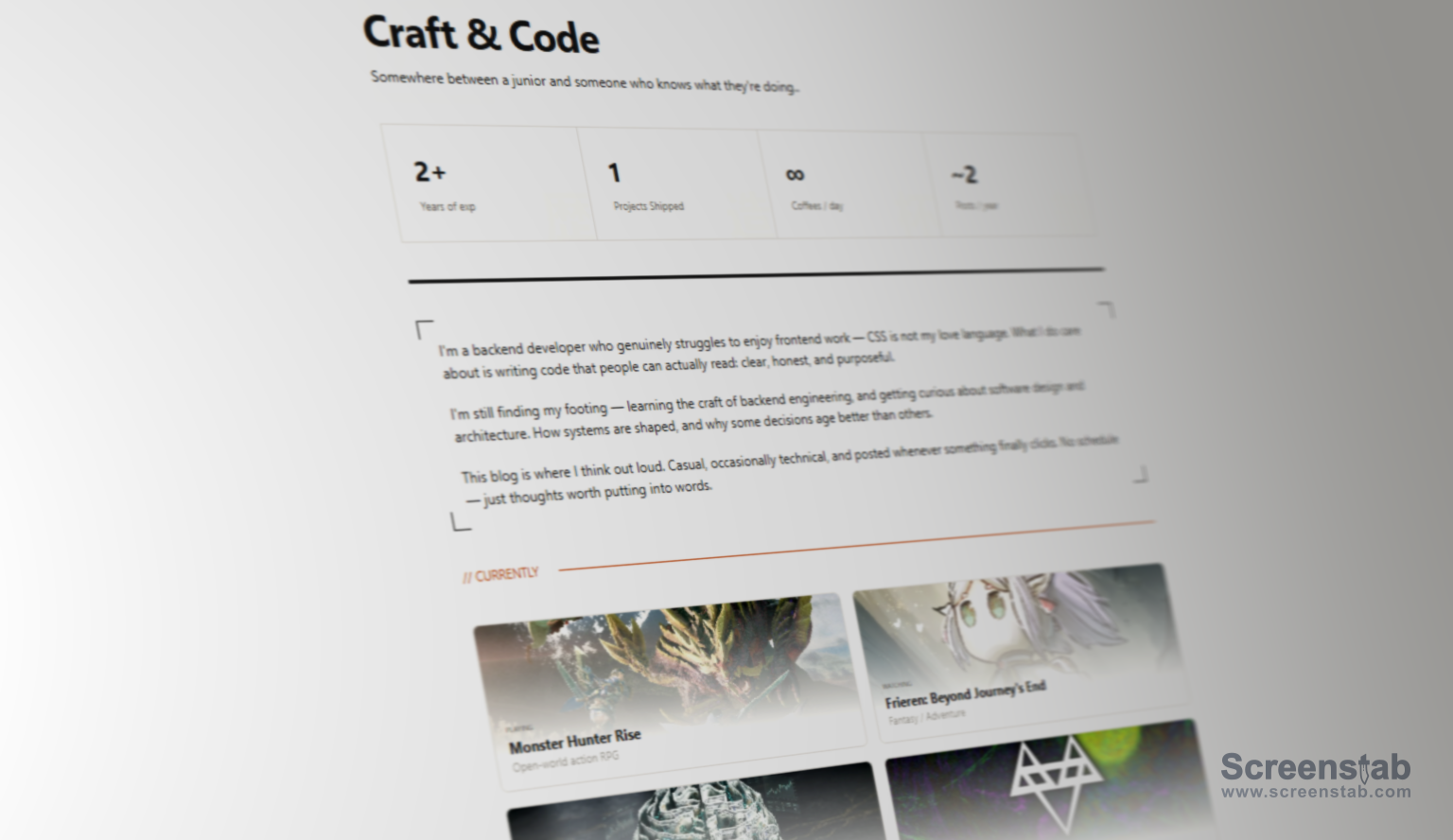
Spaceship is a high-performance blog and portfolio template built with Astro 5, Svelte 5 Runes, and Tailwind CSS 4.
About this template
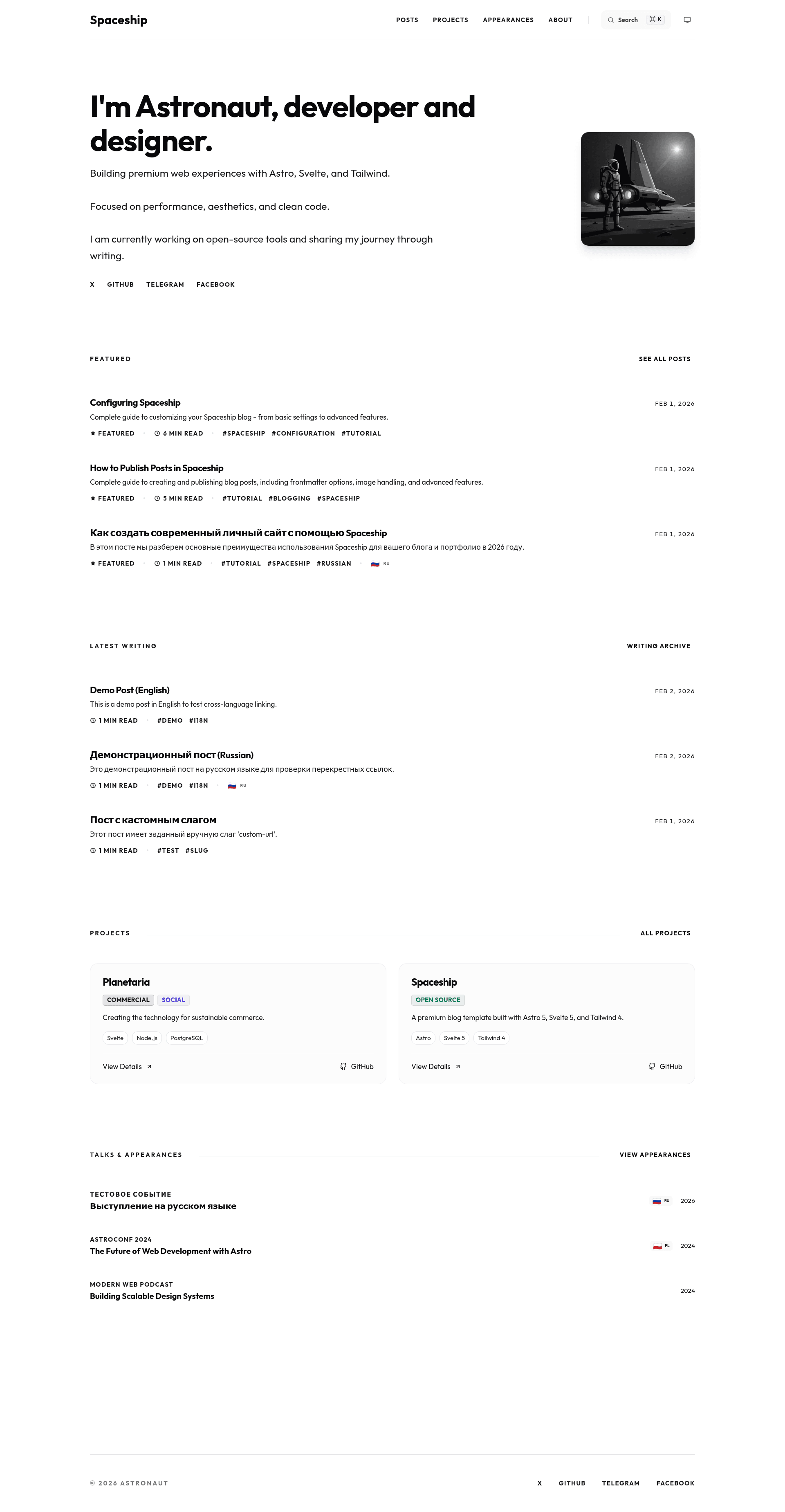
Spaceship is a blog and portfolio template built with Astro 5, Svelte 5 Runes, and Tailwind CSS 4, designed for developers and designers who want a fast, SEO-optimized personal site. It consumes Markdown and MDX content plus a TypeScript configuration file and renders a static site with a blog, projects list, about page, and a homepage showing featured and latest posts.
What is Spaceship?
Spaceship is a blog and portfolio template built with Astro 5, Svelte 5 Runes, and Tailwind CSS 4. It takes Markdown/MDX files and a TypeScript site config as input and generates a static website with blog posts, a projects collection, an about/CV page, and automated SEO metadata. The template is authored by Alexey Poimtsev and distributed under the MIT License, with the repository hosted on GitHub.
Key Features
- Astro 5 + Svelte 5 Runes — The core is built on Astro 5 for static generation, with Svelte 5 components using Runes reactivity (
$state,$derived,$props) for interactive UI elements. - Tailwind CSS 4 — Styling uses Tailwind CSS 4, providing utility-first CSS with zero-runtime output and dark mode support.
- MDX blog with series and drafts — Posts live in
site/content/posts/as Markdown or MDX, support frontmatter for series grouping, draft status, future publication dates, per-post CTA and comment toggles, and can embed Svelte components directly. - Giscus comments — Comments are powered by GitHub Discussions via Giscus, with theme, language, and behavior configured from
site/config.ts; comments can be disabled site-wide or per post. - Advanced search — Client-side search indexes all post titles and descriptions for instant filtering without a server.
- SEO automation — Automatic JSON-LD structured data for WebSite, BlogPosting, Person, and Breadcrumbs, plus canonical URLs, robots meta, RSS feed, sitemap, and dynamically generated Open Graph images for every post.
- Enhanced markdown — Shiki syntax highlighting with line, diff, and word highlights, auto-generated table of contents with scroll-spying, heading anchor links, Mermaid diagram support, and emoji shortcodes like
:rocket:. - Updatable content architecture — Personal data lives in a
site/folder separate from the core engine insrc/, so users can update the template to new versions by replacing the engine files and keeping their content.
Who is it for?
- Developers — Create a personal blog or documentation-style site with version-controlled Markdown content, syntax highlighting, and the ability to drop in Svelte components.
- Designers — Present a portfolio of projects on a homepage with featured and latest posts, while keeping a clean, responsive design with dark mode.
- Technical writers — Publish multi-language posts with automatic flag indicators, group posts into series with automatic navigation, and add interactive diagrams through Mermaid.
- Indie hackers — Launch a product blog with a built-in CTA block at the end of posts, GitHub Discussions for community feedback, and one-command deployment to static hosts.
What can you do with Spaceship?
- Publish a blog with advanced markdown — Write posts in Markdown or MDX with Shiki line highlighting, auto-generated TOC, heading anchors, Mermaid diagrams, and emoji shortcodes, then schedule future posts using publication date filtering.
- Build a portfolio — Add projects under
site/content/projects/, show a bio/CV fromsite/content/about/index.md, and control how many featured and latest posts appear on the homepage viasite/config.ts. - Engage readers with comments and CTAs — Enable Giscus comments linked to a GitHub Discussions repo, toggle comments per post, and add a customizable CTA file (
site/cta.md) displayed at the end of posts. - Ship to static hosting — Deploy to Vercel, Netlify, Cloudflare Pages, or GitHub Pages with no extra configuration, or convert to SSR with an Astro adapter for Node, Vercel, Netlify, or Cloudflare.
How does Spaceship work?
Install with pnpm, then run pnpm dev to start the development server and pnpm build for production. Content is authored in the site/ folder: posts in site/content/posts/, projects in site/content/projects/, and the about page in site/content/about/index.md; global settings are edited in site/config.ts. VS Code snippets let you type post, project, or appearance and press Tab to generate frontmatter, and a pre-configured Dev Container includes the necessary extensions.
FAQ
Is Spaceship free?
Yes, Spaceship is open source under the MIT License. You can freely use, modify, and redistribute it, including for commercial projects, by keeping the license notice.
What are the prerequisites for running Spaceship?
Spaceship requires Node.js LTS and pnpm. The repository is configured for pnpm, so the lock file is pnpm-lock.yaml and the recommended install command is pnpm install.
How do I set up comments?
Comments use Giscus, which connects to a GitHub Discussions repo. In site/config.ts, set comments.enabled to true and fill in the repo, repoId, and categoryId values obtained from giscus.app.
How do I update Spaceship to a new version?
Keep your site/ folder (content and config), download the latest release, and replace the src/, public/, astro.config.mjs, package.json and lockfile, and tsconfig.json files. Then run pnpm install — your content is picked up automatically.
Can I deploy Spaceship as a static site?
Yes, Spaceship is static by default (SSG). You can deploy to Vercel, Netlify, Cloudflare Pages, or GitHub Pages without extra configuration. For dynamic features, add an adapter such as pnpm astro add vercel or pnpm astro add netlify to convert to SSR.