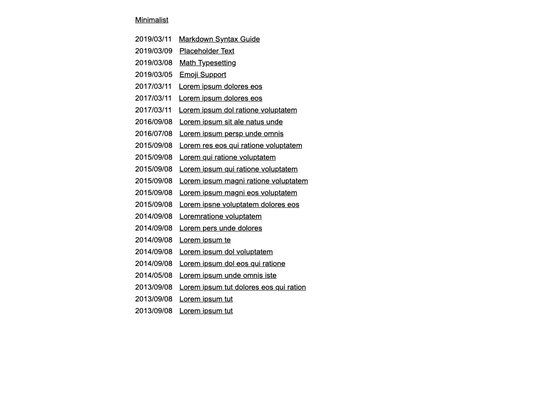
Template details
Styless
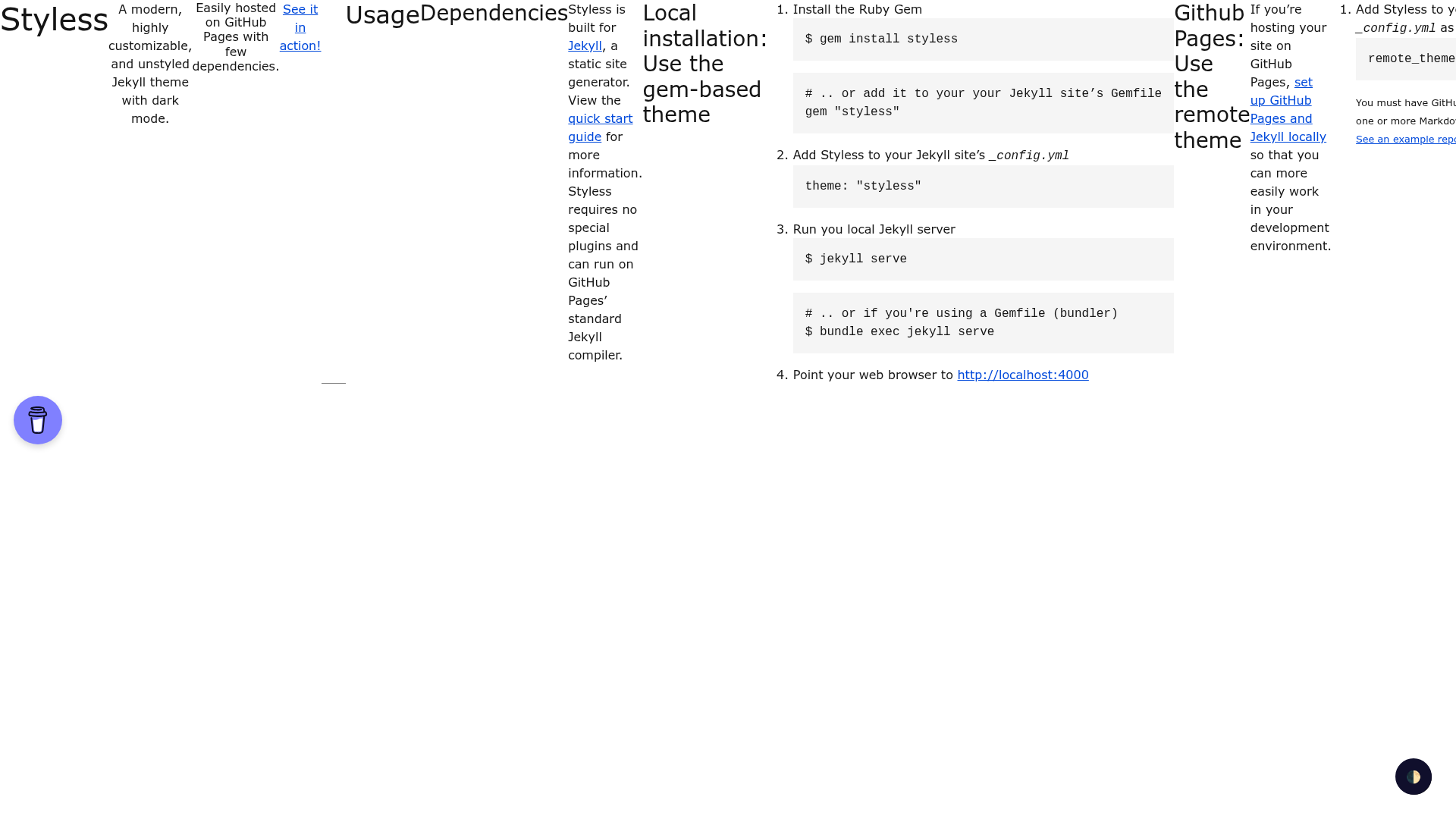
A modern, highly customizable, and unstyled Jekyll theme with dark mode.
About this template
Styless is an unstyled Jekyll theme with built-in dark mode, designed to give developers a blank-slate base they can style with any CSS framework and host on GitHub Pages with no special plugins. It is maintained by the moonharelabs GitHub organization, distributed as the styless Ruby Gem, and released under the Unlicense public-domain license.
What is Styless?
Styless is a modern, highly customizable, and unstyled Jekyll theme with dark mode, built for the Jekyll static site generator. It takes Markdown content plus a Jekyll _config.yml as input and produces a static HTML site that can be served locally or deployed to GitHub Pages. The theme requires no special plugins, runs on GitHub Pages' standard Jekyll compiler, and supports both gem-based local installation and remote_theme deployment.
Key Features
- Unstyled by design — ships without opinionated CSS so any CSS framework or custom stylesheet can fully define the visual style.
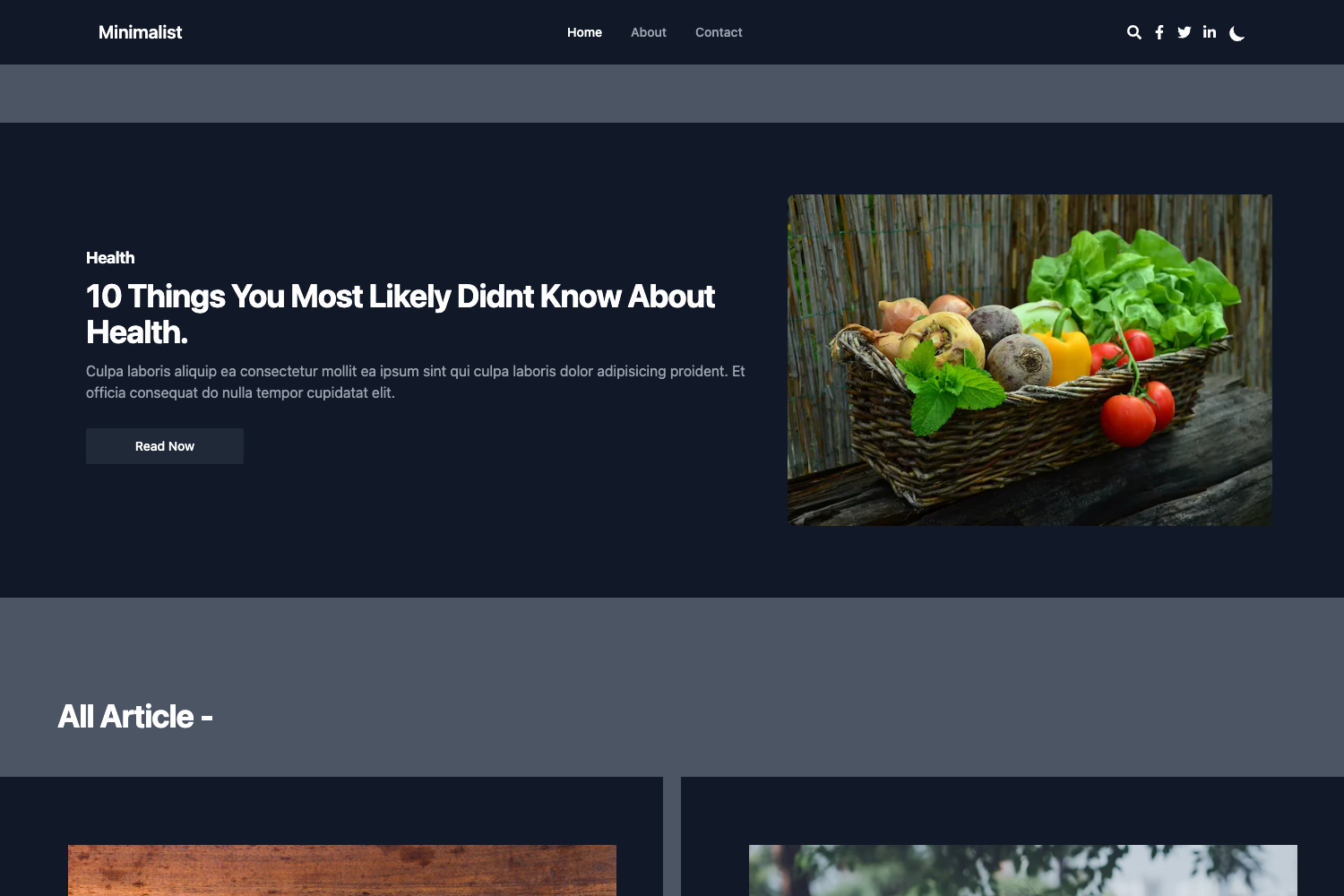
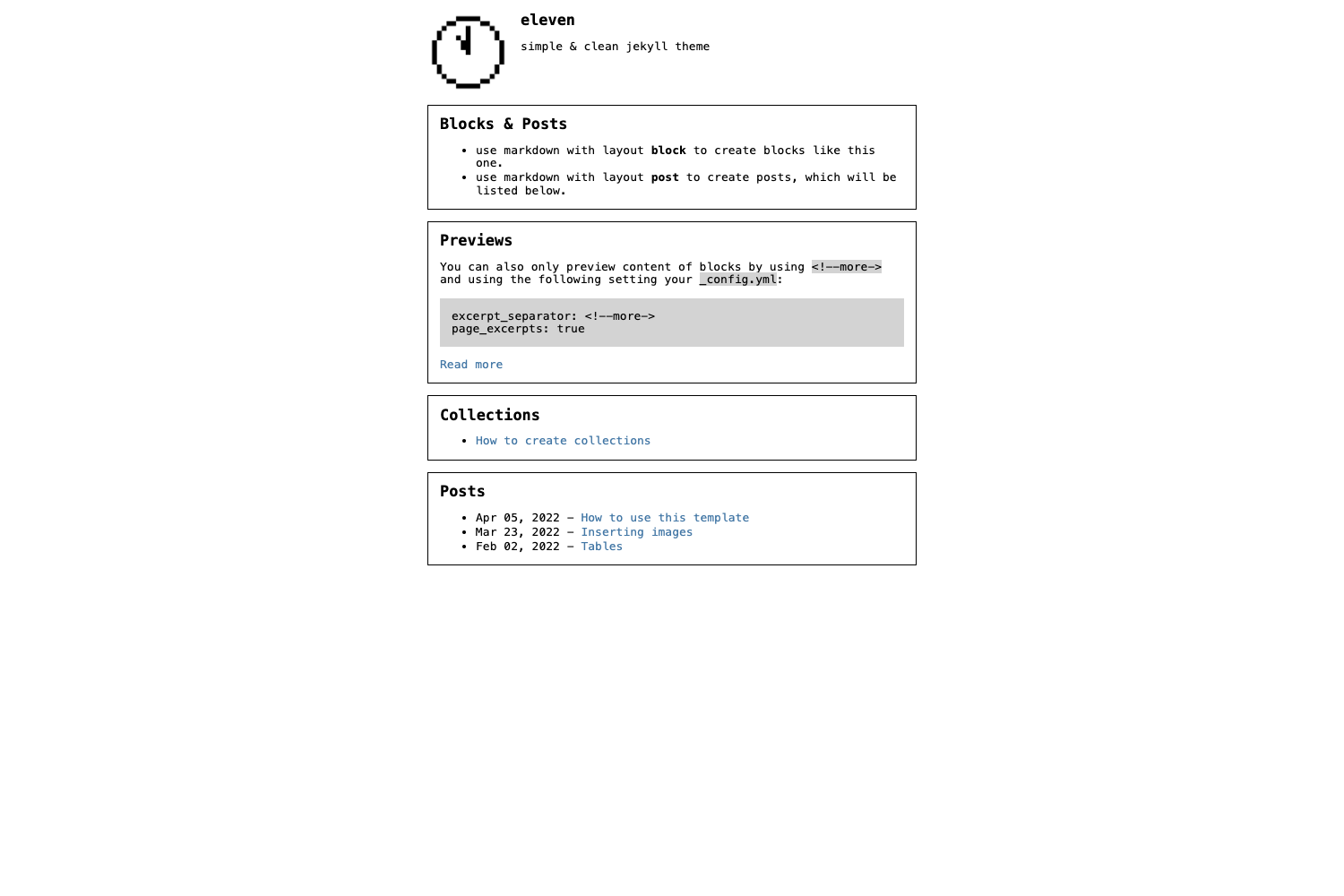
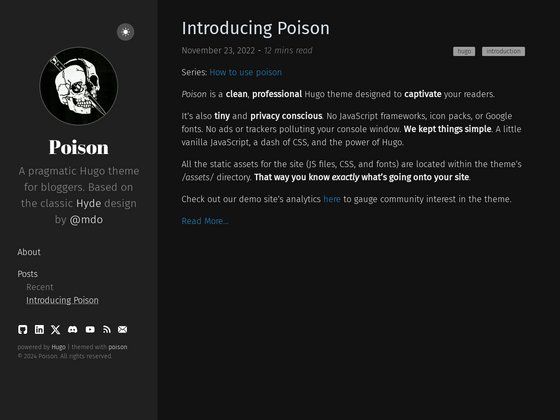
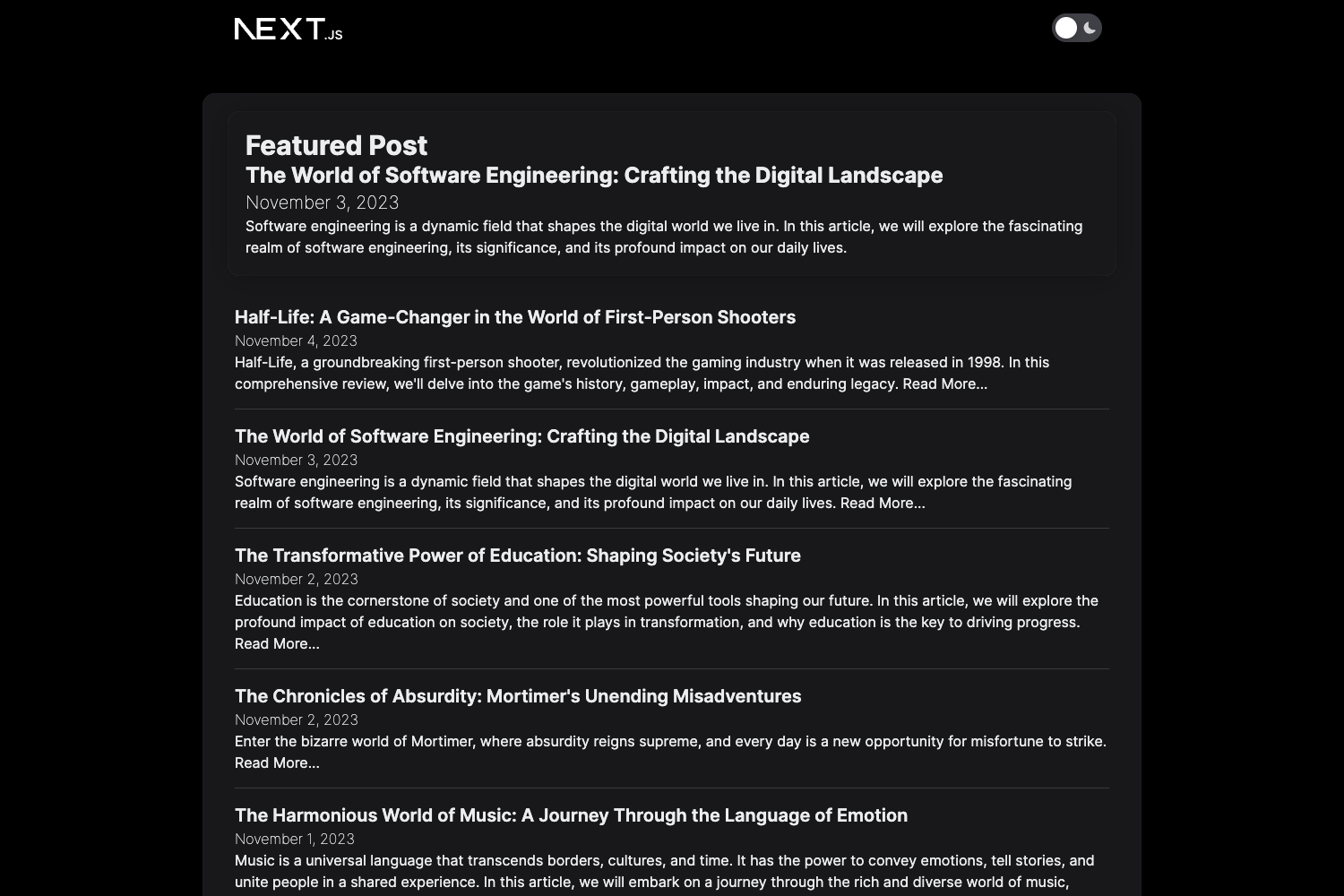
- Dark mode included — the theme ships with a light and a dark color scheme; the project's screenshots show both.
- No plugin dependencies — runs on the standard GitHub Pages Jekyll compiler, so it works with plain Markdown files and a
_config.yml. - Gem-based install — install with
gem install stylessor addgem "styless"to your Gemfile, then settheme: "styless"in_config.ymland runjekyll serve. - Remote theme support — GitHub Pages users can set
remote_theme: moonharelabs/stylessin_config.ymlwithout a Gemfile. - Easy customization hook — CSS and JavaScript libraries can be injected through the
_includes/custom-head.htmlfile. - One-click Vercel deployment — the project provides a Deploy with Vercel button that clones the docs example site and previews the dark theme.
Who is it for?
- Jekyll developers who want a minimal starting point and prefer to bring their own CSS framework instead of overriding a pre-built theme.
- GitHub Pages users who need a remote theme with minimal setup: add one line to
_config.yml, include a Markdown file, and the standard Jekyll compiler builds the site. - Bloggers and personal site owners who want a clean, modern theme with dark mode and no plugin maintenance on the standard Jekyll toolchain.
What can you do with Styless?
- Personal bloggers: publish Markdown posts on GitHub Pages with a minimal layout and dark-mode support, with no plugin setup.
- Portfolio owners: pair the unstyled base with a preferred CSS framework to build a fully bespoke personal site.
- Experienced theme users: swap CSS libraries by editing
custom-head.htmlto change the design without touching the theme core.
How does Styless work?
Installation follows Jekyll's standard theming workflow. Locally, you install the gem, set theme: "styless" in _config.yml, and run jekyll serve or bundle exec jekyll serve. For GitHub Pages, you set remote_theme: moonharelabs/styless in _config.yml; GitHub's standard Jekyll compiler then builds the site on push.
Alternatives
- Minima — the default Jekyll theme that ships with its own minimalist CSS, whereas Styless is deliberately unstyled.
FAQ
Is Styless free to use?
Yes. Styless is open source under the Unlicense License, which places it in the public domain, so it can be used, modified, and redistributed without restriction, including in commercial projects.
Does Styless require Jekyll plugins?
No. The theme requires no special plugins and runs on GitHub Pages' standard Jekyll compiler. The repository lists jekyll-seo-tag among its topics, suggesting it is intended to work with Jekyll's SEO Tag plugin.
What is an unstyled Jekyll theme?
An unstyled theme provides layout and structure but no opinionated styling, leaving the visual design entirely to you. Styless adds dark mode on top of this base and lets you load any CSS framework through its custom-head.html include.
How do I deploy Styless to GitHub Pages?
Set remote_theme: moonharelabs/styless in your site's _config.yml, enable GitHub Pages on the repository, and commit at least one Markdown file. GitHub's standard Jekyll compiler will build the site automatically.