Template details
nef
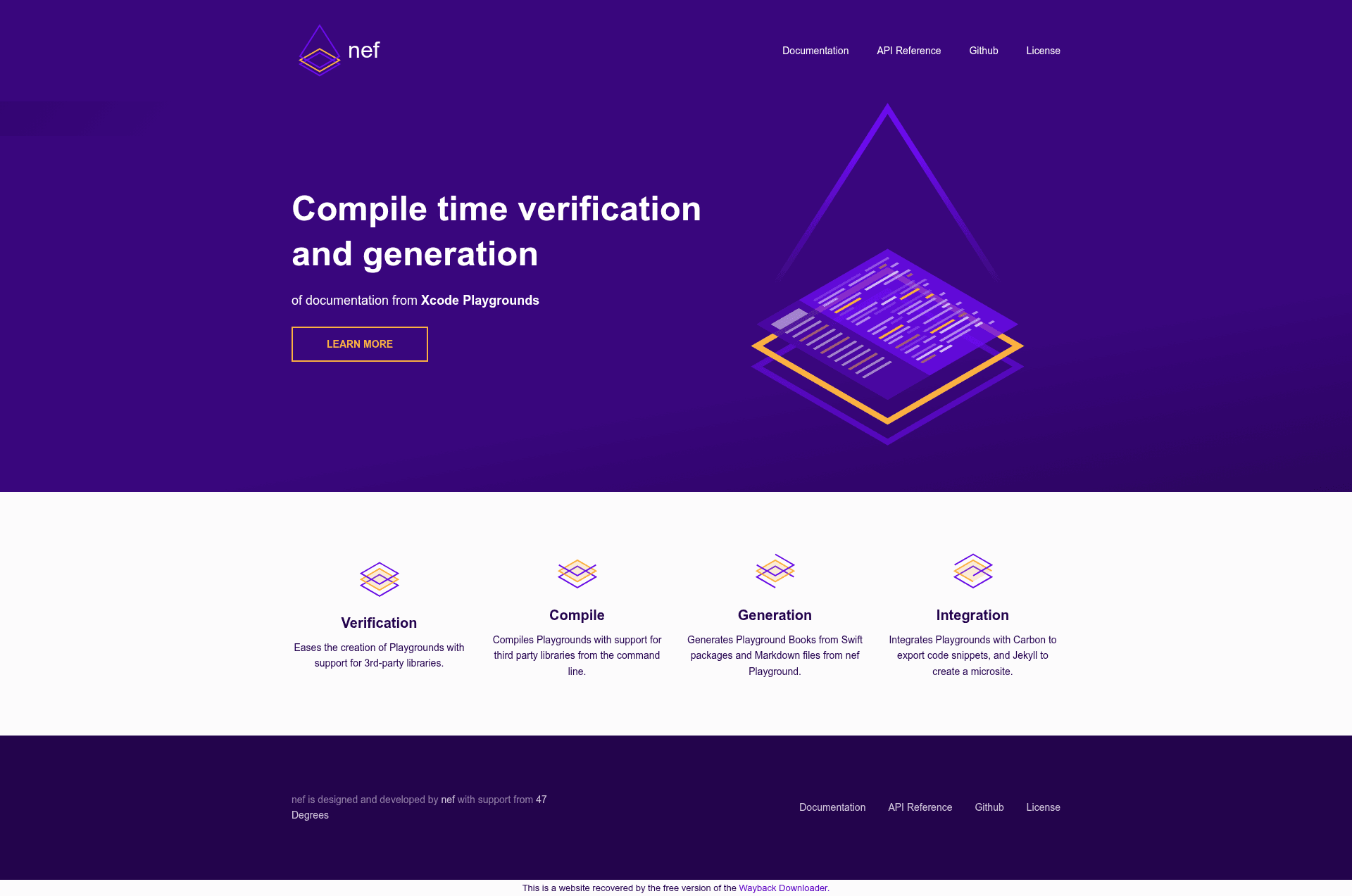
nef is a command-line toolset that creates Xcode Playgrounds, verifies them by compiling, and exports Markdown, Jekyll sites, and Carbon snippets.
About this template
nef is an open-source macOS command-line toolset from the Bow Swift project that turns Xcode Playgrounds into compilable documentation, then exports it as Markdown, Jekyll sites, and Carbon code snippets.
What is nef?
nef, short for Nefertiti, is a toolset for creating documentation in the form of Xcode Playgrounds. It takes Xcode Playgrounds as input and produces compile-time verified documentation, Markdown files that Jekyll can consume to generate websites, and Carbon snippets for sharing code. It runs on macOS and is built with Swift Package Manager; the project is maintained by the Bow Swift team, and it is inspired by ΛNK for Kotlin and tut for Scala.
Key Features
- One-command playground creation —
nef playgroundgenerates an Xcode Playground with support for Bow, the functional programming library for Swift;--nameand--outputcontrol the result, and--platformswitches between iOS and macOS. - Third-party dependency support — pass a Podfile with
--podfileor a Cartfile with--cartfileto create a playground with your own dependencies; Bow versions, branches, and commits are selectable via--bow-version,--bow-branch, and--bow-commit. - Command-line compilation —
nef compile --projectverifies playgrounds from the terminal, with a--use-cacheflag to reuse downloaded dependencies;nef clean --projectremoves compilation artifacts. - Playground Book generation —
nef ipad --name PlaygroundName --package Package.swift --outputbuilds an iPad Swift Playgrounds Book with external dependencies defined in a Swift Package. - Markdown export —
nef markdown --project --outputconverts playground pages to a Markdown project, using single-line//:and multiline/*: */comment syntax for content. - Jekyll microsite generation —
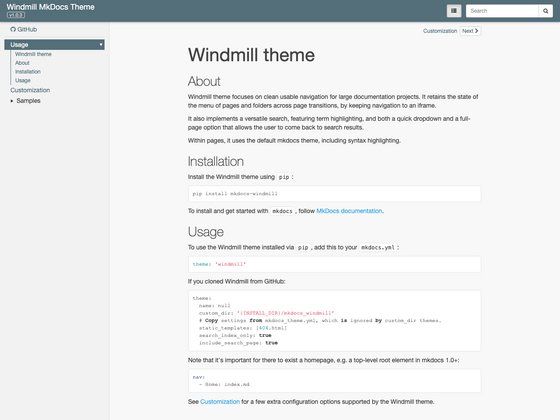
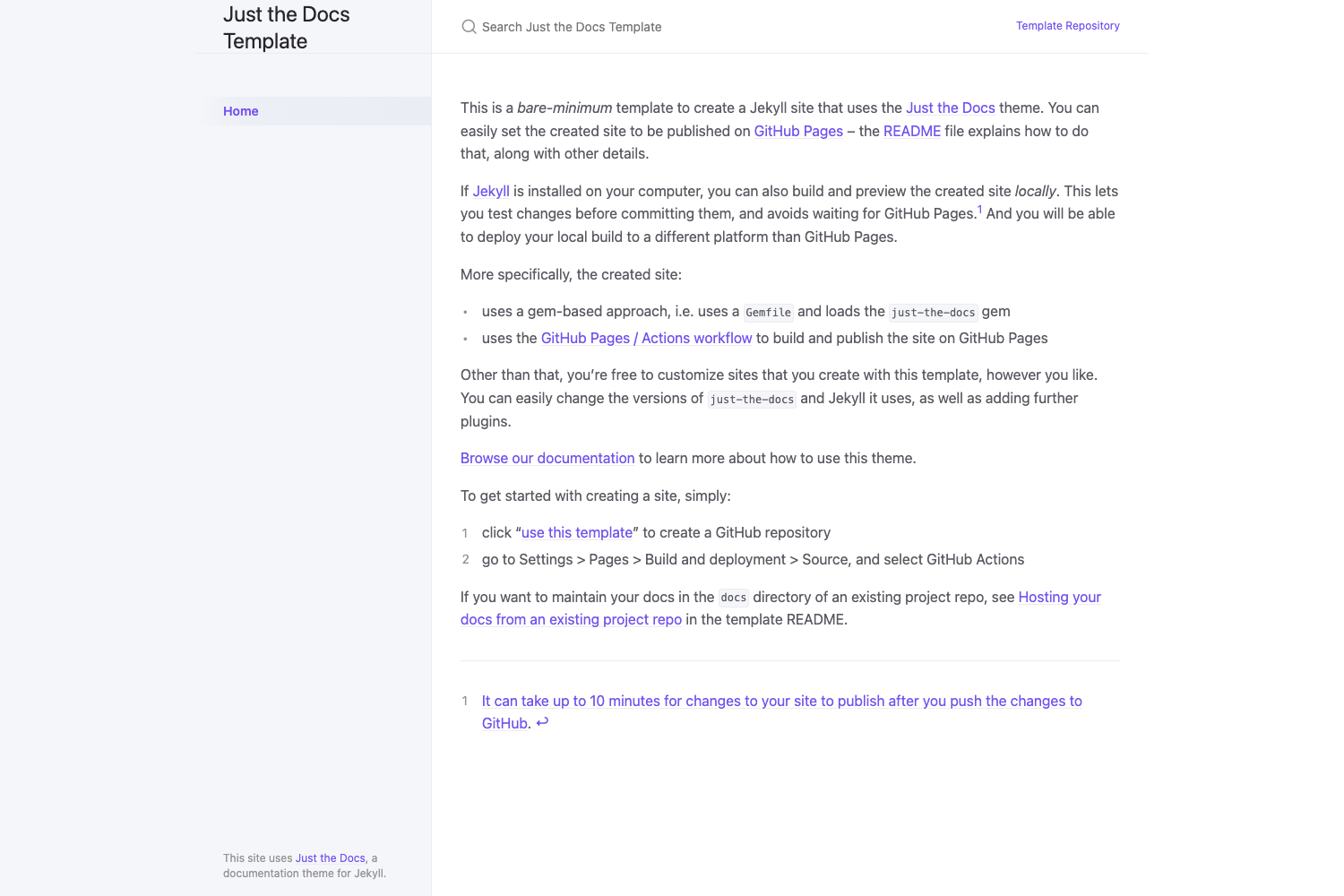
nef jekyllproduces Markdown files and asidebar.ymlmenu, with// nef:begin:headerand// nef:begin:hiddencommands to control page metadata and hide supporting code. - Carbon snippet export —
nef carbon --project --outputexports verified code as Carbon images; configuration covers background colors, 23 themes including dracula and monokai, sizes 1 through 5, 13 fonts, line numbers, and watermark. - Multiple installation routes — Homebrew (
brew install nef), Swift Package Manager as a macOS library, an Xcode Editor Extension from the App Store, an iPad app called nef Playgrounds, and a GitHub badge that lets users try projects on iPad.
Who is it for?
- iOS and macOS developers who want to keep examples in Xcode Playgrounds and verify that they still compile as dependencies evolve.
- Open-source library maintainers who need continuous integration checks for playground-based documentation, similar to how the Bow project uses it.
- Technical writers and documentation teams who prefer writing docs as playable Swift code and publishing them through Jekyll microsites.
- Educators and content creators who build interactive Swift Playgrounds Books for iPad with external library support.
What can you do with nef?
- Continuous integration: run
nef compile --project YourPlaygroundto fail a build when a documented example stops compiling. - Documentation sites: generate a Jekyll-ready microsite with
nef jekyll, including a sidebar derived from your Xcode Playground structure. - Code sharing: export beautiful Carbon snippets with consistent theming for blog posts and social media.
- iPad learning: create Playground Books from a Swift Package definition, so students can run code with real dependencies on iPad.
How does nef work?
The typical workflow is: create a nef Playground with nef playground (or convert an existing one with nef playground --playground), write Swift code with Markdown comments, then run one of the export commands. For Jekyll output, nef finds every Xcode Playground in the project, treats each as a section, converts each page to Markdown, and adds a sidebar.yml. The // nef:begin: and // nef:end comment markers control header metadata and hidden sections.
FAQ
How do I install nef?
The preferred method is Homebrew with brew install nef; the command warns about missing dependencies. You can also consume nef as a Swift Package Manager library in a macOS project, install the Xcode Editor Extension from the App Store, or use the nef Playgrounds app on iPad.
Can nef compile Xcode Playgrounds without opening Xcode?
Yes. nef compile --project compiles playgrounds from the command line, which is designed for Continuous Integration scenarios. The --use-cache option reuses already downloaded dependencies, and nef clean removes previous build results.
Does nef support third-party libraries?
Yes. You can pass a Podfile or Cartfile to nef playground to include your own dependencies, and nef ipad builds Playground Books from a Package.swift. For the Bow library specifically, you can pin a version, branch, or commit hash.
Is nef free to use?
nef is open source under the Apache License 2.0. It is developed by the Bow Swift community, and contributions are accepted via issues, pull requests, and the Bow Gitter channel.