Template details
Next.js + Tailwind CSS Example
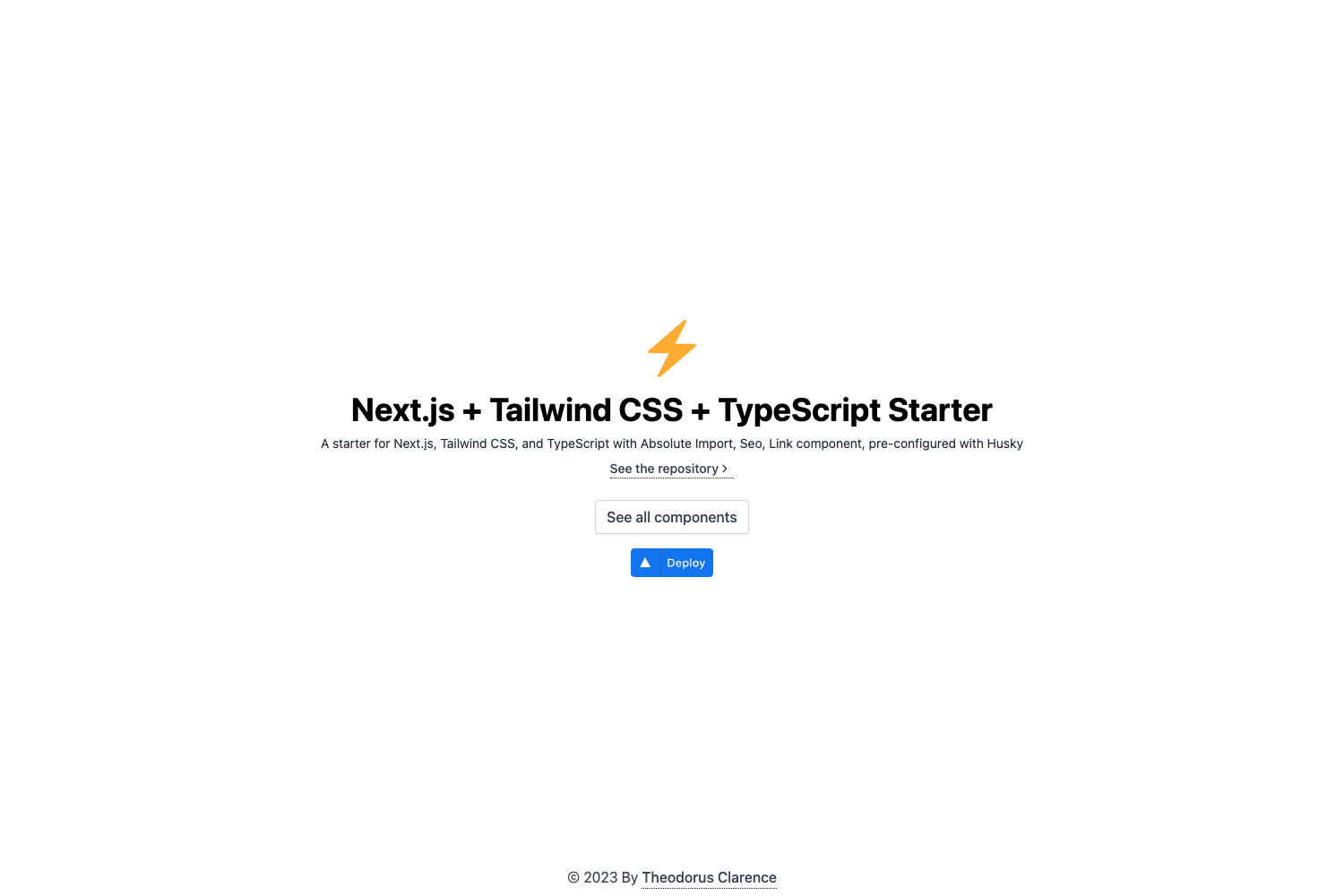
A minimal Next.js boilerplate that integrates Tailwind CSS v2.2 with Just-in-Time mode.
About this template
The Next.js + Tailwind CSS Example is a boilerplate project from the Vercel Next.js repository that demonstrates how to wire Tailwind CSS v2.2 into a Next.js app, including the new Just-in-Time mode. It takes a fresh Next.js project and adds the configuration needed to use Tailwind utility classes, producing a runnable website with minimal setup.
What is the Next.js + Tailwind CSS Example?
This is an official example shipped in the Vercel Next.js repository that shows a working integration of the Next.js React framework with the Tailwind CSS utility library. It follows the steps outlined in the official Tailwind docs for Next.js, and it uses Tailwind CSS v2.2 with the Just-in-Time mode enabled, which compiles only the styles you use. The output is a minimal Next.js app where Tailwind utility classes work out of the box.
Key Features
- Tailwind CSS v2.2 — The template is built on Tailwind CSS v2.2 and enables the Just-in-Time mode, so utility classes are generated on demand instead of in a pre-built stylesheet.
- Official Next.js example — The code lives in the
with-tailwindcssfolder of the vercel/next.js GitHub repository, aligning with the official Tailwind guide for Next.js. - create-next-app scaffolding — Bootstrap the project with a single command:
npx create-next-app --example with-tailwindcss with-tailwindcss-app(or the Yarn equivalent). - One-click Vercel deployment — The README includes a Deploy with Vercel button that points to a preconfigured deployment URL, allowing you to publish the app to Vercel without manual setup.
- StackBlitz live preview — An Open in StackBlitz link lets you open the example in an online development environment.
- Minimal setup — The example includes just enough configuration — tailwind.config.js, PostCSS settings, and the global CSS import — so you can verify Tailwind styles render on the index page.
Who is it for?
- Developers new to Tailwind CSS — They can copy this example to skip the manual Tailwind + PostCSS installation and immediately start writing utility classes in a Next.js project.
- Next.js users who want JIT mode — They can inspect how the Just-in-Time compiler is enabled in this official example and apply the same setup to their own projects.
- Anyone building a lightweight site or blog — Although the README positions it as a generic example, the repository metadata lists it as a Next JS Blog Template, so it works as a starting point for content-focused sites.
What can you do with it?
- Scaffold a Tailwind-powered Next.js app: Run the create-next-app command in the README to generate a project with Tailwind already configured.
- Deploy a site to Vercel: Use the one-click deployment link to publish the app to Vercel's cloud platform.
- Preview online instantly: Open the StackBlitz link to try the example in your browser without installing anything.
How does it work?
The example works by combining a standard Next.js app with Tailwind's build tooling. When you run create-next-app, it copies the example folder, which contains a tailwind.config.js file and a PostCSS configuration that includes Tailwind as a plugin. The global CSS file imports Tailwind's base, components, and utilities directives, so any utility class you add to a component immediately gets compiled in JIT mode.
FAQ
Is the Next.js + Tailwind CSS Example free?
It is an open-source example shipped in the official Next.js repository, so you can use it freely in your own projects.
What Tailwind CSS version does it use?
The README specifies Tailwind CSS v2.2 and highlights the Just-in-Time mode introduced in that version.
Does it include a blog?
The repository metadata describes the template as a "Next JS Blog Template," but the README's example itself is generic and only demonstrates the Tailwind/Next.js integration.