Template details
ts-nextjs-tailwind-starter
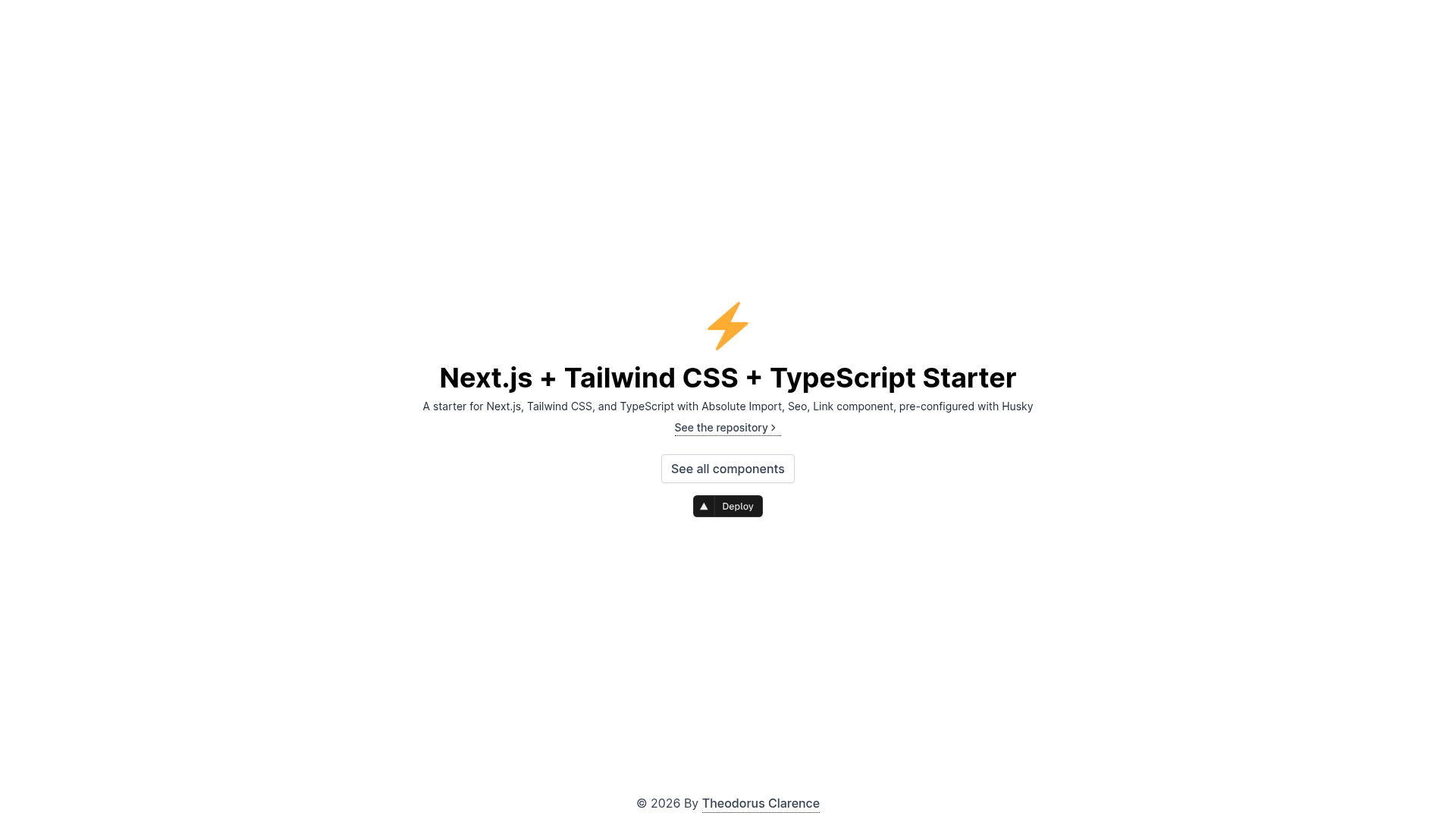
Next.js + Tailwind CSS + TypeScript starter and boilerplate packed with useful development features.
About this template
ts-nextjs-tailwind-starter is a free, open-source boilerplate for starting Next.js projects with Tailwind CSS and TypeScript, bundling pre-configured linting, testing, and Git automation. Created by Theodorus Clarence, it targets developers who want a production-ready setup without spending hours wiring tooling together.
What is ts-nextjs-tailwind-starter?
ts-nextjs-tailwind-starter is a GitHub template repository that scaffolds a Next.js 14 application using the App Router, React 18, Tailwind CSS 3, and TypeScript. You input a repository name via GitHub's "Use this template," create-next-app, or degit, and you get a fully configured project with ESLint, Prettier, Jest, Husky, and GitHub Actions already wired. It runs on Node.js and is designed for one-command deployment to Vercel, with the official deploy button included in the README. The starter is maintained by Indonesian developer Theodorus Clarence, and its demo site is hosted at tsnext-tw.thcl.dev.
Key Features
- Next.js 14 with App Router — Uses the latest framework version with React 18, including a
src/pages/index.tsxentry point and automatic sitemap.xml generation. - Tailwind CSS 3 with CSS Variables — The primary color is configured via CSS variables so pre-built components automatically adapt to your brand color.
- Pre-built Components — A set of ready-to-use components with the demo at tsnext-tw.thcl.dev/components that inherit your brand color without extra configuration.
- Jest Unit Testing — A working Jest setup is included for writing and running unit tests right after scaffolding.
- Absolute Import and Path Alias — Import components using the
@/prefix, eliminating relative path chains. - ESLint and Prettier — ESLint with auto-sorting of imports, plus Prettier for consistent code formatting; both run automatically.
- Husky and Lint-Staged — Git hooks execute scripts on staged files before every commit, enforcing quality checks.
- Conventional Commit Lint and Release Please — Ensure commit messages follow the conventional commits spec and generate a changelog automatically by enabling the release-please GitHub workflow.
Who is it for?
- Frontend developers who want to skip boilerplate setup and start coding features immediately on a Next.js + Tailwind stack.
- Development teams that need standardized code quality with ESLint, Prettier, and conventional commit enforcement across all contributors.
- Open-source maintainers who want automatic changelog generation and PR linting built into their repository.
- Freelancers and agencies delivering multiple client sites quickly, using the provided Vercel deploy button and SEO features like sitemap and Open Graph helpers.
What can you do with it?
- Indie developers: Scaffold a new Next.js app by running
pnpm create next-app -e https://github.com/theodorusclarence/ts-nextjs-tailwind-starter ts-pnpm, then customize title, URLs, and favicons by locating all!STARTERCONFcomments. - Teams: Enforce commit conventions with the built-in commit lint and run tests automatically in CI through the included GitHub Actions workflow.
- SEO-focused sites: Generate a sitemap automatically and use the Open Graph helper function to create social preview images based on the
ogproject. - Rapid prototyping: Use the Expansion Pack to install additional libraries and components with a single command, though note the expansion pack is currently outdated for the App Router.
How does it work?
- Clone the template via GitHub's "Use this template" button,
create-next-app, ordegit. - Run
pnpm install(pnpm is recommended so Husky hooks work correctly) and start development withpnpm devon localhost:3000. - Edit
src/pages/index.tsx, then find all comments marked!STARTERCONFto update metadata, URLs, and favicons. - Commit with conventional commit syntax so the lint-staged and commit-lint checks pass.
FAQ
Is ts-nextjs-tailwind-starter free?
Yes, the starter is completely free and open source under the MIT license. Using GitHub's "Use this template" option adds an attribution to your repository, which the author asks for but does not require.
Does it support the Pages Router?
Yes, a pages-directory branch exists, but it is not actively maintained. The main branch uses the App Router with src/pages/index.tsx, which is the current recommended setup.
What package manager should I use?
The author recommends pnpm because Husky hooks work properly with it. You can use npm or yarn, but pre-commit hooks may not function reliably with those package managers.
How do I change the default site metadata?
Search the codebase for all comments containing !STARTERCONF and follow the instructions there. You need to update title, URLs, and favicons, plus change the package name in package.json.
Is the Expansion Pack compatible with the latest App Router update?
No, the expansion pack is currently outdated due to the App Router update. You can still copy and paste the files manually, but the one-command installer will be updated in the future.