Template details
Pico CSS with Next.js
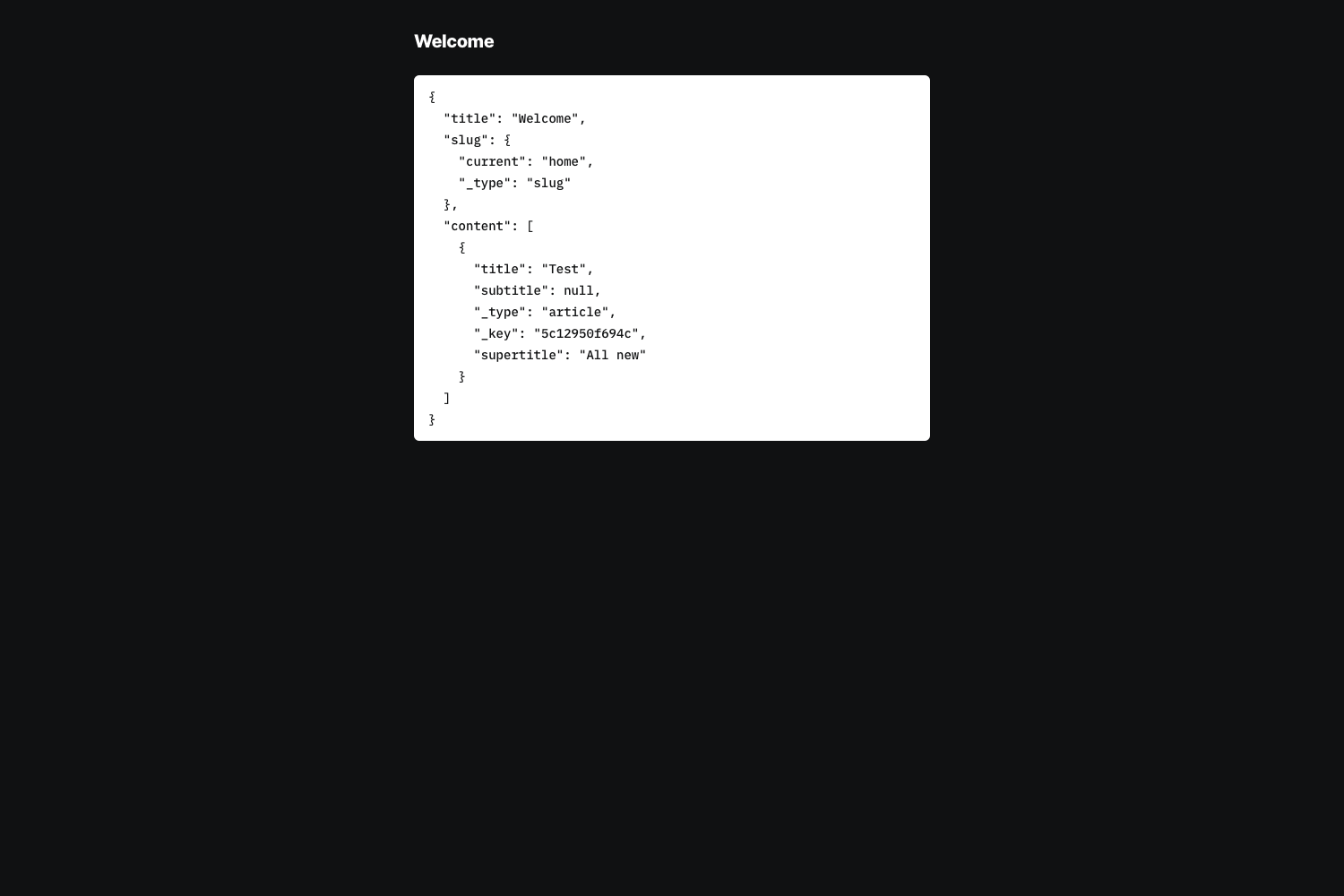
A Next.js starter template that integrates the Pico CSS classless styling framework.
About this template
Pico CSS with Next.js is a minimal starter template that pairs the classless Pico CSS stylesheet with a Next.js application bootstrapped via create-next-app, giving you a lightweight, typed foundation for building styled React websites.
What is Pico CSS with Next.js?
This template is a GitHub repository that combines the Next.js React framework with Pico CSS, a minimal classless stylesheet that automatically styles semantic HTML. It was created from the create-next-app bootstrapping tool and includes the standard Pages Router structure: a main page at pages/index.tsx, an API route at pages/api/hello.ts, and next/font configured to load the Inter typeface. The project runs on Node.js and is designed to be deployed to Vercel with one click.
Key Features
- Next.js Pages Router — Organized around pages/index.tsx, with API routes in pages/api that are served under the /api path.
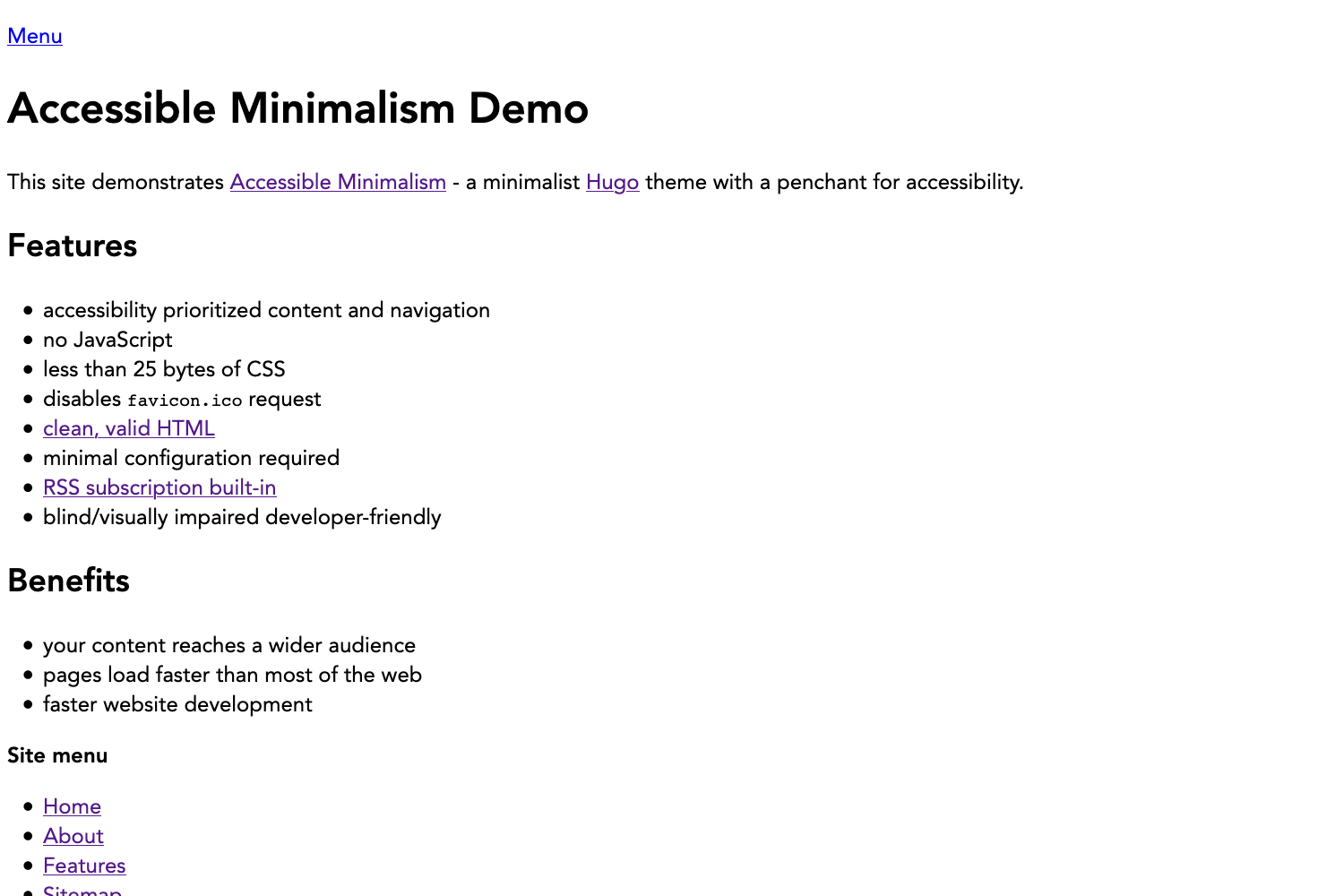
- Pico CSS styling — The repository's stated purpose is to use Pico CSS with Next.js, a classless stylesheet that styles plain HTML elements without CSS classes.
- TypeScript source files — The main entry point is index.tsx, so the template is set up for TypeScript from the start.
- next/font optimization — Automatically optimizes and loads the Inter Google Font, as noted in the README.
- Hot-reload development — Running npm run dev starts a dev server on localhost:3000 that auto-updates when you edit pages/index.tsx.
- Vercel deployment — The README points to the Vercel Platform as the easiest way to deploy the app, with a link to create a new project.
Who is it for?
- Next.js beginners — Anyone learning Next.js who wants a familiar create-next-app structure with Pico CSS pre-integrated, so they can focus on React code instead of writing CSS.
- Frontend developers — Developers who prefer classless CSS frameworks for quick prototypes or simple sites and want a React-based starter.
- Hobbyists and indie hackers — Individuals building small landing pages, portfolios, or internal tools who want a minimal, readable styling layer without a component library.
What can you do with this template?
- Build a personal site: Use semantic HTML tags like headings, lists, and buttons, and Pico CSS will style them automatically with a modern, accessible look.
- Create API endpoints: Add functions in pages/api and call them from your frontend, thanks to the built-in API route support.
- Deploy to Vercel: Connect the repository to Vercel and ship the site with a few clicks, as described in the README.
How does this template work?
The template follows the standard create-next-app workflow. First, run npm run dev, yarn dev, or pnpm dev to start the development server at localhost:3000. Then edit pages/index.tsx to change the homepage, which automatically reloads in the browser. API routes in pages/api are mapped to /api/* so you can add serverless functions by dropping files into that directory.
FAQ
Is this template using the App Router?
No, it uses the Next.js Pages Router. The entry point is pages/index.tsx and API routes are in pages/api, which is the classic Pages Router layout rather than the newer app directory.
Can I deploy this template to Vercel?
Yes. The README explicitly describes the Vercel Platform as the easiest deployment method and links to the Next.js deployment documentation for more details.
How do I start the development server?
Run one of the common package manager commands in the project root: npm run dev, yarn dev, or pnpm dev. The dev server will be available at http://localhost:3000.
What is Pico CSS?
Pico CSS is a minimal classless CSS framework. It styles semantic HTML elements with sensible defaults, so you don't need to write custom classes to get a clean, responsive design.