Template details
Starter Next.js JavaScript
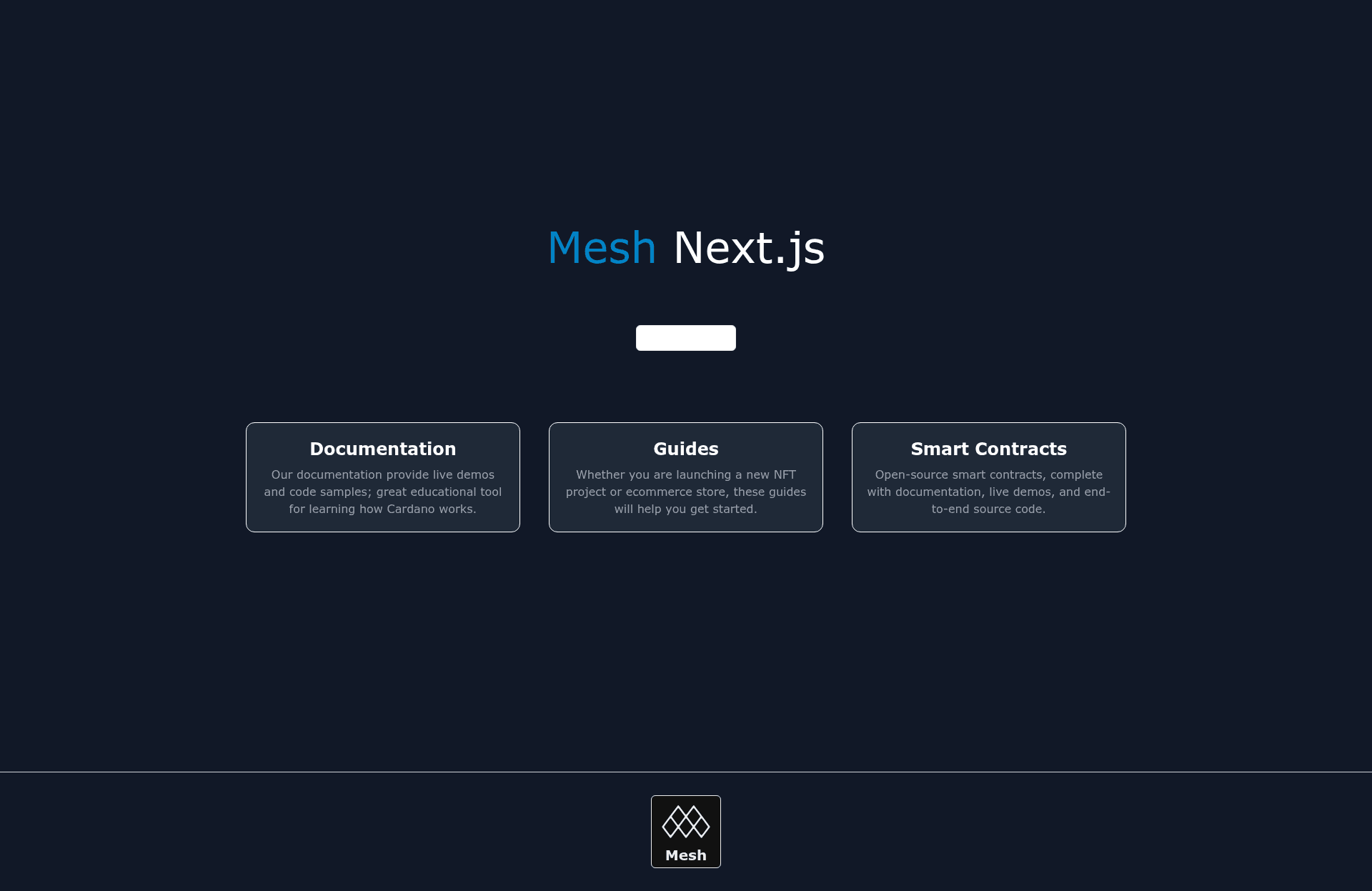
Start a new project on Next.js. This starter template consists of a connect wallet button and wallet integration.
About this template
Starter Next.js JavaScript is a boilerplate from MeshJS that scaffolds a new Next.js project with a ready-made connect-wallet button and Cardano wallet integration.
What is Starter Next.js JavaScript?
Starter Next.js JavaScript is a project template in the MeshJS starter template collection, designed to initialize a new Next.js (React) project via the create-mesh-app CLI. The template takes a CLI command as input and produces a local Next.js project that already includes a connect-wallet button and the basic wiring needed to connect Cardano wallets. It is maintained by the Mesh team and can also be launched in the Demeter.run cloud environment through the provided repository link.
Key Features
- Next.js framework — The project runs on Next.js, a React-based web framework, with the codebase written in JavaScript.
- Connect wallet button — Includes a pre-built button component that triggers wallet connection functionality without requiring custom UI setup.
- Wallet integration — The template wires up Mesh wallet integration, enabling the app to communicate with Cardano wallets.
- Local setup via CLI — Start the project locally by running
npx create-mesh-app starter-next-js-templatein a terminal. - Demeter.run cloud launch — A "Code in Cardano Workspace" link opens the repository in Demeter's online coding environment, so users can run the starter without local setup.
- Mesh frontend resources — The template is supported by Mesh's React components and hooks designed for wallet connections and getting wallet states.
- Mesh APIs and guides — Developers can extend the starter using Mesh's transaction builder APIs and the official guides for web3 development.
- Community channels — Follow Mesh on Twitter for updates and join the Discord for questions and suggestions.
Who should use Starter Next.js JavaScript?
Cardano dApp developers — use the starter to get a running Next.js project with wallet connection ready to build on.
Frontend developers new to blockchain — use the included wallet button and Mesh guides to learn how wallet integration works in a React environment.
Web3 hobbyists — use the Demeter.run link to spin up a cloud workspace and experiment with wallet connection without installing dependencies locally.
What can you do with Starter Next.js JavaScript?
- Scaffold a wallet-enabled app: Run the CLI command to generate a Next.js project where a connect-wallet button is already wired up.
- Prototype on Cardano: With wallet states and transactions via Mesh APIs, you can build a user interface that connects to Cardano wallets and later add transaction logic.
- Test in the cloud: Use Demeter.run to open the template in a Cardano workspace and interact with the starter in a managed environment.
How does Starter Next.js JavaScript work?
The template is installed either by running npx create-mesh-app starter-next-js-template locally or by opening the provided Demeter.run badge link, which loads the repository into a cloud Cardano workspace. After setup, the generated project contains a connect-wallet button and the accompanying Mesh wallet integration. From there you can run the Next.js dev server and start modifying components to add your own features.
FAQ
Does this starter template use JavaScript or TypeScript?
The template is named "Starter Next.js JavaScript," and its repository topics list JavaScript as the language. The Demeter.run link includes a TypeScript template parameter for the cardano workspace, but the starter itself is a JavaScript codebase.
What is included in the template?
The template consists of a connect wallet button and wallet integration, according to the official description. The underlying Mesh libraries provide React components and hooks for wallet connections and for reading wallet states, plus APIs for building transactions.
How can I get help with using the template?
The page links to Mesh's Discord server for questions and suggestions, and to the official Twitter account for updates. You can also consult the Mesh guides at meshjs.dev/guides for web3 development walkthroughs.
Do I need to install dependencies before running the template?
The page shows a single CLI command, npx create-mesh-app starter-next-js-template, which suggests using npx (bundled with npm) to create and start the project. For the Demeter.run option, no local installation is required because the workspace runs in the cloud.