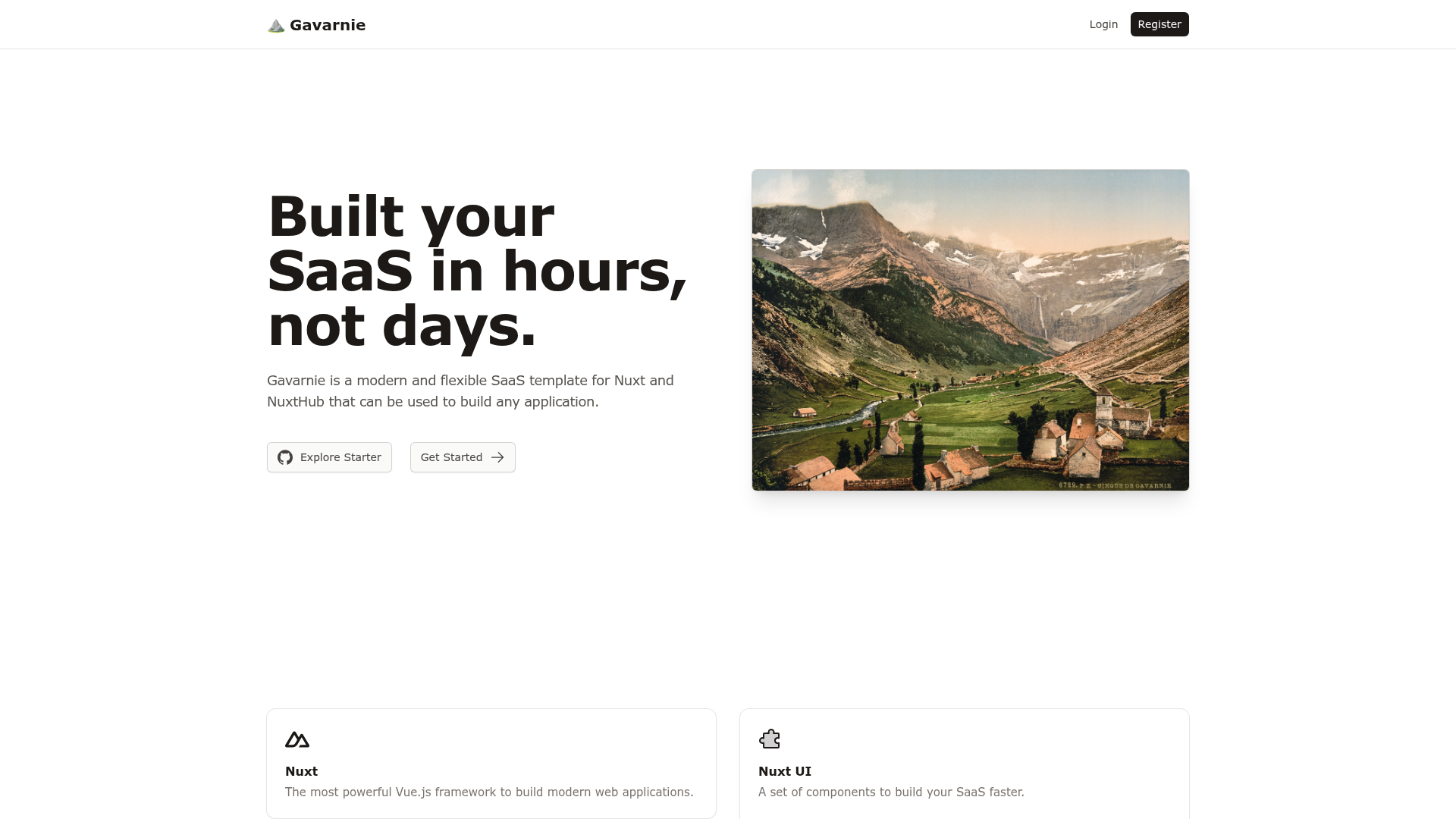
Template details
Astro Base
A minimal Astro starter template with React, Tailwind CSS v4, Framer Motion animations, MDX, and Sass.
About this template
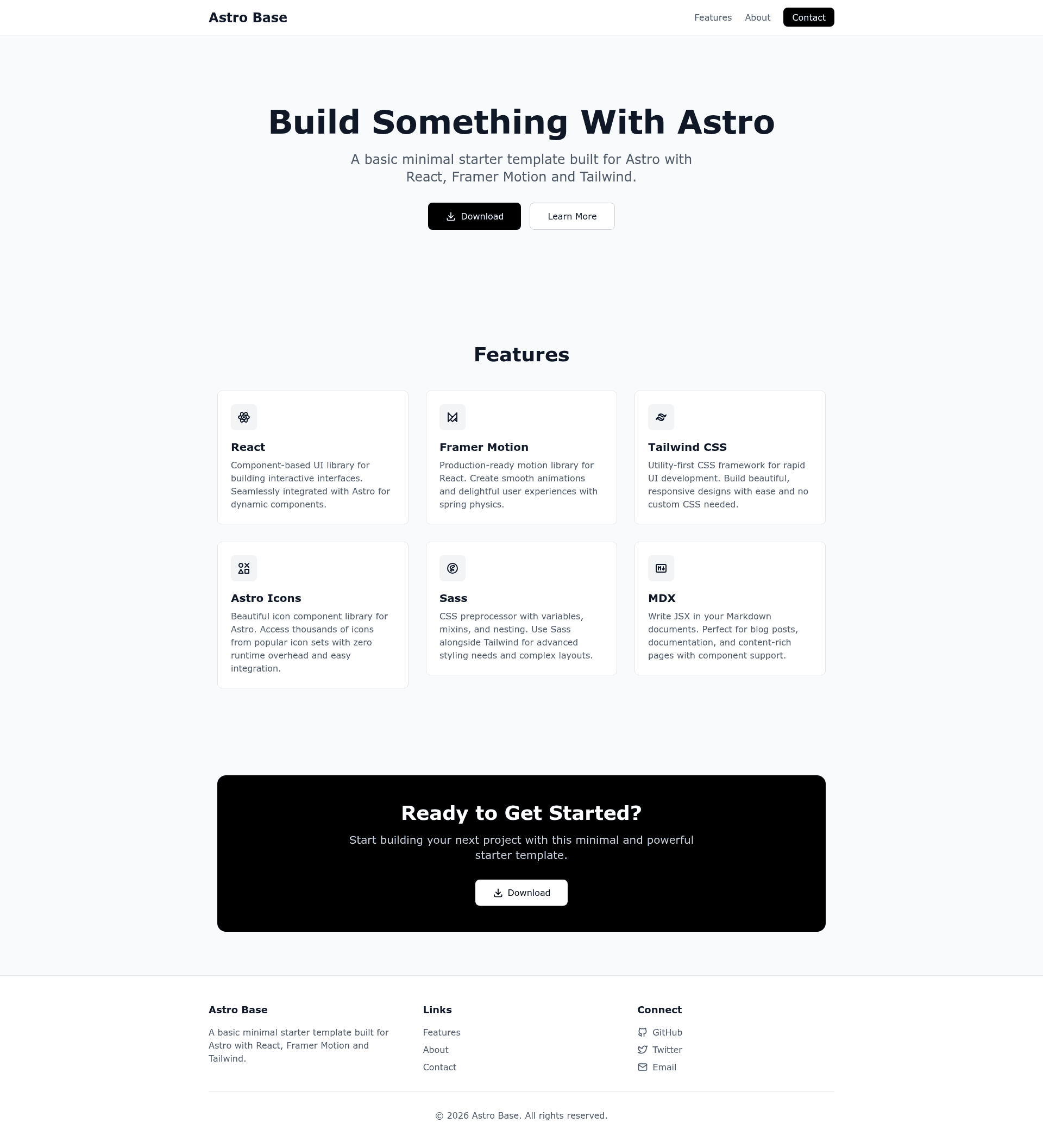
Astro Base is a minimal, open-source starter template for building fast websites with the Astro static-site generator, React 19, Tailwind CSS v4, and Framer Motion.
What is Astro Base?
Astro Base is a landing-page oriented starter template built on Astro 5.16.6 that combines React 19.2.3 components, Tailwind CSS v4, MDX, Sass, and Tabler icons in a single repository. It takes the Astro framework and pre-configures the most common integrations — @astrojs/react, @astrojs/mdx, astro-icon, and the Tailwind Vite plugin — so you can scaffold a site and immediately start writing pages. The template is published on GitHub at jonnysmillie/astro-base and is licensed under the MIT License.
Key Features
Astro Base ships with a preconfigured stack that covers static generation, React components, styling, animation, and content authoring.
- Astro static site generation — Builds content-driven websites with file-based routing and outputs a static site to ./dist, with a dev server at localhost:4321.
- React 19 integration — @astrojs/react 4.4.2 brings React 19.2.3 components into Astro, used for interactive parts like the ScrollReveal animation component.
- Tailwind CSS v4 styling — Utility-first styling via the @tailwindcss/vite plugin and Tailwind Typography for markdown content, with configuration in tailwind.config.mjs.
- Framer Motion scroll animations — ScrollReveal.tsx creates scroll-triggered reveal effects with configurable delay, direction, distance, and scale props; animations use spring physics.
- MDX support — @astrojs/mdx 4.3.13 lets you write JSX inside Markdown, demonstrated by the example.mdx page.
- Sass preprocessor — Sass 1.97.2 is preinstalled; you can use lang="scss" in component style blocks, with an example in SassExample.astro.
- Tabler icons — astro-icon 1.1.5 with @iconify-json/tabler 1.2.26 provides access to the Tabler icon set via the Icon component.
Who should use Astro Base?
Astro Base is best for developers and teams who want a small, learnable codebase with popular integrations already wired up.
- Frontend developers — Rapidly scaffold a new Astro project with React, Tailwind, and Sass already configured, avoiding setup time.
- Content-focused site builders — Use MDX to combine long-form Markdown with interactive React components for blogs or documentation.
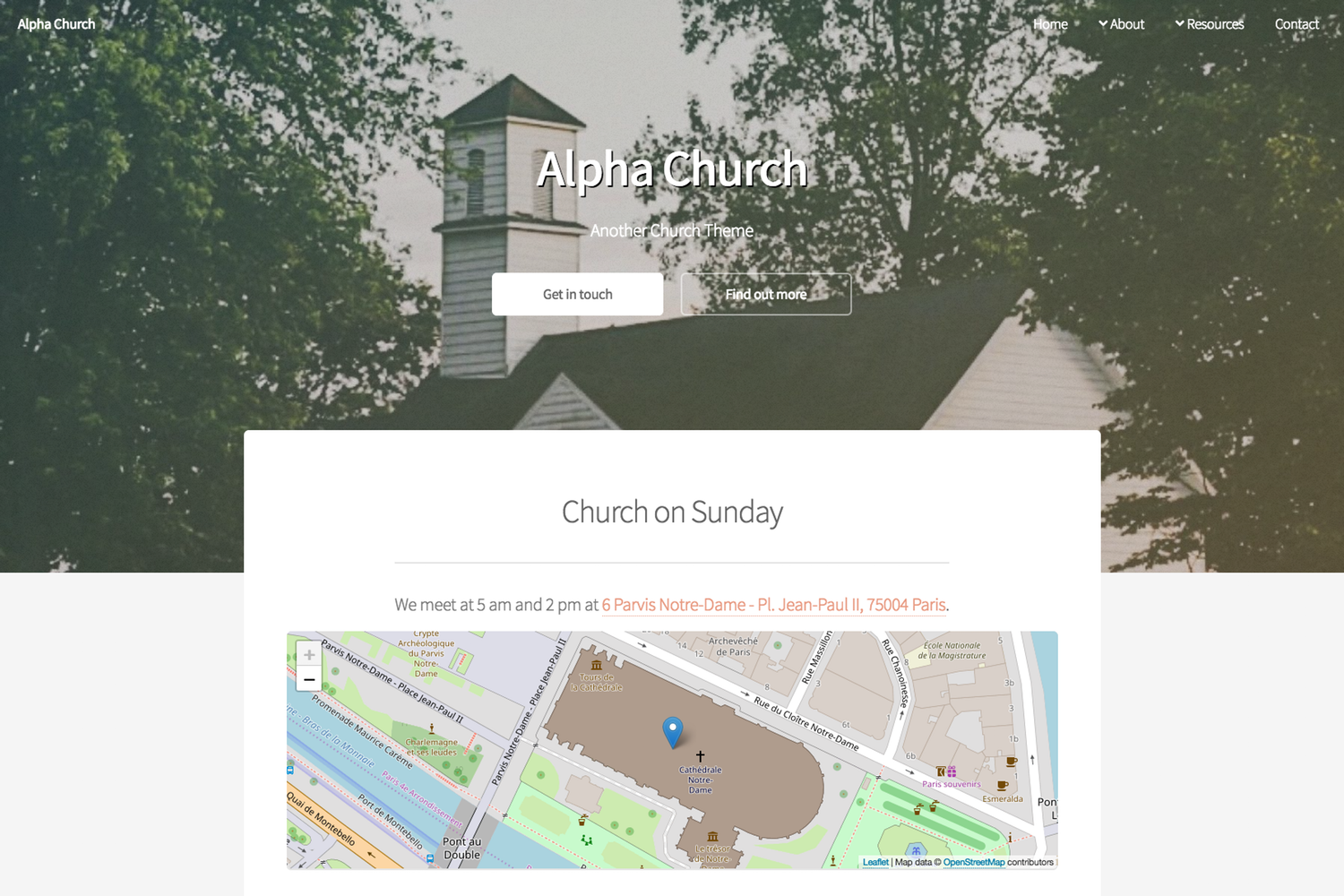
- Designers and teams shipping marketing pages — Start from the built-in homepage with Hero, Features, CTA, and Footer components plus about and contact pages.
What can you do with Astro Base?
The template's included pages and components make it practical for several concrete projects.
- Launch a landing page: Use the homepage's hero, features, call-to-action, and footer sections as a starting point for a product or company site.
- Publish MDX content: Create Markdown files in src/pages that embed React components; the example.mdx page shows the pattern.
- Prototype animations: Use the ScrollReveal component to add animated reveals with custom delay, direction, distance, and scale.
How does Astro Base work?
Setting up Astro Base requires three commands; after that, the file-based routing and component structure define how pages are assembled.
Clone the repository, run npm install, and run npm run dev to open the development server at localhost:4321. Production builds are generated with npm run build and output to ./dist, and npm run preview serves the built site locally. The project structure separates reusable components in src/components, routes in src/pages, and global styles in src/styles/global.css with Tailwind imports.
FAQ
What are the requirements for Astro Base?
Astro Base requires Node.js 18 or newer and a package manager such as npm, pnpm, or yarn. The project includes an astro.config.mjs that wires up the React, MDX, and icon integrations, and a tailwind.config.mjs that adds the Typography plugin.
Is Astro Base free to use?
Yes, Astro Base is open source and released under the MIT License, so you can use, modify, and redistribute it for commercial and personal projects.
How do I add icons?
Icons are provided through the astro-icon component using the Tabler icon set. Import the Icon component from astro-icon/components and reference an icon such as tabler:heart, or browse the full set at tabler.io/icons.
How do I use Sass in components?
Sass is preinstalled and enabled by adding lang="scss" to any component style block. A complete example lives in src/components/SassExample.astro.
What npm scripts are available?
The template defines five commands: npm run dev starts the local dev server, npm run build creates the production site in ./dist, npm run preview previews the build, npm run astro runs the Astro CLI, and npm install installs dependencies.