Template details
Nuxt 3 Portfolio
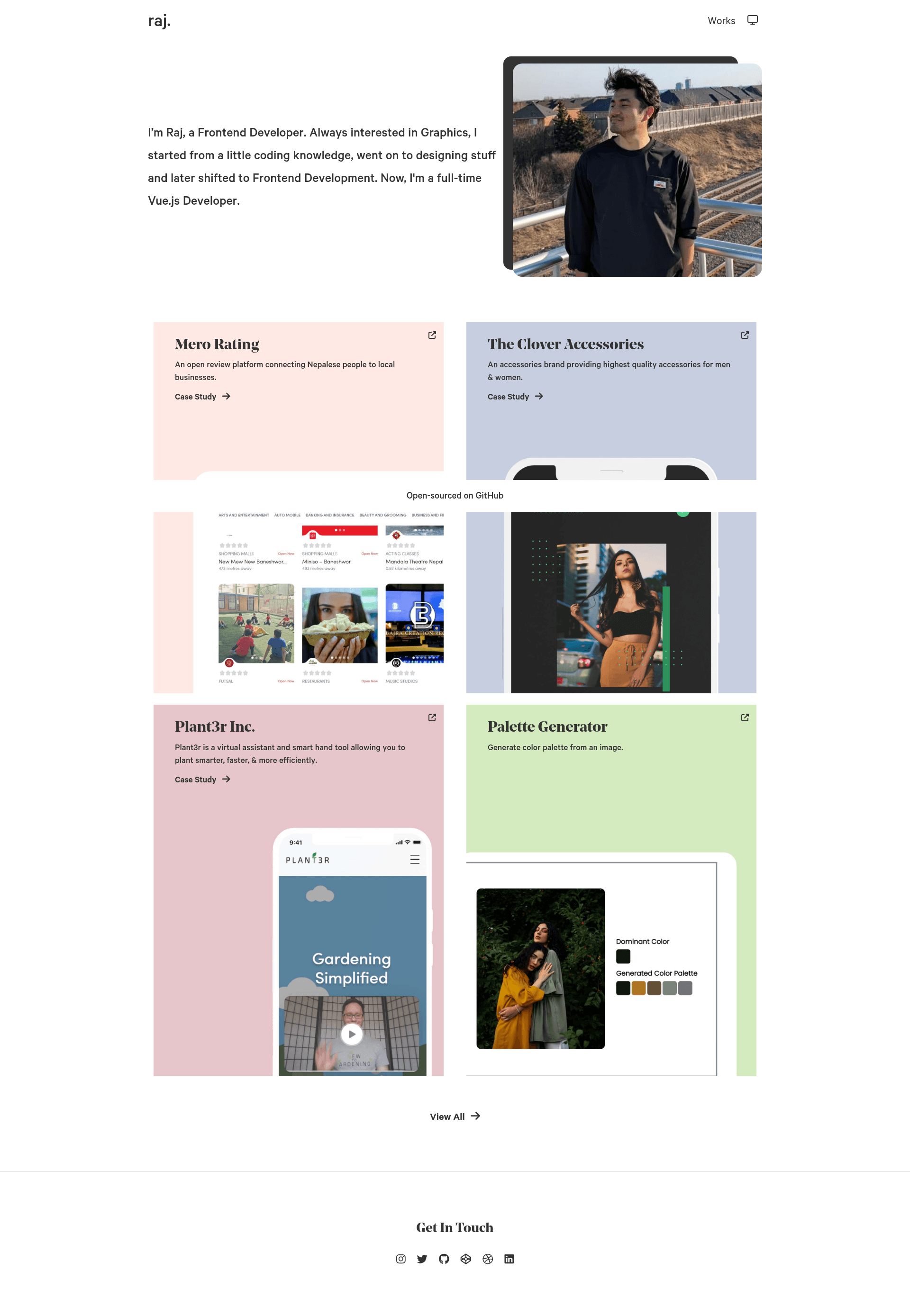
Open-source Nuxt 3 portfolio template using Pinia and Contentful, with light/dark modes, Google Analytics, and one-click Vercel deploy.
About this template
Nuxt 3 Minimal Portfolio is an open-source portfolio template built with Nuxt 3, Pinia, and Contentful that lets developers stand up a personal portfolio site with content managed through a headless CMS and deploy to Vercel in one click.
What is Nuxt 3 Minimal Portfolio?
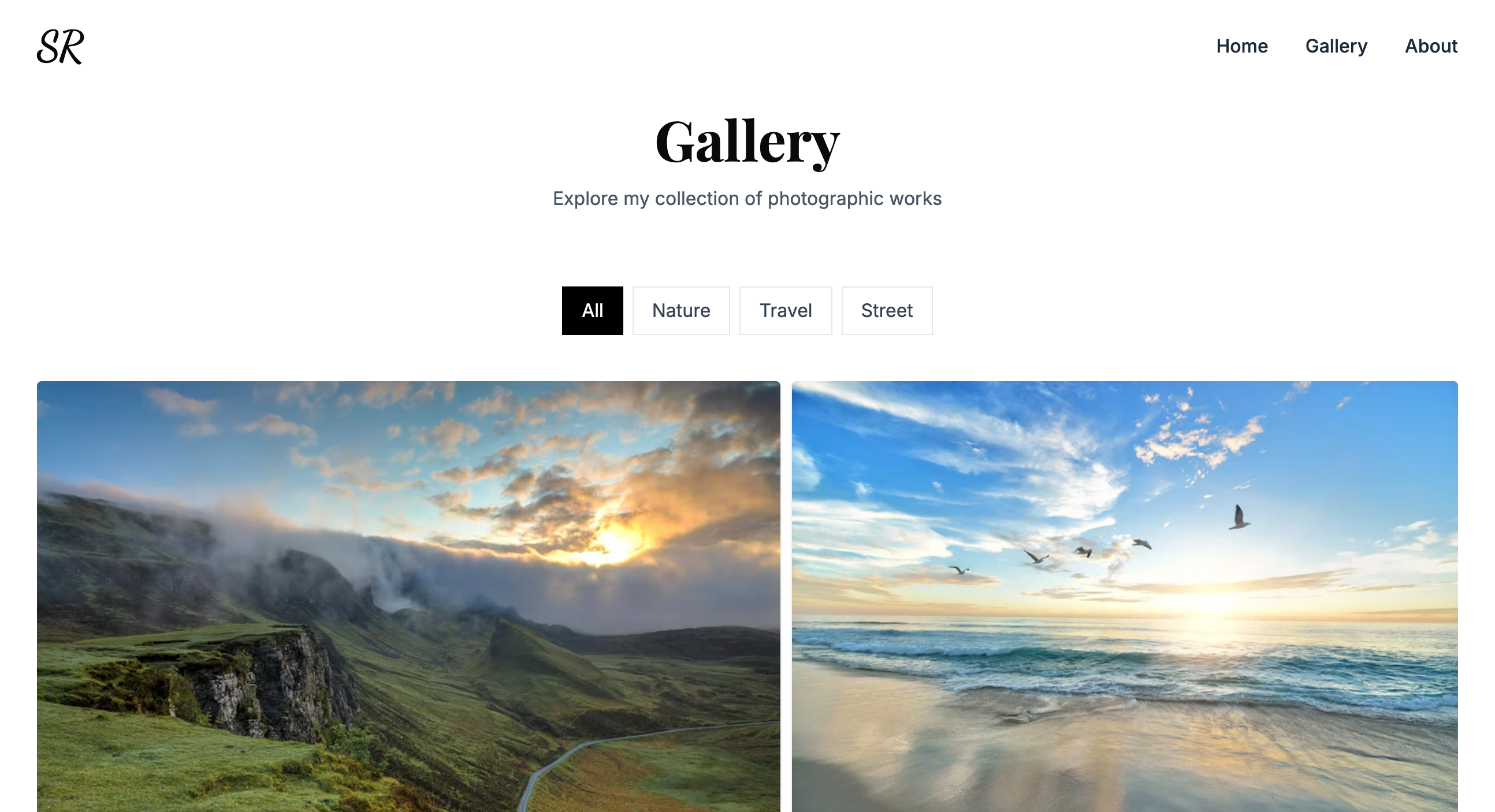
Nuxt 3 Minimal Portfolio is a free, open-source template for personal portfolio websites. It takes project content stored in Contentful — a headless CMS — and renders it as a responsive Nuxt 3 site with light/dark/system color modes, Google Analytics tracking, and an auto-generated sitemap at /sitemap.xml. The template is maintained by srestraj, and the live demo runs at rajkshrestha1.com.np.
Key Features
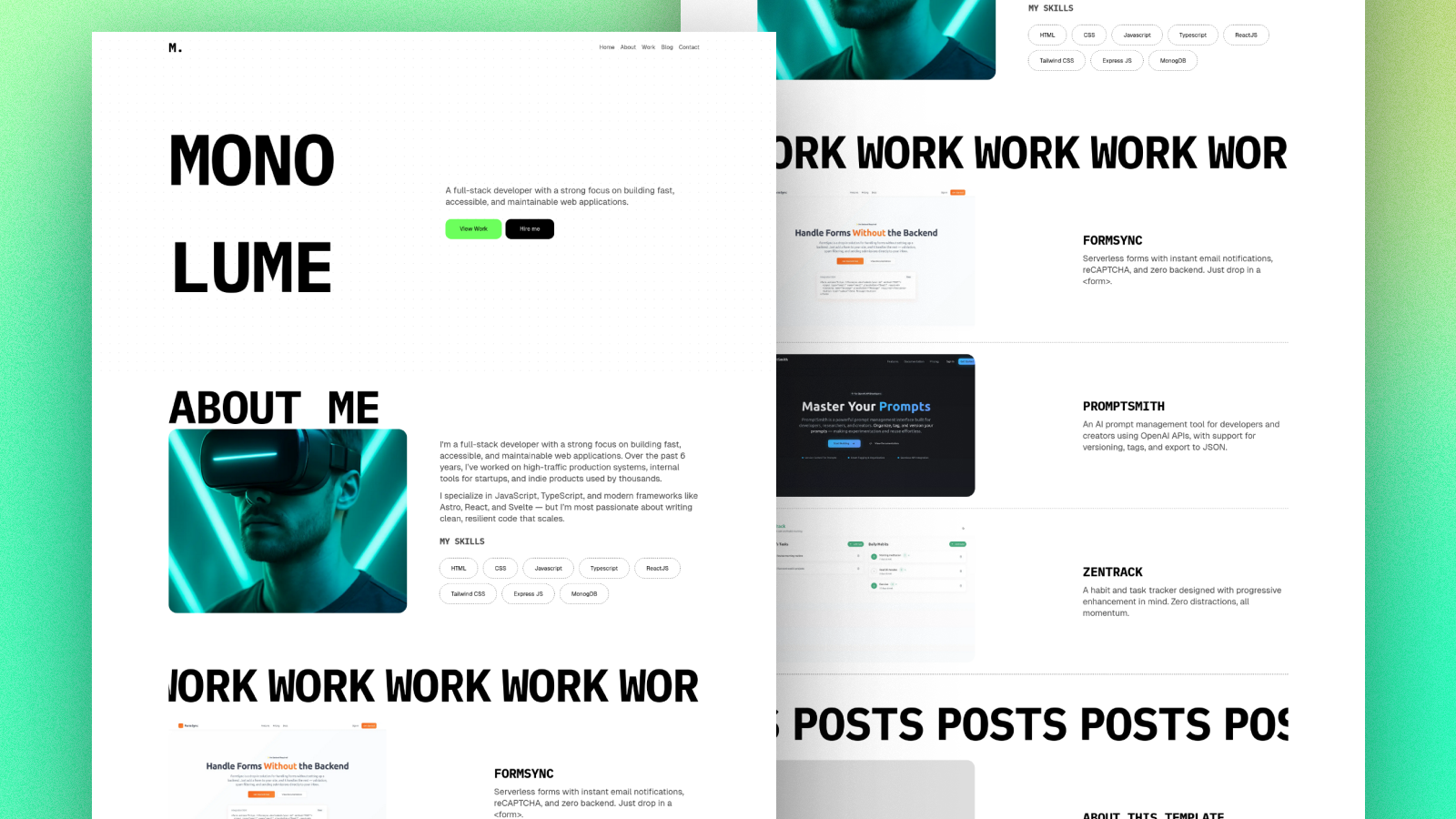
- Minimal and light design — The layout is intentionally minimal and light, with no heavy styling framework mentioned; it is responsive across screen sizes.
- Color modes — Supports light, dark, and system color modes so visitors can choose their preferred theme.
- Google Analytics — Add your Google Analytics ID to the
GOOGLE_ANALYTICS_IDenvironment variable to enable traffic tracking. - Auto-generated sitemap — A sitemap is automatically generated at /sitemap.xml to help search engines index the site.
- One-click Vercel deployment — The README includes a Deploy with Vercel button that clones the repository, asks for environment variables, and builds the site.
- Contentful integration — Content is managed by defining a 'Projects' content type in Contentful and fetching entries via the Contentful Delivery API using a space ID and access token.
- Nuxt 3 and Pinia — Built on Nuxt 3 with Pinia for state management and Vue 3 as the underlying framework; supports yarn, npm, and pnpm.
Who is it for?
Nuxt 3 Minimal Portfolio is aimed at developers and creatives who want a lightweight personal portfolio without building from scratch. It is especially suited for those already using Contentful as their CMS, since the template expects a Contentful space with a 'Projects' content model. Freelancers and job seekers can use it to showcase projects with minimal setup, and Nuxt/Vue developers can use it as a starter to customize components and behavior.
What can you do with it?
- Developers: Launch a personal portfolio in minutes by cloning the template, connecting a Contentful space, and deploying to Vercel with the one-click button.
- Contentful beginners: Learn how to model a simple 'Projects' content type, add fields, and fetch entries via the Contentful Delivery API.
- Freelancers: Showcase case studies and project screenshots without managing a separate database or custom backend.
How does it work?
The setup flow is described in the README: create a Contentful account and space, define a 'Projects' content model with the required fields, add content, generate a delivery access token, and set the environment variables BASE_URL, DOMAIN, CTF_SPACE_ID, CTF_ACCESS_TOKEN, and an optional GOOGLE_ANALYTICS_ID. After that, you can deploy to Vercel or run locally using yarn, npm, or pnpm to install dependencies.
Pros and cons
- Pros: Free and open-source, uses a modern Nuxt 3 stack, minimal design, no styling framework overhead, and quick deployment to Vercel.
- Cons: Requires manual setup of a Contentful space, content model, and delivery access token before the site can display projects.
FAQ
Is Nuxt 3 Minimal Portfolio free?
Yes, the template is open-source and free to use. You only pay for any services you choose, such as Contentful or Vercel, both of which offer free tiers.
What environment variables do I need to set?
The README lists BASE_URL, DOMAIN, CTF_SPACE_ID, CTF_ACCESS_TOKEN, and GOOGLE_ANALYTICS_ID. BASE_URL and DOMAIN should be your site URL without a trailing slash, CTF_SPACE_ID and CTF_ACCESS_TOKEN come from your Contentful space, and GOOGLE_ANALYTICS_ID is optional.
Do I need a Contentful account to use this template?
Yes. The template fetches project content from Contentful, so you must create a Contentful space, define a 'Projects' content model, add fields, and generate a delivery access token before the site will show any projects.
How do I deploy this to Vercel?
The README includes a one-click Deploy button that clones the repository and prompts for the required environment variables. If you deploy manually, you need to set the build and development commands and include your environment variables in Vercel's project settings.