Template details
Somrat Hugo Theme
A Hugo portfolio theme (archived)
About this template
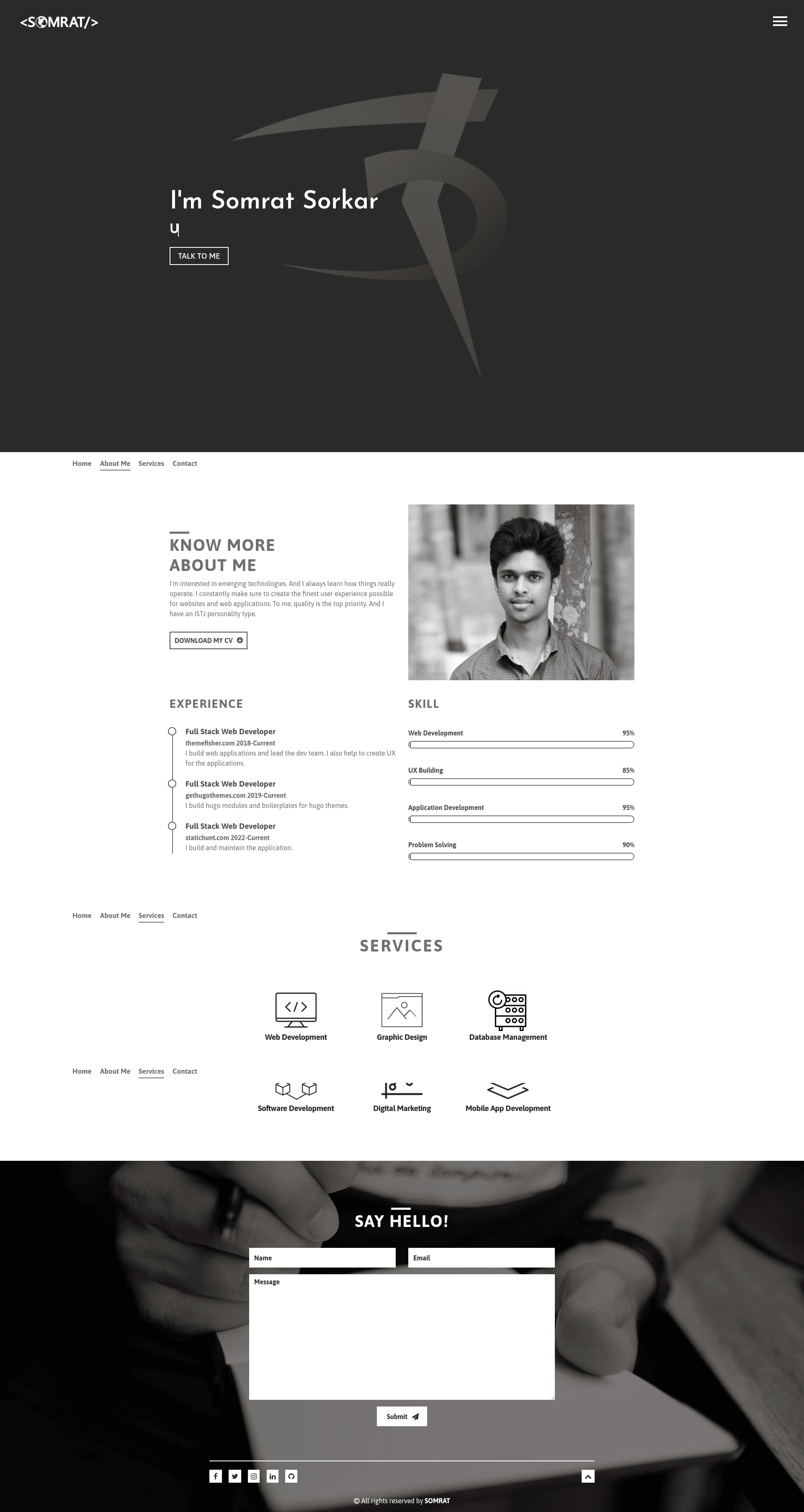
Somrat Hugo Theme is an archived Hugo portfolio landing page template built with Bootstrap, designed to present a single-page portfolio website. It was created by the GitHub user Somrat Pro (username somratpro) and is published as the repository somratpro/somrat. The theme is archived, meaning it is no longer actively maintained, and the live demo is hosted at somrat.netlify.com.
What is Somrat Hugo Theme?
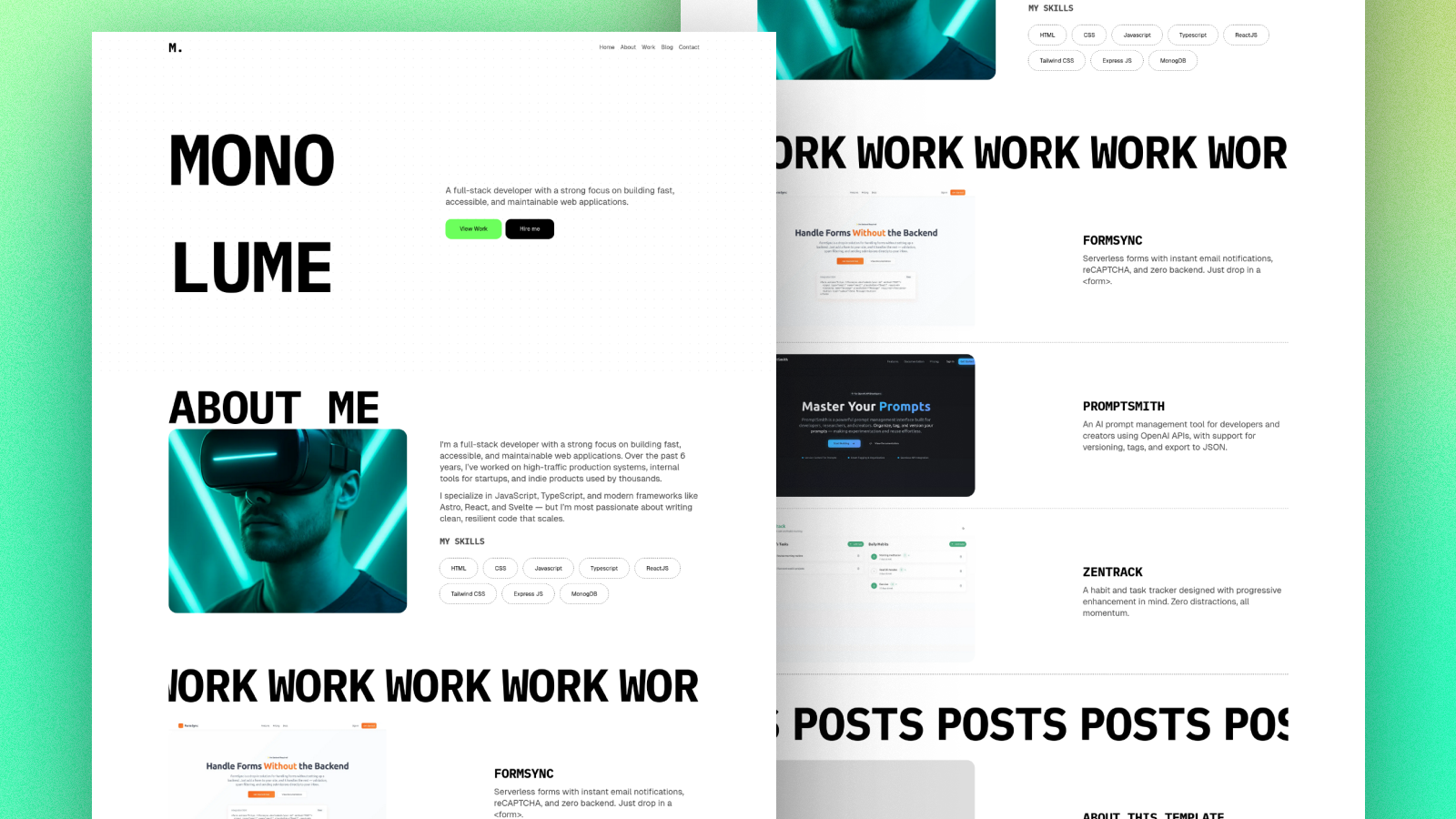
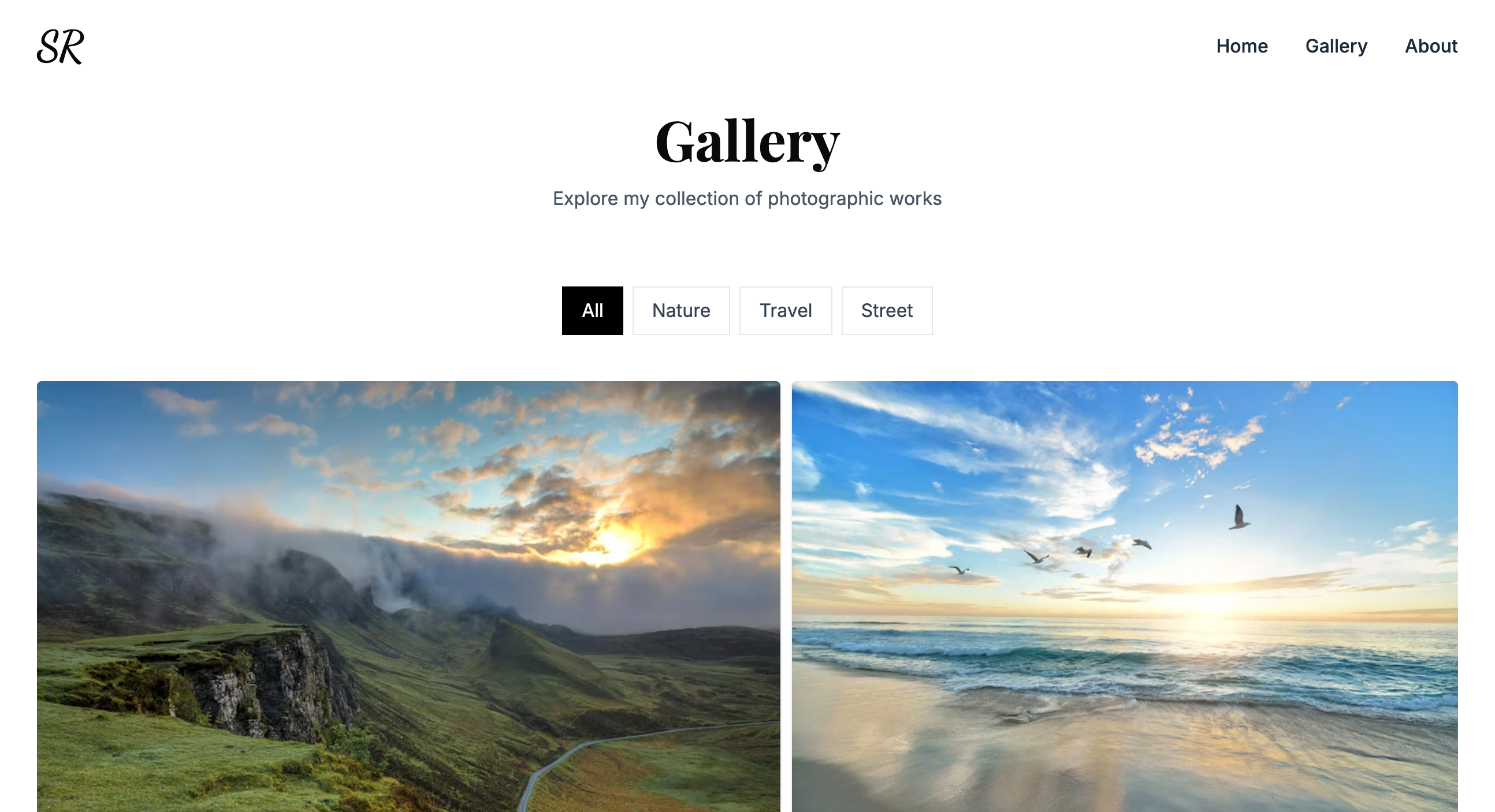
Somrat Hugo Theme is a static portfolio template for the Hugo static site generator, styled with Bootstrap. It takes site content written in Markdown or data files and renders a single landing page with sections for a portfolio gallery, contact form, and navigation. The repository includes an exampleSite folder with sample content that demonstrates the theme's layout. As of the content provided, the repository has 148 stars on GitHub.
Key Features
The theme's feature list is short but concrete:
- Landing page template — a one-page layout meant to showcase a person or portfolio without multiple internal pages.
- Fully responsive — uses Bootstrap's grid and utilities so sections reflow on mobile, tablet, and desktop screens.
- Full screen navigation — clicking the menu expands it to cover the entire viewport.
- Contact form — includes a form section so visitors can send inquiries; the form markup is present for integration with a backend or third-party service.
- Portfolio filter — lets visitors filter portfolio items by category when a filter option is clicked.
- Animated sections — page sections animate into view as the user scrolls.
- Forestry CMS settings included — ships with configuration files that let content editors manage the site in the Forestry CMS.
- Multilingual — configured to work with Hugo's i18n system so the same landing page can be served in multiple languages.
Who is it for?
This theme is suited for individuals and small teams who want a fast, static portfolio site built with Hugo.
- Freelance developers — can clone the repository, replace the sample content in the exampleSite folder, and deploy the generated site to a static host such as Netlify.
- Designers and creatives — can use the portfolio filter to group work into categories and the full-screen navigation to present a clean, full-screen user experience.
- Content editors — can use the included Forestry CMS settings to update portfolio items and text without touching code.
How does it work?
Installation follows Hugo's standard theme workflow. Clone the repository, move into the exampleSite directory, and run hugo server --themesDir ../.. to preview the site locally. The theme's files live in the parent directory while the exampleSite contains the content and configuration. Alternatively, download the ZIP from the GitHub archive and place it in a Hugo project's themes directory.
Pros and cons
- Pros — includes a contact form, multilingual support, responsive design, and Forestry CMS integration out of the box.
- Cons — the theme is archived, so users should expect no further updates or bug fixes; the demo images are for demonstration only and should be replaced with original work.
FAQ
Is Somrat Hugo Theme still maintained?
No. The repository is marked as archived, meaning the maintainer has set it to read-only. No new features or security updates are expected.
How do I install Somrat Hugo Theme?
Clone the repository with git clone https://github.com/somratpro/somrat.git, change to the exampleSite directory, and run hugo server --themesDir ../.. to start a local development server.
Does the theme work with Forestry CMS?
Yes. The repository includes Forestry CMS settings, allowing you to manage site content through the Forestry admin interface.
Can I use the demo images in my portfolio?
No. The theme's README states that the images are for demonstration purposes only and should not be used.