Template details
Zest
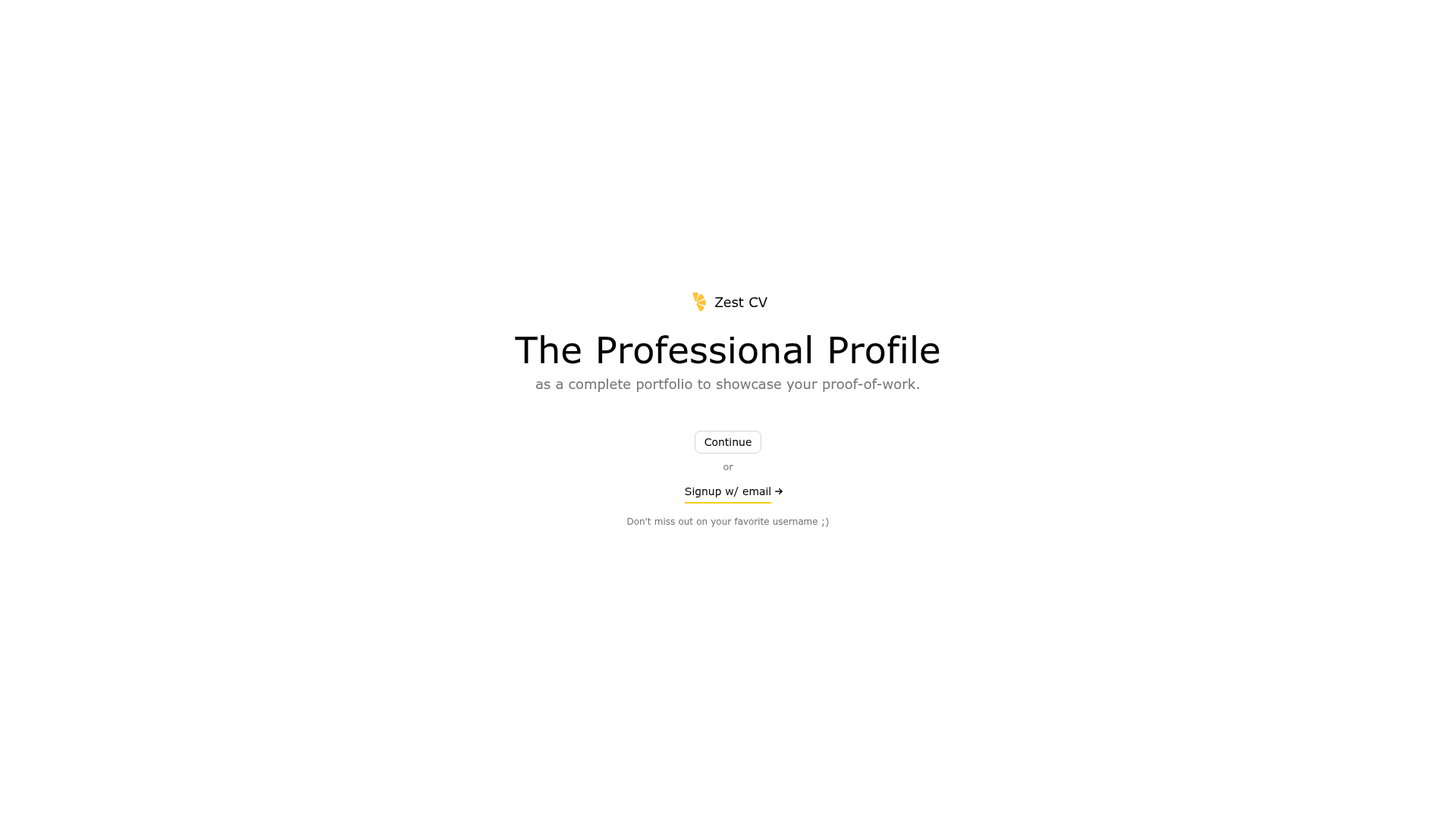
A professional profile builder with blog features, built on the Remix Indie Stack.
About this template
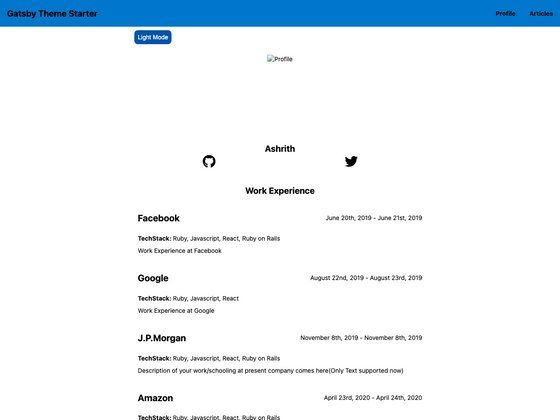
Zest is an open-source profile-builder template built on the Remix Indie Stack that lets users create a professional portfolio homepage and share work through blog-style posts and QR codes. It was created by Huaiyu Khaw and released on Vercel, with the source on GitHub. The project uses React, Remix, TypeScript, and TailwindCSS to produce a modern, responsive interface, and pairs a SQLite database with Prisma ORM for data storage and authentication.
What is Zest?
Zest is a profile builder that turns a user's professional experience into a complete portfolio page with a built-in blog. Users sign up with email and password, customize their profile with preferred links and markdown-formatted posts, and share the result with a QR code. It runs on the Remix framework and is deployed on Fly.io using Docker, with GitHub Actions handling automated CI/CD to staging and production. The project expects a developer to fork or clone the repository, run the setup, and deploy it to their own domain.
Key Features
- Remix Indie Stack foundation — Preconfigured with Fly.io deployment, Docker, SQLite, and Prisma, so the app can go from local development to a live URL with the
fly deployworkflow. - Email/password authentication — Uses cookie-based sessions from Remix to manage login, logout, and user sessions, with a seed user (rachel@remix.run) for testing.
- Portfolio and blog creation — Users create a profile and write posts with markdown formatting, apply tags to organize content, and share a QR code that points to their public page.
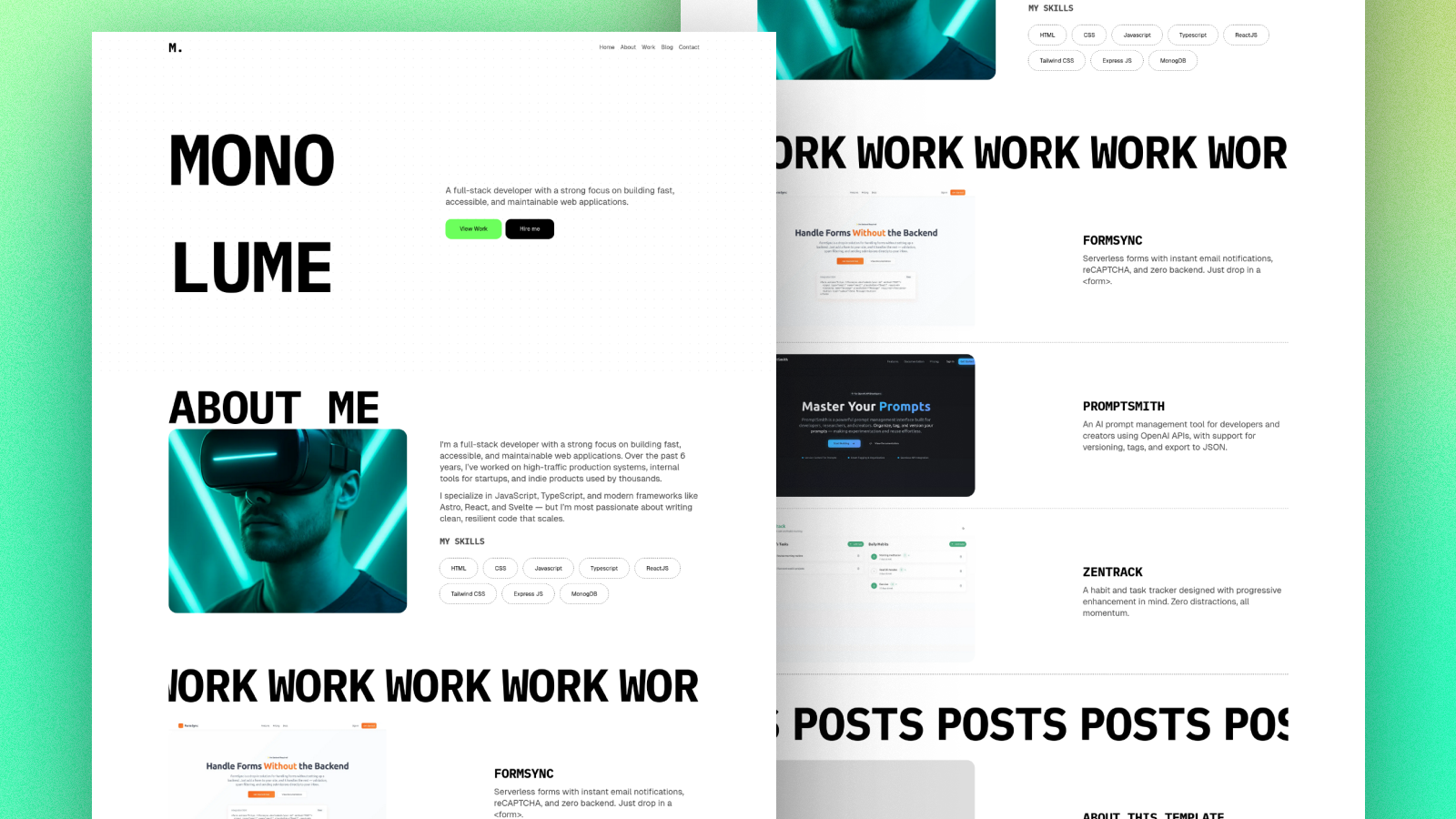
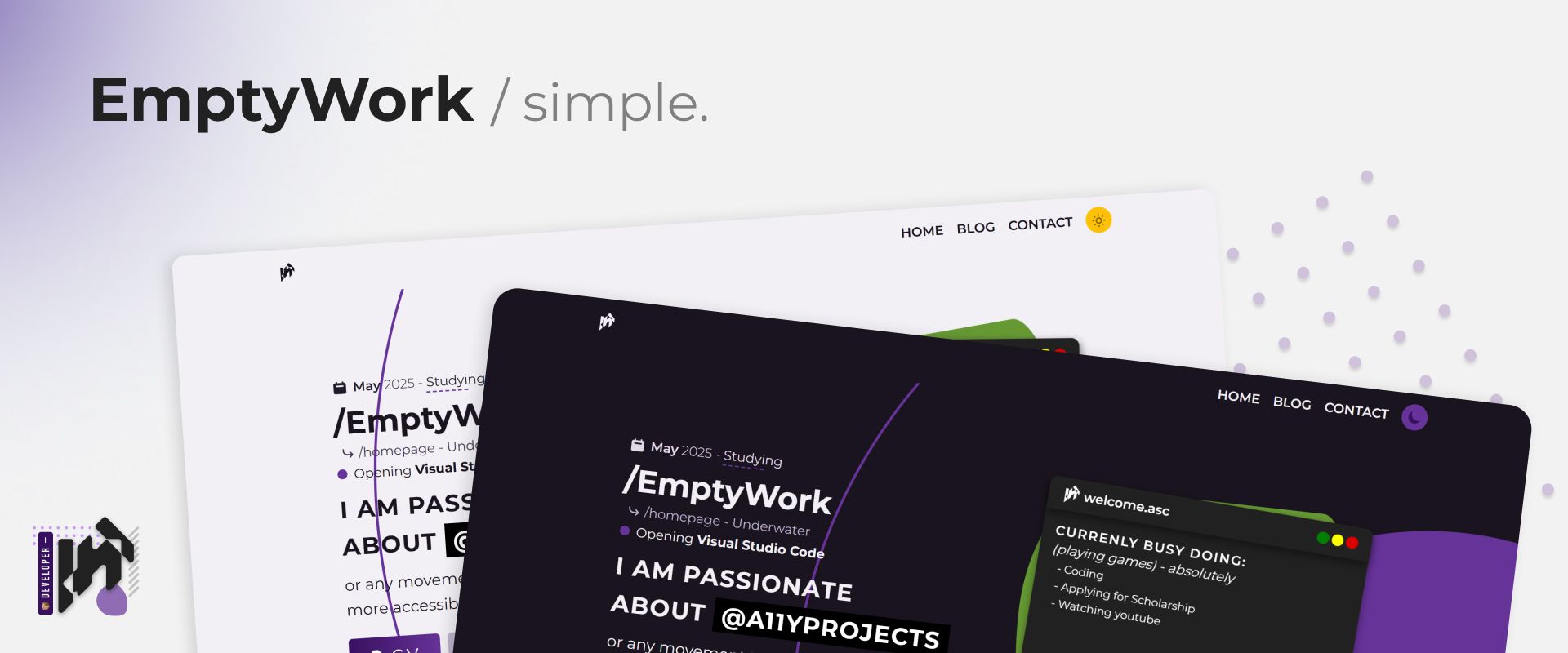
- TailwindCSS styling — The entire responsive interface is styled with Tailwind, matching the modern look shown in the README screenshots.
- TypeScript end-to-end — Static types from TypeScript, form validation with Zod, and linting with ESLint keep code predictable.
- Testing and code quality — Cypress for end-to-end tests, Vitest with Testing Library for unit tests, MSW for mocking third-party requests, and Prettier for formatting.
- Deployment-ready GitHub Actions — Two workflows deploy the main branch to production and the dev branch to staging, with a healthcheck endpoint for Fly backups.
Who is it for?
- Tech professionals who want a polished portfolio page without building one from scratch — they add links, posts, and their work history and get a shareable URL with a QR code.
- Developers learning Remix and full-stack workflows — the project doubles as a working example of Prisma, SQLite, sessions, and deployment, so it can be studied or extended.
- Open-source contributors — the repository is public under the Zest GitHub project, so anyone can fork it, customize the stack, and redeploy it under their own name.
What can you do with Zest?
- Create a professional presence: set up an account, add your links and a bio, and publish a personal portfolio page that is optimized for sharing on social media through a QR code.
- Publish markdown-based blog posts: write about your work, tag each post, and keep the content organized inside the same app.
- Deploy a live site quickly: follow the README instructions to provision Fly apps, add secrets, and push to GitHub, and the CI pipeline handles the rest.
How does Zest work?
The README outlines a straightforward workflow: clone or generate the project, run npm run setup to install dependencies and seed the database, then npm run dev to start the development server. The seed creates a test user with the email rachel@remix.run and password racheliscool so you can log in immediately. After customization, deployment uses Fly.io and GitHub Actions, with the production app name zest-f716 and a staging app zest-f716-staging.
Pricing
Zest is open source, so the template itself is free. There is no license file listed in the README, but the project is publicly available and designed to be forked. Hosting costs are the user's responsibility — Fly.io requires an account and a paid plan for larger volumes.
FAQ
Is Zest free to use?
Yes, the source code is available on GitHub and the project is open source. You pay only for your hosting and database resources on Fly.io, which offers free tier usage for small apps.
What is the tech stack behind Zest?
Zest is built on the Remix Indie Stack, which includes Remix, React, TypeScript, TailwindCSS, Prisma, SQLite, and Cypress. It also uses ESLint, Prettier, Vitest, and MSW for development quality. The original README also mentions Zod for form validation.
How do I deploy Zest?
Follow the README: install the Fly CLI, sign up, create staging and production apps, add the FLY_API_TOKEN to GitHub, and set a SESSION_SECRET on both Fly apps. Then push to GitHub and the workflows deploy automatically.
Does Zest include a blog?
Yes, Zest includes blogging functionality described as essential: markdown formatting, tagging, and QR code sharing are built in, so users can publish posts as part of their profile.