Template details
Nuxt File Storage
Easy solution to store files in your Nuxt apps. Upload files from the frontend and receive them in the backend to save them in your project.
About this template
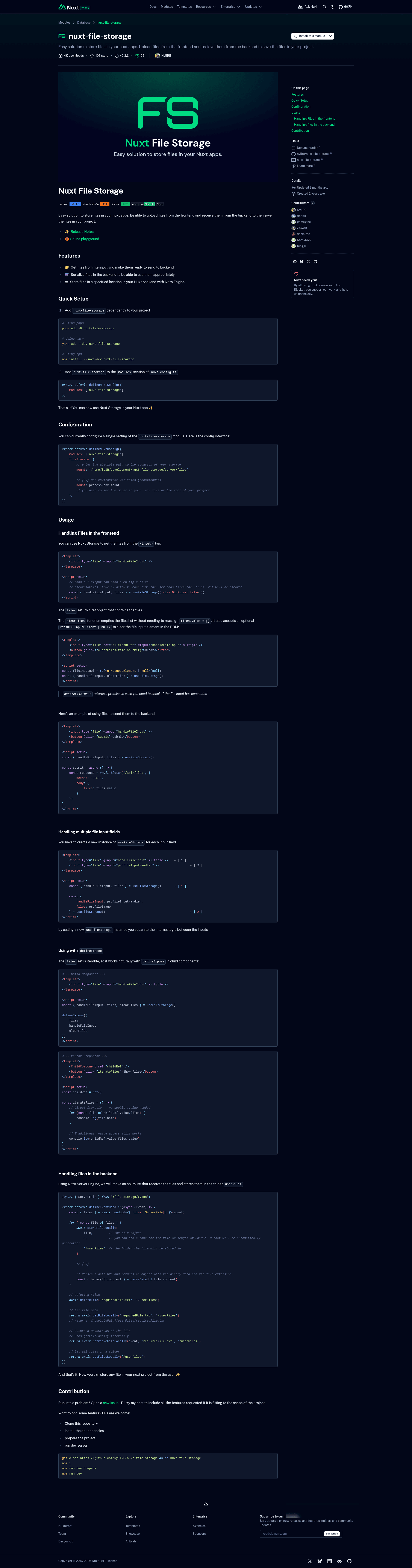
Nuxt File Storage is a Nuxt module that gives Nuxt applications a frontend-to-backend file storage pipeline: it captures files from <input type="file"> elements, serializes them, and stores them on the server via Nitro routes.
What is Nuxt File Storage?
Nuxt File Storage is an open-source Nuxt module (on npm as nuxt-file-storage) that connects a client-side composable useFileStorage with Nitro server utilities for saving uploaded files. The module takes files selected in the browser and makes them available as a files ref; on the backend, Nitro handlers can receive those files, store them locally in a folder you specify (for example /userFiles), and retrieve or delete them. It is built for Nuxt 3+ apps using the Nitro server engine.
Key Features
- Frontend file capture —
useFileStorageprovideshandleFileInputto process one or multiple files from a file input, returning afilesref that contains the selected files. clearFileshelper — Empties the file list without manual reassignment, and can optionally clear a bound file input element in the DOM when given a ref.- Multiple input support — Calling
useFileStoragemultiple times creates independent file lists, so each file input field keeps its own selection state. defineExposecompatibility — Thefilesref is iterable, allowing child components to expose files directly to parents without double.valueunpacking.- Server-side file storage — Nitro route handlers can use
storeFileLocally(file, lengthOrName, folder)to write files to a mount path, with an optional auto-generated unique ID. - File utilities — The module exports
parseDataUrlto convert data URLs into binary data plus extension,getFileLocallyto return absolute paths,retrieveFileLocallyto stream a file back in responses,getFilesLocallyto list files in a folder, anddeleteFileto remove stored files. - Simple configuration — Only one setting,
fileStorage.mount, is needed to define the absolute storage directory; it can be set directly or via an environment variable.
Who is it for?
- Nuxt developers building apps that need user uploads — Use the module to accept images, documents, or any file type from the frontend and persist them in a server directory without writing your own multipart handling.
- Nitro API authors — Use the provided server utilities inside Nitro route handlers to store, read, list, and delete files with a few lines of code.
- Developers prototyping or building internal tools — The module requires only a mount path and a few imports, making it suitable for projects that need local file persistence without a full storage service.
What can you do with Nuxt File Storage?
- Accept user uploads from a form — Capture files from multiple input fields through separate
useFileStorageinstances, then send thefilesarray to a Nitro endpoint via$fetch. - Persist files in a server folder — In an API route, call
storeFileLocallyon each received file to save it under a chosen folder inside the configured mount path. - Serve stored files back to clients — Use
retrieveFileLocallyin a Nitro route to return a file as a Node stream, orgetFileLocallyto obtain its absolute path. - Manage stored files — List all files in a folder with
getFilesLocallyand clean up withdeleteFile.
How does Nuxt File Storage work?
After installing the module and adding nuxt-file-storage to the modules array in nuxt.config.ts, you set the fileStorage.mount option to the absolute path where files should live. On the client, useFileStorage returns handleFileInput which you bind to an input's @input event; the resulting files are JSON-serializable and can be sent to any Nitro route. On the server, you read the body (typed as ServerFile[]), then call the storage utilities to save and manage the files. The module's README shows a complete example of an API route that receives files and stores them in a /userFiles folder.