
Template details
Nuxt NetlifyCMS Boilerplate
A simple boilerplate for using NetlifyCMS with Nuxt, now deprecated in favor of @nuxt/content.
About this template
Nuxt NetlifyCMS Boilerplate is a deprecated starter project that wires Nuxt.js to NetlifyCMS so static website content can be edited through a Git-backed CMS interface. It pairs Nuxt with NetlifyCMS to let developers build a static site whose content is managed in a browser, but the README explicitly warns against using it for new projects because it relies on an older Nuxt version and a Vuex content-loading pattern the author no longer recommends.
What is Nuxt NetlifyCMS Boilerplate?
Nuxt NetlifyCMS Boilerplate is a GitHub-based starter repository created by Tyler Mercer that combines the Nuxt.js framework with the NetlifyCMS content management system. It takes a Nuxt project and adds a NetlifyCMS admin interface, producing a static website that editors can update through a browser without touching code. The project is deprecated and not recommended for use, per the repository's own notice, which points developers to @nuxt/content and the NetlifyCMS docs instead.
What makes Nuxt NetlifyCMS Boilerplate stand out?
- NetlifyCMS integration — Adds NetlifyCMS to a Nuxt site so content can be edited in a browser and committed back to Git.
- Vuex content store — Loads site content into a Vuex store for access across Nuxt components, a technique the author now considers unnecessary.
- One-click deploy to Netlify — The repository includes a Netlify deploy button that starts a new site instance from the template on Netlify.
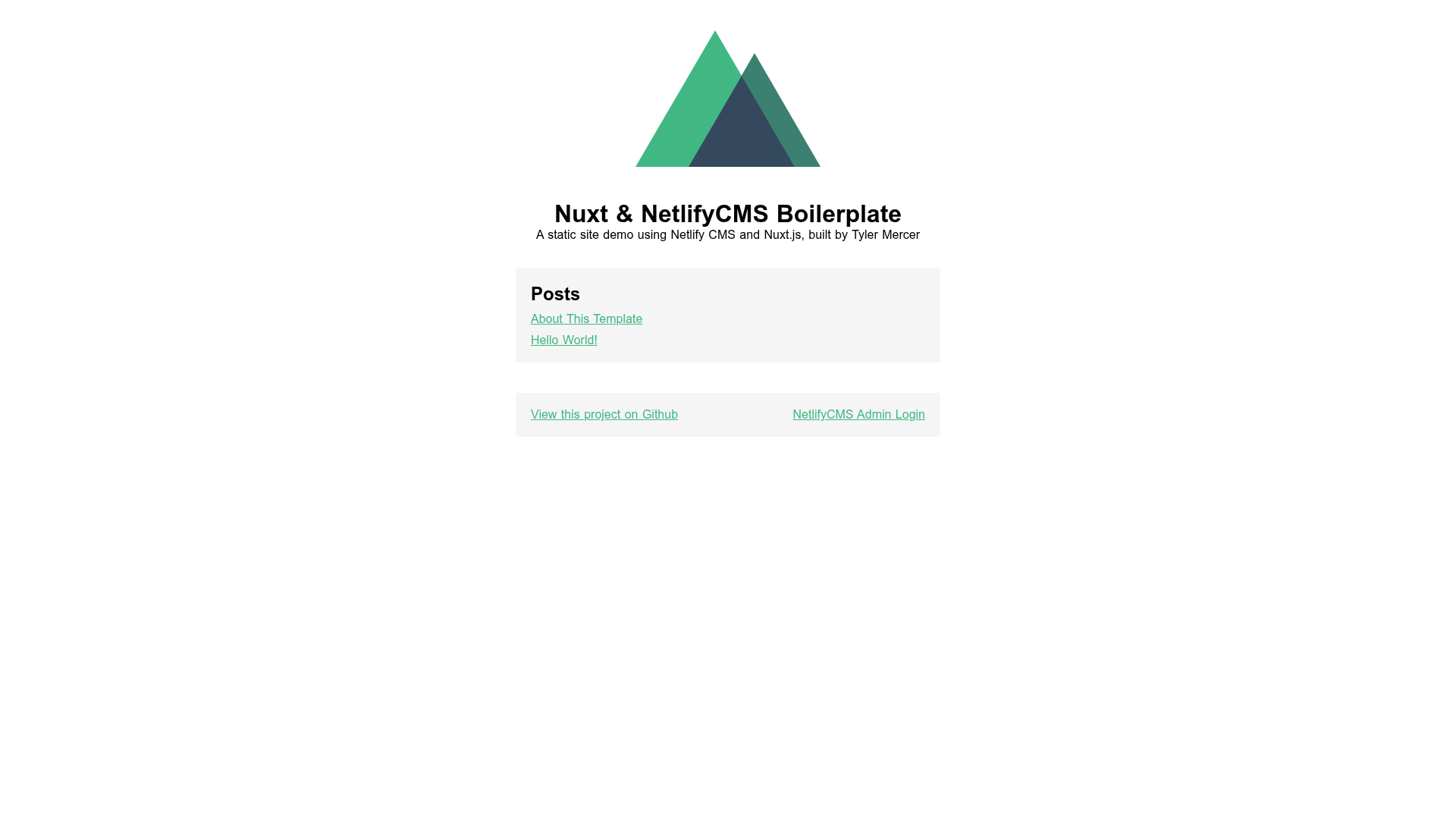
- Live demo — A working demo is published at nuxt-netlifycms-boilerplate.netlify.com.
- Deprecated status — The README marks the project as not recommended for use, making it a reference rather than a starting point.
- Bael template reference — The project credits Jake 101's Bael Template as a reference for the implementation.
Who should use Nuxt NetlifyCMS Boilerplate?
- Nuxt developers curious about how NetlifyCMS was wired into a Nuxt app in an older setup.
- Static site authors who prefer a CMS interface over editing Markdown files, and who are evaluating this pattern before moving to @nuxt/content.
- Developers researching CMS integration patterns — the codebase shows a Vuex-based content-loading approach that can be compared with modern alternatives.
Use cases
- Blog or portfolio setup: Use the boilerplate as a base and manage posts through the NetlifyCMS admin UI.
- Learning project: Study how a Nuxt site loads content from Git-backed files into a Vuex store.
- CMS evaluation: Test NetlifyCMS's Git-based editing workflow before committing to a site rebuild.
How does Nuxt NetlifyCMS Boilerplate work?
The boilerplate combines a Nuxt app with NetlifyCMS. Content is stored as files in the repository, loaded into a Vuex store, and rendered by Nuxt pages. To edit, you visit the NetlifyCMS admin route, make changes, and saving them creates Git commits.
Pros and cons
- Pro: Provides a simple, pre-configured NetlifyCMS setup with Nuxt.
- Con: Deprecated and not recommended for new projects.
- Con: Uses an older Nuxt version and a Vuex content-loading technique the author no longer recommends.
Alternatives
- @nuxt/content — the official Nuxt content module, recommended by the author for fetching and displaying content.
- Bael Template — Jake 101's template, which served as a reference for this boilerplate.
FAQ
Is Nuxt NetlifyCMS Boilerplate deprecated?
Yes. The README explicitly labels it as deprecated and not recommended for use, because it relies on an older Nuxt version and a now-unnecessary Vuex store for content loading.
What does Nuxt NetlifyCMS Boilerplate do?
It combines Nuxt.js with NetlifyCMS to let you build a static website whose content is editable through a Git-backed CMS interface. Editors can log in to the NetlifyCMS admin and update content without touching code.
What should I use instead?
The author recommends @nuxt/content for loading content into a Nuxt site, and the NetlifyCMS Docs for configuring NetlifyCMS to edit that content. This combination replaces the Vuex-store approach used here.










![Start UI [web] preview](https://cdn.sanity.io/images/asuw607r/production/82416b588b6dbb99eaa1c693646962928c22b67e-1920x1080.png)