Template details
Student Hub Website Framework
Astro + Tailwind + Contentful website framework for student hubs/chapters, optimized with SSR and caching.
About this template
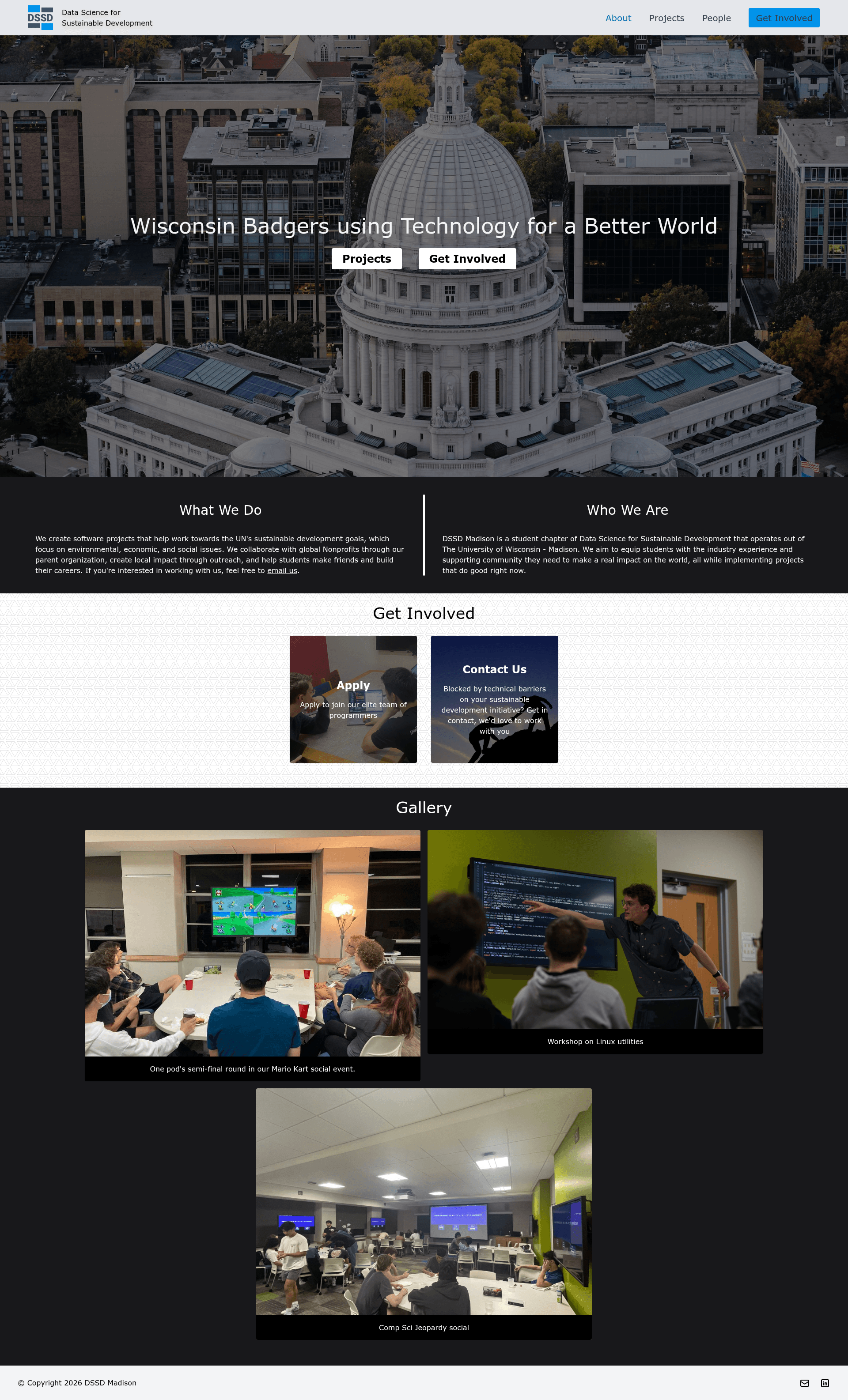
Student Hub Website Framework is a content-focused website boilerplate built by DSSD Madison on Astro, Contentful's headless CMS, and Netlify, giving student chapters a fast, content-managed site with SSR and caching.
What is Student Hub Website Framework?
Student Hub Website Framework is a content-focused website boilerplate created by DSSD Madison for student hubs and chapters. It pairs Astro as the site generator with Contentful's headless CMS for content management and is designed to be deployed to Netlify. The framework takes content stored in Contentful and renders it as a multi-page website, with React and Svelte available for interactive components — Svelte is preferred because it ships significantly less JavaScript. The project includes a pre-built content model that can be imported into any Contentful space via the CLI.
Key Features
What makes this template stand out?
- Astro with SSR and caching — The site is built on Astro and optimized for server-side rendering; a CACHING_MAX_AGE environment variable tells Netlify how many seconds to cache the generated HTML (e.g., 86400 for one day).
- Contentful headless CMS integration — All content lives in Contentful; the
contentful-config.jsonfile imports the content models and sample entries into your own Contentful space using the Contentful CLI. - Tailwind CSS color system — Styling uses Tailwind's default greys plus three custom blues defined in
tailwind.config.cjs: #0091E9 for buttons and accents, #006FB2 for text on light backgrounds, and #0D1C26 for dark text or backgrounds. - Svelte and React islands — Interactive components can be built with either framework; Svelte is recommended to minimize JavaScript shipped to the browser.
- Environment-variable configuration — Five variables (CACHING_MAX_AGE, CONTENTFUL_ACCESS_TOKEN, CONTENTFUL_ENVIRONMENT, CONTENTFUL_SPACE, NODE_VERSION) control the build, with NODE_VERSION pinned to 16.13.1.
- Netlify-native deployment — Setup includes connecting the forked GitHub repo to Netlify, adding environment variables in Site Settings, and clearing the cache to deploy the latest branch commit.
- Content editor friendly — After setup, editors update the site by editing entries in Contentful; styling changes happen in the GitHub main branch.
Who is it for?
This framework is for student organizations and chapters that need a fast, content-managed website. Three concrete audiences:
- Student hub chapters (like DSSD Madison affiliates) — fork the repo, deploy to Netlify, and replace the imported sample content with their own hub information.
- Developer volunteers — set up Contentful spaces, configure environment variables, and customize the Tailwind theme without building a site from scratch.
- Chapter content editors — manage announcements, events, or resources through Contentful's dashboard once the site is live, with no code changes needed.
What can you do with it?
- Launch a chapter website — follow the step-by-step fork-and-deploy instructions to go from an empty Contentful space to a live site in the same session.
- Import structured content — run
contentful space importto bring in pre-built content types and entries from DSSD Madison, then edit them for your chapter. - Customize branding — adjust the three custom blues in the Tailwind config to match your organization's identity.
- Develop locally — run
npm installandnpm run devto host the site at localhost:3000 with hot reloading.
How does it work?
The framework's setup workflow is fully documented. You fork the repository, create Netlify and Contentful accounts, install the Contentful CLI, and import the content model using contentful space import --space-id SPACE_ID --content-file contentful-config.json. Then you add five environment variables in Netlify, trigger a clear-cache redeploy, and the site goes live. For local development, you create a .env file with the same Contentful and caching variables and run npm run dev.
FAQ
How do I run this project locally?
Install Node.js and npm, clone the forked repository, run npm install, and create a .env file containing CACHING_MAX_AGE, CONTENTFUL_ACCESS_TOKEN, CONTENTFUL_ENVIRONMENT, and CONTENTFUL_SPACE. Then run npm run dev to start a development server at localhost:3000 that refreshes on changes.
What environment variables does Netlify need?
The Netlify project requires CACHING_MAX_AGE (seconds to cache HTML), CONTENTFUL_ACCESS_TOKEN (Content Delivery API access token), CONTENTFUL_ENVIRONMENT (set to "master"), CONTENTFUL_SPACE (the space ID), and NODE_VERSION (set to 16.13.1). These are added under Site Settings → Environment Variables.
How do I import the content into Contentful?
Install the Contentful CLI, log in with contentful login, and run contentful space import --space-id SPACE_ID --content-file contentful-config.json in the cloned project folder. This creates the content types and entries from DSSD Madison in your Contentful space.







![Start UI [web] preview](https://cdn.sanity.io/images/asuw607r/production/82416b588b6dbb99eaa1c693646962928c22b67e-1920x1080.png)