Template details
DevLite CV
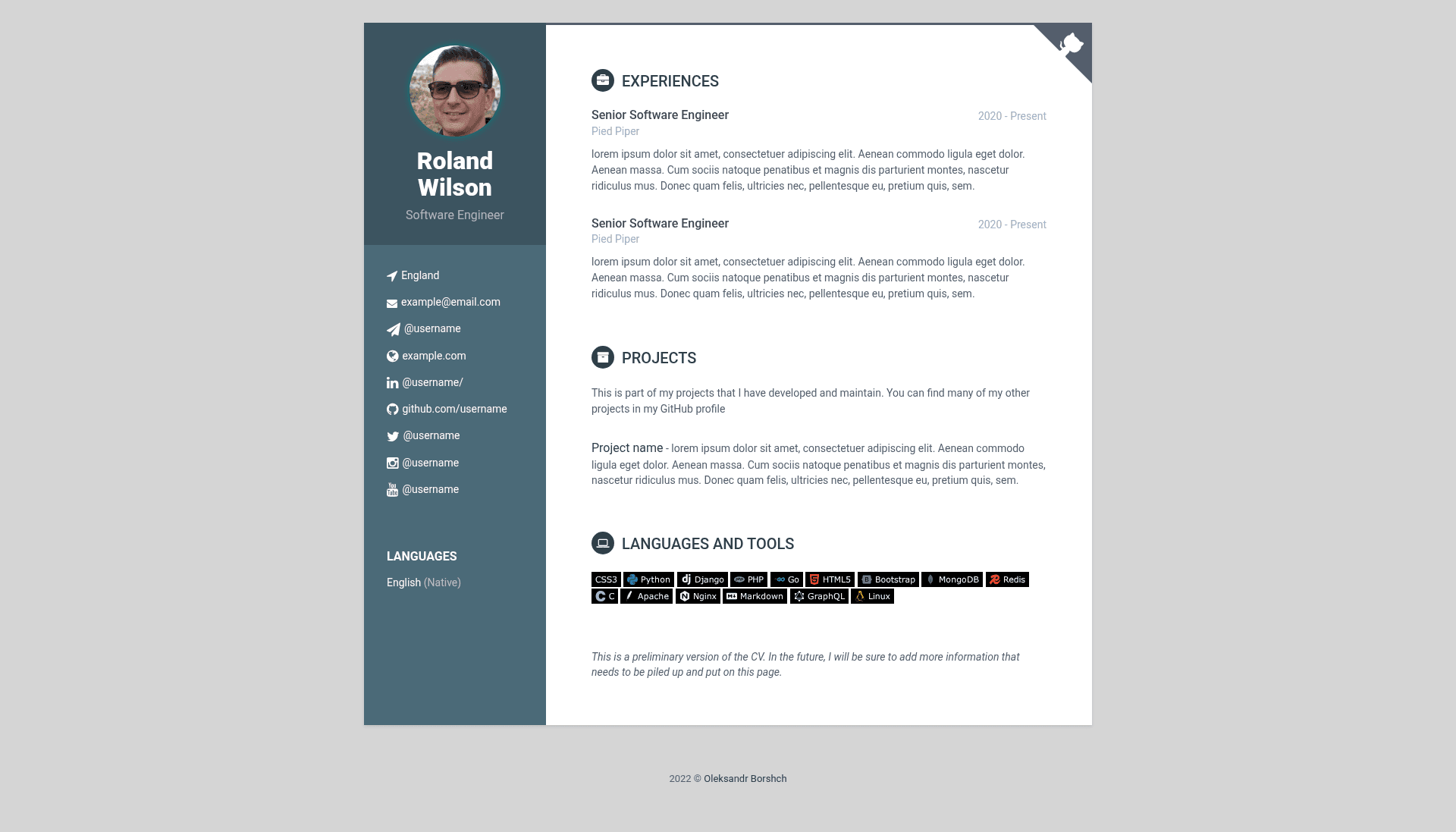
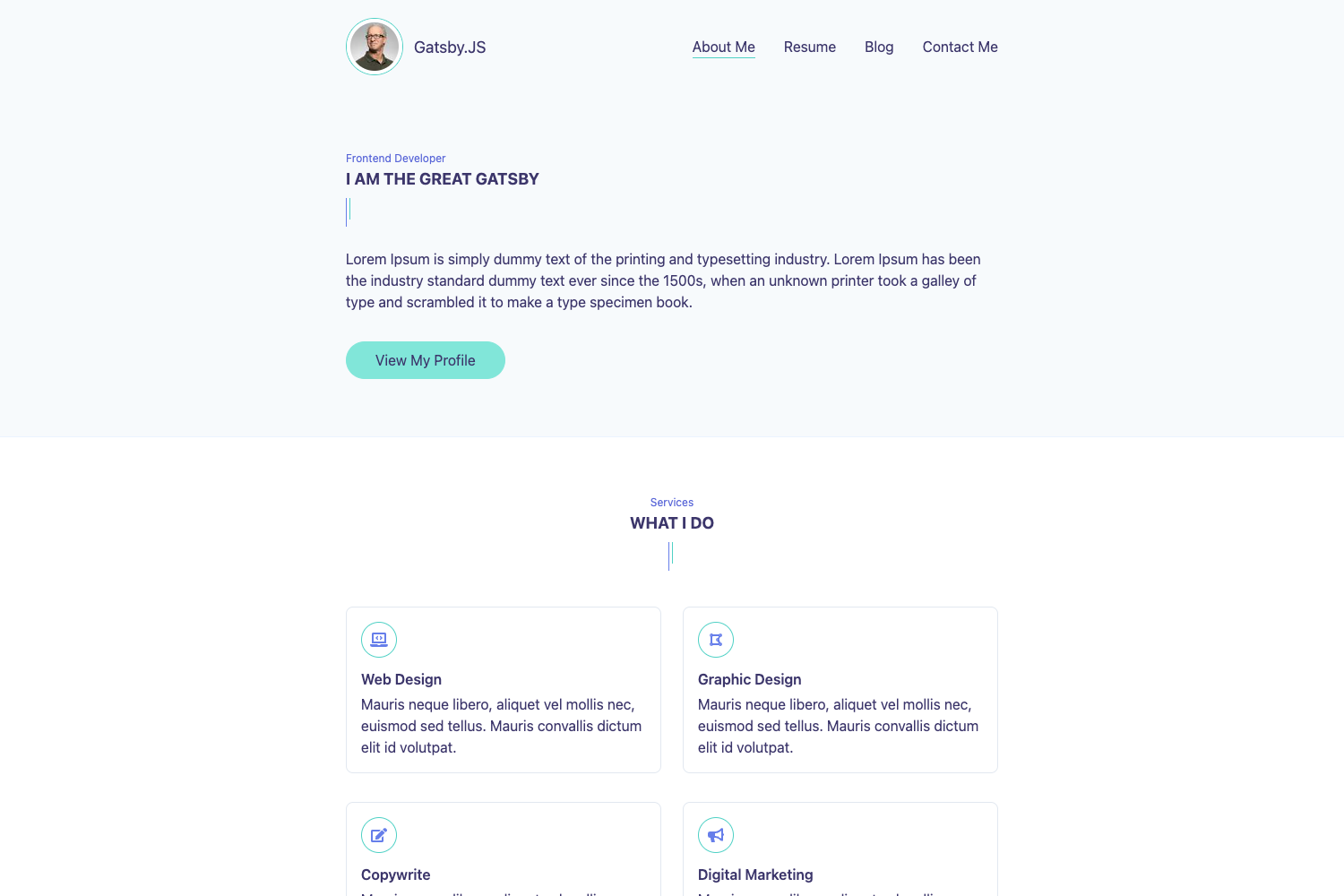
A Hugo CV theme for developers to build a responsive resume site with Bootstrap 3, FontAwesome icons, and shields.io badges.
About this template
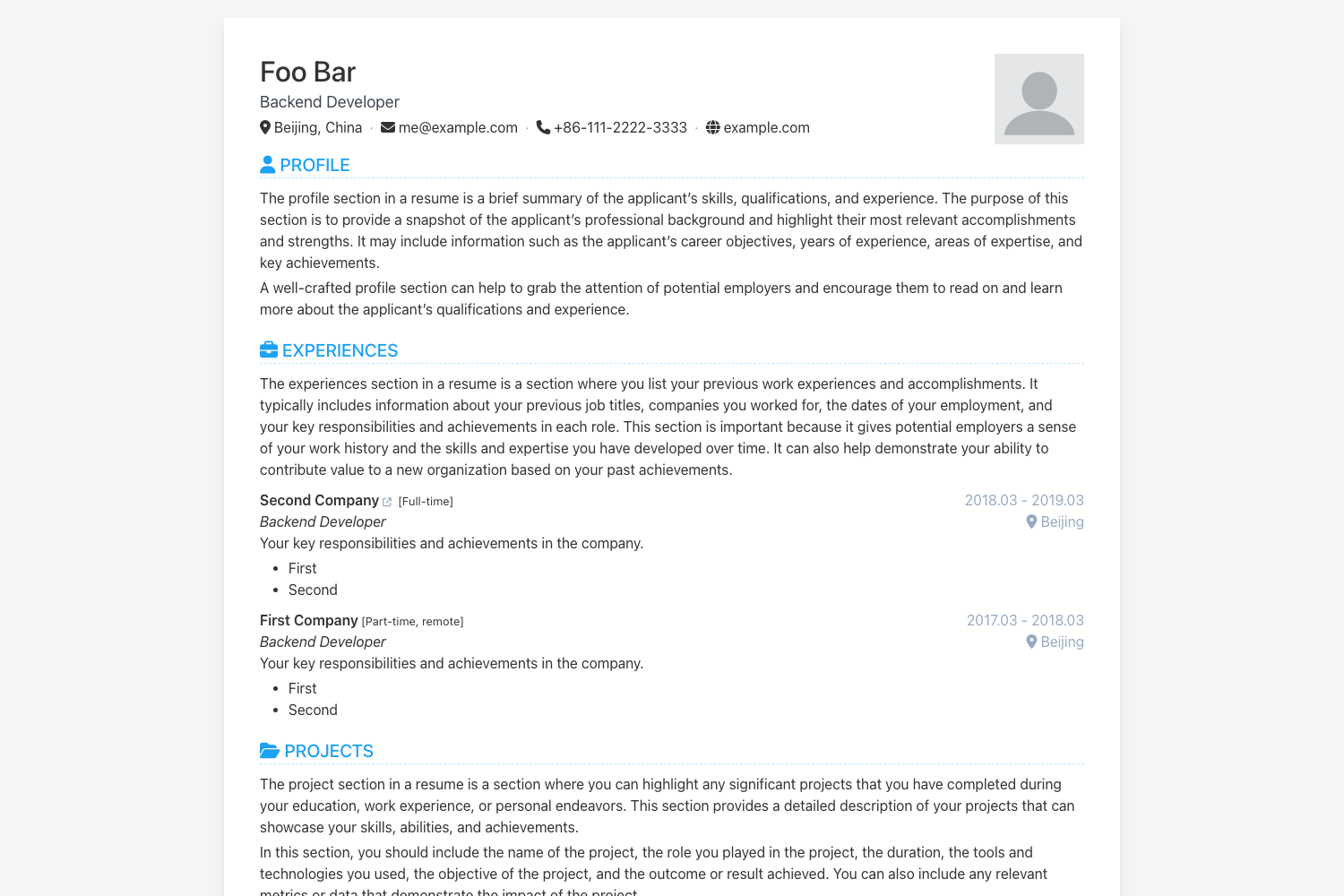
DevLite CV is a Hugo theme that turns a developer's details into a single-page CV website, packing a responsive resume layout with Bootstrap 3, FontAwesome icons, and shields.io badges.
What is DevLite CV?
DevLite CV is an open-source Hugo theme created by GitHub user oborshch. It serves as a starter template for developers who want to publish an online resume without writing HTML from scratch. The theme accepts Hugo site content and configuration as input and generates a static, fully responsive CV page as output. It runs on Hugo, a static site generator, and is a direct port of the Orbit-Theme HTML resume template by Xiaoying Riley.
Key Features
- Fully responsive layout — The CV adapts to mobile, tablet, and desktop viewports, so the resume reads well on any screen size.
- Built on Bootstrap 3 — Uses the Bootstrap 3 grid and components for layout and styling, giving a familiar, stable CSS framework.
- HTML5 + CSS3 — The theme output is valid HTML5 with CSS3 styling, compatible with all modern browsers.
- shields.io badges — Includes support for embedding shields.io badges in the CV, commonly used to show skills, tools, or social links.
- FontAwesome icons — Ships with FontAwesome icon support for section headings, contact links, and skill lists.
- LESS source files — The styles are authored in LESS and include the source files, so users can recompile custom styles.
- Hugo-native — Built as a Hugo theme, so it works with Hugo's site generation, content types, and configuration files.
Who should use DevLite CV?
DevLite CV targets developers who want a clean, static CV site without heavy design work. It is especially suited to Hugo users who already know how to structure content and want a theme that uses the tools they recognize, such as Bootstrap and LESS. The theme also appeals to job seekers who need a mobile-friendly resume they can host anywhere, including GitHub Pages.
What can you do with DevLite CV?
- Developers: create a professional resume page by adding your skills, experience, and projects to the Hugo content files, then rendering with this theme.
- Job seekers: publish a responsive CV that looks good on phones and desktops, with shields.io badges to display technologies and certifications.
- Hugo enthusiasts: use the theme as a starting point for a personal portfolio, adapting the LESS styles and FontAwesome icons to match your own branding.
How does DevLite CV work?
The theme follows a simple Hugo workflow. First install Hugo and create a new site with hugo new site examplesite. Then clone the DevLite CV repository into that site's themes/devlite-cv/ directory. After adding your content and setting the theme in the site configuration, run Hugo to generate a static CV site.
FAQ
Is DevLite CV free?
The DevLite CV repository is publicly hosted on GitHub, and the theme page lists no price or paid tier. You can clone the repo directly into a Hugo site's themes folder. Since no license file is displayed in the provided content, check the repository for licensing terms before commercial use.
How do I install DevLite CV?
First install Hugo, then create a new Hugo site with hugo new site examplesite. Next, clone the DevLite CV repository into the theme folder: git clone https://github.com/oborshch/devlite-cv.git themes/devlite-cv/. After that, configure the site and build.
What technologies does DevLite CV use?
DevLite CV is built on Hugo, uses the Bootstrap 3 CSS framework, and includes HTML5 and CSS3 output. It also integrates FontAwesome icons and shields.io badges, and the theme's styles are provided as LESS source files, so you can recompile custom styles.
Can I use DevLite CV on GitHub Pages?
Yes, the official demo is live at oborshch.github.io/devlite-cv/, which suggests the theme works with GitHub Pages. Because it is a static Hugo site, you can deploy the generated output to GitHub Pages or any static hosting service.