Template details
Goa
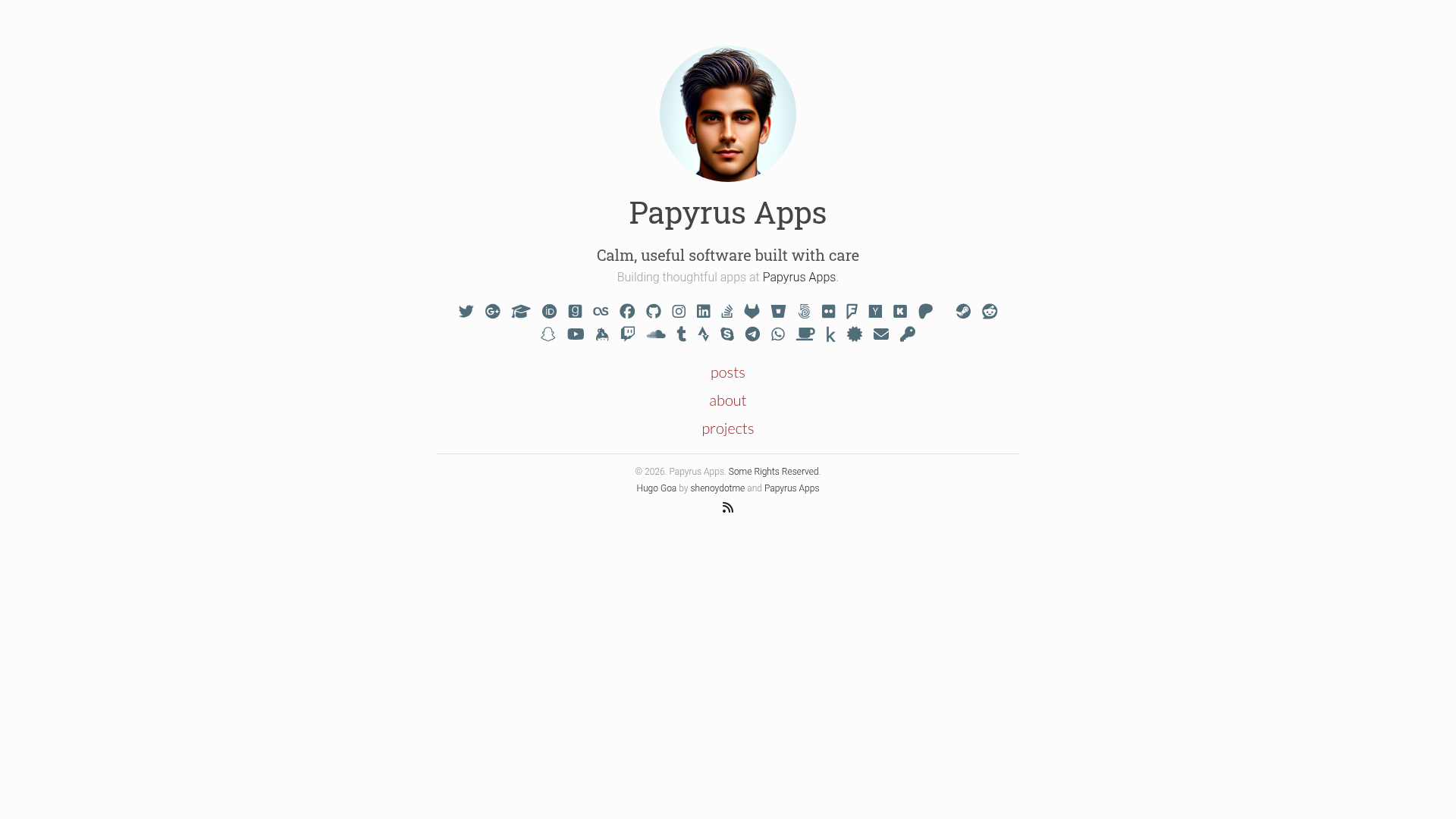
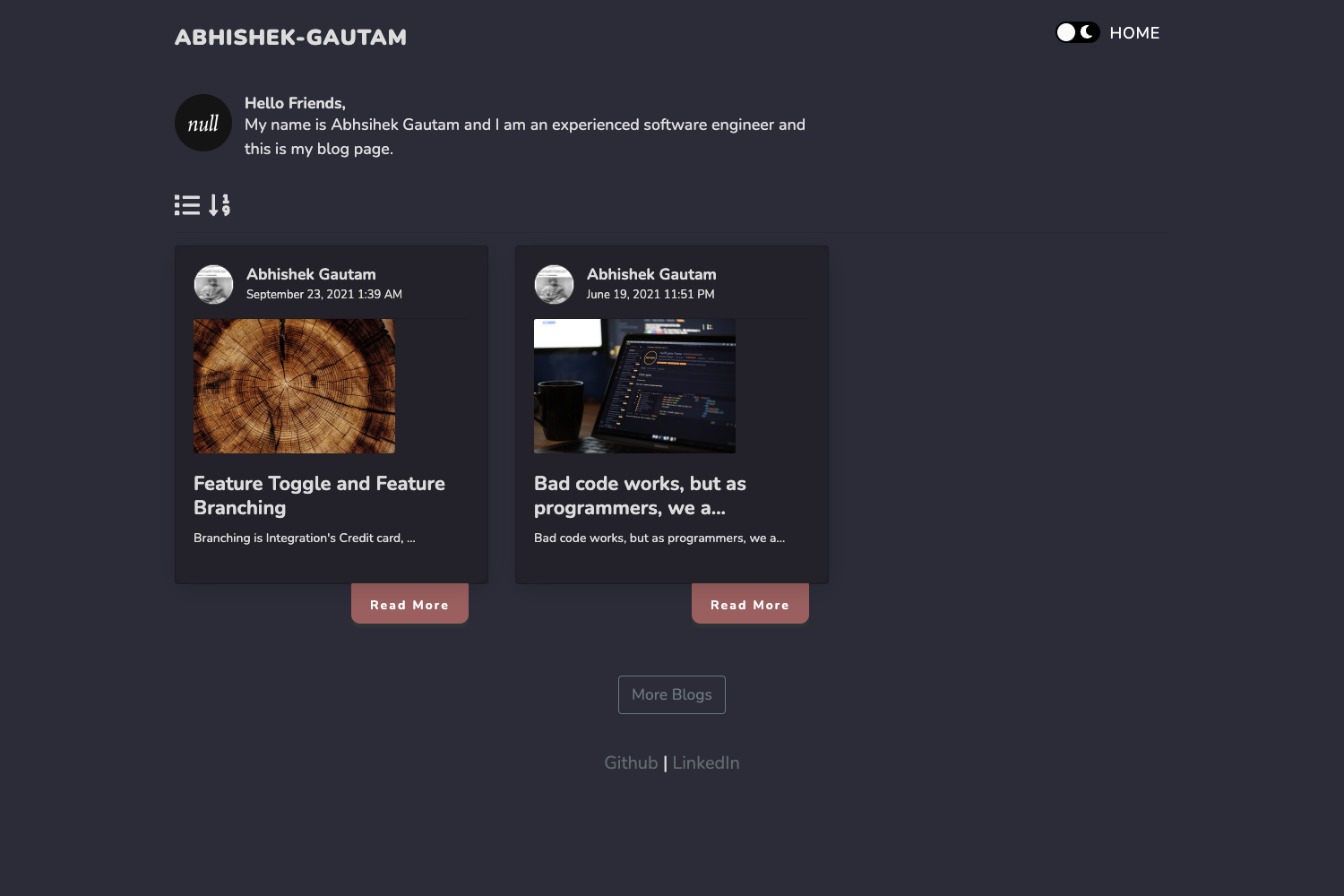
A clean, minimalist Hugo theme for blogs and personal websites, with Bootstrap 5, Font Awesome 6, Disqus, and Google Analytics.
About this template
Goa is a minimalistic Hugo theme for blogs and personal websites, built and maintained by Raj Shenoy and Papyrus Apps, that converts Markdown content into a responsive static site.
What is Goa?
Goa is a clean, simple, and minimalist theme for the Hugo static site generator. It takes Markdown files written in the content directory — such as blog posts and standalone pages — and generates a static HTML site in the public directory. The theme is designed to be lightweight and distraction-free, with a focus on typography and content. You can see a live demo at https://shenoydotme.github.io/hugo-goa-demo.
Key Features
- Bootstrap 5 and Font Awesome 6 — Uses Bootstrap 5 for responsive grid and layout components, and Font Awesome 6 icons for social links and UI elements.
- Built-in Disqus comments — Add
disqusShortnameto the config to enable comments on posts; page-levelshowcommentscan turn them off per page. - Google Analytics ready — Set
googleAnalyticsinhugo.tomlto enable tracking across the site. - HighlightJS syntax highlighting — Enable or disable code highlighting with the
highlightjsparameter in[params.extra]. - Wide social profile support — Configure over 30 social accounts (GitHub, Twitter, LinkedIn, YouTube, Reddit, Telegram, Bluesky, and more) under
[params.social]for display. - Per-page metadata control — Use
showpagemetain front matter to show or hide author, date, and other post metadata for each page. - Custom main menu — Define a navigation menu with
[[menu.main]]entries, each with name, weight, and URL, to organize sections like Blog, About, and Projects. - 404 page and robots.txt — Includes a built-in 404 page and supports
enableRobotsTXTto control search engine crawling.
Who is it for?
- Bloggers — Write posts in Markdown, set
draft = falseto publish, and generate a fast static blog withhugo --cleanDestinationDir. - Personal website owners — Create standalone pages such as About and Projects using
hugo new projects/index.mdand customize the front matter to suit the page. - Developers — The theme uses Hugo's familiar structure, with configuration in
hugo.tomland support for Git submodule installation, making it easy to integrate into existing Hugo workflows. - Minimalist design fans — The layout is intentionally simple, relying on Bootstrap's grid and a single-column content focus rather than heavy visual elements.
What can you do with Goa?
- Publish a personal blog — Create a new post with
hugo new content posts/my-first-post.md, edit the Markdown, and preview drafts by runninghugo server -D. - Build a portfolio or about page — Add a directory like
projects/index.mdto create a standalone page with its own content and optional custom layout. - Share your online presence — Use the extensive social links section to point visitors to your Github, LinkedIn, Twitter, YouTube, and many other profiles directly from the site's navigation.
- Control publishing workflows — Use Hugo's draft mechanism: keep posts as drafts with
draft = true, then publish by changing it tofalse; the--cleanDestinationDirflag ensures thepublicdirectory only contains current content.
How does Goa work?
Install the theme by creating a new Hugo site, adding Goa as a Git submodule, and setting theme = 'hugo-goa' in hugo.toml. Content authors create Markdown files under content/; Hugo's server (hugo server -D) previews drafts in real time. When ready, run hugo --cleanDestinationDir to build the site, which outputs static HTML, CSS, JavaScript, and images into the public directory ready for deployment.
Alternatives
Other Hugo themes that inform Goa's design are Hugo Cocoa, Hugo Vec, and Hugo Agency.
FAQ
Is Goa free to use?
Yes, Goa is open source software released under the MIT License. The source code is publicly available on GitHub, and the repository has 267 stars at the time of writing.
What static site generator does Goa require?
Goa is built specifically for Hugo, a static site generator written in Go. It is installed as a theme inside a Hugo project and cannot be used independently of Hugo.
How do I enable comments on my posts?
Add your Disqus shortname to the disqusShortname setting in hugo.toml, and ensure showcomments is true in the page front matter. For individual pages, you can disable comments by setting showcomments = false.
Can I use Goa for a personal portfolio?
Yes. You can create standalone pages like About and Projects by running hugo new projects/index.md, then editing the generated index.md file. This lets you build a simple portfolio without a blog.
Does Goa support syntax highlighting?
Yes, Goa includes support for HighlightJS. You can enable it by setting highlightjs = true in the [params.extra] section of your config.