Template details
Hagura SvelteKit
A minimal markdown blog template built with SvelteKit, TailwindCSS, and mdsvex.
About this template
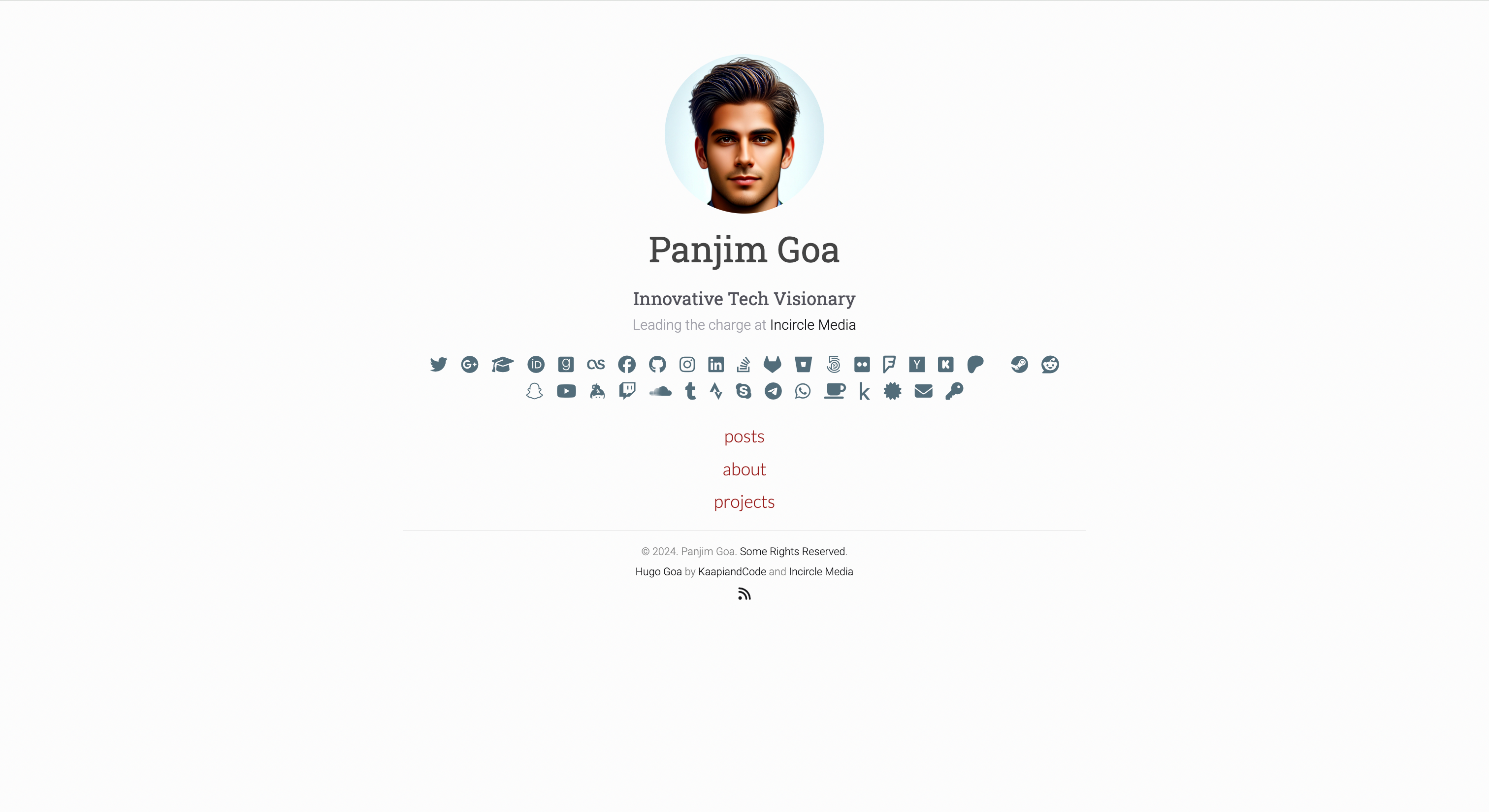
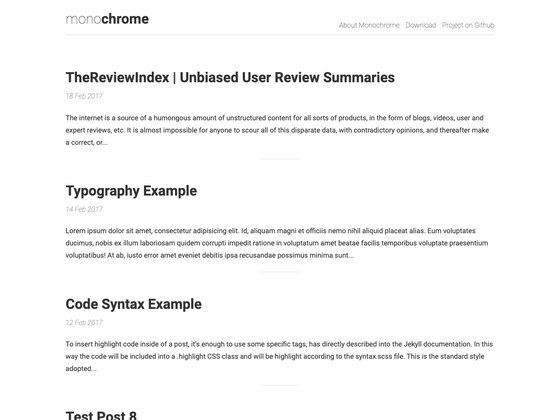
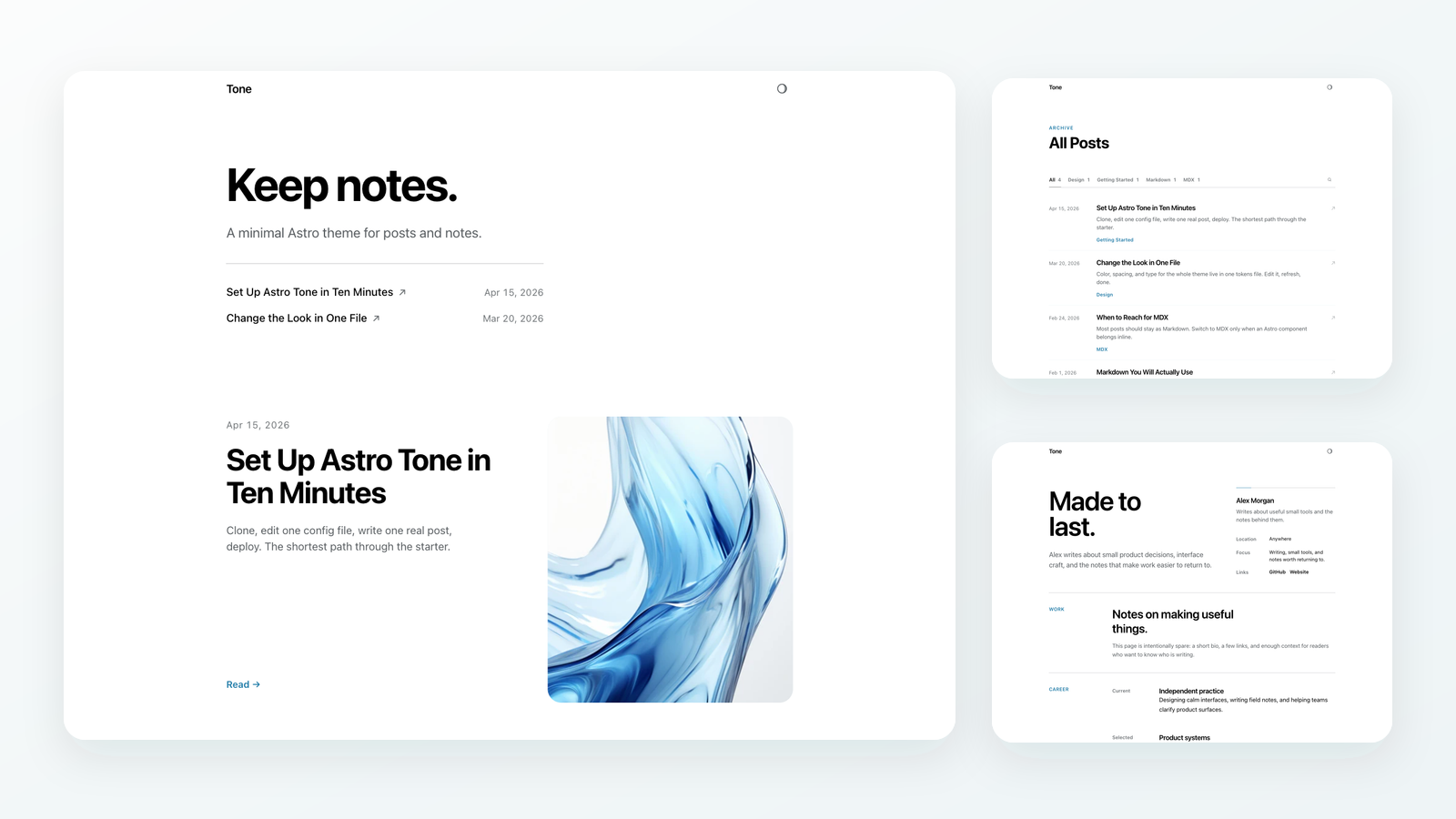
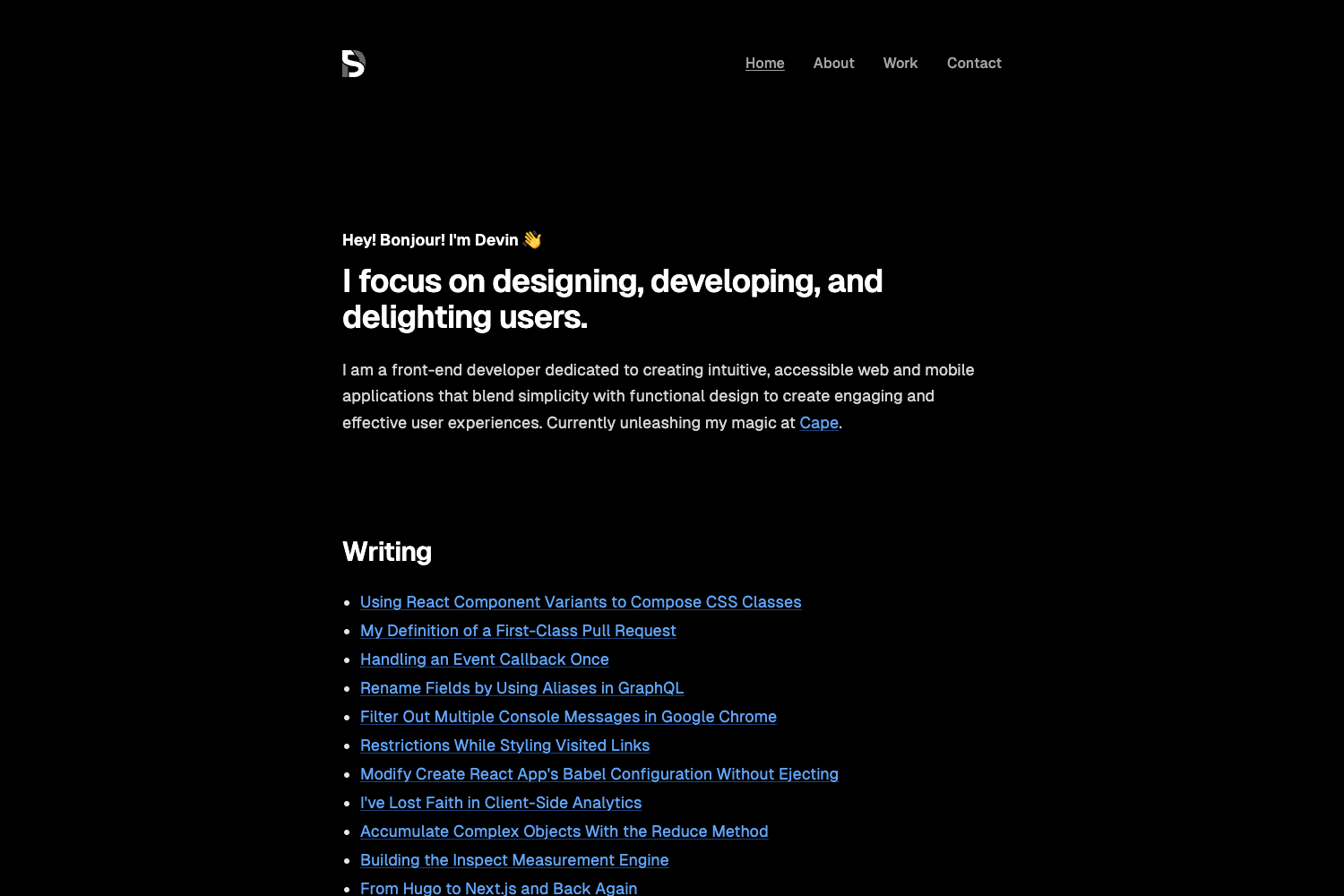
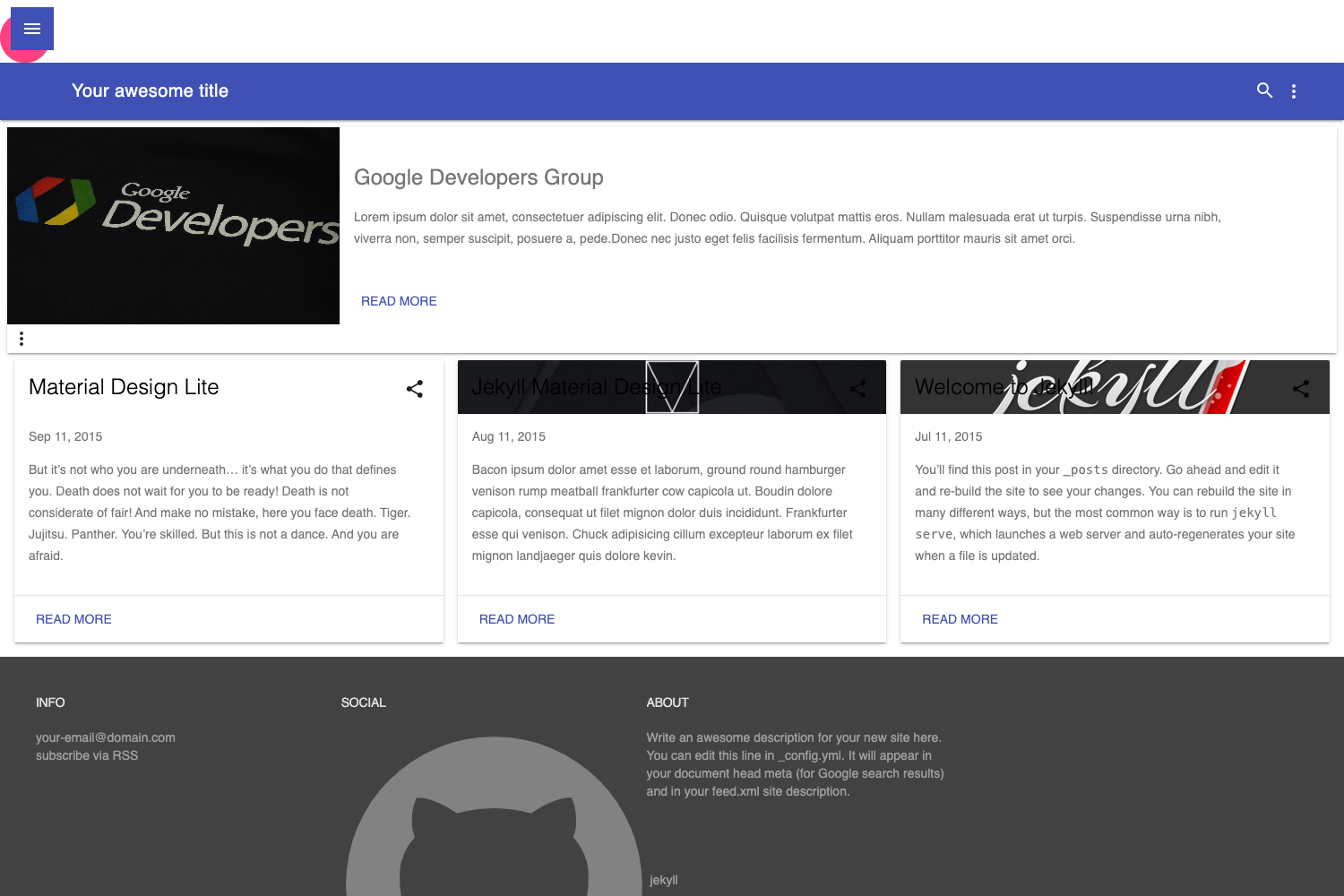
Hagura SvelteKit is a minimal markdown blog template built on SvelteKit, ported from the Hagura Jekyll theme, that turns Markdown files into a paginated blog with a highly legible layout.
What is Hagura SvelteKit?
Hagura SvelteKit is an open-source SvelteKit template that takes Markdown posts as input and outputs a static or server-rendered blog with pagination, styled with TailwindCSS and Open-Props. It is a direct port of the Hagura Jekyll Theme, meaning the layout closely follows that classic Jekyll design while running on the SvelteKit framework. The template includes a demo site at https://hagura.sveltethemes.dev/ and the source repository is publicly available on GitHub under the account sharu725.
Key Features
- Markdown blog posts — Write content in standard
.mdfiles; mdsvex processes them into HTML at build time. - Pagination — Uses the svelte-paginate package to split a long list of posts into numbered pages.
- Svelte components in Markdown — Because mdsvex handles the Markdown, you can embed interactive Svelte components directly inside your posts, not just static text.
- Open-Props styling — The template uses Open-Props design tokens alongside TailwindCSS, giving consistent spacing, colors, and typography out of the box.
- Basic SEO — Includes foundational SEO meta handling so search engines can index the blog pages properly.
- Vercel adapter configured — Ships with the Vercel adapter by default; you can swap in any other SvelteKit adapter (Node, Netlify, static) by editing the config.
Who is it for?
- Bloggers and writers who want a clean, legible blog without a heavy CMS, where posts are just Markdown files.
- Svelte developers looking for a minimal starting point for a blog, with TailwindCSS prewired and mdsvex already set up for Markdown.
- Jekyll users considering a move to SvelteKit: since this is a port of the Hagura Jekyll theme, the layout will feel familiar while the underlying stack changes.
What can you do with it?
- Publish a personal blog: Drop
.mdfiles into the posts folder, and they automatically appear on the blog index with pagination. - Create interactive documentation: Because Svelte components can live inside Markdown, you can write docs with live demos embedded.
- Deploy anywhere: The Vercel adapter is preconfigured, but you can swap adapters to host on Netlify, Cloudflare, or a Node server.
How does it work?
To get started, clone the repository with git clone https://github.com/sharu725/hagura-sveltekit, then run npm install to install dependencies. For local development, launch npm run dev; for a production build, run npm run build.
Pros and cons
- Pros: Simple stack (SvelteKit + TailwindCSS + Markdown), includes pagination, supports interactive Svelte components in posts, and is easy to deploy via the Vercel adapter.
- Cons: The author notes the app is still in development, so some features may be incomplete or change as the project evolves.
FAQ
Does Hagura SvelteKit require a CMS?
No. All blog content is written as Markdown files and processed by mdsvex into HTML. There is no database or CMS to configure.
Can I use components inside my Markdown posts?
Yes. mdsvex allows you to import and use Svelte components directly inside .md files, enabling interactive elements within your written content.
What styling does the template use?
It combines TailwindCSS with Open-Props design tokens. Tailwind handles utility classes, while Open-Props provides CSS custom properties for spacing, color, and typography.
How do I change the deployment target?
The template comes with the Vercel adapter. To deploy elsewhere, replace it in the SvelteKit configuration with the appropriate adapter, such as @sveltejs/adapter-node or @sveltejs/adapter-static.