Template details
Papyrus
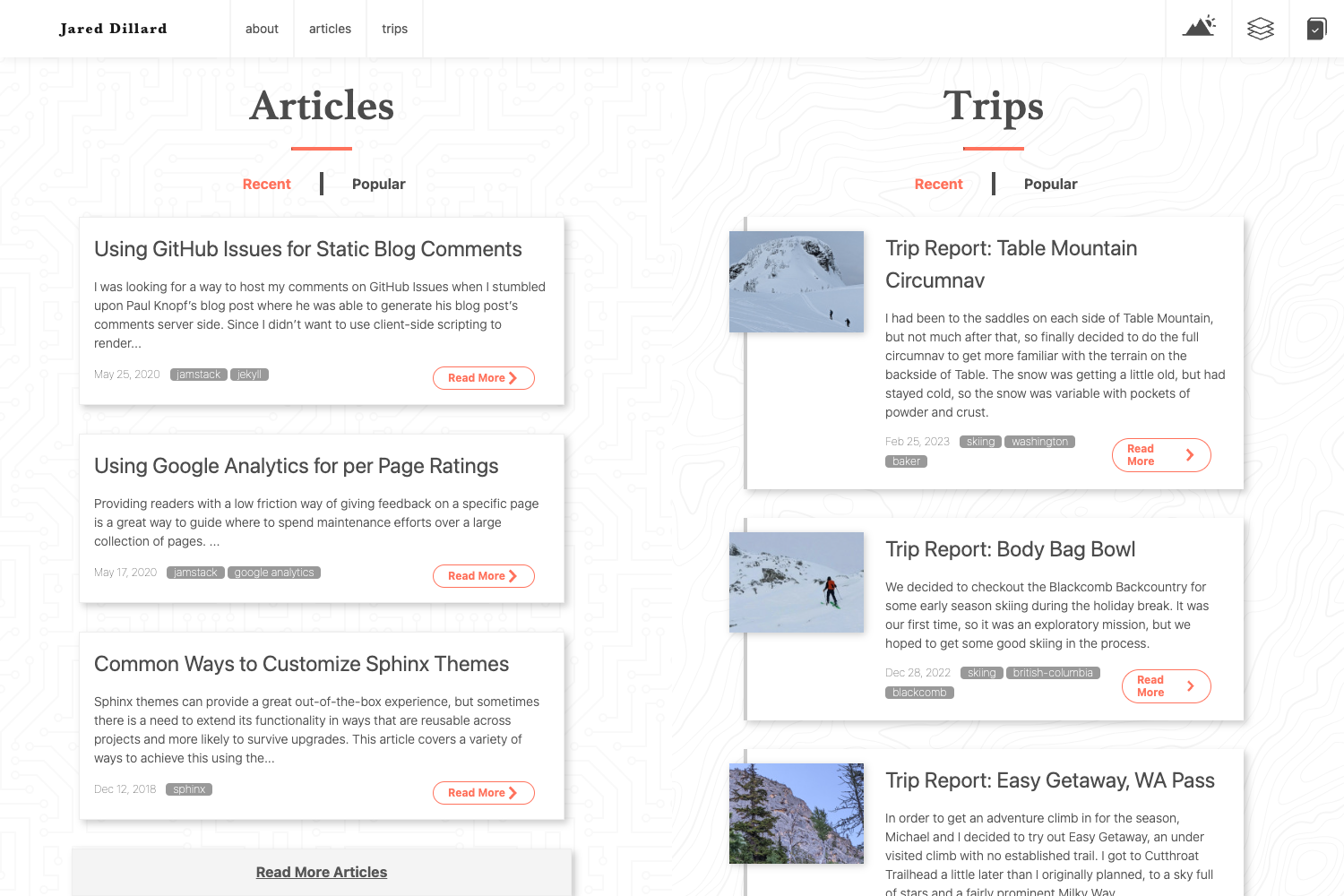
A responsive three-column Jekyll theme with classic styling and typographic details.
About this template
Papyrus is a responsive three-column Jekyll theme for classic-styled personal sites and blogs, built with careful typographic details and loosely based on the Onelight Atom Theme.
What is Papyrus?
Papyrus is a Jekyll theme that generates a static website from Markdown and HTML content. It uses a responsive three-column layout with a classic, timeless design. The theme is available as an open-source GitHub repository (hugoferreira/papyrus-theme) and has 118 stars. It is built on Jekyll, the Ruby-based static site generator that powers GitHub Pages.
Key Features
- Responsive three-column layout — The desktop view shows three columns; on smaller screens the layout stacks into a single column for mobile reading.
- Classic styling — Emphasizes typography with careful spacing, font pairing, and reading rhythm.
- Based on Onelight Atom Theme — The visual style draws from the Onelight editor theme for a light, clean aesthetic.
- Jekyll-native — Works with standard Jekyll file structures, including
_posts,_layouts, and_includes. - Live reload during development — Run
jekyll serve --watchto auto-regenerate the site at http://127.0.0.1:4000/papyrus-theme/. - Simple installation — Install by cloning the repository and running two commands.
Who is it for?
- Personal bloggers — Publish a blog with classic typography and a focus on readability.
- Portfolio owners — Present projects and writing samples in a clean three-column grid.
- Jekyll learners — Explore a concise, minimal theme codebase to learn Jekyll conventions.
What can you do with it?
- Launch a personal blog — Write posts in Markdown and generate a static site suitable for GitHub Pages.
- Build a portfolio site — Showcase work samples with a simple, content-focused layout.
- Develop custom Jekyll themes — Use Papyrus as a starting point and modify layouts, includes, and styles.
How to install and test
- Clone the repository:
git clone git@github.com:hugoferreira/papyrus-theme.git - Enter the folder:
cd papyrus-theme/ - Start the Jekyll server:
jekyll serve --watch - Access the site at http://127.0.0.1:4000/papyrus-theme/