Newsletter
Join the Community
Subscribe to our newsletter for the latest news and updates

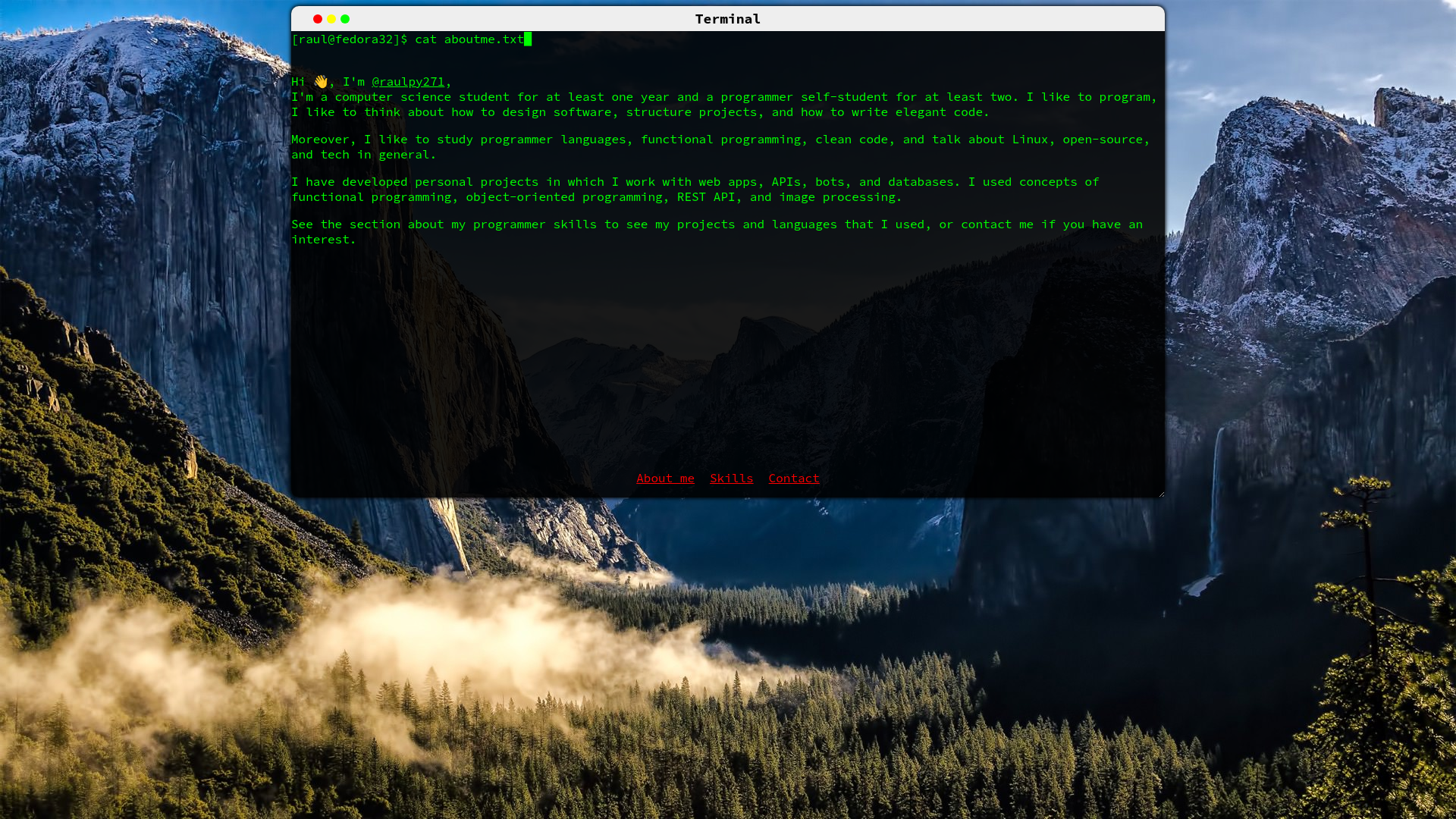
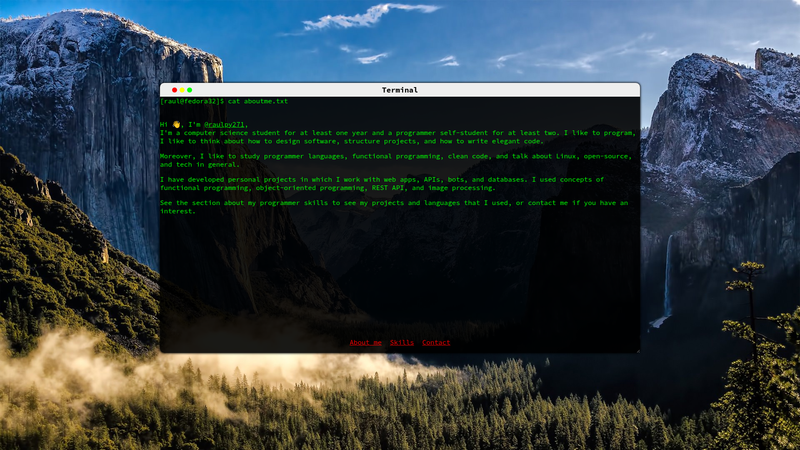
A ReactJS portfolio template that presents personal info inside a draggable, resizable MacOS-style terminal window.
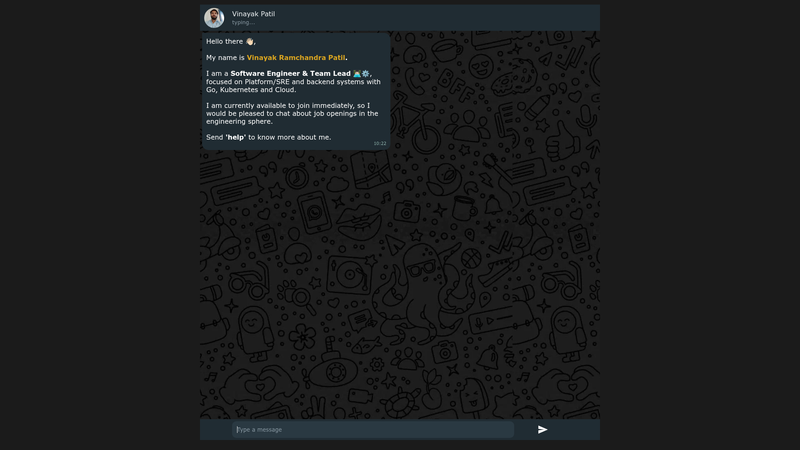
A lightweight personal portfolio template styled like a WhatsApp chat, with auto-replies, resume download, and map support.
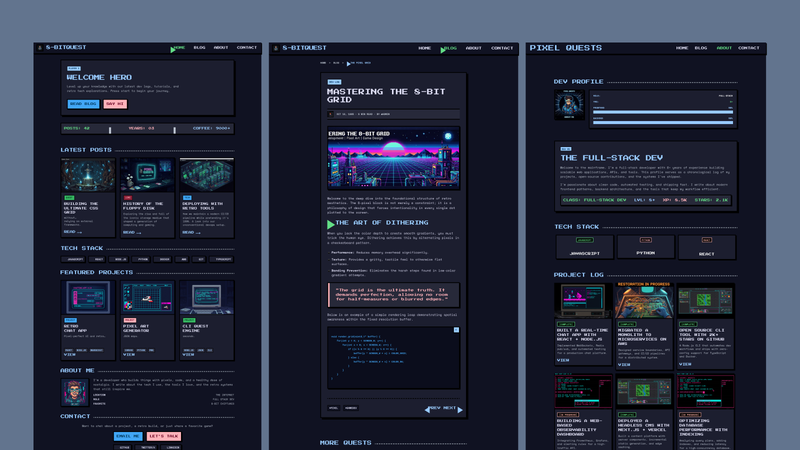
A retro pixel-art developer portfolio theme for Astro 7 with MDX blog, case-study projects, and a JavaScript-free contact form.

A refined Astro theme for academic portfolios, research profiles, and personal scholar websites.

Fully customizable personal portfolio and blog website made with Spring Boot
Portfolio In Terminal Style is a ReactJS portfolio template that presents a developer's personal info inside a draggable, resizable MacOS-style terminal window. The template is a single-page application (SPA) with content-driven sections, and it is designed to be deployed for free on GitHub Pages.
Portfolio In Terminal Style is a single-page application (SPA) built with ReactJS that mimics a MacOS terminal interface. The creator uses it as a personal portfolio, and a live demo runs at https://raulpy271.github.io. The template reads user-edited content from a contentEN object in the src/text/ directory and renders that content as interactive terminal sections, making it a content-driven portfolio rather than a static page.
contentEN object in src/text/ to update your bio, projects, and other sections; adding new properties creates new terminal sections.src/text/textManager.js to offer the portfolio in multiple languages.gh-pages, setting the homepage field in package.json, and running npm run deploy to publish at a GitHub Pages URL.username.github.io repository using a custom remote and the gh-pages command.Start by forking the repository and cloning it locally. Edit the contentEN object (or create a new language object) in src/text/ to add your personal information, then deploy with npm run deploy after setting the homepage URL in package.json. The process is documented step by step in the README.
Open the contentEN object in src/text/ and change the values to your own information. To add more sections, create additional properties in that object; each property is rendered as a new terminal section.
Create a new language object in the same src/text/ directory, then import and register it in src/text/textManager.js. The README explains the structure of these objects, so follow the existing pattern.
Install gh-pages as a dev dependency, add your site URL to the homepage field in package.json, and run npm run deploy. This publishes the bundled app to the gh-pages branch of your repository.
username.github.io domain?Yes. Create a repository named username.github.io, add it as a git remote, build the project with npx react-scripts build, and run npx gh-pages -d build -o homepage to push the production files to that remote.