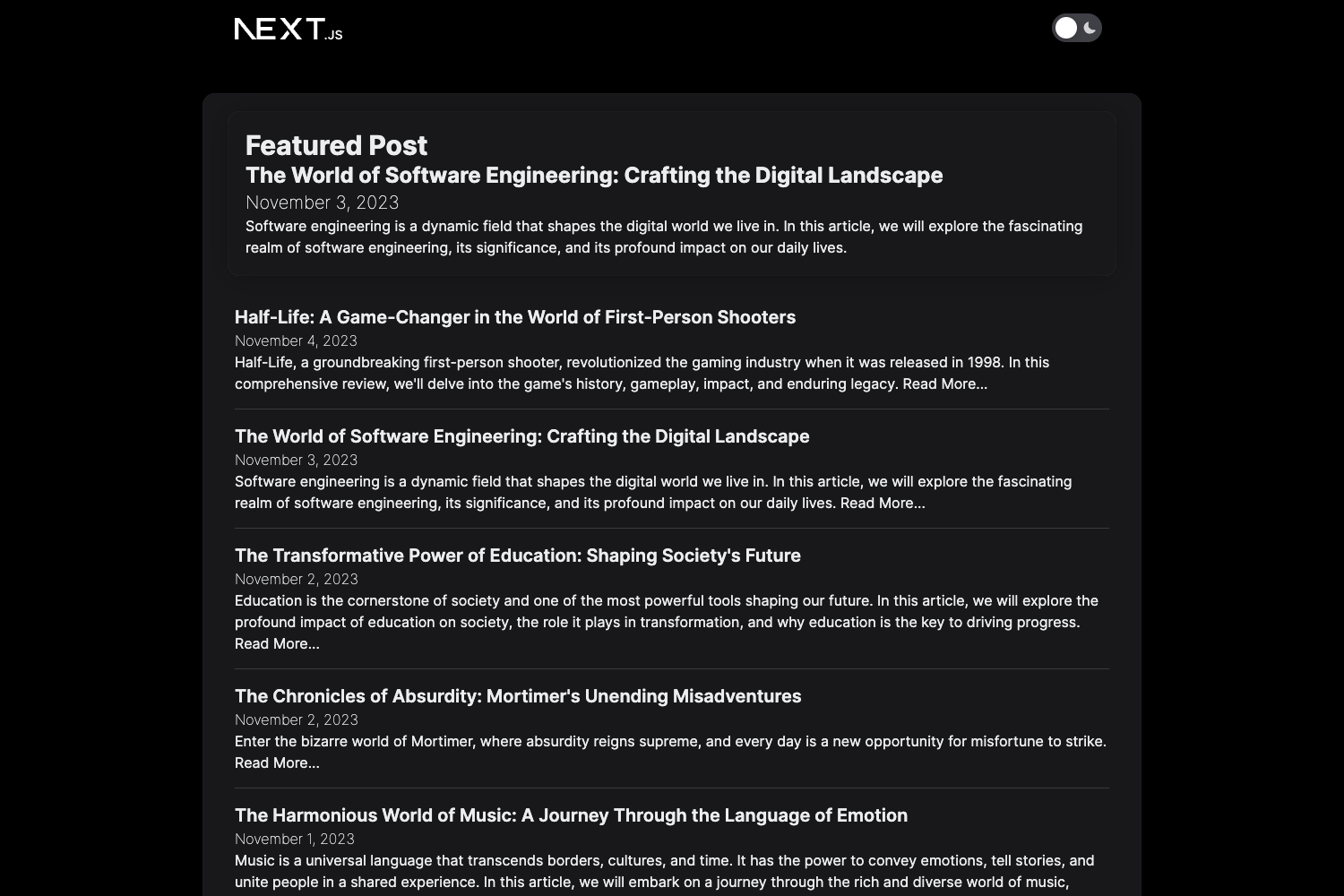
Template details
Eleven
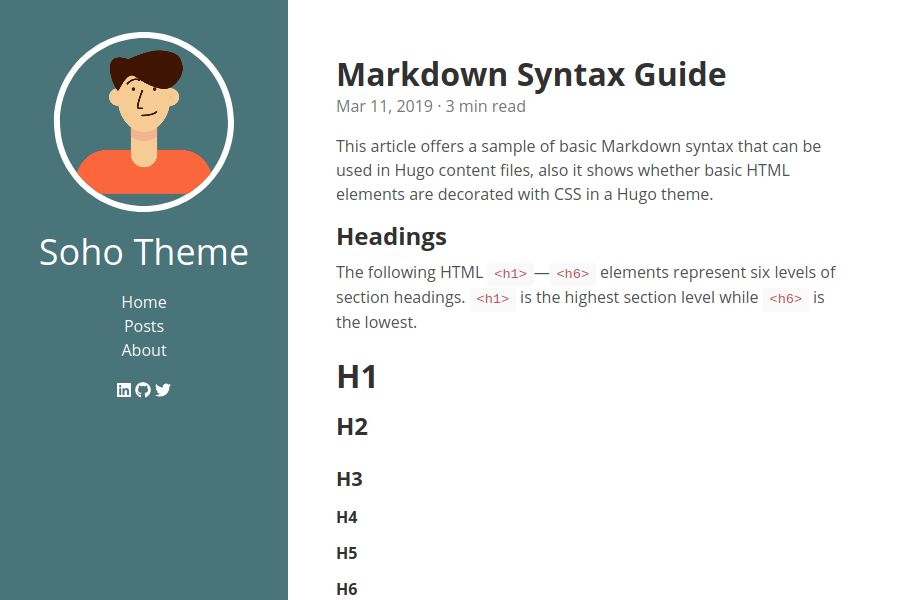
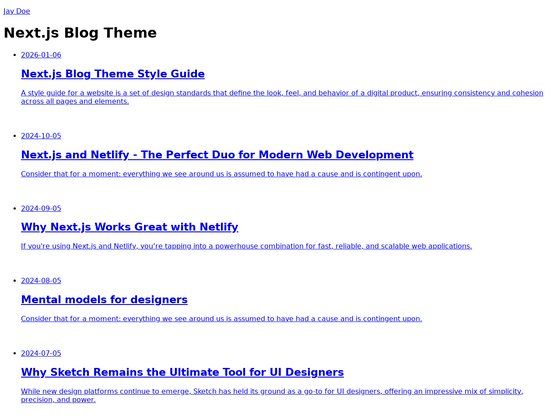
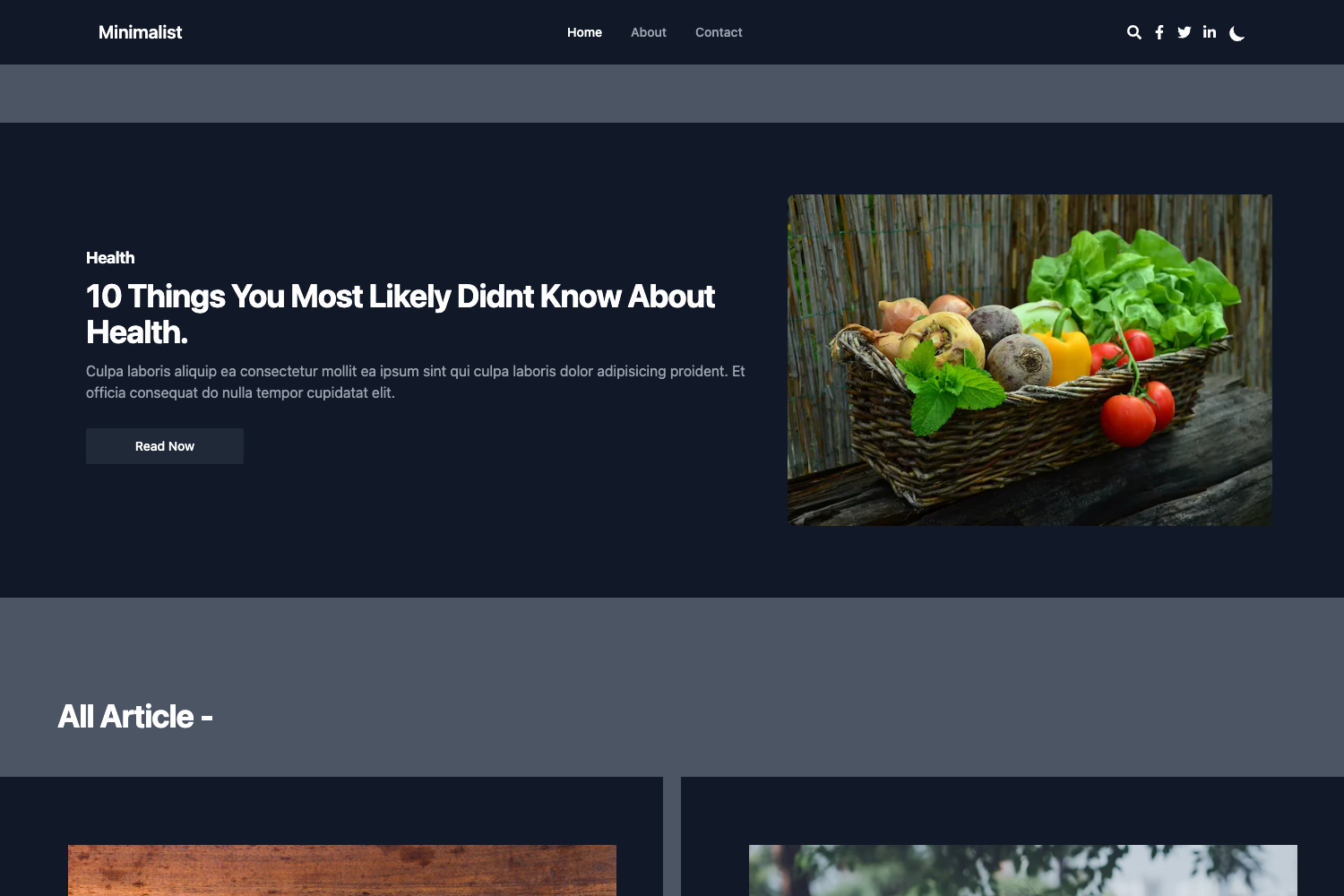
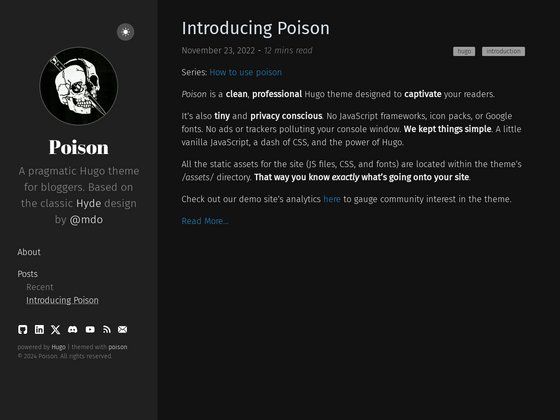
Eleven is a simple, clean, and customizable Jekyll theme featuring three layouts for blogs and static sites.
About this template
Eleven is a simple, clean, and customizable Jekyll theme that provides three built-in layouts for building a personal blog or static website. You can see the layouts in action on the demo website.
What is Eleven?
Eleven is a Jekyll theme distributed as a Ruby gem. It provides three layouts — home, block, and post — for structuring a static site or blog. To install it, add gem "eleven-jekyll-theme" to your Gemfile and set theme: eleven-jekyll-theme in your _config.yml. The theme requires Jekyll 4.2 for full functionality. Since GitHub Pages runs Jekyll 3, the recommended deployment approach uses GitHub Actions; the repository includes an example CI workflow at .github/workflows/ci.yml. Eleven is open source under the MIT License and is maintained at github.com/PaulSt/eleven-jekyll-theme.
Key Features
- Three built-in layouts — home for the index page, block for displaying content directly in the home layout as a separate section, and post for creating blog posts that appear in the home listing.
- Ruby gem installation — add
gem "eleven-jekyll-theme"to your Gemfile and settheme: eleven-jekyll-themein_config.yml, then runbundleorgem install eleven-jekyll-theme. - Jekyll 4.2 support — the theme targets Jekyll 4.2; for deployment on GitHub Pages (which uses Jekyll 3), the repository provides a GitHub Actions workflow file to build with the correct version.
- GitHub Actions workflow — a ready-to-reuse CI workflow at
.github/workflows/ci.ymlsimplifies deploying the site to GitHub Pages. - Open source under MIT — free to use, modify, and distribute; contributions are welcome via pull requests and the project adheres to the Contributor Covenant code of conduct.
Who is it for?
- Jekyll blog authors — anyone who wants a minimal, distraction-free layout for publishing posts, with the post layout automatically listing entries on the home page.
- Developers building static sites — users comfortable with Ruby and Jekyll who need a clean base theme they can customize to their own content structure.
- GitHub Pages users — site owners who want to deploy via GitHub Actions to get Jekyll 4.2 features even though GitHub Pages itself runs Jekyll 3.
What can you do with Eleven?
- Create a personal blog: use the post layout to write Markdown posts and the home layout to list them automatically on your index page.
- Structure a landing page: use the block layout to insert distinct content blocks directly into the home layout, giving you a modular homepage.
- Deploy to GitHub Pages with CI: reuse the included GitHub Actions workflow to build and publish the site on every push.
How does Eleven work?
After adding the gem and theme configuration, run bundle exec jekyll serve to start a local server at http://localhost:4000 for development. For production deployment, push to a GitHub repository and use the provided workflow file to trigger a build that publishes the site to GitHub Pages.
FAQ
Is Eleven free to use?
Yes. Eleven is released under the MIT License, so you can use it for personal and commercial projects, modify it, and distribute it with attribution.
Does Eleven work with GitHub Pages directly?
GitHub Pages runs Jekyll 3, but Eleven requires Jekyll 4.2. The recommended approach is to deploy using a GitHub Actions workflow, and the repository includes an example CI workflow.
What layouts does Eleven provide?
Eleven includes three layouts: home (for the index page), block (for content blocks on the homepage), and post (for blog posts). The demo website shows how each layout appears.
How do I install Eleven?
Add gem "eleven-jekyll-theme" to your Gemfile, set theme: eleven-jekyll-theme in _config.yml, then run bundle. Alternatively, run gem install eleven-jekyll-theme directly.