Template details
Tanveer Portfolio
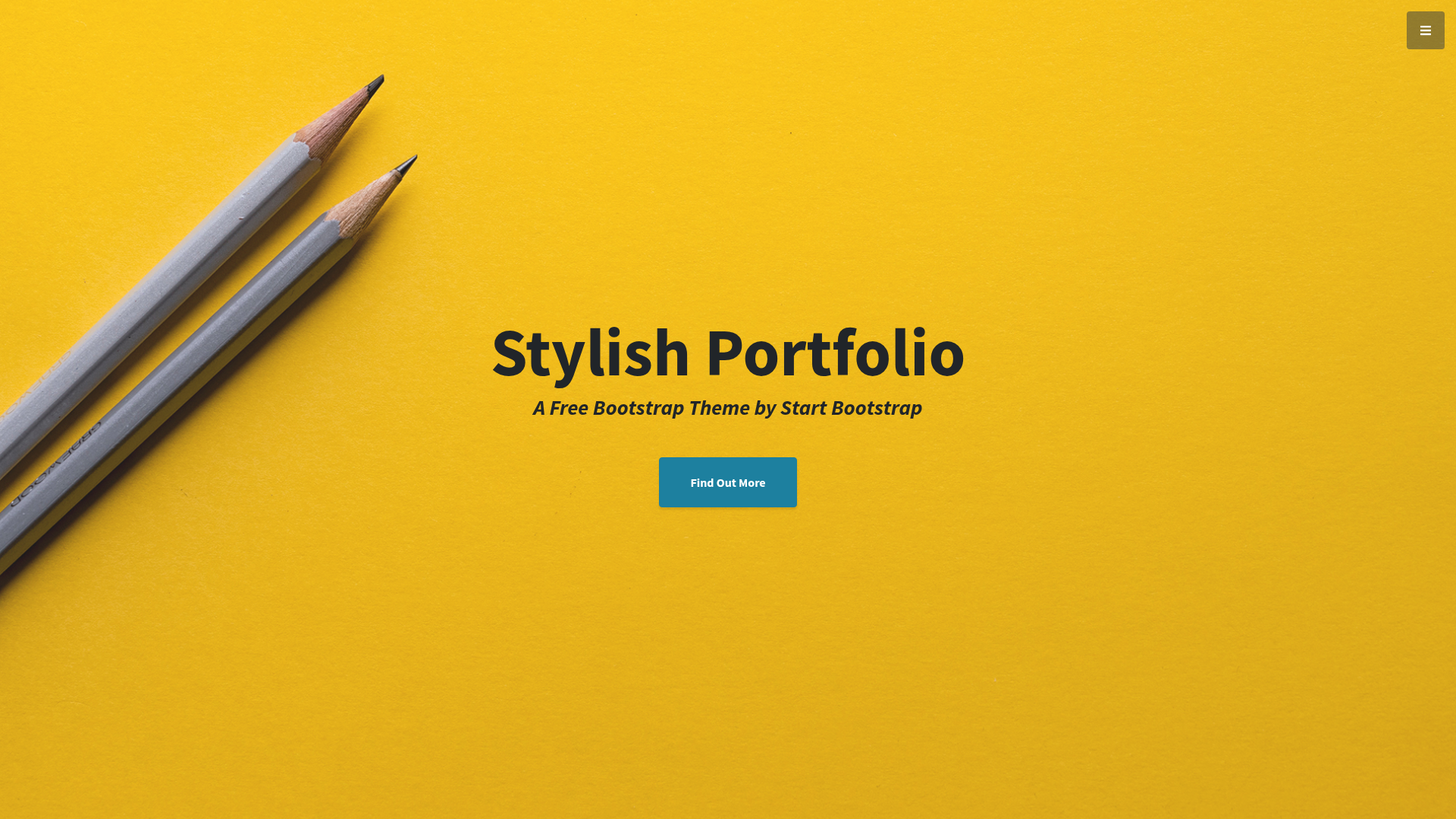
A modern, responsive developer portfolio template built with Next.js, ideal for showcasing your work and easy customization.
About this template
The Tanveer Portfolio is a Next.js-based personal portfolio template that gives developers and designers a responsive, performance-optimized starting point for showcasing their work.
What is the Tanveer Portfolio?
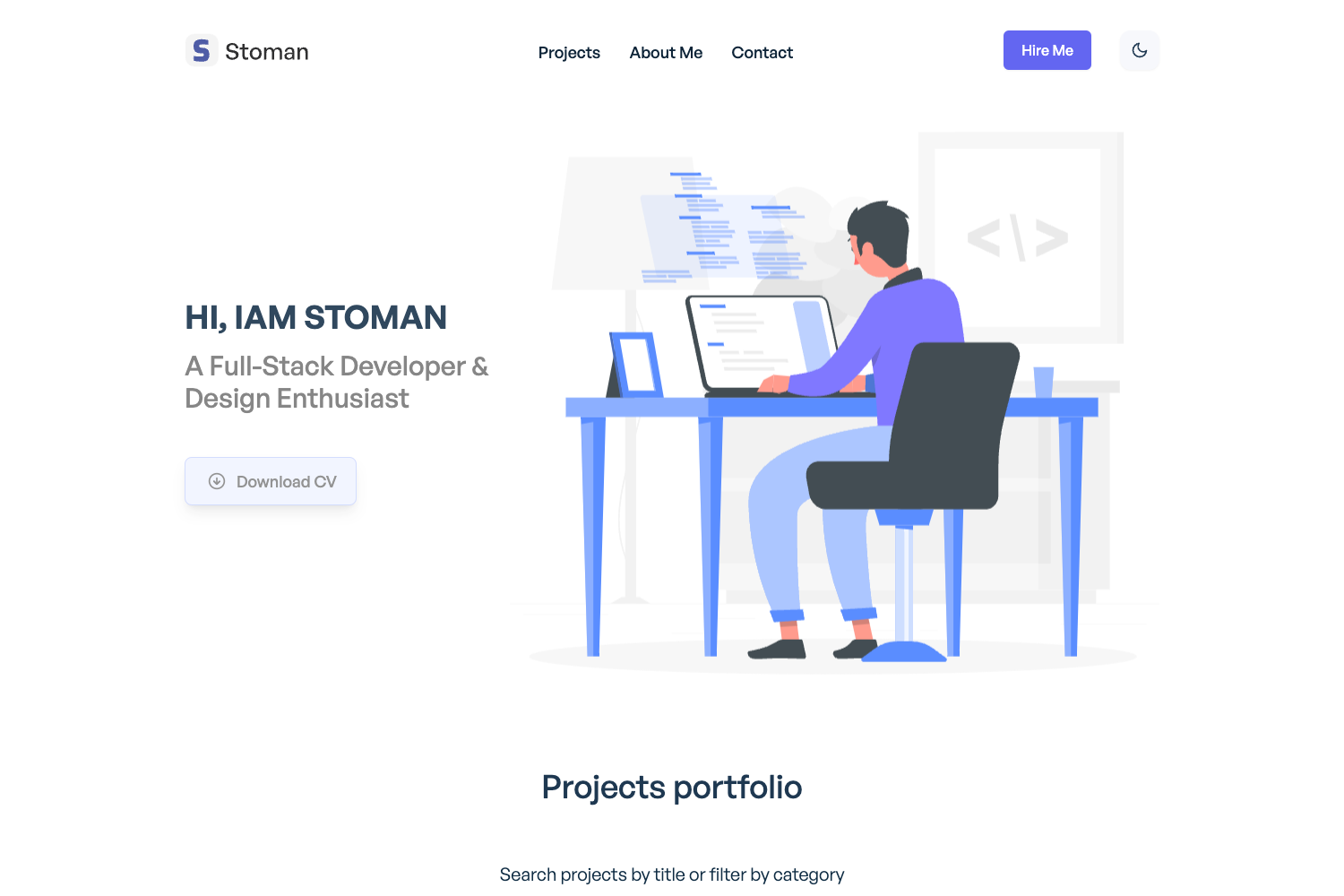
The Tanveer Portfolio is a full personal development portfolio built on the Next.js framework with React. It takes your content — projects, skills, and professional background — and turns it into a modern, responsive portfolio website. The project is distributed as a code repository that accompanies a video tutorial, and a live demo is hosted at tanveer-e09d4.web.app on Firebase Hosting.
Key Features
- Next.js framework — Built on Next.js with React, enabling server-side rendering and static site generation for fast, SEO-friendly portfolio pages.
- Responsive design — The layout adapts to mobile, tablet, and desktop screens, ensuring your work looks good on any device.
- Performance optimization — The repository description highlights performance optimizations, helping your portfolio load quickly.
- Simple customization — Instructions included with the template let you replace placeholder content without complex configuration.
- Video tutorial support — The codebase is paired with a step-by-step video tutorial showing how to create the portfolio from scratch.
- Open-source repository — A public codebase with 37 stars, available for anyone to use, study, or contribute to.
- Firebase hosting setup — The live demo is deployed on Firebase Hosting, indicating a straightforward path to deployment.
Who is it for?
The Tanveer Portfolio is designed for individuals who need an online presence to present their professional work.
- Developers use it to showcase code projects, technical skills, and contributions in a clean layout.
- Designers use it to display visual work, case studies, and design processes with a responsive gallery-style presentation.
- Students use it to build a job-ready portfolio quickly, thanks to the simple customization instructions and video walkthrough.
What can you do with it?
- Developers: Create a personal homepage that lists your GitHub repositories, blog posts, and contact information without building a site from scratch.
- Designers: Present your portfolio pieces and project write-ups in a mobile-friendly format that clients can browse easily.
- Students: Set up a professional-looking profile for internships and applications by editing the template’s content sections.
How does it work?
Getting started with the template requires cloning the repository and installing dependencies. The provided setup command is:
- Install dependencies with
npm i - Build the production bundle with
npm run build - Start the development server with
npm run dev
Once the server is running, you can view the site locally and begin editing content to match your personal information.
FAQ
What do I need to run the Tanveer Portfolio?
You need Node.js and npm installed on your machine. After cloning the repository, run npm i to install dependencies, npm run build for production, and npm run dev to start the local development server.
Does the template come with a video tutorial?
Yes, the repository is tied to a video tutorial that walks through creating the full personal development portfolio. The video shows how to set up the project, customize sections, and deploy the final site.
Can I deploy the portfolio to Firebase?
The live demo is hosted on Firebase Hosting (tanveer-e09d4.web.app), so Firebase deployment is a supported option. Standard Firebase Hosting deployment commands work once your project is configured.