Template details
Turbo Rails
Use Turbo in your Ruby on Rails app
About this template
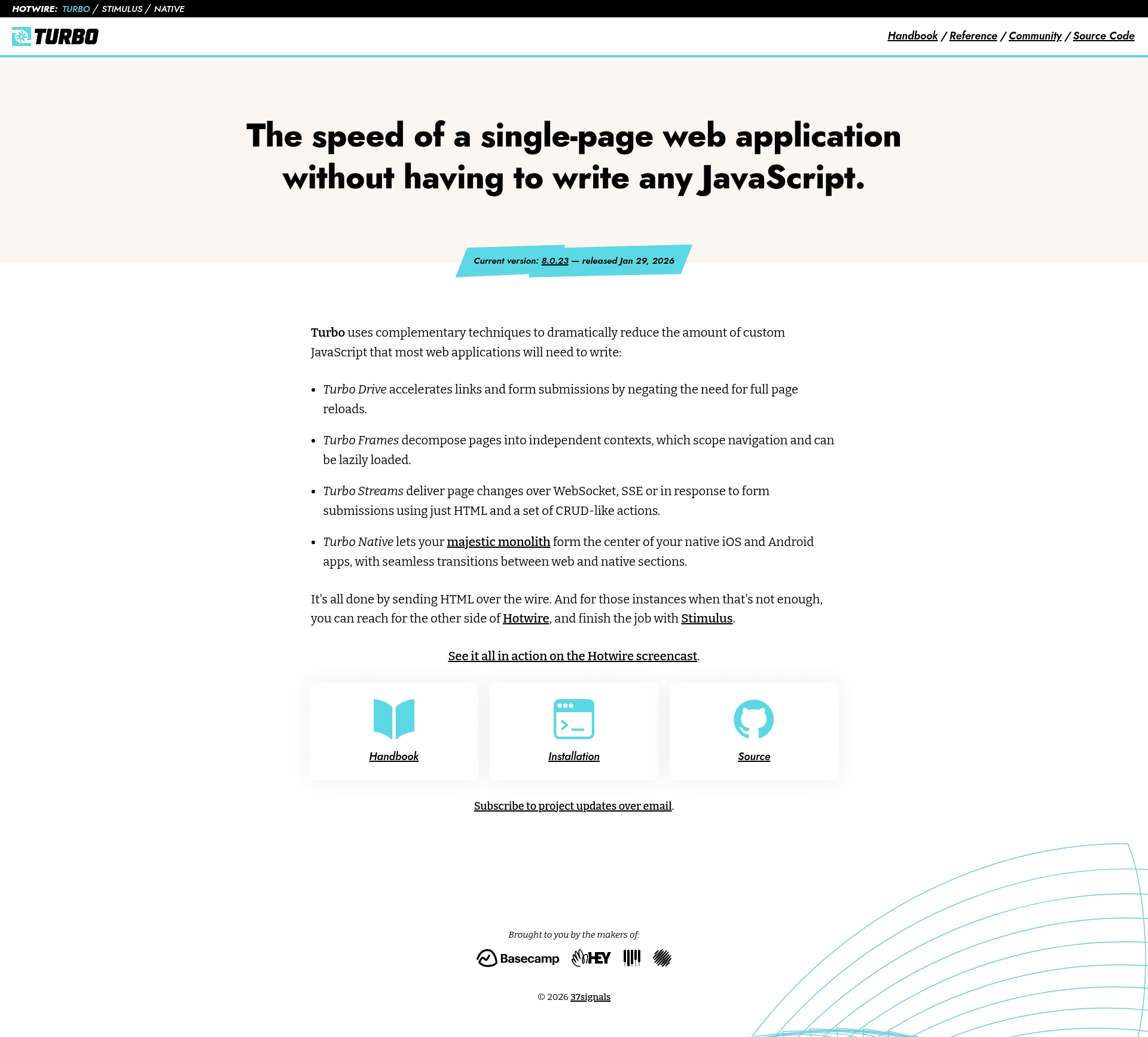
Turbo Rails is the official Ruby gem that brings Hotwire's Turbo to Rails applications, giving server-rendered HTML the speed of a single-page app without requiring custom JavaScript.
What is Turbo Rails?
Turbo Rails is the Ruby gem integration for the Turbo JavaScript framework, maintained under the Hotwire project. It takes standard Rails server-generated HTML — links, forms, and page components — and accelerates them via Turbo Drive, Turbo Frames, and Turbo Streams. The gem provides view helpers and backend machinery that plug into Rails 7+ automatically or Rails 6 via manual install.
Key Features
Turbo Rails packages Hotwire's three core techniques — Drive, Frames, and Streams — plus Rails helpers, native bridges, and test tooling.
- Turbo Drive — automatically intercepts clicks on same-domain links and form submissions, fetches the next page with fetch, and swaps the body while preserving the window and document objects.
- Turbo Frames — lets you wrap a subset of a page in a
turbo_frame_tagso that links and form submissions inside it replace only that frame; frames can be lazy-loaded automatically. - Turbo Streams — delivers partial page updates over Action Cable using CRUD-like container tags, with Active Job handling asynchronous rendering.
- Rails-specific helpers — includes
turbo_frame_tag,turbo_stream_from, aTurbo::Broadcastableconcern, and a custom layout method for frame requests. - Turbo Native foundation — designed to build hybrid mobile apps, filling native iOS and Android navigation shells with web content.
- Testing support — provides
Turbo::TestAssertions,Turbo::Broadcastable::TestHelper, and system test helpers likeconnect_turbo_cable_stream_sourcesto wait for cable connections. - No JSON API required — HTML fragments replace the need for a separate API and JavaScript-side rendering, cutting custom JavaScript by an order of magnitude.
Who is it for?
Turbo Rails suits developers who want SPA performance from server-rendered Rails apps.
- Rails developers — who want to speed up their existing server-rendered apps without rewriting them in a JavaScript frontend framework.
- Rails 6 teams upgrading — can manually install the gem and adopt Drive, Frames, and Streams incrementally.
- Mobile app developers — building hybrid native apps with turbo-android and turbo-ios, reusing existing Rails HTML features instead of rewriting in Swift or Kotlin.
What can you do with Turbo Rails?
These are the typical tasks the gem handles inside a Rails app.
- Accelerate navigation — replace full page reloads with fetch-based navigation on existing links and forms just by adding the gem.
- Decompose pages into frames — designate a personalized toolbar as a frame that the publicly cached root page lazy-loads independently.
- Broadcast live updates — use
turbo_stream_fromand model callbacks to push HTML changes to subscribed clients over WebSockets.
How does Turbo Rails work?
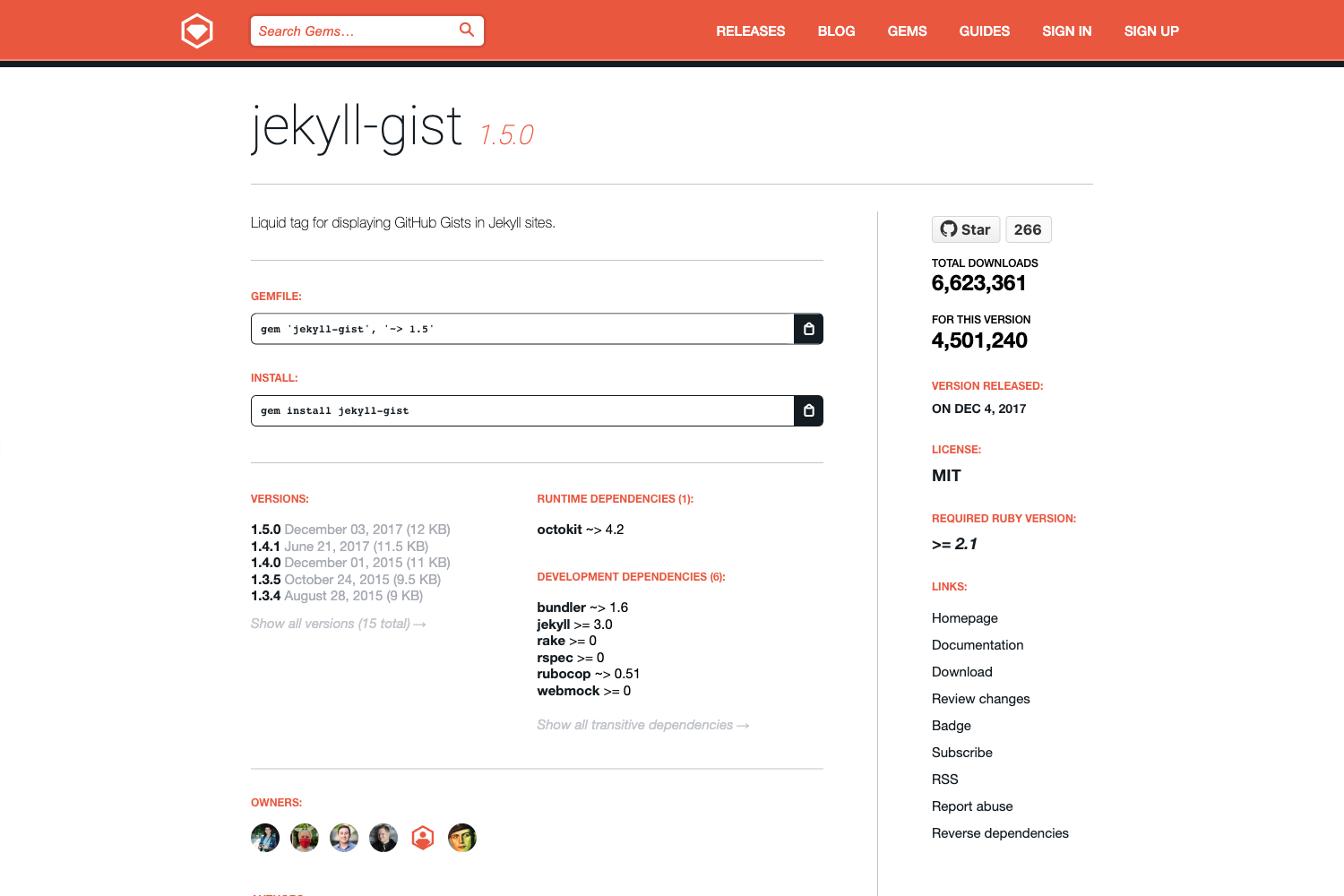
Turbo Rails works by installing a JavaScript runtime that intercepts navigation, plus Rails helpers that generate the needed HTML tags. Add the gem with gem 'turbo-rails', run bundle install, then run bin/rails turbo:install. For Rails 7+ apps, it's automatically configured unless --skip-hotwire is passed. In development, Turbo uses the single-process async Action Cable adapter, so broadcasts only reach the same process; use the web console to trigger them manually.
FAQ
Is Turbo Rails free?
Yes, Turbo is released under the MIT License.
Does Turbo Rails work with Rails 6?
Yes. Rails 6 applications need the manual install: add the gem to your Gemfile, run ./bin/bundle install, and then run ./bin/rails turbo:install.
What is the difference between Turbo Drive and Turbolinks?
Turbo Drive is the continuation of the Turbolinks framework. It adds interception of form submissions and their responses, so the entire navigation flow works without data-remote=true.
Do I need to write JavaScript?
For the core features, no. Turbo Drive, Frames, and Streams rely on server-generated HTML. The few dynamic bits left can be handled with Stimulus if needed.