Template details
Wren
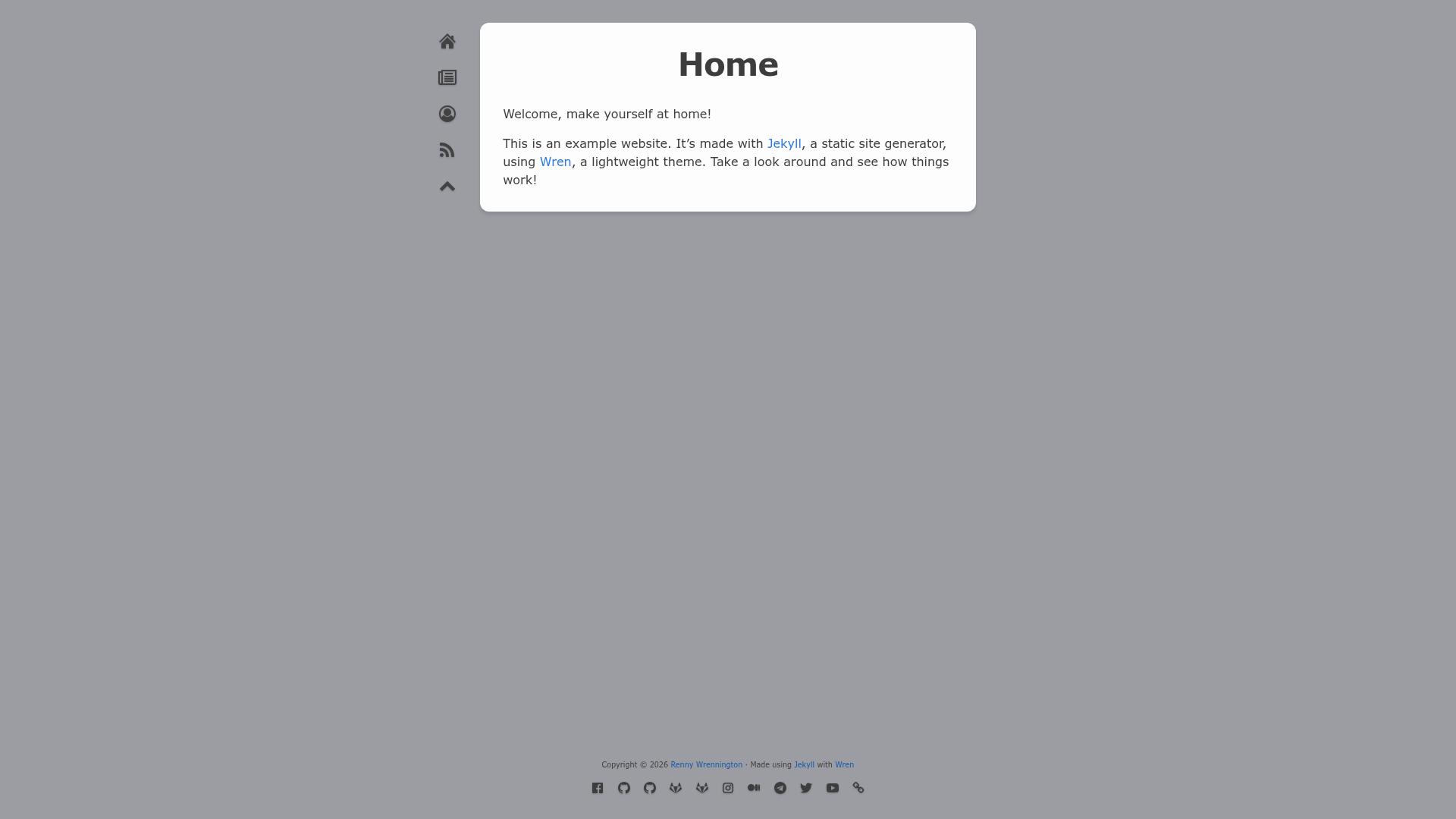
Wren is a paper-style Jekyll theme built on Minima with tag/author pages, reading times, video embeds, pagination, RSS, and SEO.
About this template
Wren is a paper-style, MIT-licensed Jekyll theme forked from Minima that converts Markdown posts and a YAML config file into a responsive static blog with tag and author pages, reading times, video embeds, optional pagination, an Atom/RSS feed, and built-in SEO.
What is Wren?
Wren is a Jekyll theme for blogs, distributed as the jekyll-wren Ruby gem and via the foggalong/wren remote theme for GitHub Pages. It takes standard Jekyll content — Markdown posts, pages, and a _config.yml file — and outputs a static HTML site. The theme is developed by Foggalong, is currently in beta, and its SASS is forked from Minima. To remain compatible with GitHub Pages, Wren only uses plugins from the GitHub Pages whitelist, such as jekyll-feed, jekyll-paginate, jekyll-seo-tag, and jekyll-remote-theme.
Key Features
- Responsive, customisable design — Wren's SASS is forked from Minima and exposes a long list of SCSS variables (including
$background-color) that you can override inassets/style.scss. - Reading time — Each post shows an estimated reading time, computed with a Liquid approach based on the
jekyll-reading-timeplugin. - 'First published on' icons — Posts can display icons indicating where the content was originally published.
- Tag and author browsing — Posts can be filtered by tags and by author through generated listing pages.
- Embedded video — YouTube, Twitch, and other platforms work via Liquid templates inspired by
jekyll-embed-video. - Extendable head, foot, and post meta — Users can add
custom-head.html,custom-foot.html, andcustom-meta.htmlto inject content into the page head, footer, and the end of a post's metadata line. - Optional pagination — Uses
jekyll-paginatewith configurablepaginateandpaginate_pathsettings in_config.yml; note that pagination only applies to the main posts index page, which must be namedindex.html. - Atom/RSS feed — An Atom feed of all posts is generated by
jekyll-feed. - SEO —
jekyll-seo-tagadds search-engine optimisation meta tags to every page.
Who is it for?
Wren is for Jekyll bloggers who want a clean, paper-like aesthetic without hand-coding layouts. It suits individual bloggers publishing Markdown posts who need tag and author organization, and developers who want a GitHub Pages–compatible theme that relies only on whitelisted plugins. It also appeals to Minima users who want extra features like reading time, video embeds, and a longer list of SCSS customisation variables.
What can you do with Wren?
- Bloggers: Publish Markdown posts and get a responsive blog with tag and author pages, an Atom feed, and SEO tags — all generated statically.
- Developers: Fork the repository or use the remote theme to deploy on GitHub Pages; the remote theme approach builds with GitHub Pages' own builder.
- Customisers: Override SCSS variables in
assets/style.scssor add custom head, foot, and post-meta templates to extend the theme without editing upstream files.
How does Wren work?
Install Wren by adding theme: jekyll-wren and the gem jekyll-wren (version ~> 0.4) to your Gemfile, or by adding remote_theme: foggalong/wren@0.4 along with the jekyll-remote-theme plugin. Configure options in _config.yml (the repo's config file is thoroughly commented), write posts in Markdown, then build the site with Jekyll. The theme includes an error.html layout for custom 404 pages; example error pages for GitHub Pages, Apache, and Nginx are available in the errors/ directory.
Alternatives
Minima is the most direct alternative — Wren's SASS is forked from it, but Wren adds reading time, tag and author pages, video embeds, and more customisation variables. Other Jekyll themes exist, but Minima is the one explicitly referenced as the base.
FAQ
Is Wren free?
Yes, Wren is released under the MIT License, so it is free to use, modify, and distribute. The only exception is the default profile image, which is a CC-BY-NC licensed photo of a Bewick Wren.
Can I use Wren with GitHub Pages?
Yes, when you use it as a remote theme with remote_theme: foggalong/wren@0.4, because jekyll-remote-theme is on the GitHub Pages whitelist. The jekyll-wren gem is not on the whitelist, so you cannot build directly with GitHub Pages' builder if you use the gem; you would need to build locally and push the output.
How do I customise the colors?
Add SCSS variables to assets/style.scss, such as $background-color: #3d9da3;. Wren exposes a longer list of style variables than Minima — the full list is in the initialize.scss file.
Does Wren support pagination?
Yes, Wren supports pagination through jekyll-paginate. Enable it by uncommenting paginate: 5 and paginate_path: "/blog/:num" in _config.yml. Due to jekyll-paginate limitations, pagination only works on the main posts index file, which must be named index.html.