Template details
Classless for Hugo
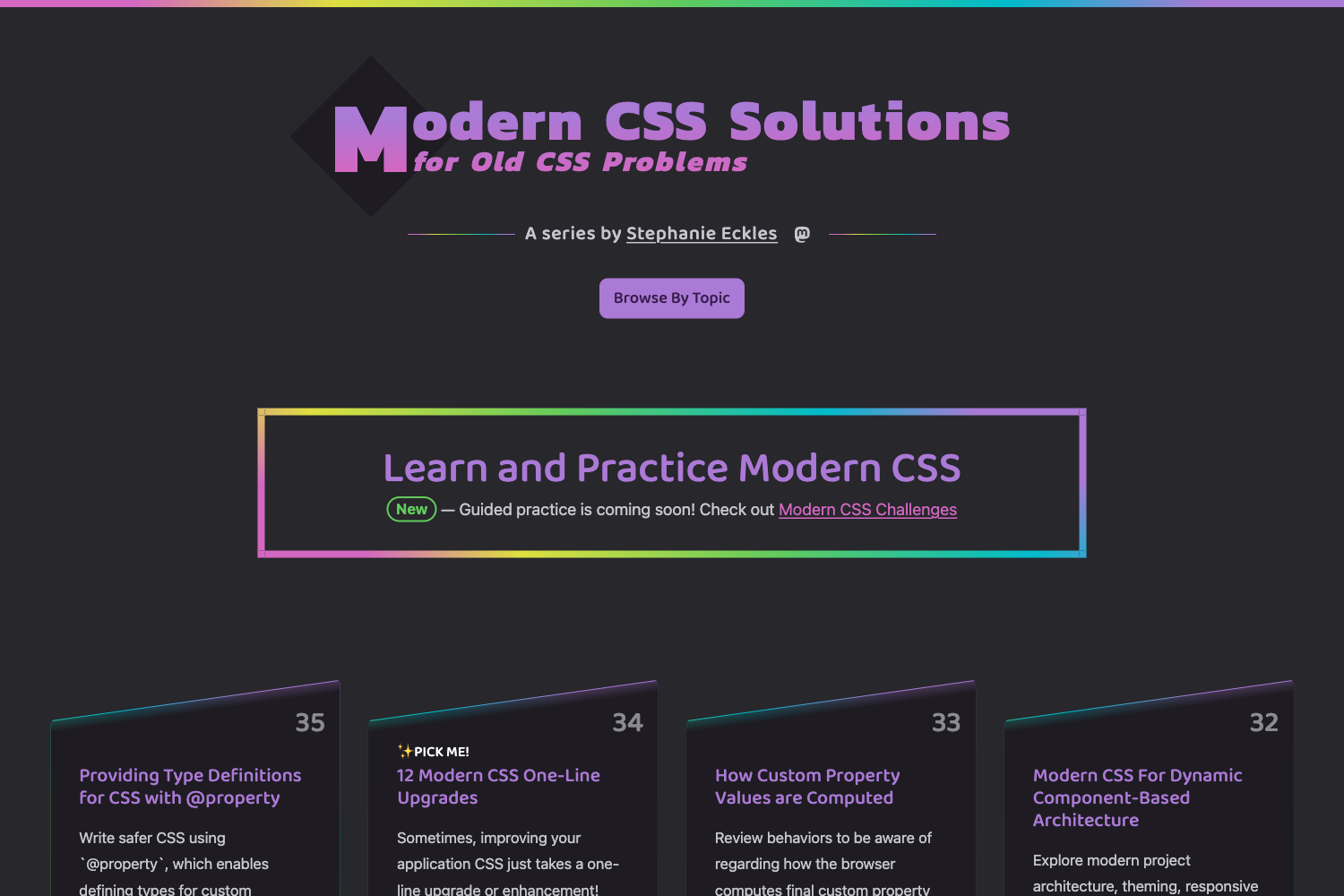
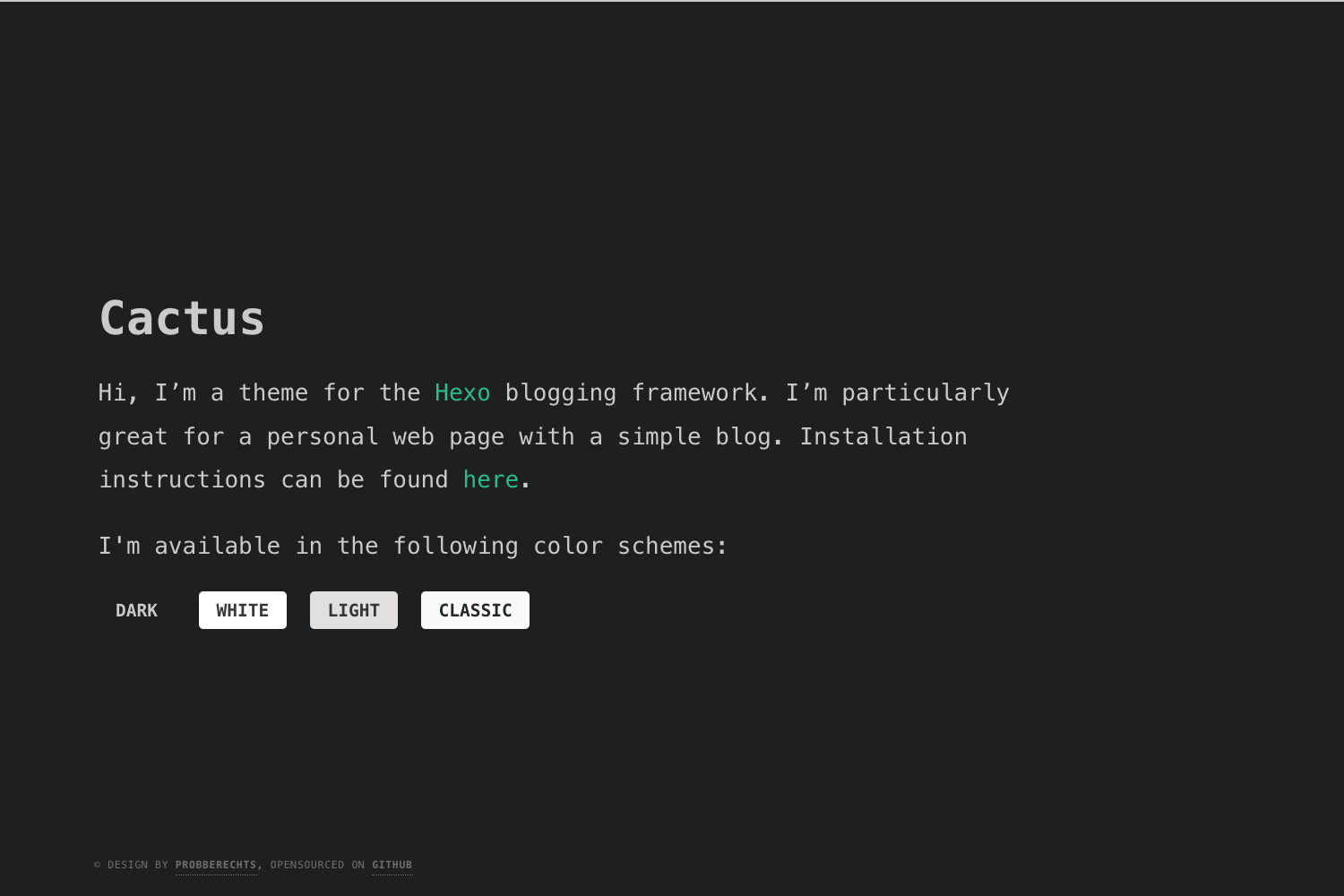
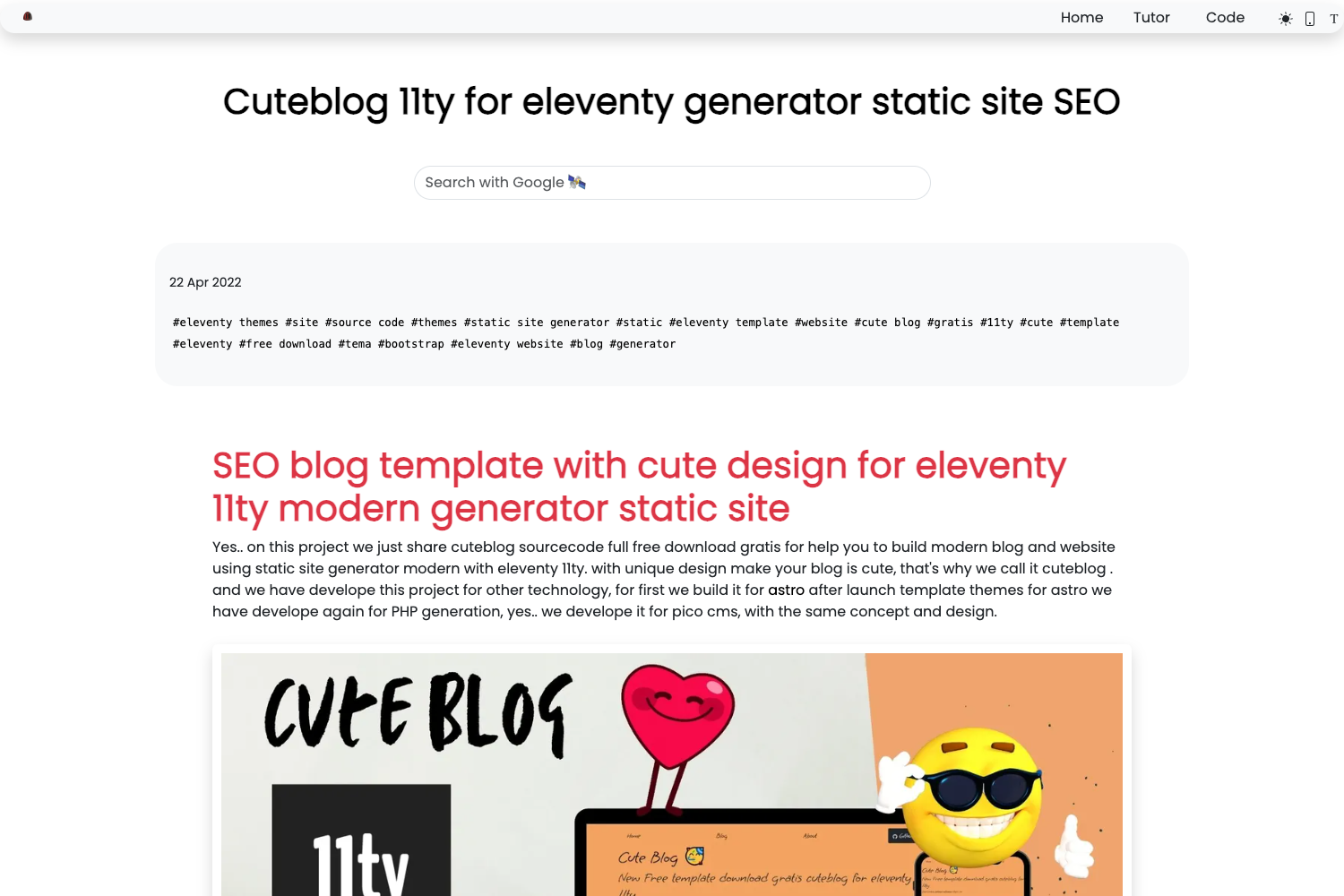
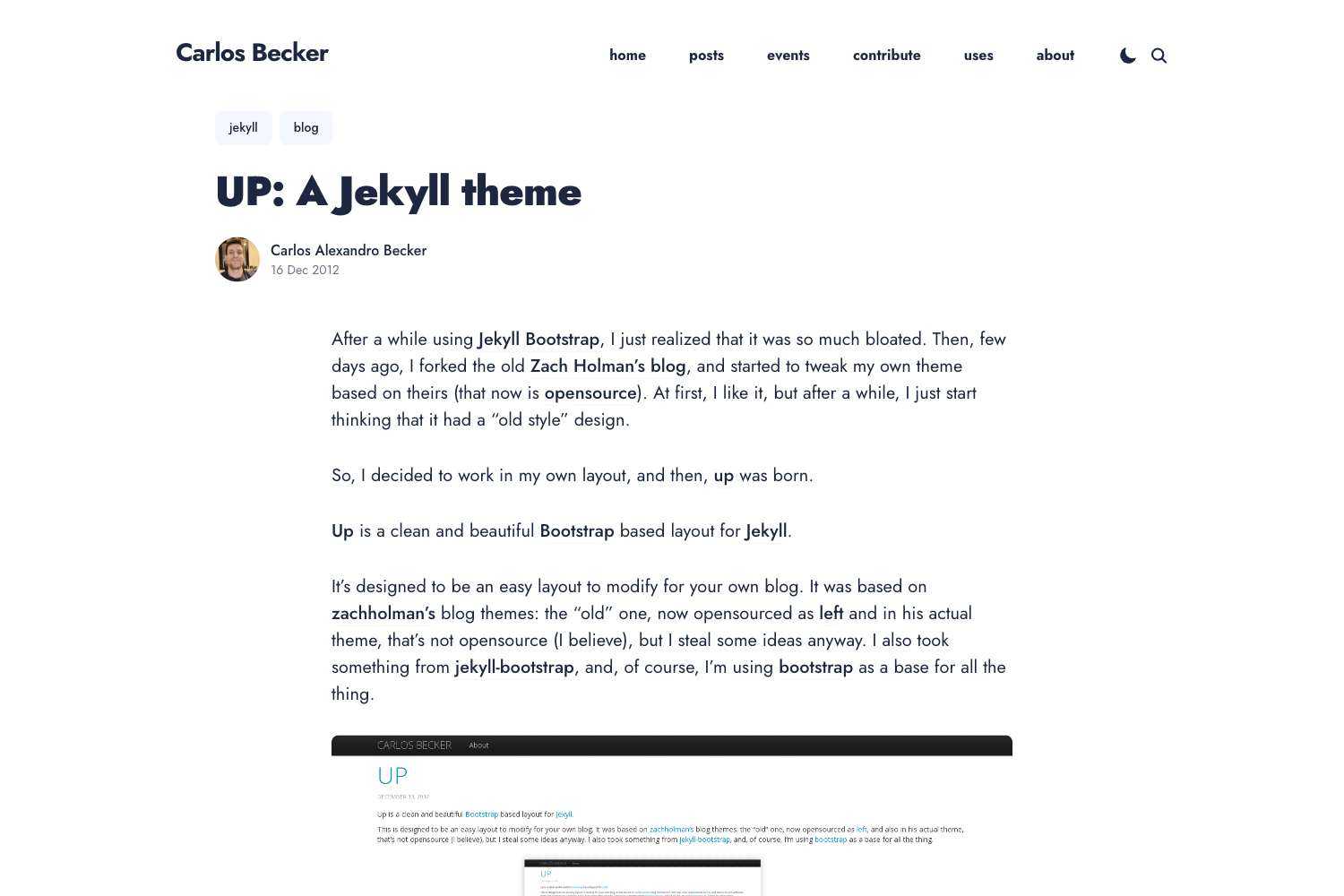
A Hugo theme that applies the Classless CSS templates, with theme selection via config.toml and optional per-post covers.
About this template
Classless for Hugo is a Hugo theme that implements the Classless CSS template collection, letting you choose any supported Classless theme directly from your site's config.toml.
What is Classless for Hugo?
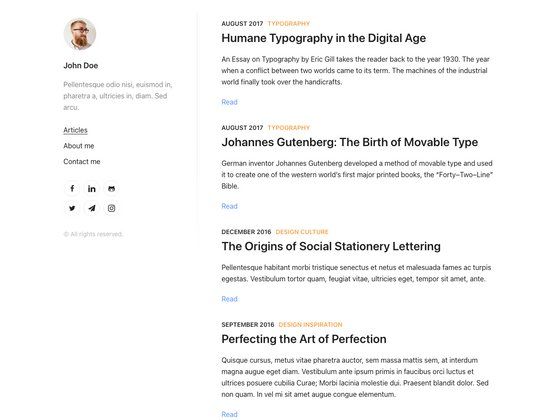
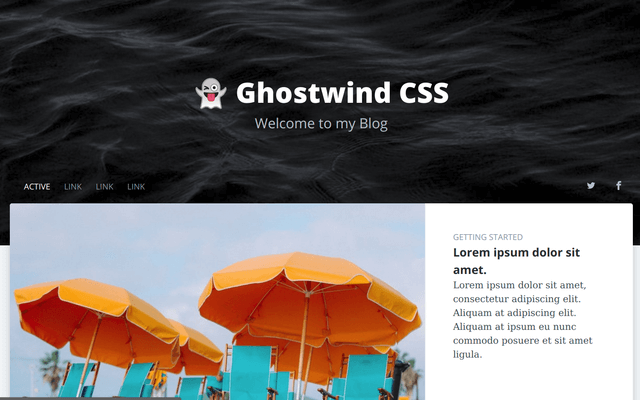
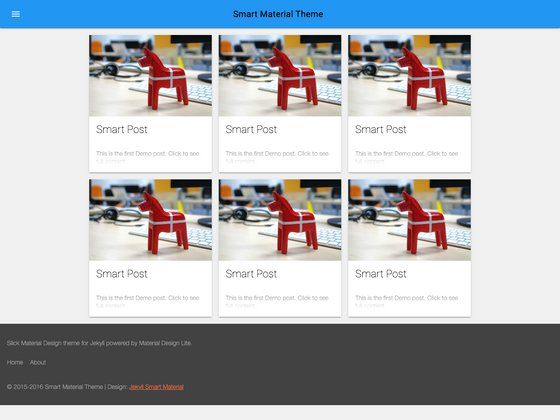
Classless for Hugo is a Hugo theme built around the Classless CSS templates. It takes a Hugo site and applies a chosen Classless theme via configuration, outputting fully static pages with that theme's styling. The theme is maintained on GitHub, with the Hugo implementation described as "The Classless templates and themes implemented in Hugo". The theme serves the selected CSS from rawgit.com using the commit hash from the classless repository to get CDNized versions of the themes.
Key Features
- Config-based theme selection — Set the
themeandcommit_shaparameters inconfig.tomlto load a specific Classless theme; alternatively settheme_urlto include any custom CSS URL. - Random theme fallback — If no theme is configured, a random Classless theme is included along with a widget that lets site visitors switch themes live, useful for experimenting before committing.
- Site description parameter — The
descriptionparameter fills the<meta>description and thebody > headerelement, and is overridden by post summaries on normal posts. - Summary control — Set
show_summariestofalseto suppress automatic summaries on list pages. - Overridable partials — The
layouts/partials/aside.htmlandlayouts/partials/footer.htmlfiles can be overwritten to customize the body elements that Classless provides. - Per-post cover images — Posts can specify a
coverURL to show an image in the article header and on list pages. - Post options — Posts support
hide_dateto hide the date andtagsas an array, both optional. - Hugo-native — Built for Hugo, using Go templates and the standard
content/posts/directory structure.
Who is it for?
Hugo developers who want a minimal, classless CSS aesthetic without writing custom styles. Minimalist bloggers who want a no-frills theme with a clean reading experience. Developers building a quick Hugo site who want to try multiple Classless themes before settling on one.
What can you do with it?
- Hugo bloggers: Publish posts under
content/posts/with optional cover images, tags, and hidden dates, and have them styled with a chosen Classless theme. - Developers prototyping: Use the random theme widget to switch between Classless themes live, then lock in a choice by writing the theme name and commit hash to
config.toml. - Custom CSS users: Bypass the Classless collection entirely by setting
theme_urlto a custom stylesheet URL. - Theme builders: Override the
aside.htmlandfooter.htmlpartials to extend the Classless layout.
How does it work?
Install the theme, create a config.toml with a [params] section, set theme and commit_sha (or theme_url), and place posts in content/posts/. The theme fetches the chosen CSS from rawgit.com using the commit hash for caching. If nothing is set, a random theme and a theme-picker widget are rendered.
FAQ
How do I choose a Classless theme?
Set the theme parameter to the name of any theme listed at the Classless themes page and set commit_sha to the 7-character commit hash from the classless GitHub repository. The site then loads that theme's CSS via rawgit.com.
What happens if I don't set a theme?
If neither theme nor theme_url is configured, a random Classless theme is included and a widget appears on the site that lets you switch themes interactively. You can experiment and then write your selection into config.toml.
Can I use my own CSS instead of a Classless theme?
Yes. Set theme_url to a direct URL of any CSS file. That URL is included as the theme's stylesheet, overriding the default random theme.
How do I add a cover image to a post?
In the post's front matter, set cover to an image URL. The image appears in the article header on the post page and on list pages.
Does this theme support tags?
Yes. Posts can declare a tags array in front matter, which the theme's partials can use to display tags (the content documents the parameter but not the default display markup).