Template details
11ty Blog Starter
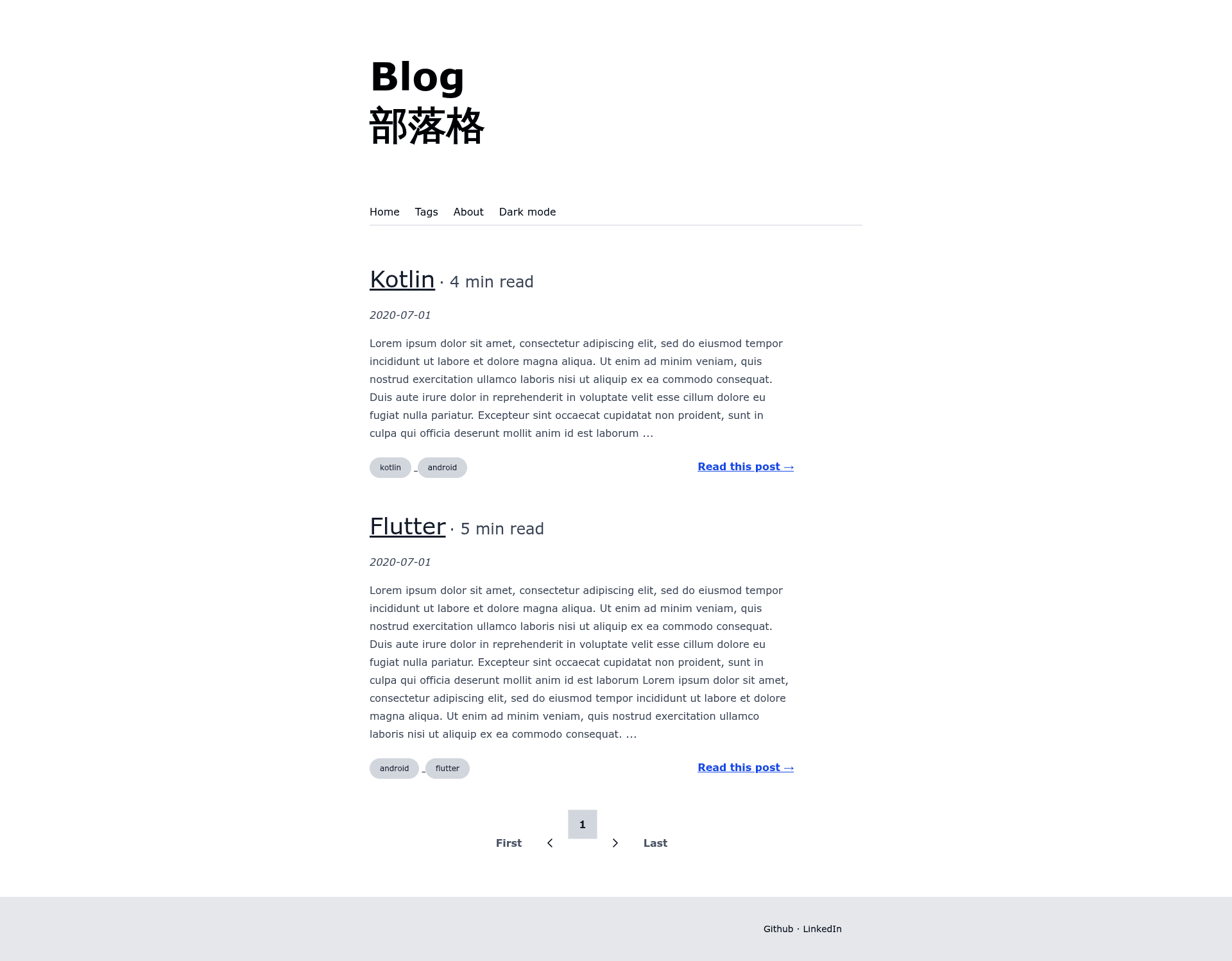
Eleventy v3 + Tailwind CSS v4 blog starter that works with JavaScript disabled.
About this template
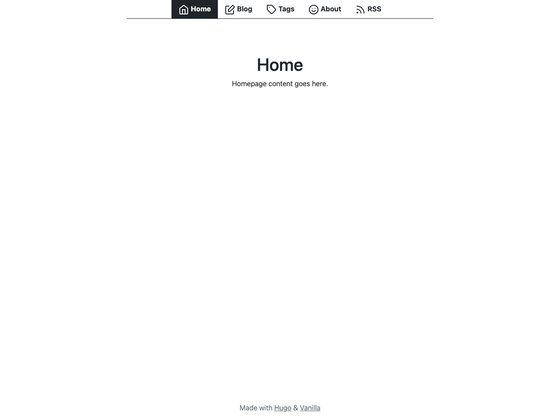
11ty Blog Starter is a static-site blog template built with Eleventy v3 and Tailwind CSS v4 that deliberately runs with no JavaScript, so the generated site works even when scripts are disabled.
What is the 11ty Blog Starter?
It is a starter repository for a blog that takes Markdown posts as input and generates a static HTML site as output. The site is generated by Eleventy v3 and styled with Tailwind CSS v4, Tailwind Typography, and a dark mode implementation. You create posts under src/posts, run npm run build, and the final site is written to the _site folder for deployment to Netlify, Surge, Firebase hosting, or similar providers.
Key Features
- No-JavaScript output — the blog is designed to work with scripting disabled, meaning no bundlers are needed and only static HTML, CSS, and images are served.
- Eleventy v3 static generation — uses Eleventy v3 with Markdown as the content format for posts.
- Tailwind CSS v4 styling — includes Tailwind Typography for article typography and a dark mode implementation.
- Custom ReadTime filter — the
.eleventy.jsconfiguration includes a filter that estimates the reading time for each post. - Tags and tag pages — a
tagListcollection defined in.eleventy.jspowers a/tagsindex page and per-tag pages at/tags/tag-name. - Draft posts — use the
publishedfrontmatter field to keep posts out of the built site until they are ready. - Image shortcode — an
asset_imgshortcode inserts images fromsrc/assets/img/postsby filename and alt text. - Sitemap and robots.txt — generated automatically; the site URL is configured in
_data/site.json. - Post pagination — the homepage paginates through posts, with the page size controlled by the
sizefrontmatter variable inindex.html. - Bash post generator — the
./createscript creates a new post file atsrc/posts/YYYY/MM/new-post.mdusing the current year and month.
Who should use the 11ty Blog Starter?
- Independent bloggers — publish a personal blog that loads without JavaScript and is maintained as Markdown files.
- Eleventy developers — start from an Eleventy v3 setup with Tailwind v4, tag collections, pagination, and a ReadTime filter already configured.
- Writers who prefer Markdown — author posts in plain Markdown, organize them by year and month, and preview them locally with
npm start. - Netlify deployers — use the one-click deploy button linked to the GitHub repository, with build command
npm run buildand output folder_site.
What can you do with the 11ty Blog Starter?
- Set up a personal blog — clone the starter, run
npm start, and you have a local server at localhost:8080 showing the paginated homepage. - Write and organize posts by date — keep posts in
src/postsin a YYYY/MM folder structure and use the./createscript to scaffold new files with the correct date path. - Add tag-based navigation — the site automatically generates a tags page and per-tag listings so readers can filter posts by topic.
- Publish drafts selectively — use the
publishedfrontmatter to keep unfinished posts out of the built site until they are ready. - Customize the site URL — edit
_data/site.jsonto change the domain used in the generated sitemap and robots.txt.
How does the 11ty Blog Starter work?
Run npm start to launch the development server on localhost:8080. Blog posts live as Markdown files in src/posts; the Eleventy build compiles them into static HTML in _site. For deployment, set the build command to npm run build and the publish directory to _site on Netlify, Surge, or Firebase Hosting. The included bash script ./create scaffolds a new post.
FAQ
Does the 11ty Blog Starter work with JavaScript disabled?
Yes, the blog is designed to run without JavaScript. The README states it is a blog that still runs without javascript, so no bundlers are required and the demo site hosted on Netlify works with scripts disabled.
How do I create a new blog post?
Run ./create with a title, for example ./create new blog post, and the script will generate a Markdown file at src/posts/2021/01/new-blog-post.md using the current year and month. You can also manually add a Markdown file under src/posts.
What build command and output folder do I use for deployment?
Use npm run build as the build command and _site as the output directory. The README lists Netlify, Surge, and Firebase hosting as compatible providers, and the repository includes a Netlify deploy button.
Can I change the site URL used in sitemap and robots.txt?
Yes, the site URL is set in _data/site.json. Edit that value and the generated sitemap and robots.txt will reflect the new domain.