Template details
Vanilla Bootstrap
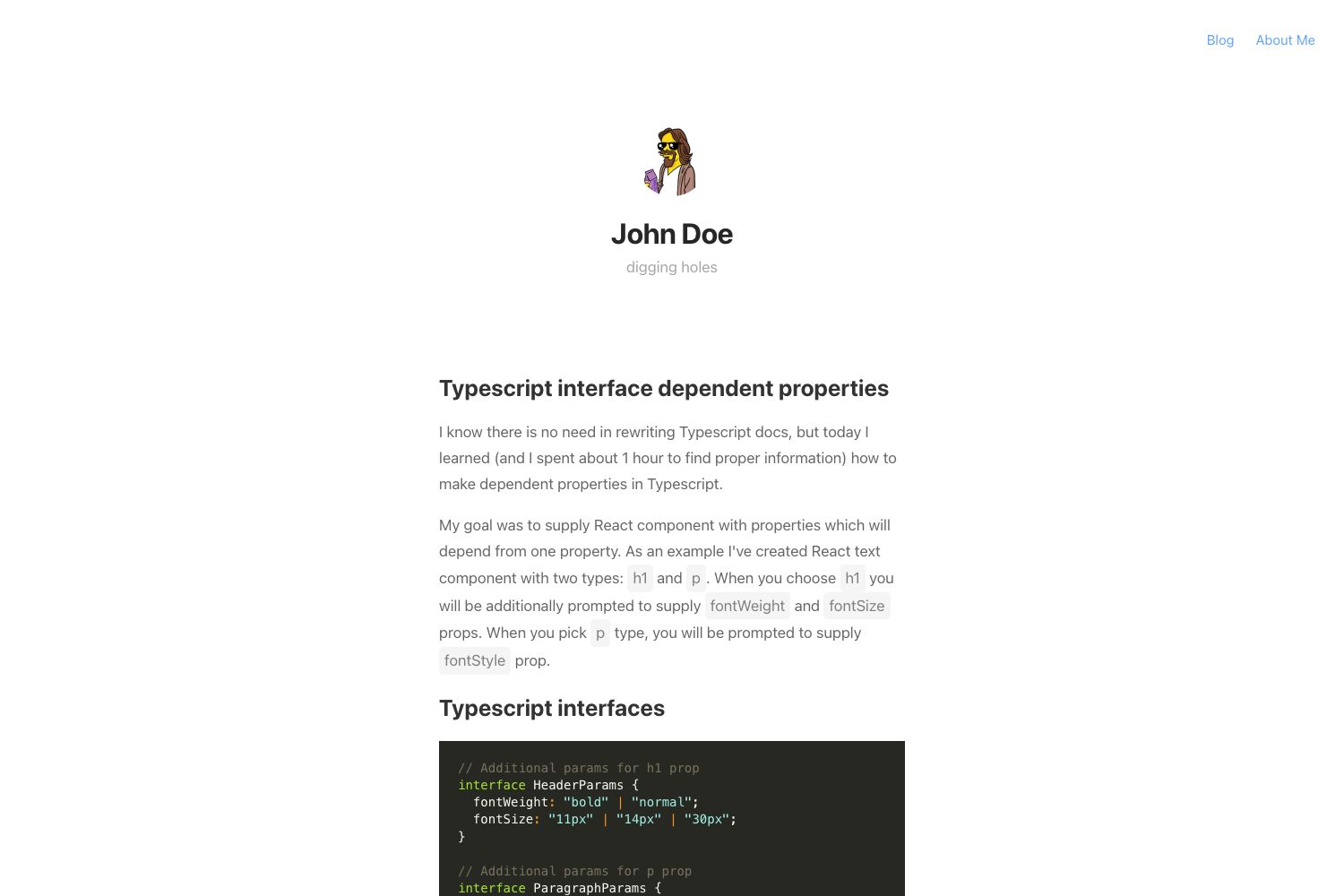
A vanilla Hugo theme built on Bootstrap 4.3 with shortcodes for blockquotes, tables, and image cards.
About this template
Vanilla Bootstrap is a Hugo theme that wraps Bootstrap 4.3 into a minimal, blog-ready static site, offering three custom shortcodes for blockquotes, tables, and image cards.
What is Vanilla Bootstrap?
Vanilla Bootstrap is a Hugo theme published on GitHub by user zwbetz-gh in the repository vanilla-bootstrap-hugo-theme. It takes Markdown content and configuration from config.yaml and generates a static website styled with vanilla Bootstrap—no additional CSS framework or build step. The theme includes an example site under exampleSite, references Feather icons for UI icons, and displays a Netlify deploy badge. As of the repository's current state, the project is archived and read-only, with no further maintenance expected.
Key Features
- Bootstrap 4.3 styling — The theme applies Bootstrap's CSS and JavaScript directly to Hugo-generated HTML; documentation links point to Bootstrap v4.3 components.
- Three custom shortcodes —
bootstrap-blockquoteformats blockquotes with an optionalauthorargument;bootstrap-tableapplies Bootstrap table classes to Markdown tables;bootstrap-cardrenders a card using a page-bundle image with Hugo image processing. - Homepage content override — The homepage shows the
homeTextconfig parameter by default, but creatingcontent/_index.mdoverrides it with file-based content. - Feather icons — The theme integrates Feather icons for its icon set, visible in navigation and UI elements.
- Example site included — An
exampleSitedirectory ships with sample posts and a sampleconfig.yaml, run locally withhugo server --themesDir ../... - Netlify-ready — A Netlify deploy status badge in the README indicates the theme is set up for Netlify continuous deployment.
- Hugo 0.81.0+ required — The theme requires Hugo version 0.81.0 or higher; the README links to Hugo releases for downloads.
Who should use Vanilla Bootstrap?
Vanilla Bootstrap suits Hugo users who want a Bootstrap-based site without learning a heavy UI framework. Bloggers can publish Markdown posts with styled tables, blockquotes, and image cards. Developers prototyping a static site can copy the example site's config.yaml and start building immediately. Hugo learners will find the shortcode implementations and page-bundle examples instructive, since the theme demonstrates core Hugo concepts. Netlify users benefit from the included deploy badge, which simplifies continuous deployment.
Use cases
- Personal blogs: write posts in Markdown and use
bootstrap-tableto display data,bootstrap-blockquotefor pull quotes, andbootstrap-cardfor images. - Portfolio or gallery sites: leverage
bootstrap-cardwith Hugo image processing to display images from page bundles with configurable resizing. - Documentation or knowledge base: present product specs in Bootstrap tables and highlight tips with blockquotes, all in a consistent default style.
How does the theme work?
Installation follows the Hugo submodule pattern: run git submodule add https://github.com/zwbetz-gh/vanilla-bootstrap-hugo-theme.git themes/vanilla-bootstrap-hugo-theme from your site root. Then copy config.yaml from exampleSite and edit it. The three shortcodes are used directly in Markdown content, and the bootstrap-card shortcode relies on page-bundle images and Hugo image processing commands such as Resize with options like 700x.
FAQ
Is Vanilla Bootstrap still maintained?
No. The GitHub repository is archived and read-only. This means no updates, bug fixes, or community pull requests are expected. You can still download and use the theme, but should plan for no future development.
What Hugo version is required?
Hugo version 0.81.0 or higher is required. The README points to the Hugo releases page for downloading the appropriate binary for your operating system.
What shortcodes does the theme include?
The theme includes three shortcodes: bootstrap-blockquote, bootstrap-table, and bootstrap-card. They wrap Bootstrap classes around your Markdown content; the card shortcode also uses Hugo image processing.
How do I customize the homepage?
Set the homeText parameter in config.yaml or create content/_index.md with front matter. If _index.md exists, its content takes precedence over homeText.
How do I install the theme?
From the root of your Hugo site, run git submodule add https://github.com/zwbetz-gh/vanilla-bootstrap-hugo-theme.git themes/vanilla-bootstrap-hugo-theme. Then copy the example config.yaml and start Hugo. Updating is done with git submodule update --remote --merge.