Template details
Derrick
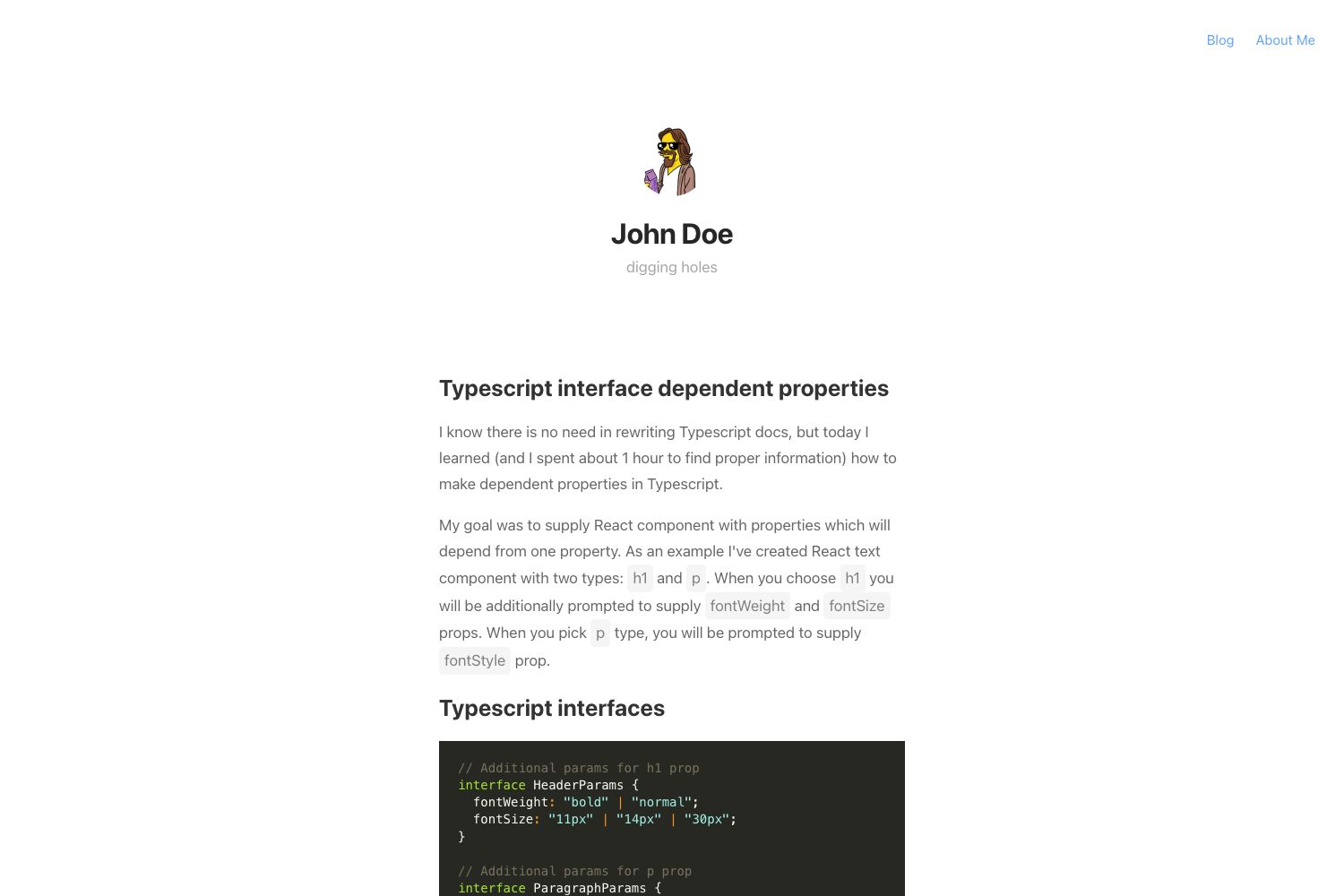
Derrick is a clean, minimal, and fast Jekyll theme for a personal blog, with Disqus comments, Google Analytics, and post sharing.
About this template
Derrick is a free, open-source Jekyll theme for personal blogs, turning Markdown posts with YAML front matter into a clean, responsive HTML site.
What is Derrick?
Derrick is a free, open-source Jekyll theme for personal blogs, created by Artem Sheludko and released under the MIT License. It accepts Markdown posts with YAML front matter as input and renders a static, mobile-optimized HTML site, with a live demo hosted at https://derrick-jekyll.netlify.com. The theme is built to work with Jekyll, so it can run on GitHub Pages, and the repository is tagged for gh-pages and jekyll-theme.
Key Features
- Responsive layout — 100% responsive and optimized for mobile devices, with a minimal, clean design.
- Post front matter — Set layout, title, date, image, and tags in each Markdown file's YAML front matter; add post images to the /assets/img/ directory.
- Disqus comments — Disqus is enabled by default; set your site-specific shortname via the disqus-identifier key in _config.yml.
- Google Analytics — Add your tracking identifier (for example, UA-99631805-1) to the google-analytics key in _config.yml.
- Post sharing — Readers can share posts through built-in sharing functionality.
- Google Fonts — The theme loads Google Fonts for typography.
- Valid HTML5 — Output is valid HTML5 code.
- Easy favicon update — Replace the favicon.ico file in the root directory to change the site icon.
Who should use Derrick?
- Personal bloggers — Publish Markdown-based posts with images and tags, and get a clean, fast-loading site without touching design code.
- Jekyll newcomers — Learn the standard Jekyll workflow: run bundle install, add posts to the _posts folder, and serve the site locally with bundle exec jekyll serve.
- GitHub Pages users — Deploy a static blog to GitHub Pages, since the repository is a Jekyll theme that supports gh-pages deployment.
- Developers wanting comments and analytics — Wire up Disqus and Google Analytics through two keys in _config.yml, no extra plugins required.
What can you do with Derrick?
- Start a personal blog quickly — Drop Markdown files into the _posts directory with front matter, and the theme renders a minimal blog layout with sharing and comments.
- Host a fast static site — Because Jekyll prebuilds HTML, the result is an optimized, responsive site; the theme itself is described as fast by the author.
- Customize via _config.yml — Toggle Disqus and Google Analytics settings and swap the favicon without touching templates.
How does Derrick work?
Install dependencies by running bundle install in the theme directory, then start the Jekyll server with bundle exec jekyll serve. Create Markdown files in the _posts folder following Jekyll's naming convention, and include fields for title, date, image path, and tags in the front matter. Add your Disqus shortname and Google Analytics identifier to _config.yml, then rebuild the site; the theme also supports replacing favicon.ico in the root.
Pricing
Derrick is free to download and use under the MIT License, so it can be used for personal or commercial projects without cost. The same author sells premium Jekyll themes — Coderon, Renva, and Nomod — which are paid alternatives.
FAQ
Is Derrick free?
Yes, Derrick is free and open source under the MIT License. You can download, use, and modify it for personal or commercial projects without paying a license fee. Premium themes by the same author are sold separately.
How do I install Derrick?
Clone or download the theme repository, navigate into the directory, then run bundle install to install dependencies and bundle exec jekyll serve to start a local server. The docs also point to Jekyll's deployment-methods page for publishing options.
How do I add Disqus comments to Derrick?
Open _config.yml and change the disqus-identifier value to your Disqus account shortname. If comments do not load, verify that your website is registered with Disqus and follow Disqus's troubleshooting guide.
How do I add Google Analytics to Derrick?
Open _config.yml and add your Google Analytics tracking identifier to the google-analytics key. The README shows a format like UA-99631805-1 for classic Universal Analytics identifiers.
How do I create a new post in Derrick?
Create a new Markdown file in the _posts directory using Jekyll's recommended file naming convention. Set the layout to post, and add title, date, image path under /assets/img/, and tags in the front matter, keeping tags without spaces between words.