Template details
Online-Resume
A minimalist Hugo theme for your resume.
About this template
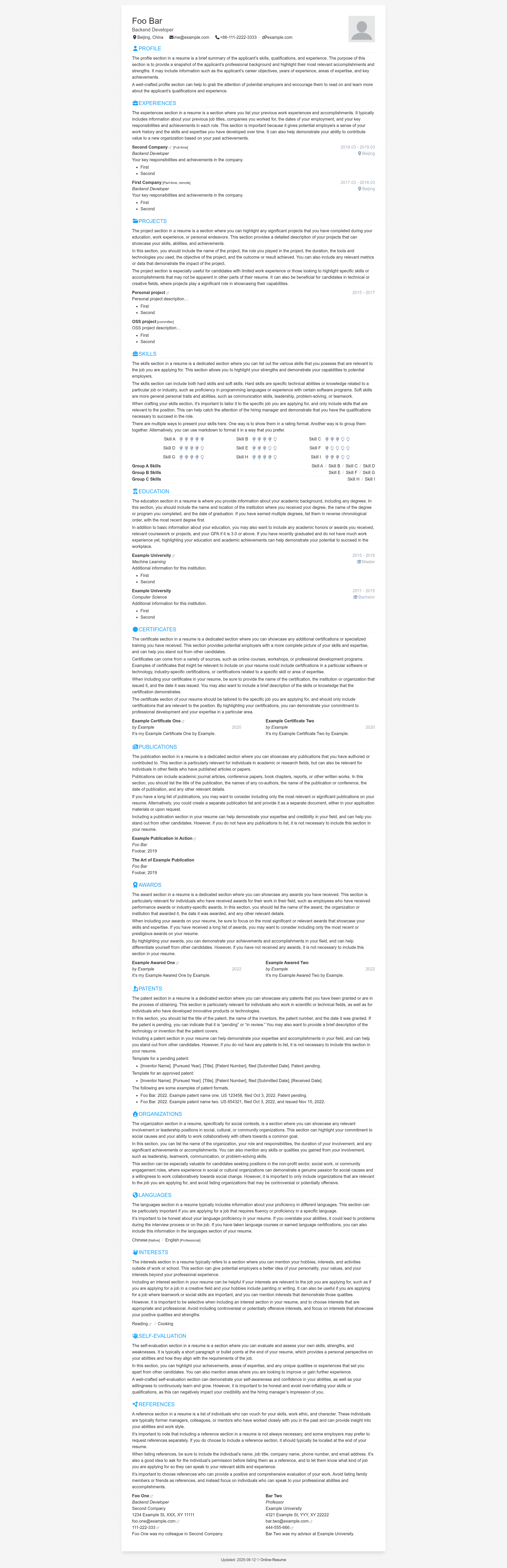
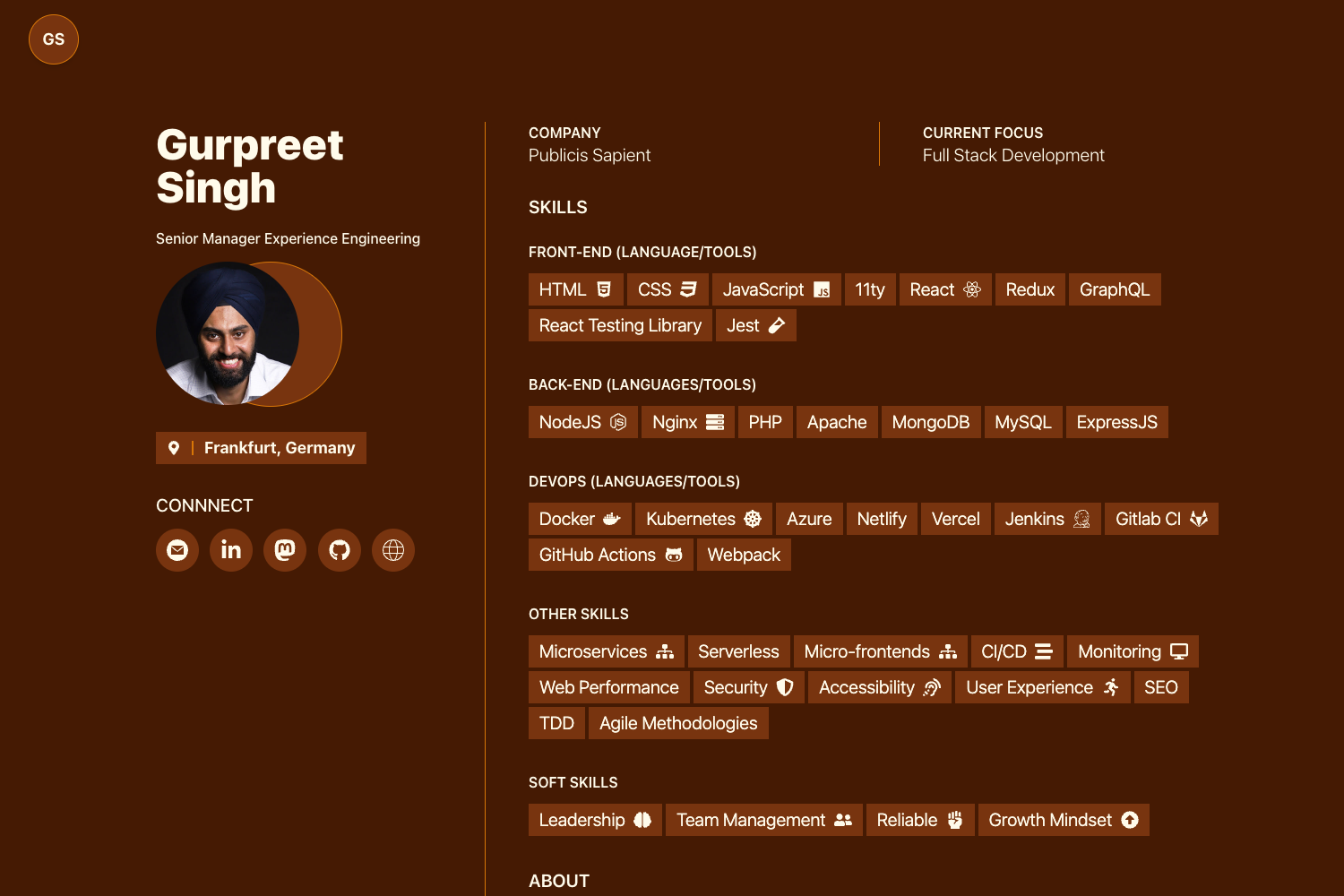
Online-Resume is a minimalist Hugo theme that turns a YAML resume file into a responsive, print-ready web page.
What is Online-Resume?
Online-Resume is a Hugo theme for creating web-based resumes. It takes resume content written in a YAML file (data/data.yml) and renders it into a responsive web page that can be printed as a PDF directly from the browser. The theme is maintained by tarrex on GitHub, released under the MIT License, and can be deployed to any static hosting platform that supports Hugo, including GitHub Pages, Cloudflare Pages, Vercel, and Netlify.
Key Features
- YAML-driven content — write your entire resume in a single
data/data.ymlfile using YAML with Markdown support for text fields, making it easy to review and manage via Git. - Multi-language support — create additional language versions by copying
data.yml(e.g.,cn.yml) and adding a small layout override, then each version lives at its own URL path like/cn. - Modular sections with ordering and visibility — each resume section has an
orderoption to control position and ashowoption to hide it while keeping the content. - Customizable appearance — set the theme color and basic styles through
config.yml, and replace the profile photo atstatic/images/profile.png. - Responsive and print-ready — the rendered page adapts to screen sizes and prints cleanly to PDF from the browser.
- Easy deployment — use git submodule to add the theme to a Hugo site, then host the static output on GitHub Pages, Cloudflare Pages, Vercel, Netlify, or any static file server.
Who should use Online-Resume?
- Job seekers — build a clean online resume without writing HTML, then send the live URL to recruiters or print it as a PDF for applications.
- Developers — keep resume content under version control in Git, track changes, and deploy updates automatically through static hosting workflows.
- Multilingual professionals — maintain separate versions of a resume in different languages using the built-in multi-language workflow.
- Students — create a simple personal resume page on free hosting platforms like GitHub Pages to share with internship or graduate school applications.
What can you do with Online-Resume?
- Publish a resume as a website — deploy the generated static site to GitHub Pages, Cloudflare Pages, Vercel, or Netlify to get a public URL for your resume.
- Export a PDF copy — open the live resume in a browser and use the browser's print function to save it as a PDF, no additional tooling required.
- Maintain localized versions — create a French, Chinese, or other language copy of the YAML file and give each language its own URL, such as
/fror/cn.
How does Online-Resume work?
Start by creating a new Hugo site and adding the theme as a git submodule. Copy the example hugo.yml and data/data.yml from the theme's exampleSite folder into your project, then edit data/data.yml to fill in your personal information. Run hugo server to preview locally, or build and deploy the static output to any hosting platform that serves static files.
FAQ
Is Online-Resume free?
Yes, Online-Resume is open source and released under the MIT License, so you can use it for personal and commercial projects without paying a license fee.
How do I change the order of sections in the resume?
Each section in the YAML data file has an order option. The smaller the value, the earlier the section appears. Set order values to rearrange sections without editing layout templates.
How do I hide a section while keeping its content?
Set the show option of that section to false in data/data.yml. The content stays in the file but will not appear on the rendered resume page.
How can I create a resume in another language?
Copy data/data.yml to a new file like cn.yml, edit the content, add a custom layout file in layouts/page that points to the new data file, and create a content page with layout set to cn. The result appears at a URL like /cn.
Can I deploy Online-Resume to Cloudflare Pages or Vercel?
Yes. The theme generates a standard Hugo static site. Follow the official Hugo deployment guides for Cloudflare Pages and Vercel, which the theme's README links to directly.