Template details
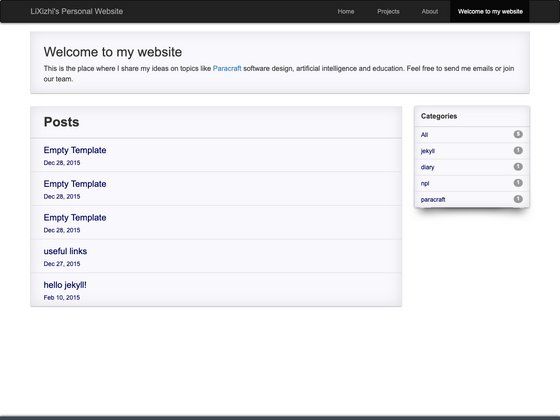
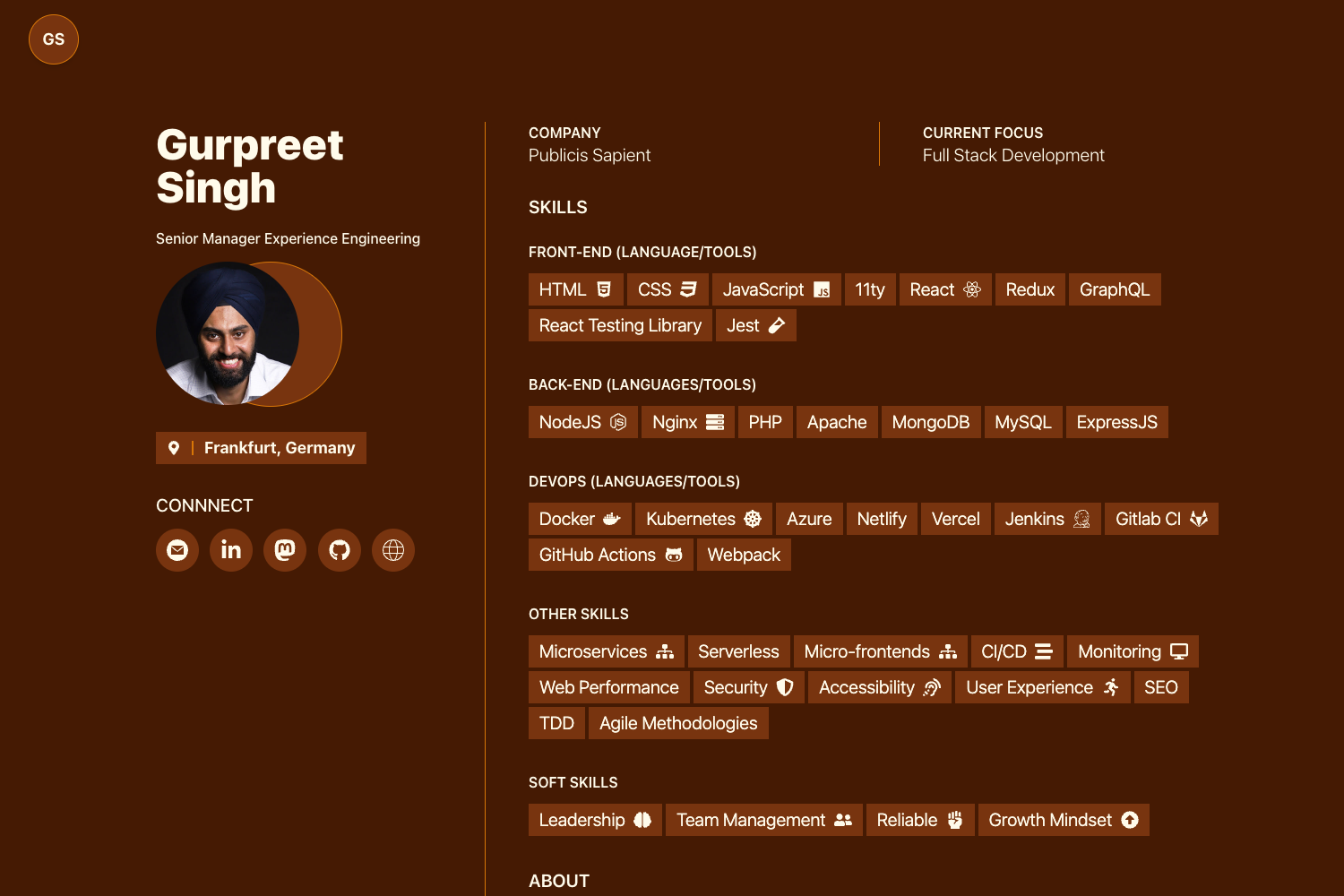
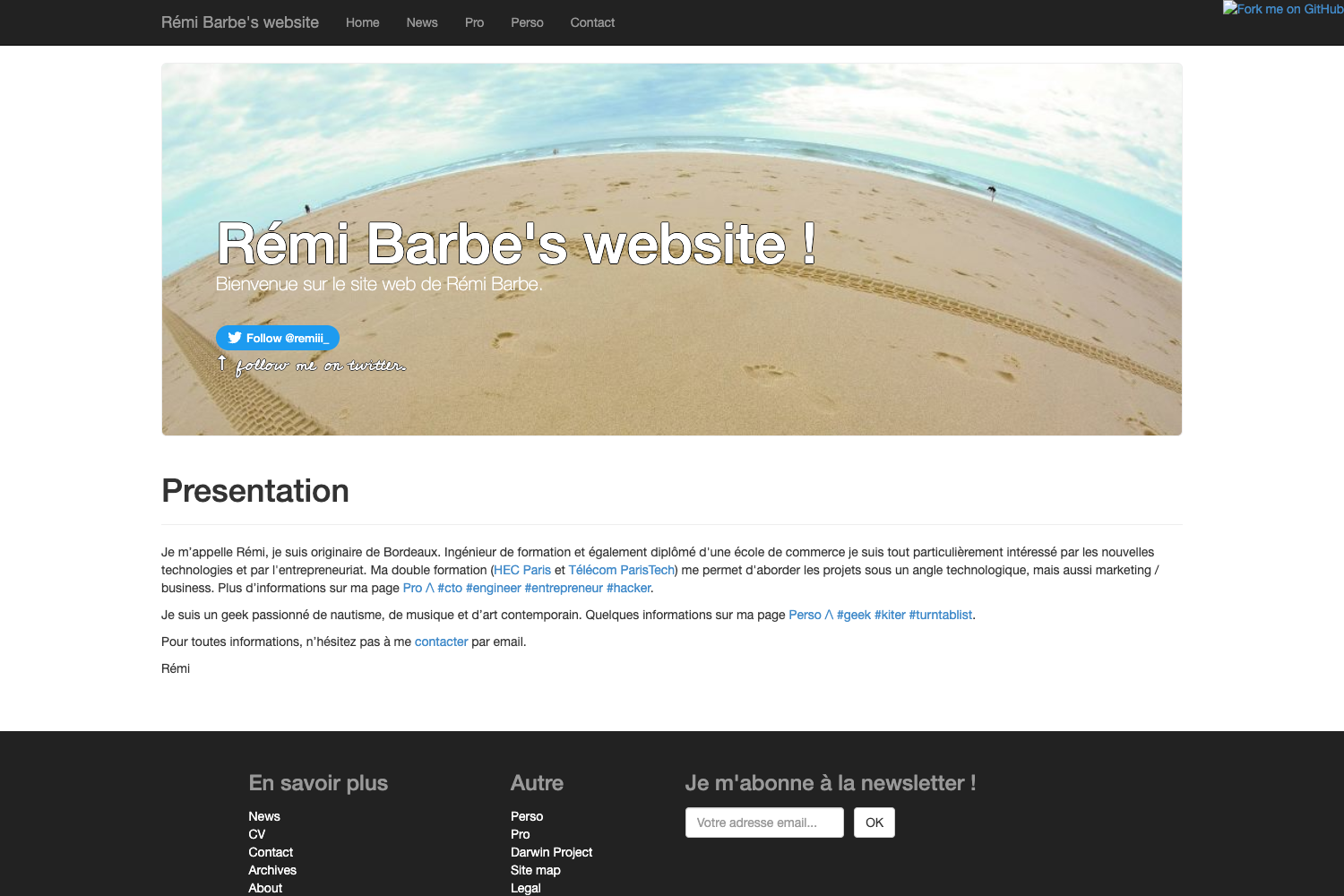
Hugo Techie Personal
A timeline-based Hugo theme for tech professionals to showcase talks, projects, certifications, and career milestones.
About this template
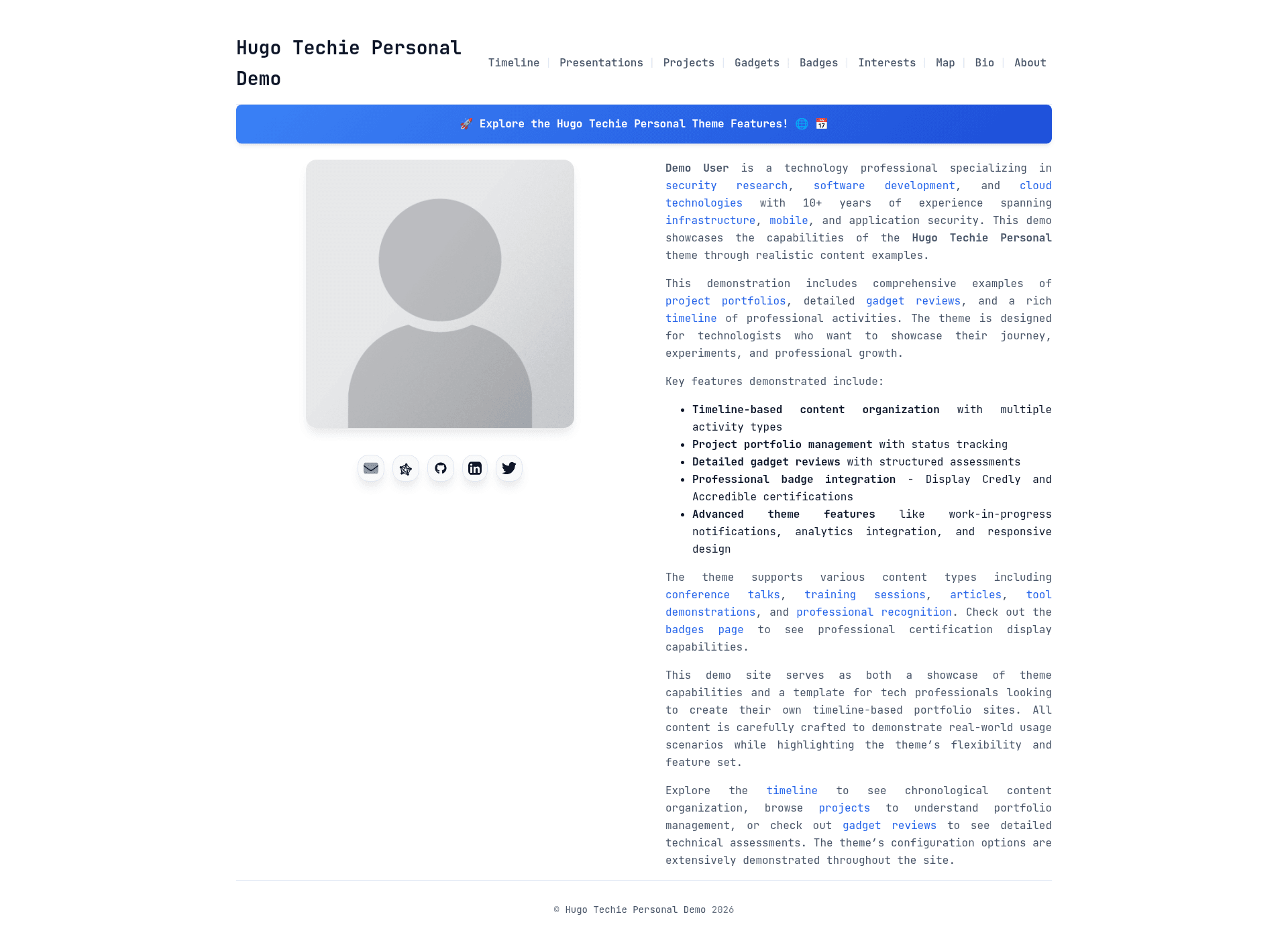
Hugo Techie Personal is a timeline-based personal site theme for Hugo 0.158.0 or later, purpose-built for tech professionals to present their career, talks, projects, and certifications in a chronological, self-hosted layout.
What is Hugo Techie Personal?
Hugo Techie Personal is a Hugo theme that takes Markdown content written as page bundles and generates a responsive static site organized around a professional timeline. The theme is developed by Anant Shrivastava and extends the Hugo Xmin theme by Yihui Xie, keeping its minimal philosophy while adding timeline functionality. It accepts content categories such as talks, tools, articles, and training, and outputs a site with timeline views, an interactive slides section, an events map, badge portfolios, and an embeddable OEmbed API.
Key Features
- Timeline-based content organization — Groups posts by activity type (talk, tool, article, training) with configurable icons and a responsive chronological layout.
- Self-hosted PDF slides — The included scripts convert PDF pages to high-resolution WebP images at max 1920px width, generate thumb/medium/full sizes at build time, and provide a viewer with keyboard, touch, grid, and fullscreen navigation plus a downloadable PDF copy.
- Events map — Leaflet-based map that plots physical event locations from slides and timeline entries using latitude/longitude frontmatter, with marker clustering and an OEmbed/locations JSON output.
- Professional badge integration — Shortcodes fetch and cache badges from Credly, Accredible, Badgr, Bugcrowd, HackerOne, Open Badges, and a manual JSON file, with unified grid display and expired-badge filtering.
- Social chatter — Embeds Twitter/X, Bluesky, Mastodon, LinkedIn, Facebook, and Instagram posts on timeline pages; Twitter/X, Bluesky, and Mastodon use OEmbed while the others use iframes, with no JavaScript required.
- OEmbed with discovery — Supports hardcoded providers (YouTube, Vimeo, SlideShare, Spreaker, Noti.st) plus data-driven providers, and falls back to automatic OEmbed endpoint discovery for any supporting site, including self-hosted slides.
- Analytics and SEO — Native support for Plausible (self-hosted or cloud), Google Analytics, and custom scripts, plus semantic HTML5, ARIA labels, lazy loading, and minimal CSS with CSS Grid and Flexbox.
- Navigation and notices — Configurable breadcrumbs, previous/next links, and a notice/admonition system with warning, info, tip, and note types.
Who is it for?
Hugo Techie Personal is for tech professionals who want a self-hosted personal brand site without a JavaScript-heavy CMS. Conference speakers use it to document talks with embedded slides and event maps; certified professionals display Credly or Accredible credentials; security researchers showcase Bugcrowd and HackerOne badges alongside a hunt timeline; and open source contributors present projects, tools, and gadget reviews in a chronological feed.
What can you do with Hugo Techie Personal?
- Conference speakers: Publish a talk landing page with the slide viewer, PDF download, OEmbed/embed iframe, event location on a map, and links to videos and resources.
- Security researchers: Pull awarded Bugcrowd and HackerOne badges automatically and keep a timeline of bug bounty work, trainings, and talks.
- Open source maintainers: Document project milestones, tools, and blog posts in a timeline with related_links cards that auto-fetch Open Graph metadata.
- Tech reviewers: Organize gadget reviews and device statuses (currently used, upcoming, discontinued, archived, planned) using the timeline taxonomy and WIP notification system.
How does Hugo Techie Personal work?
After installing Hugo 0.158.0+, you create a new site, add the theme as a git submodule, copy the exampleSite config.toml, and run hugo server -D. For slides, the workflow is: drop a PDF into assets/slides/pdf_files, run the scaffold script to generate draft content, run the process-slides script that converts pages to WebP and updates metadata.json, then build. The processing is idempotent — unchanged PDFs are skipped by comparing SHA-256 hashes.
Pros and cons
- Pros: Fully self-hosted with no mandatory third-party services; OEmbed discovery covers many platforms; badge data is cached locally to reduce API calls; output includes accessibility features and performance optimizations.
- Cons: Requires Hugo 0.158.0 or newer; slide processing depends on poppler-utils, libwebp, and ImageMagick installed on the build machine; OEmbed with relative URLs or localhost will not work because Hugo's resources.GetRemote cannot fetch from itself during build.
Pricing
The theme is free and open source under the MIT license, with no premium tiers or paid features.
Alternatives
Hugo Xmin, the minimal Hugo theme this project extends; Hugo PaperMod, a widely used Hugo theme for personal blogs and documentation sites.
FAQ
What Hugo version is required?
Hugo Techie Personal requires Hugo 0.158.0 or later. The theme's demo site is tested against multiple Hugo versions via GitHub Actions on every push and pull request.
Is the theme free?
Yes, it is released under the MIT license. You can use it for personal or commercial sites without payment, and the exampleSite configuration is included.
What dependencies are needed for slide processing?
The process-slides.sh script needs poppler-utils (pdftoppm), libwebp (cwebp), and ImageMagick. Install them on macOS with brew install poppler webp imagemagick, or on Debian/Ubuntu with apt-get install poppler-utils libwebp-dev imagemagick.
Can I embed presentations from my own site?
Yes, the slides section exposes OEmbed and embed.html outputs, and the OEmbed shortcode can embed self-hosted slides via OEmbed discovery. However, OEmbed requests with relative URLs or localhost fail in Hugo because resources.GetRemote cannot fetch from itself during build.
Does the theme support social media embeds without JavaScript?
Yes. Twitter/X, Bluesky, and Mastodon posts are embedded using the site's OEmbed system, while LinkedIn, Facebook, and Instagram use direct iframes. No JavaScript is required for the social chatter section.