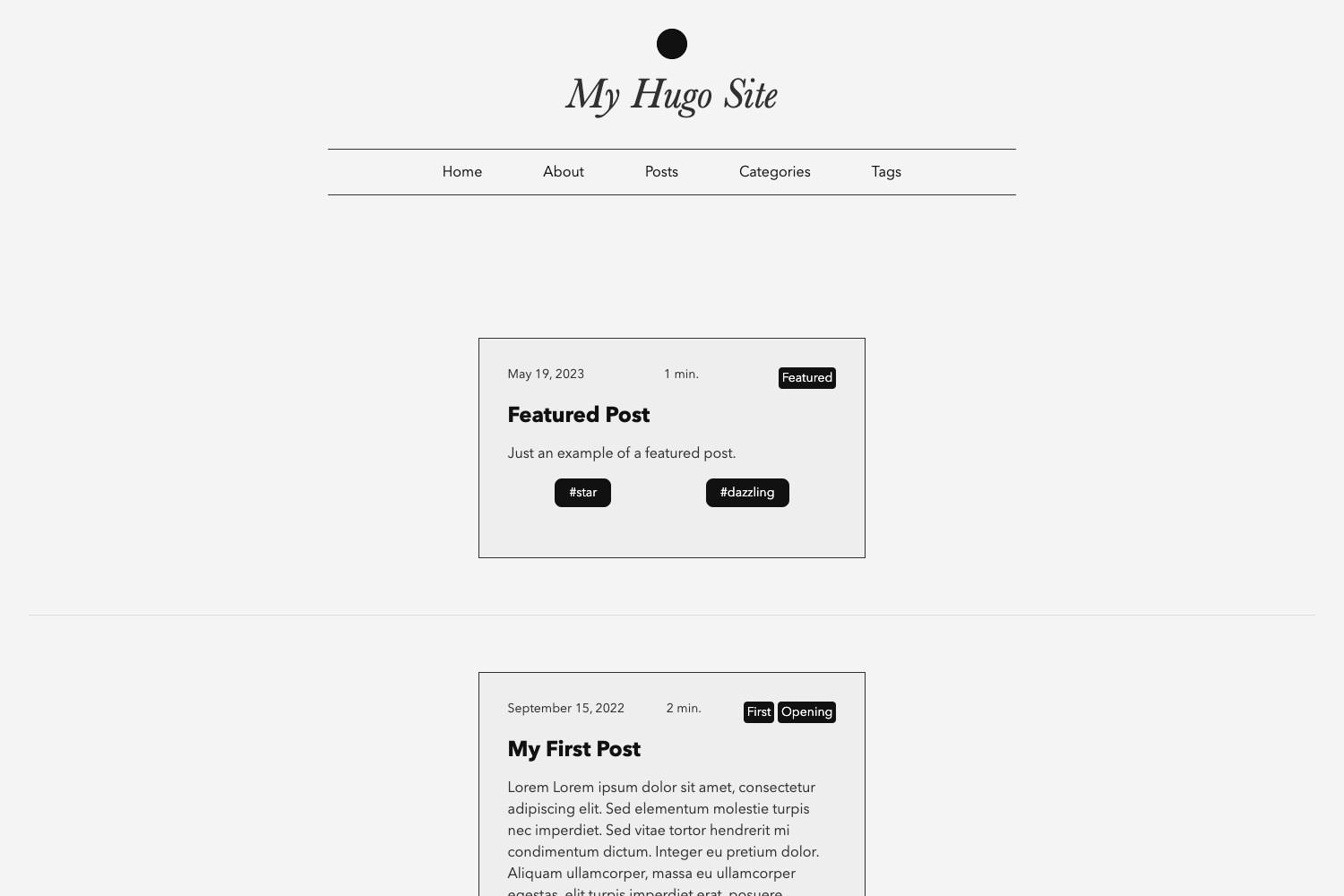
Template details
Alto
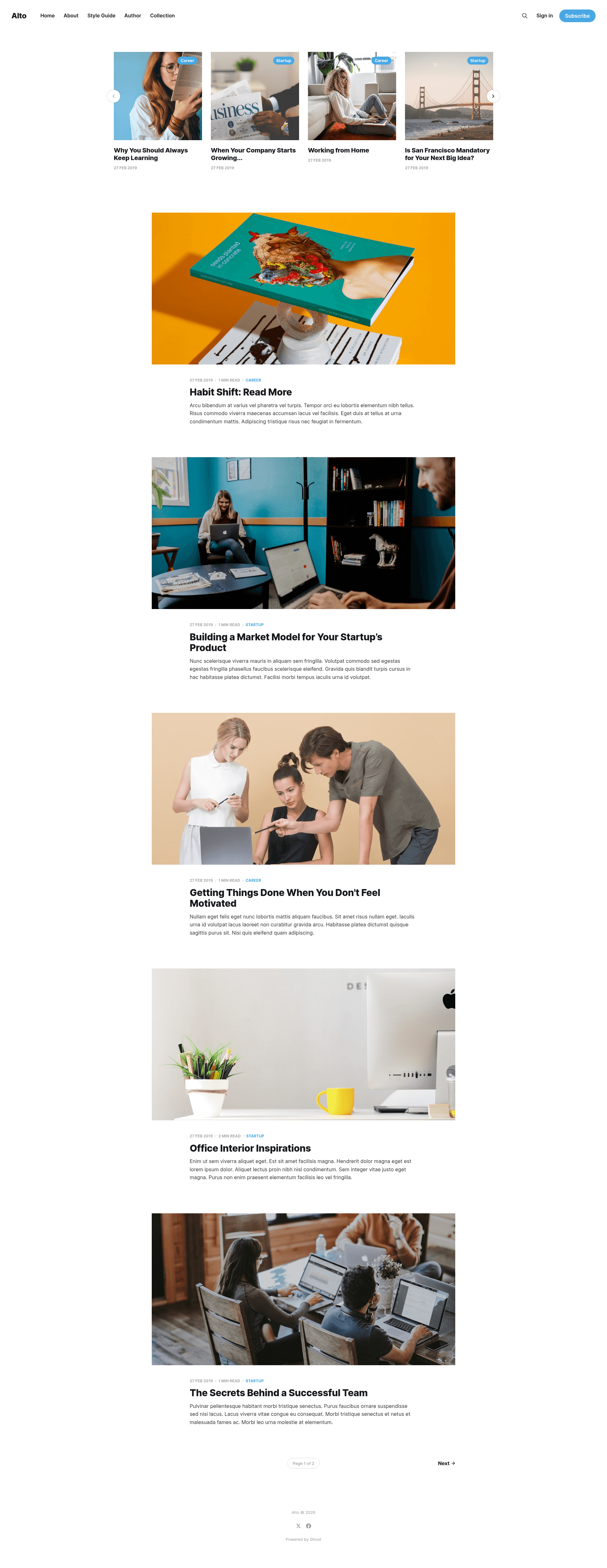
A clean, minimalist Ghost theme with light and dark mode for online publications.
About this template
Alto is a clean, minimalist Ghost theme from the Ghost Foundation that ships with light and dark mode for blogs and online publications.
What is Alto?
Alto is a free, open-source theme for the Ghost publishing platform, designed to let authors launch a polished online publication quickly. It is developed by the Ghost Foundation, the organization behind Ghost itself, and is maintained in the TryGhost/Themes monorepo. The theme takes standard Ghost content — posts, pages, tags, and authors — and renders it into a clean, magazine-style site. A live demo is available at https://alto.ghost.io, and the repository is synced automatically with the official TryGhost/Themes repository, so contributions and issues are handled there.
Key Features
- Light and dark mode — Two color schemes are included out of the box, letting readers switch between a bright and a dark reading experience.
- Minimalist layout — The design focuses on readability, with a clean typography and spacing that works for long-form articles and news sites.
- Ghost platform integration — Built specifically for Ghost, it uses the platform's standard theme system and can be installed directly through the Design settings area.
- Gulp/PostCSS build pipeline — Styles are authored in modern CSS and compiled automatically with Gulp and PostCSS from /assets/css/ to /assets/built/.
- Translation support — The theme is set up for Ghost's internationalization, with instructions for editing and contributing translations in the TryGhost/Themes repository.
- MIT license — Released under the MIT license, so you can use, modify, and redistribute it freely, including commercially.
Who is it for?
- Bloggers and indie publishers — Launch a clean, professional-looking blog or publication on Ghost without building a theme from scratch.
- Magazine editors — Use the minimalist, magazine-oriented layout to present long-form editorial content.
- Ghost theme developers — Study or fork the codebase to learn how a first-party Ghost theme is structured and built with Gulp and PostCSS.
What can you do with Alto?
- Launch a blog quickly — Download the theme, upload the zip in Ghost's Design settings, and start publishing with both light and dark modes.
- Customize the styles — Edit the CSS source files in /assets/css/ and rebuild automatically with
pnpm devto preview changes. - Package your own version — Run the
zipGulp task to generate dist/alto.zip for installation or sharing.
How does Alto work?
Installation is simple: download the theme zip, log into Ghost, and upload it in the Design settings area to apply it instantly. For development, clone the repository and install dependencies with pnpm, then run pnpm dev to build the CSS and watch for changes. The Gulp/PostCSS pipeline compiles the theme's styles into /assets/built/, and the separate zip task packages the full theme into a distributable archive.
FAQ
Is Alto free?
Yes, Alto is free and open source. It is released under the MIT license, so there are no licensing costs and you can use it in commercial projects without restrictions.
How do I install Alto on Ghost?
Download the theme zip from the repository, log into your Ghost admin panel, go to Design, and upload the zip file. The theme is applied immediately after upload.
Does Alto have a demo?
Yes, a live demo is available at https://alto.ghost.io so you can preview the theme before installing it on your own site.
Can I contribute translations to Alto?
Yes. The theme supports Ghost's translation system, and the repository points to the TryGhost/Themes theme-translations README for instructions on editing or contributing translations.