Template details
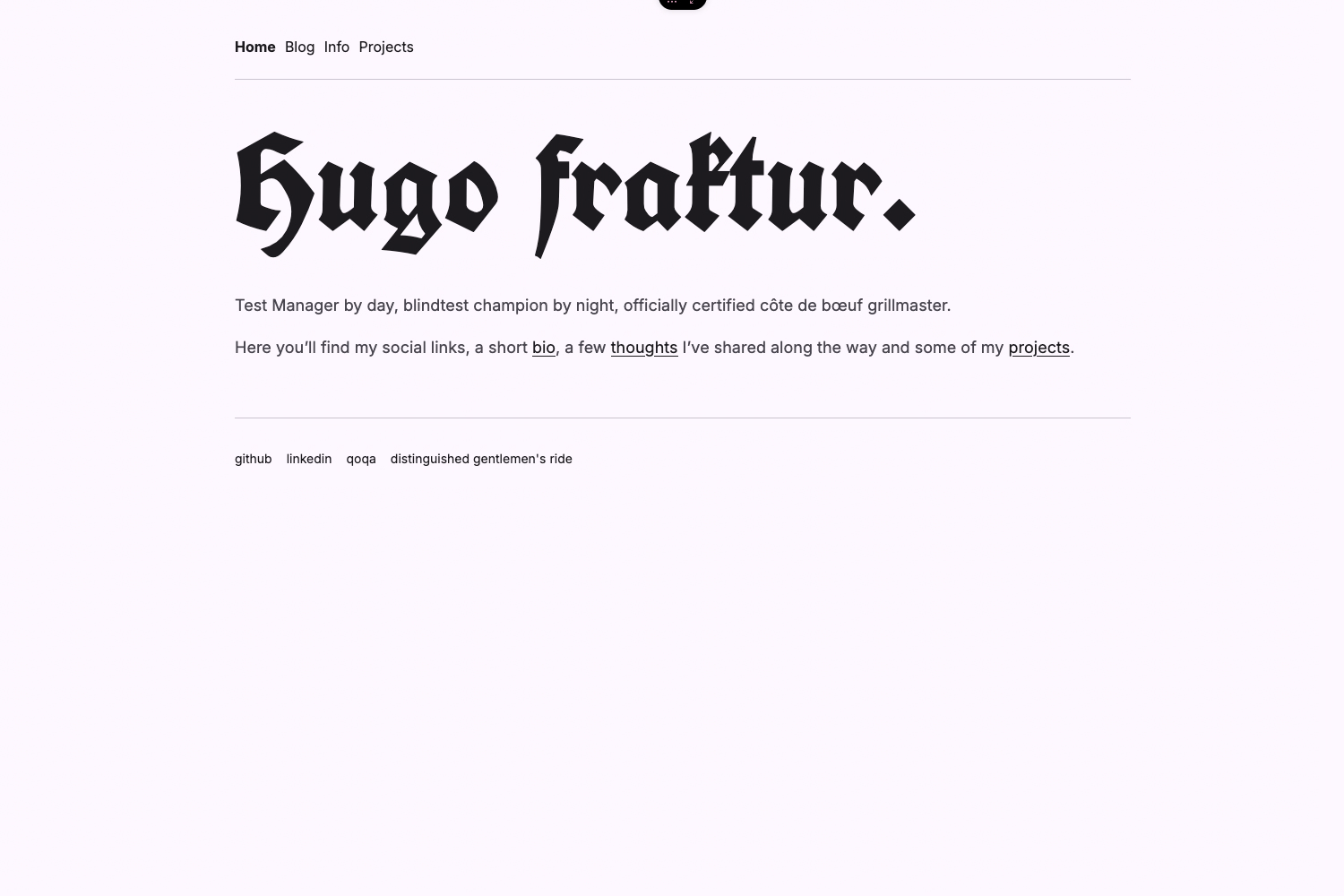
Hugo Theme Kaleidoscope
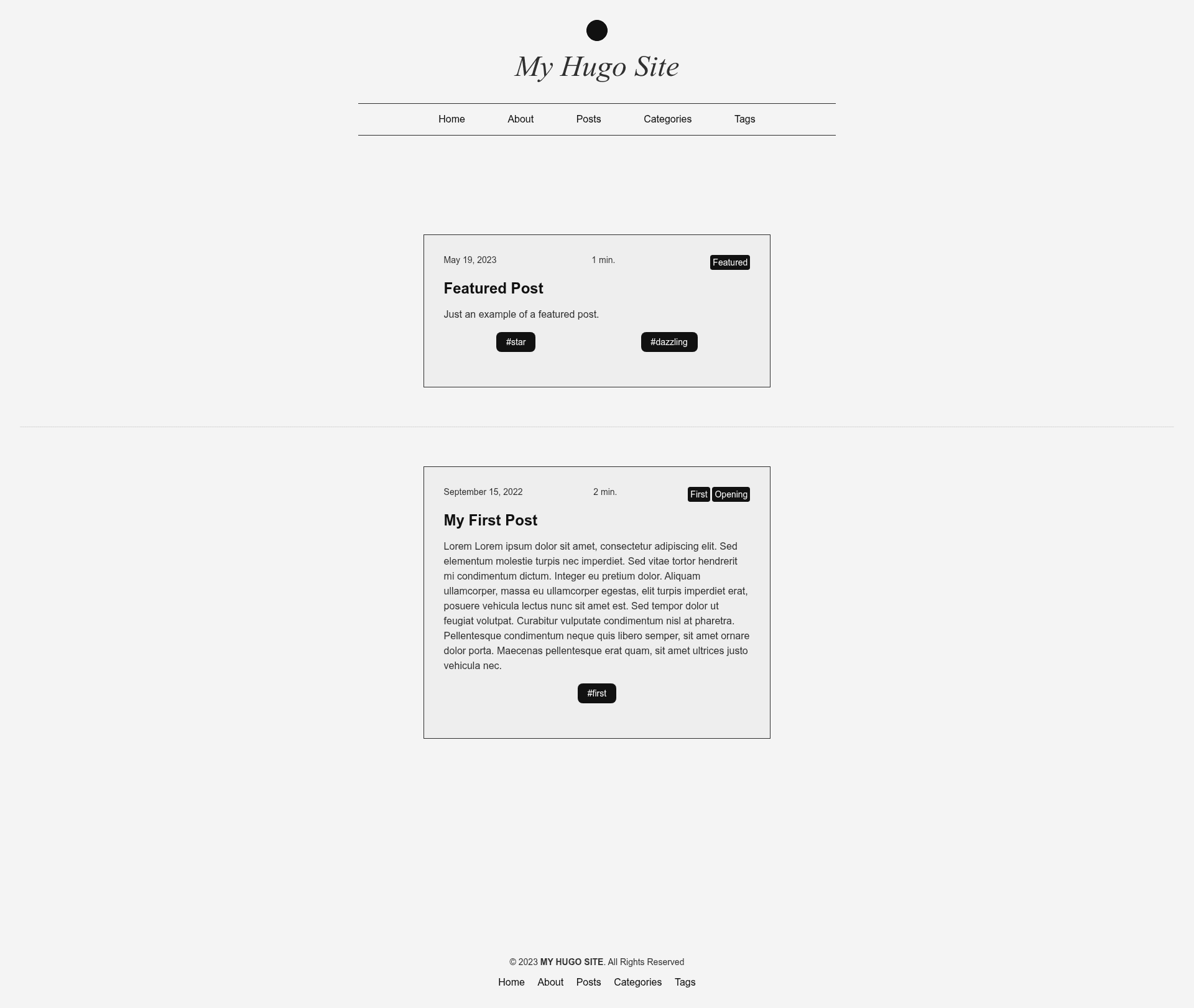
A Hugo theme with multiple color schemes
About this template
Kaleidoscope is a Hugo theme for building colorful, readable blogs and static sites, with colors and fonts that you can adjust from a single config file thanks to its Tachyons CSS foundation.
What is Hugo Theme Kaleidoscope?
Kaleidoscope is a Hugo theme created by BravishkaSkytano, published on GitHub, that uses Tachyons CSS utility classes so site owners can define their own color scheme and fonts without rewriting theme stylesheets. It takes a standard Hugo site configuration (config.yml) plus content with frontmatter flags and outputs a fully responsive, multilingual-ready static site. The theme includes support for featured posts, related posts, taxonomy pages, table of contents, RSS, social links, FontAwesome icons, and a light/dark mode toggle.
Key Features
- Tachyons CSS-based customization — Colors and fonts are set through utility classes, so you can change the look by editing colors.css or configuration values rather than rewriting CSS.
- Fully responsive layout — The theme adapts to mobile, tablet, and desktop viewports without extra effort.
- Light/dark mode toggle — Users can switch between light and dark appearances; the feature is marked complete in the project's to-do list.
- Multilingual mode — Supports Hugo's internationalization system for sites published in multiple languages.
- Featured posts — Mark any post as featured with
featured: truein frontmatter to give it a prominent placement. - Related posts — Hugo's built-in related content is enabled so readers see posts similar to the one they are viewing.
- Table of contents — Enable a per-post TOC by setting
toc: truein frontmatter. - Last modified from Git — Shows the last modification date using Git history via Hugo's lastmod support.
- Taxonomy pages — Auto-generated listing pages for tags, categories, and other taxonomies.
- Social links and FontAwesome — Icons and social media links are built in, and RSS output is configured.
Who is it for?
- Bloggers who want a distinctive look — You can launch a personal blog with a colorful scheme that stands out from default Hugo templates.
- Hugo developers seeking a customizable starting point — Instead of forking a theme and editing templates, you adjust colors and fonts from config.yml and a colors.css file.
- Multilingual content teams — Sites published in two or more languages get a theme with built-in i18n support.
What can you do with Kaleidoscope?
- Personal bloggers: Publish a responsive, colorful blog with light/dark mode, RSS, and social icons without writing CSS from scratch.
- Indie writers: Use frontmatter flags like
featured: trueto highlight flagship articles andtoc: trueto add a table of contents to long posts. - Small-site owners: Deploy a Hugo static site that shows last-modified dates from Git and automatically lists related posts.
How does it work?
Install the theme as a Git submodule using git submodule add https://github.com/BravishkaSkytano/hugo-theme-kaleidoscope.git themes/kaleidoscope, then set theme: kaleidoscope in your config.yml. To customize colors, copy themes/kaleidoscope/static/colors.css into your site's static/css directory and edit the commented variables; copy the example config with cp -r themes/kaleidoscope/exampleSite/config.yml ./config.yml to get a working starting config.
FAQ
How do I change the color scheme?
Copy themes/kaleidoscope/static/colors.css to your site's static/css/colors.css and follow the instructions in the comments. Since Kaleidoscope is built on Tachyons CSS utility classes, the changes apply without touching any template files.
Does Kaleidoscope support dark mode?
Yes, the project list marks "Light/Dark toggle" as completed. The theme includes a light/dark mode toggle for visitors.
Is Kaleidoscope free to use?
Kaleidoscope is an open-source Hugo theme distributed through a public GitHub repository, so it can be used without a license fee; check the repository for the exact license terms.
Does the theme support multiple languages?
Yes, multilingual mode is listed as a feature, so you can use Hugo's i18n capabilities to publish content in several languages.
Can I update the theme automatically?
The installation guide shows how to enable Dependabot for Git submodules or Go modules so the theme stays up to date on a weekly schedule.