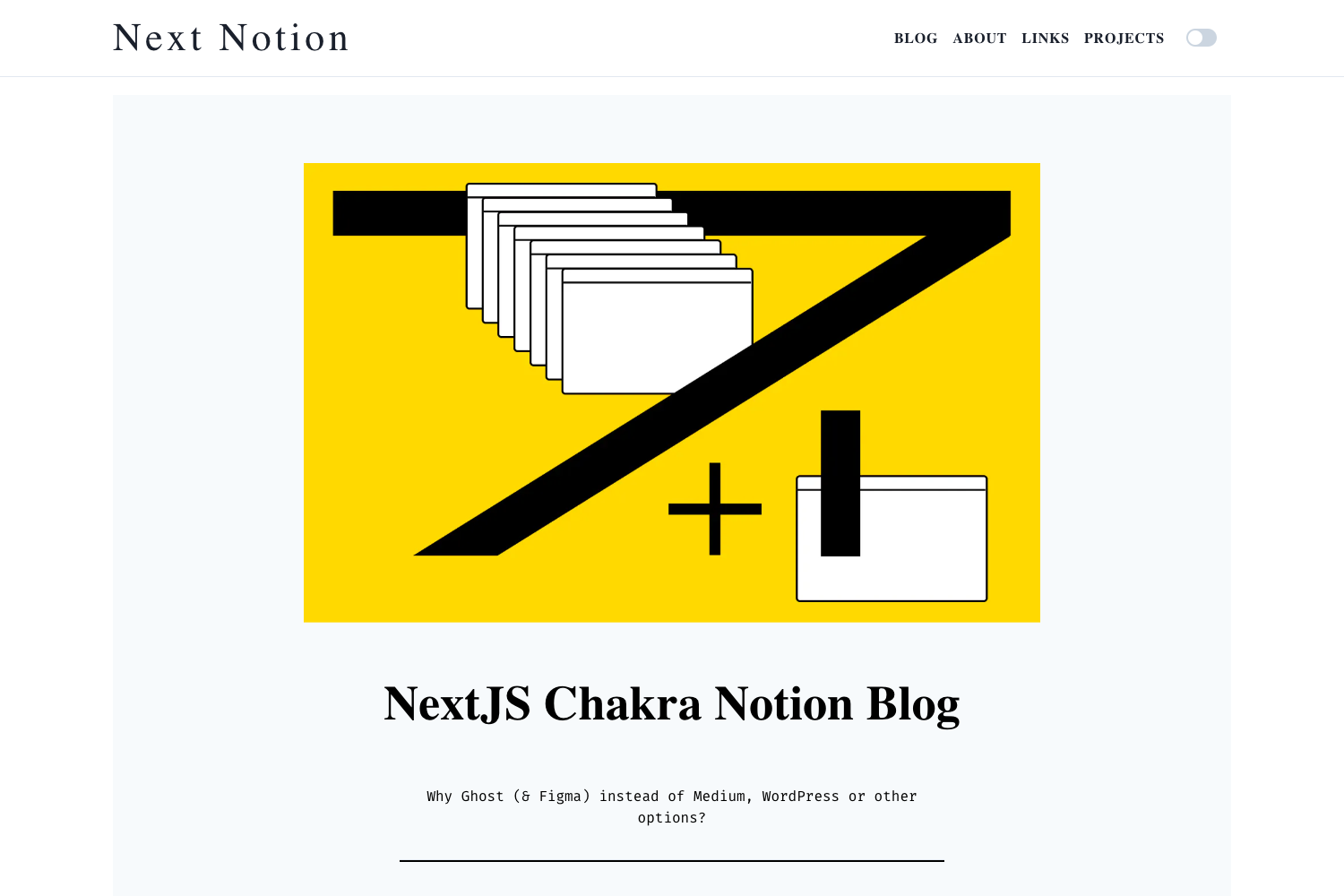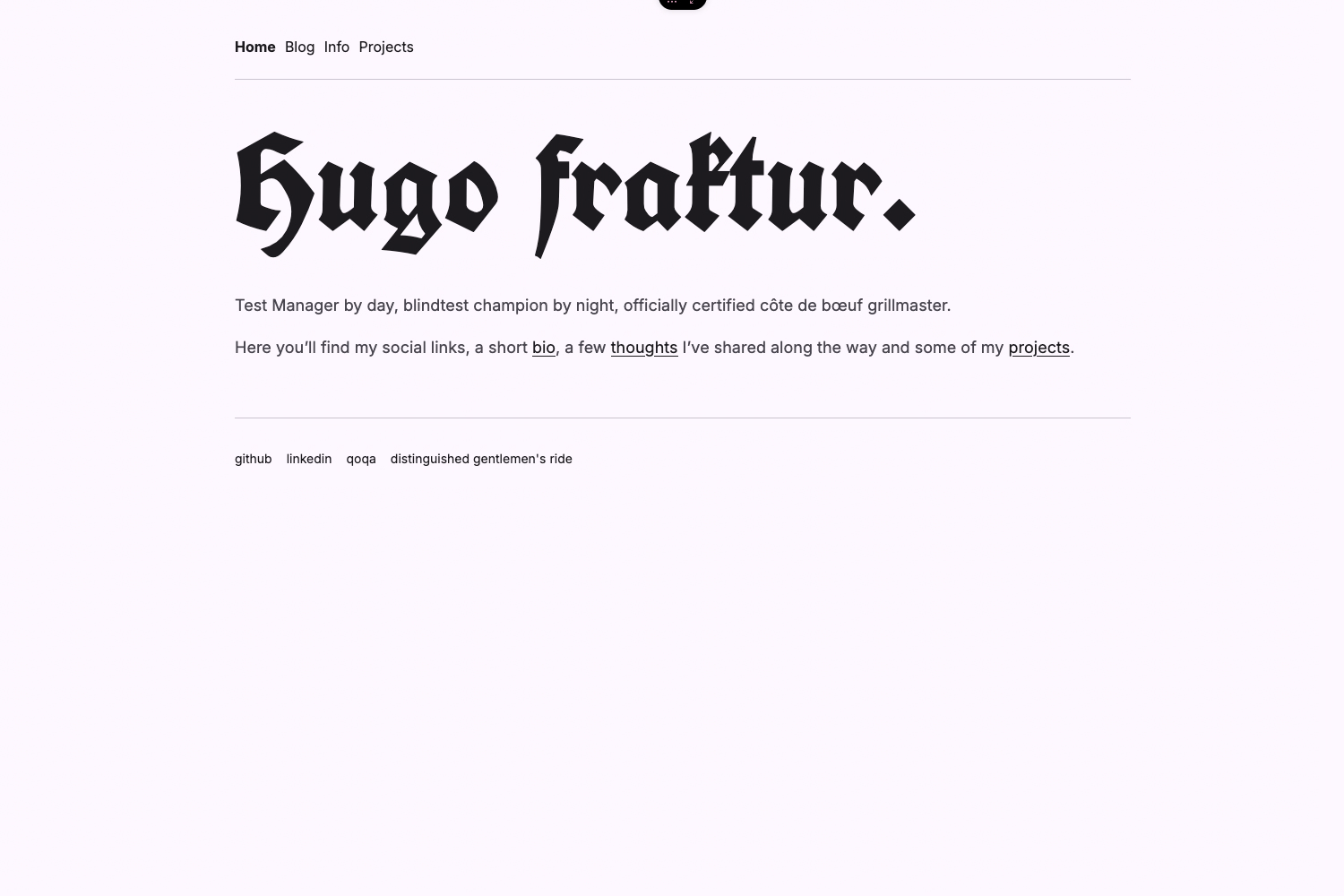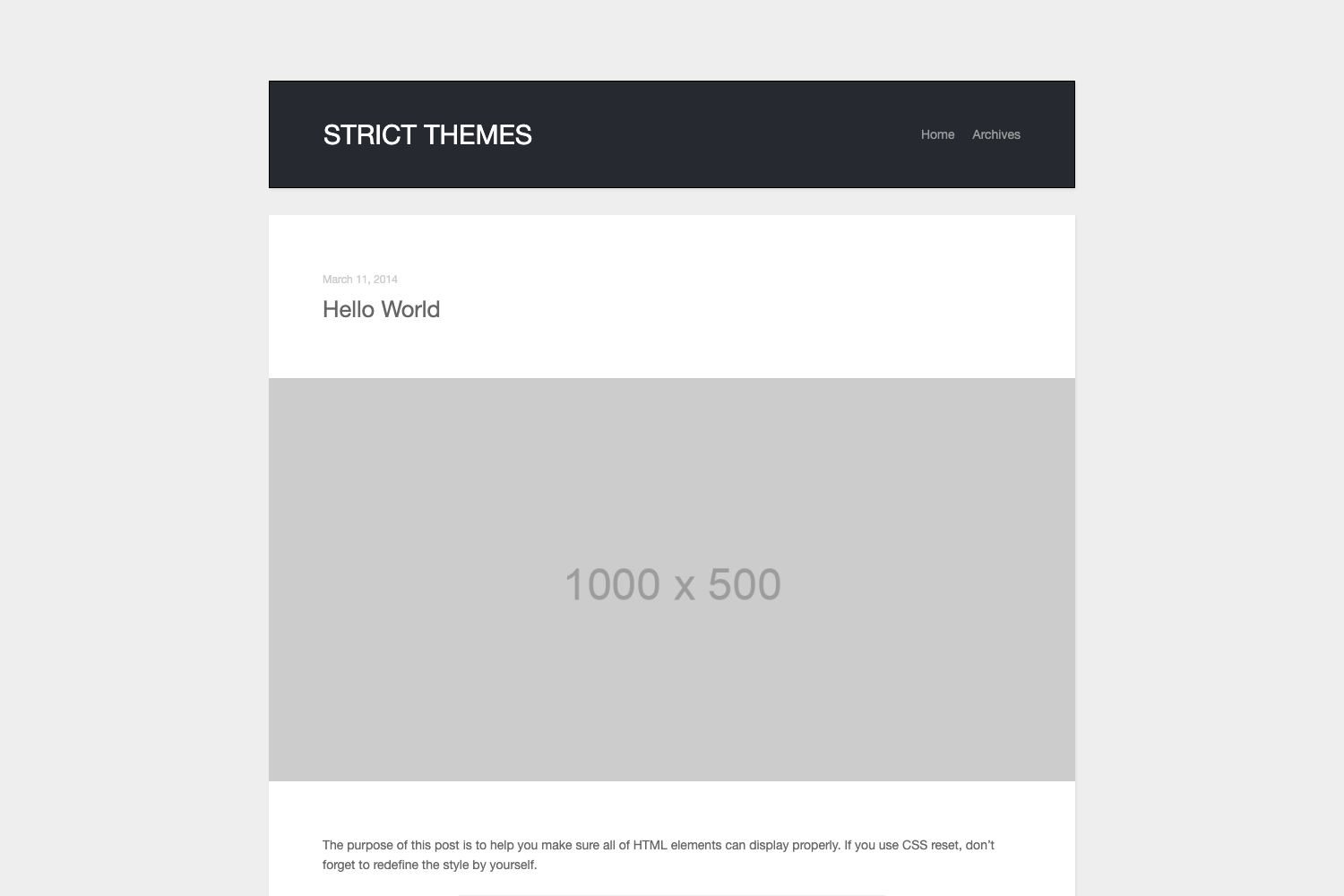
Template details
Jekyll Theme WuK
Content-first Jekyll blog theme using GitHub primer design with dark mode, KaTeX math, mermaid diagrams, and reveal.js slide layouts.
About this template
Jekyll Theme WuK is an open-source, content-first Jekyll blog theme built on GitHub's primer design system that turns Markdown posts into a static site on GitHub Pages, with dark mode, KaTeX math, mermaid diagrams, and reveal.js-powered slide layouts.
What is Jekyll Theme WuK?
Jekyll Theme WuK is a Jekyll theme for building personal blogs, documentation sites, and slide decks on GitHub Pages, created by developer Wu-Kan and released under the MIT License. It takes Markdown posts with YAML front matter as input and renders a static site with a sliding sidebar, comment and donation pages, site search, and a table of contents. The theme is maintained in the wu-kan/jekyll-theme-WuK repository, with the author's live demo at wu-kan.cn.
Key Features
Jekyll Theme WuK ships a six-layout system, GitHub primer styling, math and diagram rendering, dark mode, and giscus-based comments.
- Layout system — six layouts: default (a lanyon-style page with a sliding sidebar), page (adds a masthead title bar), comments (a page with giscus comments), post (blog posts with description metadata), dnoate (a donation page using the merger plugin), and home (a reveal.js-powered presentation cover).
- GitHub primer styling — since v5.0.0 the theme uses primer/css, the design system that powers GitHub, replacing the earlier poole/lanyon base.
- Math and diagram rendering — KaTeX renders LaTeX math, mermaid draws flowcharts and sequence diagrams, and vega-lite is supported for data visualization.
- Dark mode — the theme ships with dark mode support as listed in the repository description.
- Comment integration — v5.3.0 switched comments to giscus (GitHub Discussions-based); earlier versions used utterances and before that valine.
- Search and navigation — Simple-Jekyll-Search powers site search, and since v5.1.0 the menu includes a search bar and a table of contents generated by allejo/jekyll-toc.
- Presentations — inserting horizontal and vertical slide separators into Markdown turns a post into a reveal.js presentation, compatible with vscode-markdown-preview-enhanced for local preview.
- Page compression — jekyll-compress-html shrinks generated HTML size, and a page loader was added in v4.3.0.
Who is it for?
Jekyll Theme WuK is aimed at writers and developers who want a self-hosted static blog without touching the command line.
- Jekyll bloggers — fork the example site wu-kan.github.io, rename it to your-name.github.io, enable GitHub Pages, and start publishing Markdown posts in the _posts folder.
- Students and academics — KaTeX and mermaid support make it suited for math-heavy posts, course reports, and printable templates (the older document layout was explicitly built for ICPC templates).
- Technical presenters — the home layout uses reveal.js, so maintainers can write slides in Markdown with vertical separators and press Esc for a PPT-style outline.
- Command-line-averse developers — the official quick start runs entirely through the GitHub web UI: fork, rename, configure, and commit with no local Jekyll install.
What can you do with Jekyll Theme WuK?
- Personal bloggers: set up a blog in five steps by forking the demo repository, renaming it, enabling GitHub Pages, editing the commented _config.yml, and committing posts named date-title.md.
- Course or conference presenters: build slide decks from Markdown using the home layout and reveal.js separators, previewable locally with the markdown-preview-enhanced extension.
- Site maintainers: add a giscus comment page, a merger-based donation page, per-page table of contents, and sidebar plugins without writing front-end code.
- Advanced customizers: since v4.0.0 all theme configuration variables moved to front-matter defaults, so each page can override the layout, sidebar, and plugins individually.
How does Jekyll Theme WuK work?
Fork the example site (wu-kan.github.io, not the theme repository), rename it to your-name.github.io, and enable GitHub Pages on the default branch in Settings. Then edit _config.yml, write posts as Markdown files named date-title.md with a title field in the YAML header, and commit — GitHub Pages rebuilds the site automatically.
FAQ
Is Jekyll Theme WuK free?
Yes. The theme is open source under the MIT License, and blog posts are licensed under Creative Commons Attribution-ShareAlike 4.0 International unless otherwise stated. The quick start runs on GitHub's free Pages hosting.
What does Jekyll Theme WuK do?
It converts Markdown posts and a YAML config file into a static blog site on GitHub Pages. It provides layouts for posts, pages, comments, donations, and reveal.js presentations, plus KaTeX math, mermaid diagrams, site search, and a table of contents.
Does the theme support LaTeX and diagrams?
Yes. KaTeX handles inline and display LaTeX math, mermaid renders flowcharts and sequence diagrams, and vega-lite adds data-visualization support. These are the math and diagram integrations listed in the repository description.
Do I need to install Jekyll locally?
No. The official quick start is command-line free: fork the demo site, rename the repository, enable GitHub Pages, and edit files through the GitHub web interface. Local Jekyll setup is only recommended for advanced customization.
How do I make slides with this theme?
Set layout to home in your Markdown's YAML front matter and insert the theme's horizontal and vertical slide separators. The layout is built on reveal.js; pressing Esc generates a presentation outline.