Template details
Campanula
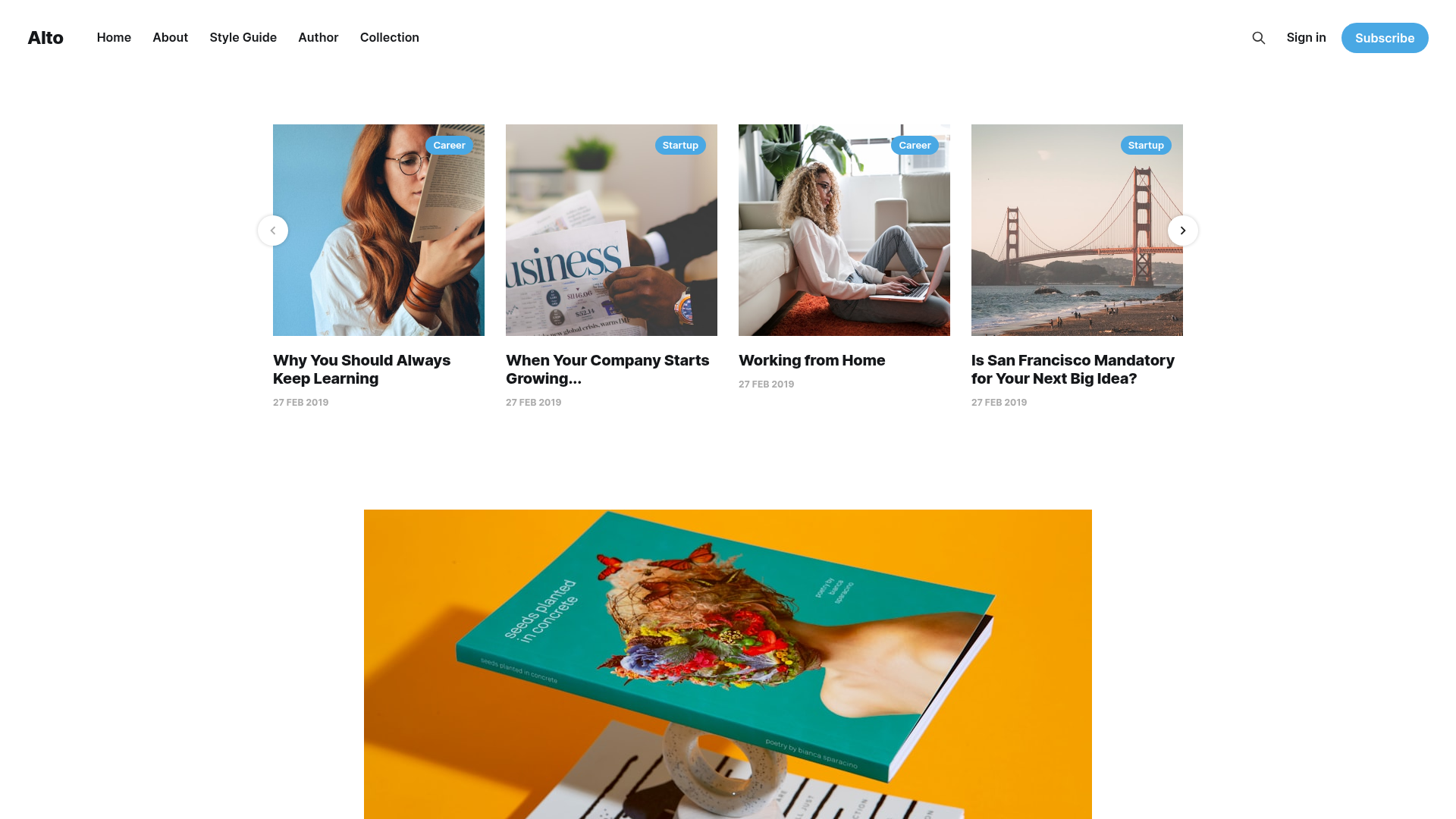
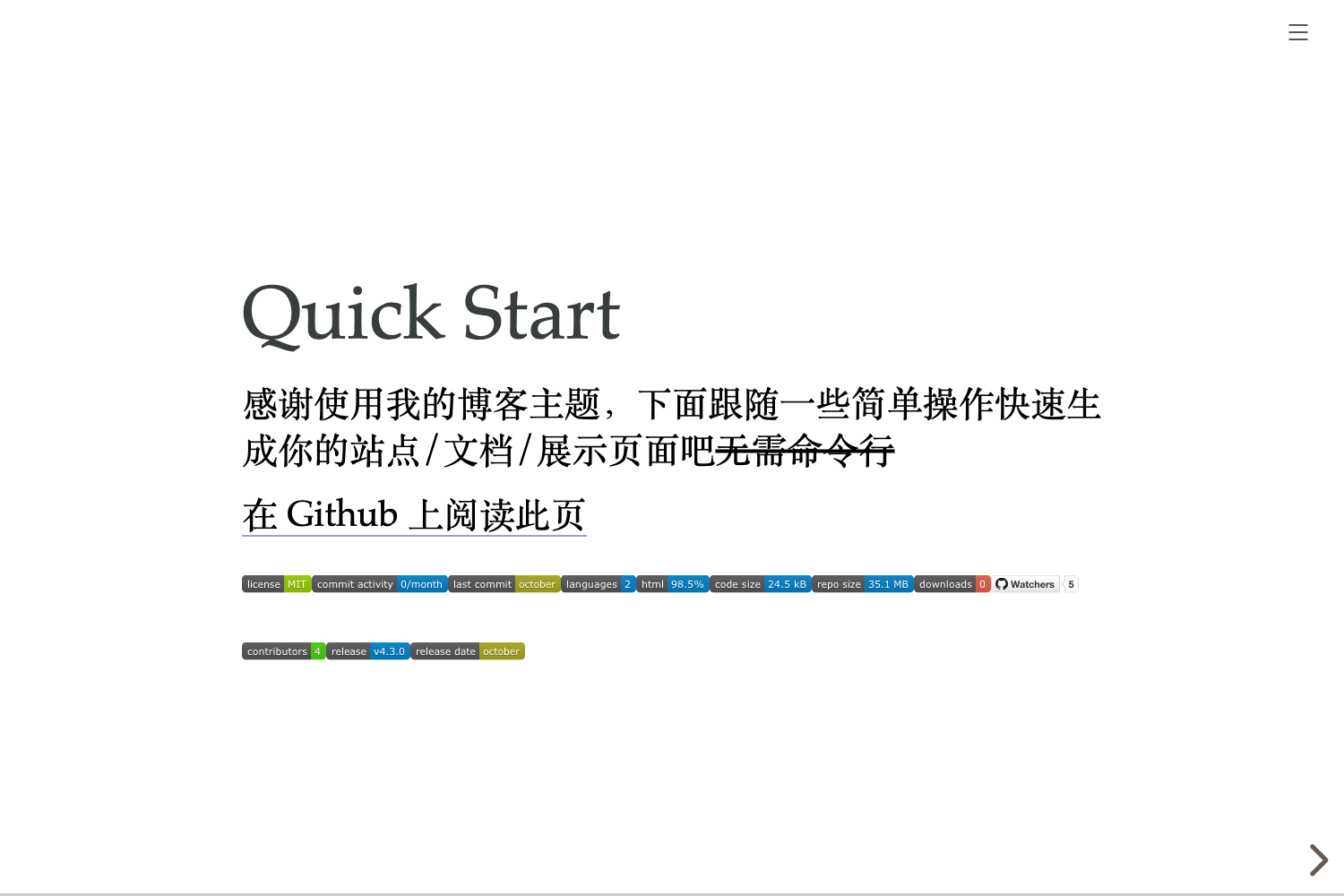
A simple blog template built with Next.js that allows you to generate static blog pages from Markdown files.
About this template
Campanula is a minimal, MIT-licensed blog template built with Next.js 13 that turns Markdown and MDX files into a static blog with RSS, Atom, and sitemap output.
What is Campanula?
Campanula is a static blog template built on Next.js 13 by Vercel, authored by GitHub user sakurabird. It takes Markdown and MDX files placed in the data/blog directory as input and generates static blog pages, a home page, and an about page. The template runs on Node.js 16.8 or higher and is designed for deployment on Vercel, though any platform that supports Next.js builds works. It is heavily inspired by timlrx's tailwind-nextjs-starter-blog and adapts many of its ideas.
Key Features
- Markdown and MDX support — All pages and blog articles are written in Markdown or MDX files; blog posts use the
.mdxextension and filenames become part of the URL. - Tailwind CSS styling — The UI is styled with Tailwind CSS, and the component library daisyUI provides theme presets that can be changed through a theme variable or extended with custom themes.
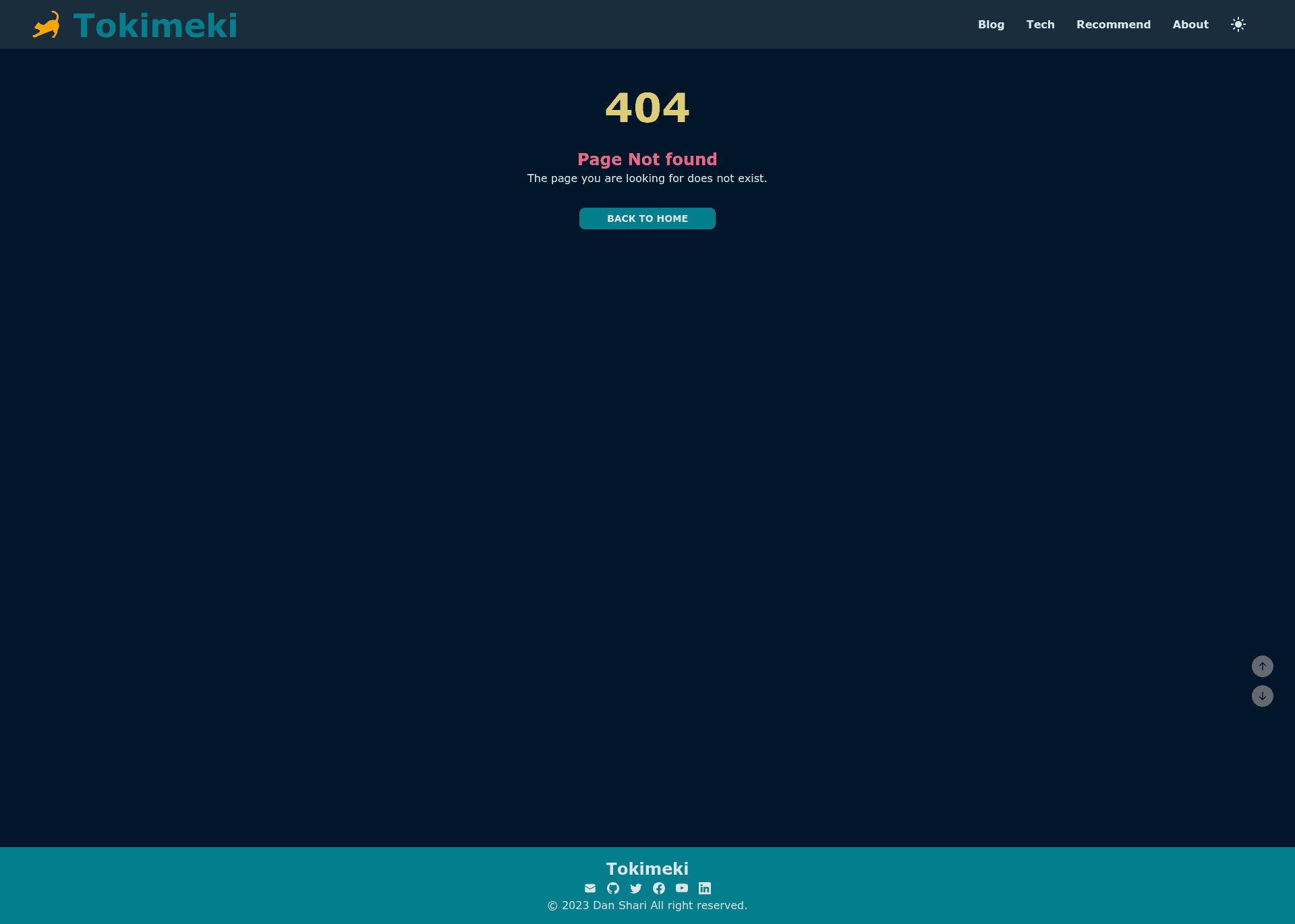
- Switchable dark mode — A theme toggle in the header switches between light and dark modes; however, after a production build, refreshing the page returns to light mode until the toggle is pressed again.
- Preconfigured security headers — The template ships with security headers enabled out of the box.
- SEO tooling included — RSS feed, Atom feed, and sitemap generation are preconfigured for search engine visibility.
- Configurable site metadata — Site name, ogImage, theme, and other settings live in
data/siteMetadata.js, and header navigation links are edited indata/headerNavLinks.ts. - Frontmatter blogging workflow — Each post supports 9 frontmatter fields: required title, date, category, and draft, plus optional tags, subtitle, lastmod, metadescription, and image.
- Built-in static assets support — Guide articles explain where to place favicon, icon, and apple-icon images under the
appfolder and how to create the Home and About pages.
Who is it for?
- Personal bloggers — Writers who want to publish posts from Markdown files without learning a CMS, while getting SEO feeds and static pages for free.
- Next.js developers — Developers who want a small, readable codebase that demonstrates Next.js 13 with data files, MDX, and Tailwind, and who plan to customize the layout and add features.
- Content creators with static-site workflows — Anyone already using Git-based workflows who wants version-controlled blog content and deployment to Vercel with a single
npm run build.
Use cases
- Indie developers: launch a personal blog or project changelog by dropping
.mdxposts intodata/blogand deploying to Vercel. - Technical writers: document open-source projects with category-based posts and
draft: truefor unpublished sketches. - Hobbyist site owners: switch themes via daisyUI variables, enable dark mode, and share posts through the automatically generated RSS and Atom feeds.
How does Campanula work?
- Clone the repository and run
npm install. - Edit
data/siteMetadata.js,data/headerNavLinks.ts, and the favicon files underapp. - Add
.mdxfiles with the required frontmatter todata/blog. - Run
npm run devto preview at localhost:3000, ornpm run buildfor production output. - Deploy the build to Vercel or any Next.js host.
FAQ
Is Campanula free?
Yes, Campanula is released under the MIT License, so free to use, modify, and redistribute. The demo site is available at campanula-demo.vercel.app.
What frontmatter fields are required in a blog post?
Four fields are required: title, date, category, and draft. The other five — tags, subtitle, lastmod, metadescription, and image — are optional. If no image is provided, the ogImage from siteMetadata is used.
What version of Next.js does Campanula use?
Campanula uses Next.js 13, and it requires Node.js version 16.8 or higher. It is built with the App Router and is intended for deployment on Vercel, though other Next.js hosting platforms are possible.
Does Campanula include dark mode?
Yes, dark mode is available through a header theme toggle. Note that if you change the theme variable in siteMetadata.js and open a production build, the page will load in light mode until you toggle the theme again.