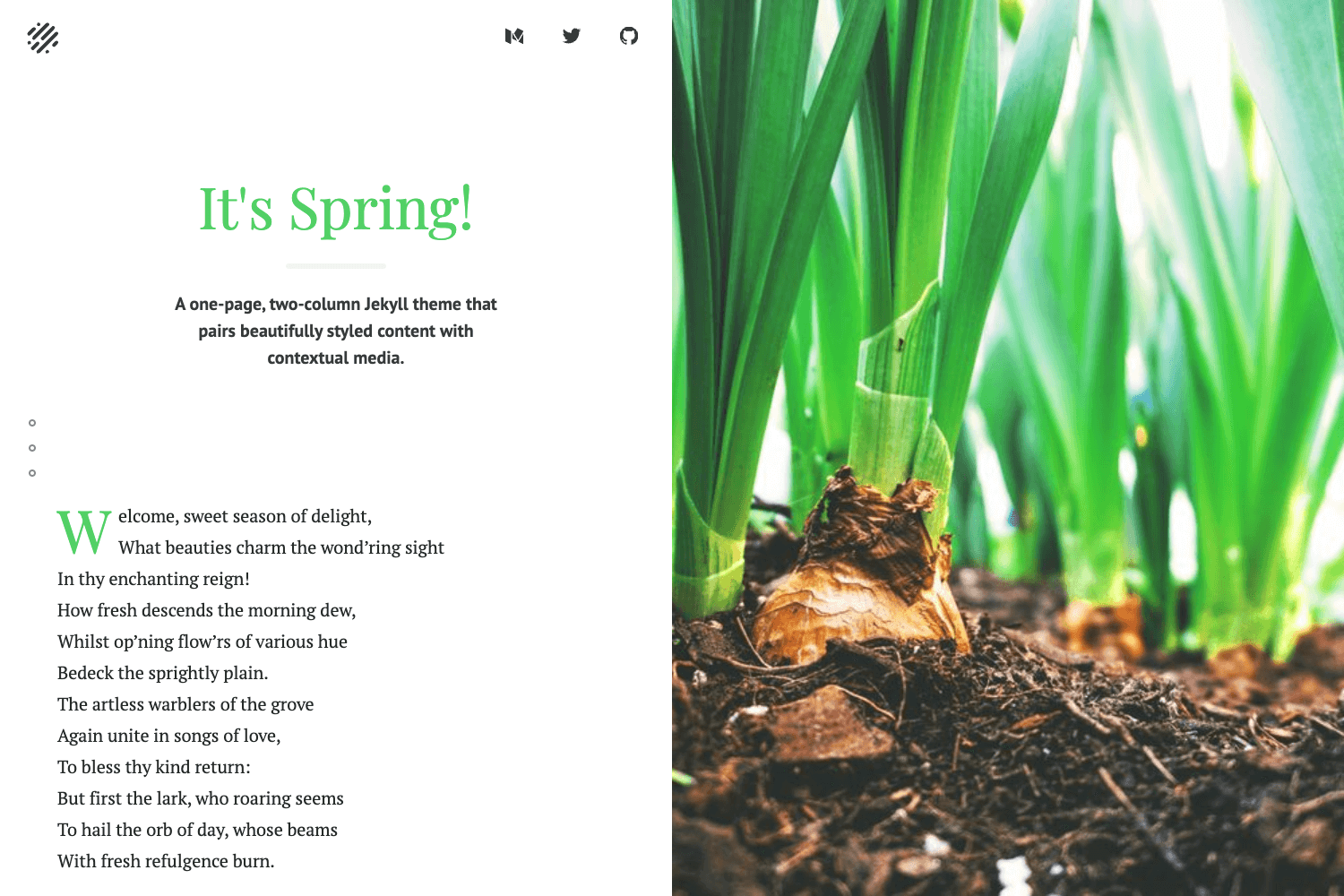
Template details
Beautiful Jekyll
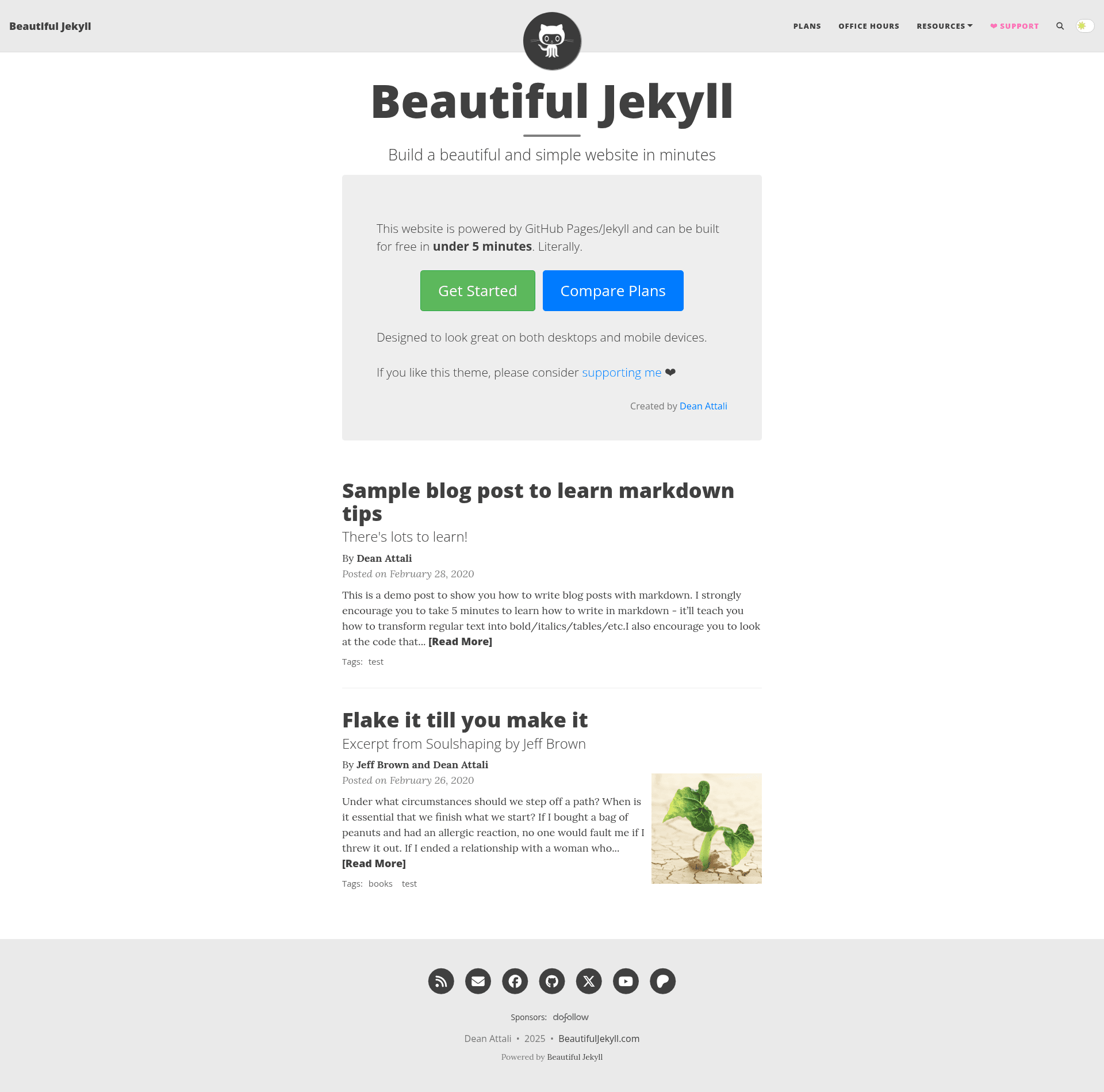
Ready-to-use Jekyll theme for building a beautiful personal website, blog, or project site in minutes.
About this template
Beautiful Jekyll is a ready-to-use Jekyll theme for building a personal website, blog, or simple project site on GitHub Pages in minutes, created by Dean Attali.
What is Beautiful Jekyll?
Beautiful Jekyll is a free, open-source Jekyll theme designed to let anyone create a polished website without writing code. It takes Markdown or HTML files with YAML front matter as input and generates a static, mobile-friendly website that can be hosted on GitHub Pages. The theme is maintained by Dean Attali and has been used by more than 50,000 people since 2015. You can use it either by forking the GitHub repository or installing it as a Ruby gem for advanced setups.
Key Features
Beautiful Jekyll includes a wide range of features out of the box, covering everything from comments to SEO.
- Simple setup — A three-step process: fork the repository, rename it to
YOURUSERNAME.github.io, and edit the_config.ymlfile to publish a live site athttps://YOURUSERNAME.github.io. - Mobile-first design — The layout is built to look good on both large screens and small mobile devices, with a responsive navigation bar that shortens on scroll.
- Highly customizable — Dozens of YAML front matter parameters let you set titles, subtitles, cover images, thumbnails, author info, read time, social share buttons, and more per page.
- Comments support — Add comments to any page using Disqus, Facebook Comments, Utterances, Staticman, giscus, or CommentBox by enabling a provider in
_config.yml. - Built-in tags — Blog posts can be tagged with keywords, and an index page is automatically generated to list posts by tag.
- SEO and social sharing — Customize how pages appear on Google and when shared on Twitter or Facebook with
share-title,share-description, andshare-imgparameters. - Analytics and search — Integrate Google Analytics or other analytics platforms, and add a search button in the navigation bar so visitors can find content.
- RSS feed — An RSS feed is generated automatically, and the theme supports full-width cover photos and thumbnails on any page.
Who is it for?
Beautiful Jekyll is for anyone who wants a professional-looking website with minimal technical effort, from beginners to advanced developers. Non-programmers can fork the repo and edit Markdown files to publish content, while experienced developers can use the Ruby gem or advanced GitHub Pages remote theme method for more control. It suits personal sites, blogs, portfolios, and project documentation pages.
What can you do with Beautiful Jekyll?
Beyond standard blogging, the theme's flexible parameters and RSS support open up several content publishing scenarios.
- Personal bloggers — Publish posts written in Markdown with tags, cover images, and reader comments in minutes.
- Students and academics — Create a CV or project page with a clean layout and host it for free on GitHub Pages.
- Small businesses — Set up a simple company website with an about page, contact info, and social links, all editable via
_config.yml. - Podcasters — Use the built-in RSS feed to distribute audio episodes without any additional setup.
How does Beautiful Jekyll work?
The recommended workflow is to fork the beautiful-jekyll repository on GitHub, rename it to YOURUSERNAME.github.io, and edit the site-wide settings in _config.yml. Pages and posts are written as Markdown or HTML files with YAML front matter at the top; the front matter adds per-page parameters like titles, images, and comments. Files placed in the _posts directory with names following YEAR-MONTH-DAY-title.md automatically become blog entries.
Pricing
Beautiful Jekyll is free and always will be, but optional paid sponsorship plans are available for those who want extra features and to support development. Sponsors receive perks such as removing the Beautiful Jekyll ad from their site, using a Dark Mode skin, and gaining access to office hours with the developer.
FAQ
Is Beautiful Jekyll free?
Yes, Beautiful Jekyll is completely free to use, whether you fork it on GitHub or install it as a Ruby gem. The source code is open source, and you can host the resulting website at no cost on GitHub Pages.
How do I create a website with Beautiful Jekyll?
Fork the beautiful-jekyll repository on GitHub, rename it to YOURUSERNAME.github.io, and edit the _config.yml file. After committing your changes, your live website will be available at https://YOURUSERNAME.github.io within a minute or two.
Does Beautiful Jekyll support comments?
Yes, you can enable comments on any page. The theme supports Disqus, Facebook Comments, Utterances, Staticman, giscus, and CommentBox. You need to configure one provider in _config.yml and add comments: true to the page's front matter.
Can I use a custom domain with Beautiful Jekyll?
Yes, you can set a custom domain for your GitHub Pages site. The FAQ page at beautifuljekyll.com explains how to configure a custom URL, and the theme is fully compatible with GitHub Pages' custom domain feature.
Does Beautiful Jekyll work on mobile devices?
Yes, the theme uses a mobile-first, responsive design. Navigation collapses on smaller screens, and content reflows to fit any viewport, so pages look good on phones, tablets, and desktops.