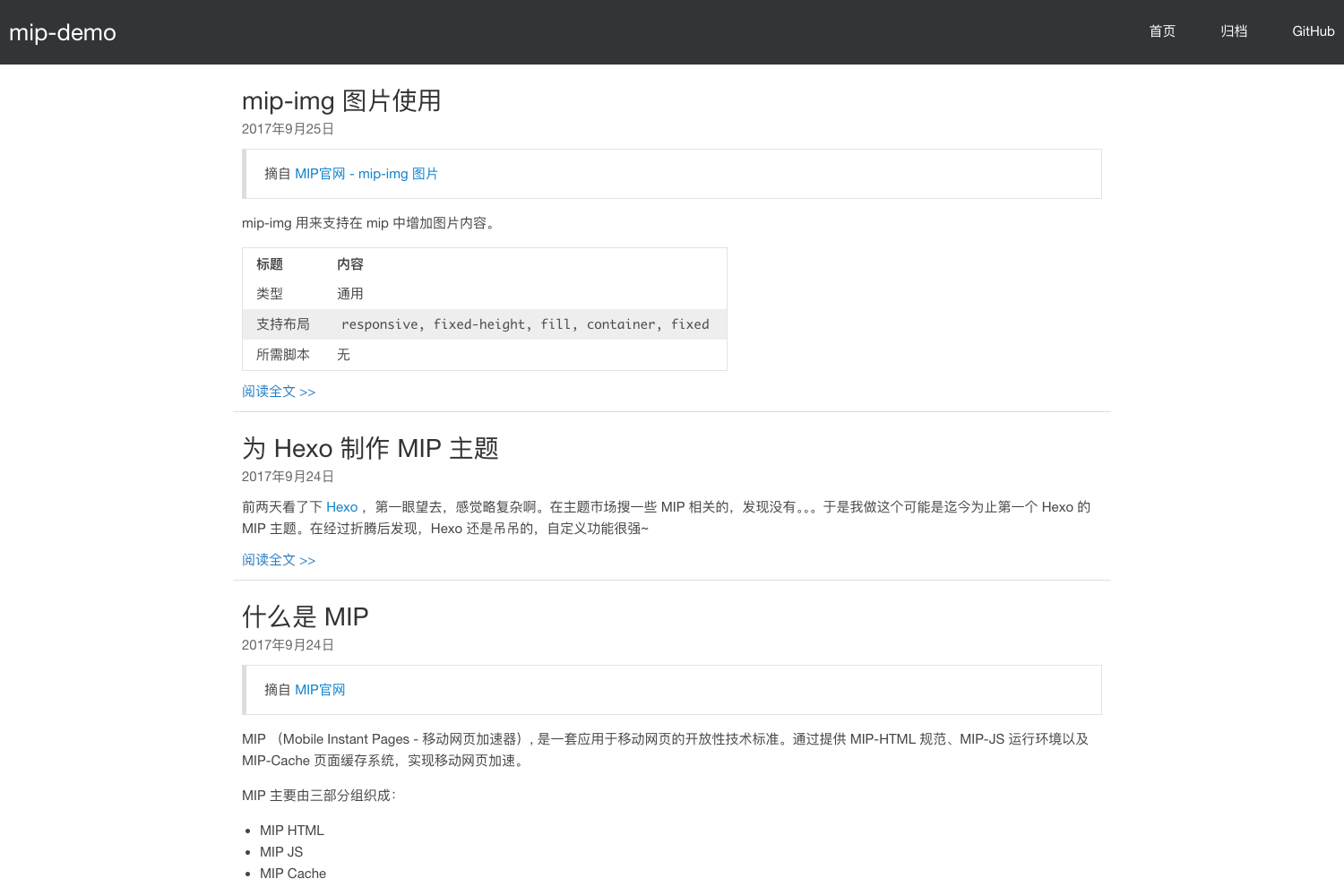
Template details
Gridea Theme Chic
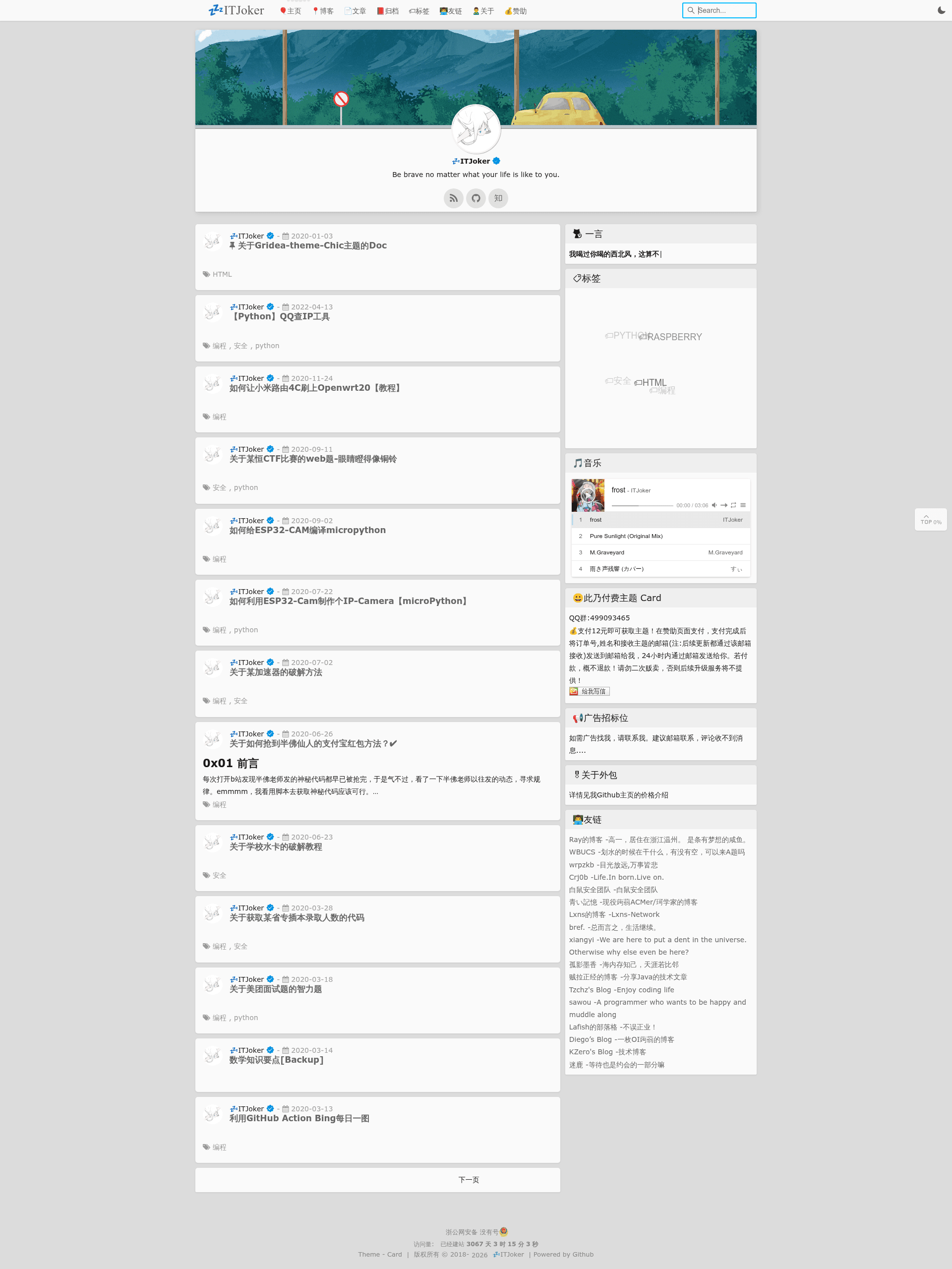
A free open-source Gridea blog theme ported from Hexo's Chic, featuring light/dark modes, LaTeX formulas, Live2D, and a music player.
About this template
Gridea Theme Chic is an open-source blog theme for the Gridea static-site client, ported from the popular Hexo Chic theme by Sirice and modified by ITJoker, that turns Markdown posts into an elegant reading experience with light/dark modes, LaTeX support, and a suite of optional plugins.
What is Gridea Theme Chic?
Gridea Theme Chic is a theme installed into Gridea, a desktop-based static blog generator client. It accepts the Markdown content and site configuration from Gridea and renders a complete blog with custom typography, a one-click light/dark switcher, and plugin hooks. The theme is maintained on GitHub at ITJoker233/Gridea-theme-Chic, is currently at version 1.7.6.1, and is released under a Creative Commons Attribution-NonCommercial-ShareAlike 4.0 International license.
Key Features
- Light and dark themes — A single click toggles the entire site between a light and a dark palette, and the page also supports automatic mobile screen adaptation.
- LaTeX formula rendering — Math written in double-dollar delimiters ($$...$$) is displayed, though MathJax itself is not supported; only that specific block format works due to Gridea client limitations.
- Live2D and Hitokoto — A Live2D mascot and the Hitokoto one-liner API can be enabled to add interactive and literary touches to the blog.
- Music player — A built-in player supports manually imported playlists, so bloggers can share music alongside posts.
- Community plugins — Weather, visitor counter, article sharing, article tipping, table of contents, mouse-click effects, page-title effects, custom fonts, and Valine comments are all implemented.
- SEO and friend links — The theme is designed to be search-engine friendly and includes a dedicated friend-links page, accessed by adding a menu link to /friends.
- Language switching — The interface supports switching between Chinese and English.
Who is it for?
- Gridea bloggers who want a polished, feature-rich theme out of the box, including dark mode and plugin integrations.
- Hexo migrants who previously used the Chic theme in Hexo and want the same look on Gridea.
- Hobbyist developers who like to customize themes, since the repository is open source and includes contribution guidelines.
What can you do with it?
- Set up a personal blog — Install via git clone or zip, then configure site info in Gridea's custom settings to publish posts with a French-inspired "Chic" design.
- Write math-heavy articles — Use LaTeX delimited by double-dollar signs to render formulas in posts, with a highlight-friendly reading view.
- Engage readers — Enable the tipping and sharing buttons, the Valine comment system, and the visitor counter to build an interactive blog.
How does it work?
Installation follows Gridea theme conventions: clone the repository into your-blog/themes as the Chic directory, or download a release zip. Updates are done with git pull origin master. After installation, Gridea requires you to open the theme's custom configuration and save once, and to set the site information to avoid errors.
FAQ
Is Gridea Theme Chic free?
Yes, the theme is open source and free to download and use under the Creative Commons Attribution-NonCommercial-ShareAlike 4.0 International license. The author accepts donations through their blog but does not charge for the theme.
Does it support MathJax?
No, MathJax is not supported. The theme only renders LaTeX formulas that are written in double-dollar delimiter blocks, because of limitations in the Gridea client. Other LaTeX delimiters may not work.
How do I add a friends page?
Add a menu item with the link /friends in Gridea's menu settings. The theme will then display the friend-links interface.
How do I update from an older version?
Gridea does not automatically fetch theme versions, so after updating the theme files, restart the Gridea client, go to Theme > Custom Configuration > Theme Settings, select the newest version, and save. If you update by git pull, it is recommended to resave the custom configuration to avoid errors.
Is mobile support included?
Yes, the theme is designed to automatically adapt to mobile devices and different screen sizes, and a future plan mentions adding a mobile-specific dark mode toggle.