Newsletter
Join the Community
Subscribe to our newsletter for the latest news and updates

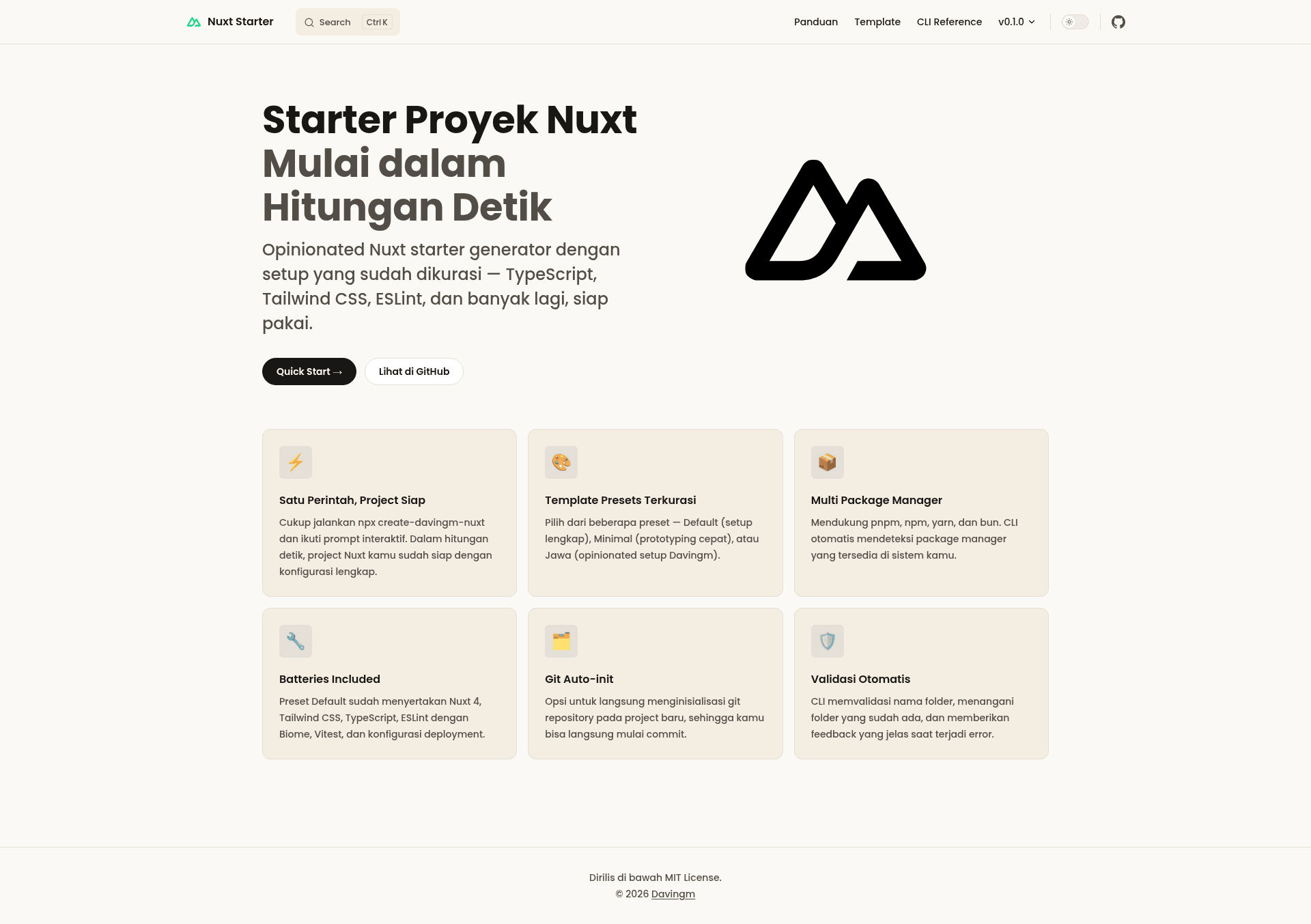
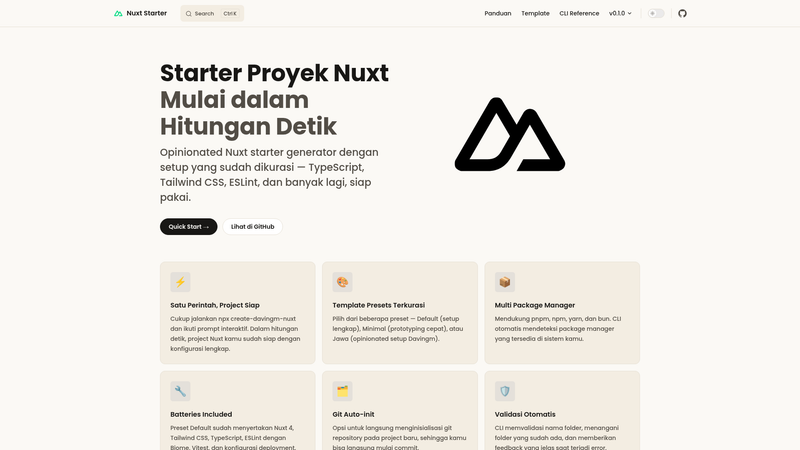
CLI generator that scaffolds opinionated Nuxt projects with curated structure, ESLint, TypeScript, Tailwind CSS, Vitest, and deployment config.
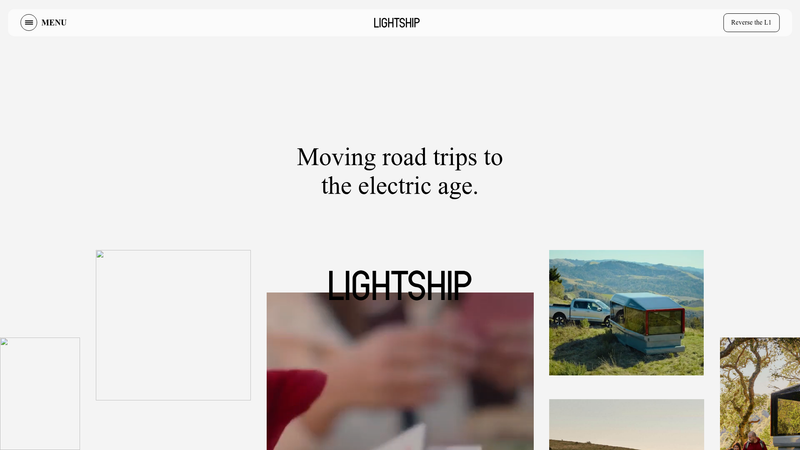
A static clone website of Lightship's all-electric RV site, built with GSAP and Locomotive Scroll.
Software factory built on eve: AI agents work each stage of the development loop, and people make the judgment calls.
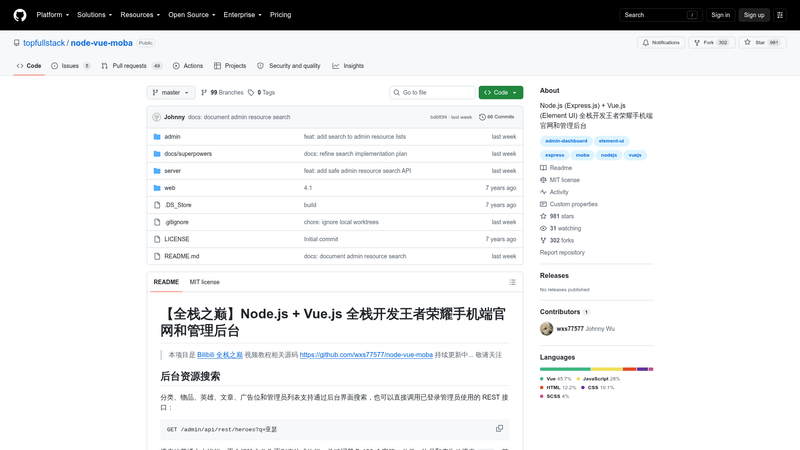
Node.js + Vue.js full-stack code for a Honor of Kings mobile site and admin dashboard, from the Bilibili 全栈之巅 tutorial.
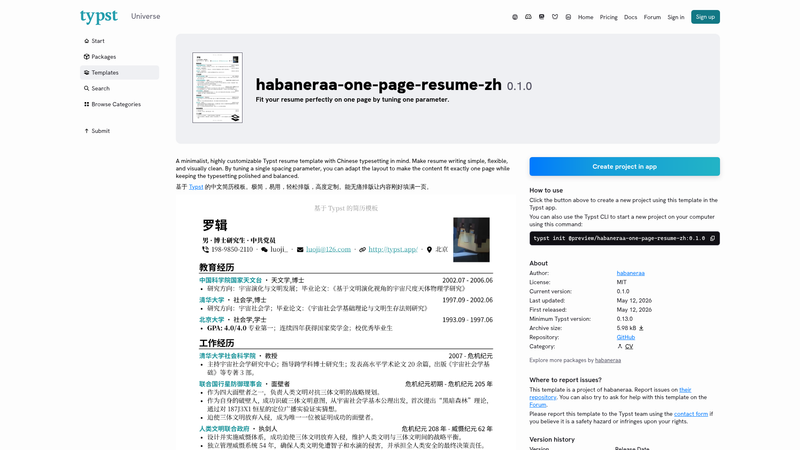
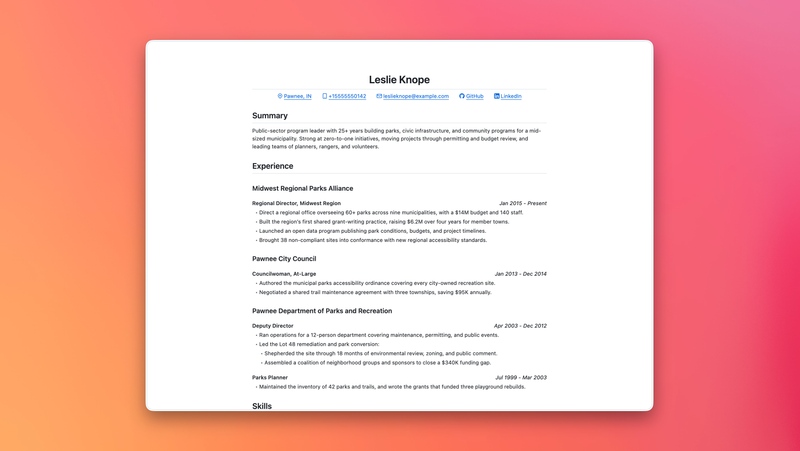
A minimalistic resume template based on Typst. Fit your content perfectly on one page by tuning just one parameter. 中文简历模板
create-davingm-nuxt is an open-source CLI generator that scaffolds opinionated Nuxt projects with curated tooling in a single command.
create-davingm-nuxt is a command-line tool that generates new Nuxt project structures with a preconfigured, opinionated setup. It takes user choices from interactive prompts — template preset, project location, package manager, and optional Git initialization — and outputs a ready-to-run Nuxt project folder. The tool runs on Node.js version 18 or higher and is published as an npm package by Davingm under the MIT License.
default includes Nuxt 4, Tailwind CSS, TypeScript, ESLint, Vitest, and deployment configuration; minimal provides a bare Nuxt setup for prototyping; jawa applies Davingm's personal opinionated configuration.npx create-davingm-nuxt, pnpm create davingm-nuxt, yarn create davingm-nuxt, or bunx create-davingm-nuxt.minimal preset to spin up a bare Nuxt app quickly without extra plugins or tooling.jawa preset offers a personal configuration that can serve as a starting point for customized setups.default preset.minimal preset to get a bare Nuxt app that stays out of the way during rapid experimentation.jawa preset to start from Davingm's own opinionated configuration and adjust it for your workflow.Run npx create-davingm-nuxt in a terminal. The CLI then displays a series of prompts: choose a template preset, specify the project location, select a package manager (pnpm, npm, yarn, or bun), and optionally initialize a Git repository. After the prompts, the tool writes the selected project structure to the target directory.
Yes, the generator is open source and released under the MIT License, and it can be run freely via npx, pnpm create, yarn create, or bunx. There is no paid tier or license fee mentioned on the project page.
Three presets are available: default, which installs Nuxt 4, Tailwind CSS, TypeScript, ESLint, Vitest, and deployment configuration; minimal, which sets up Nuxt without additional plugins for prototyping; and jawa, which uses Davingm's opinionated personal configuration.
Node.js version 18 or higher is required, along with at least one package manager: npm, pnpm, yarn, or bun. The tool runs as a CLI command from any terminal that supports these package managers.
It can. During the interactive prompts, the CLI asks whether to initialize a Git repository. This is optional, so you can opt out if you prefer to manage version control separately.
Yes, bun is supported. You can run the generator with bunx create-davingm-nuxt and then select bun as the package manager for your new Nuxt project during the prompts.