Template details
Daymd
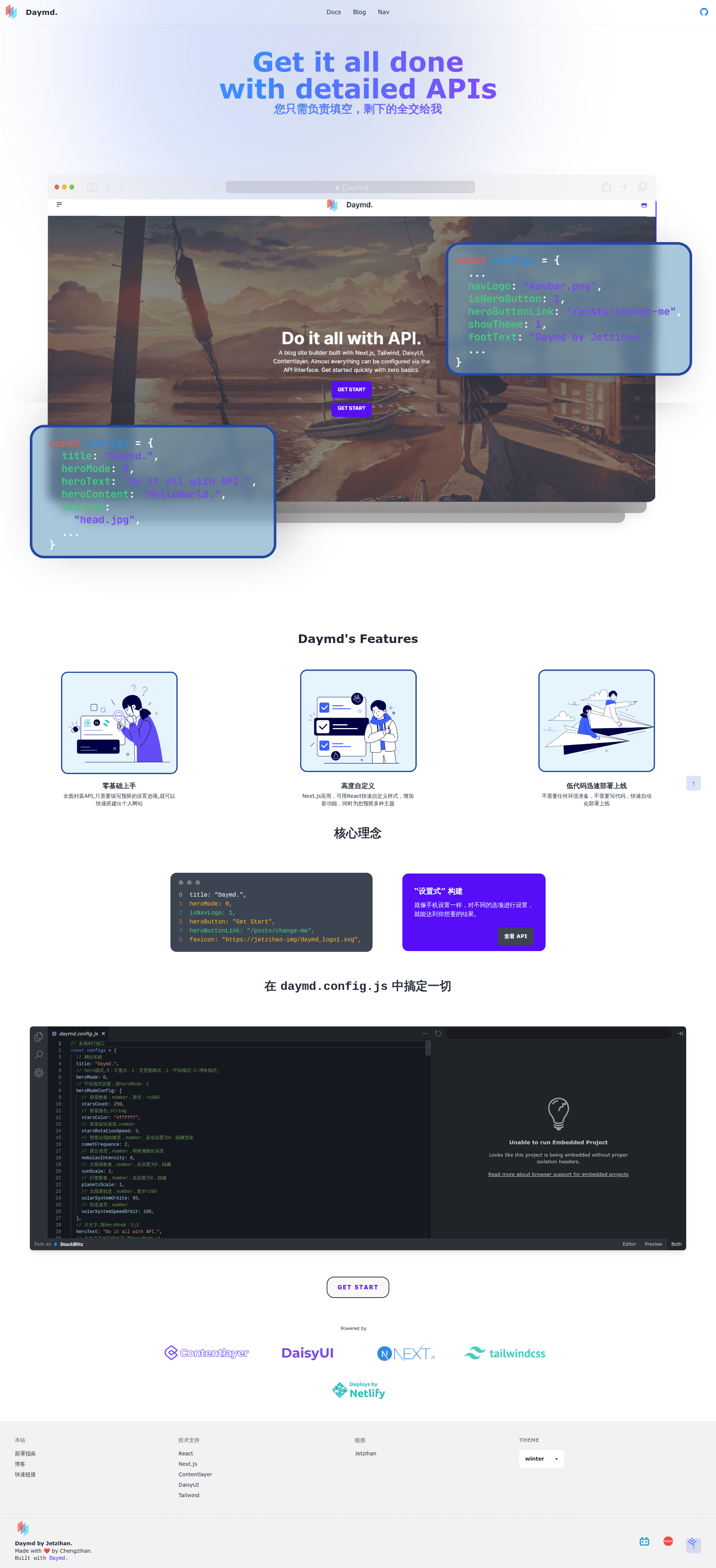
A browser-based personal site generator with 28 themes, built on Next.js and Tailwind CSS — build and deploy entirely online.
About this template
Daymd is a composable personal site generator built on Next.js that lets you build and deploy a blog or homepage entirely from your browser, without a local development environment.
What is Daymd?
Daymd is an open-source personal site generator that takes content and configuration through an in-browser interface and produces a deployable static site. It runs on the Next.js framework with TypeScript, Tailwind CSS, DaisyUI, and Contentlayer, and its source code is maintained on GitHub by inannan423. The project includes a separate documentation site at daymd.netlify.app that explains setup and customization.
Key Features
- Zero learning curve — Start building a site without prior coding knowledge; all operations happen in the browser.
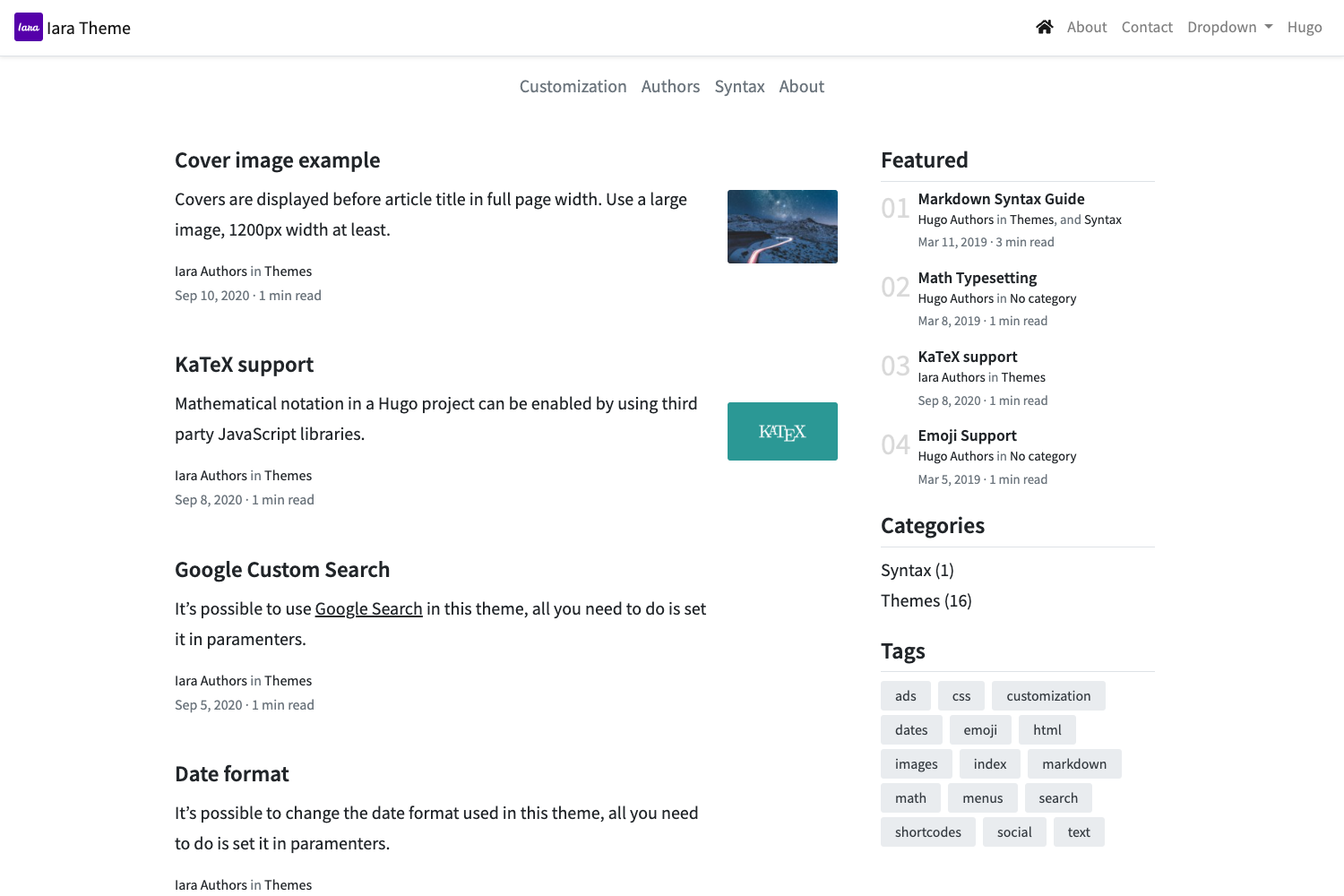
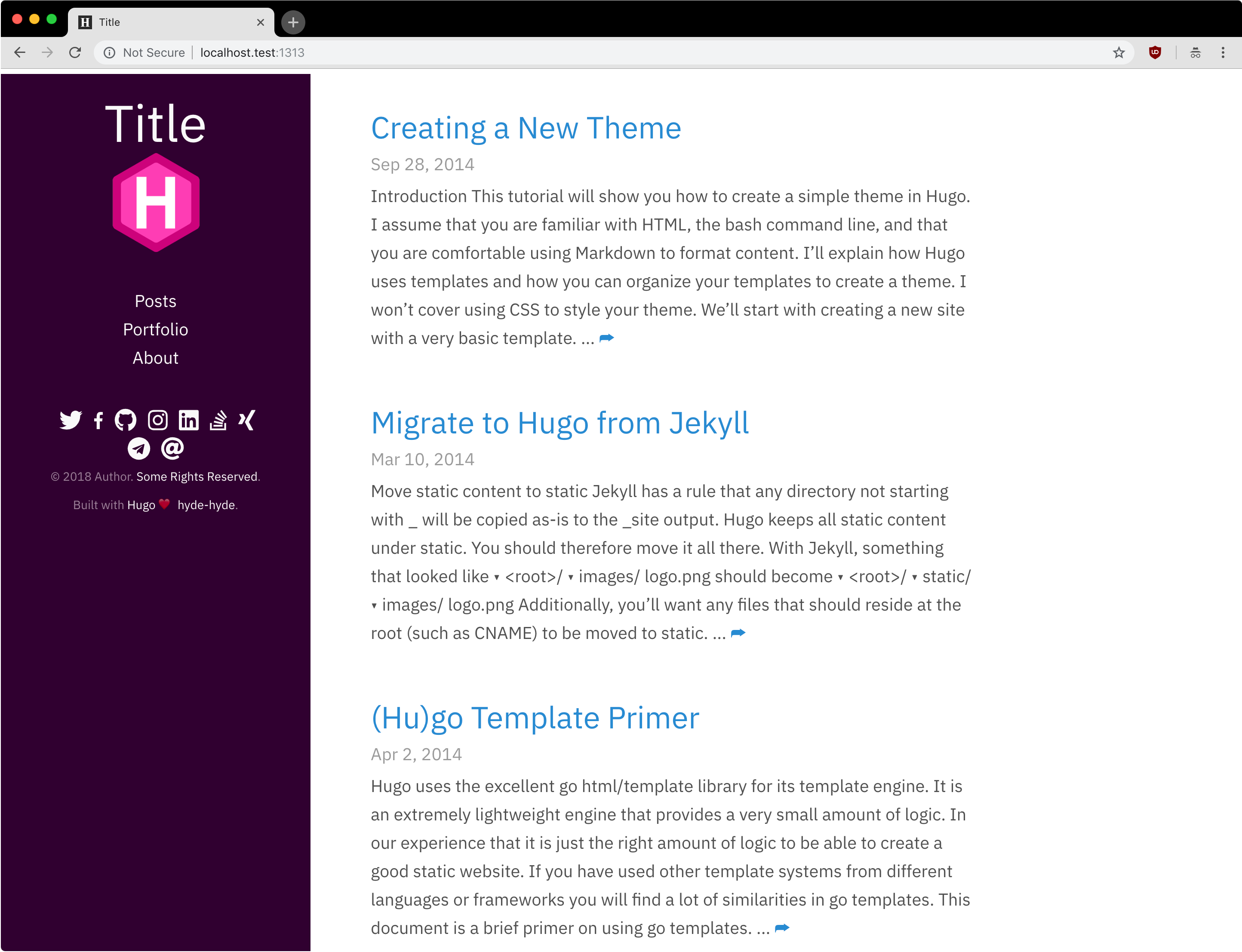
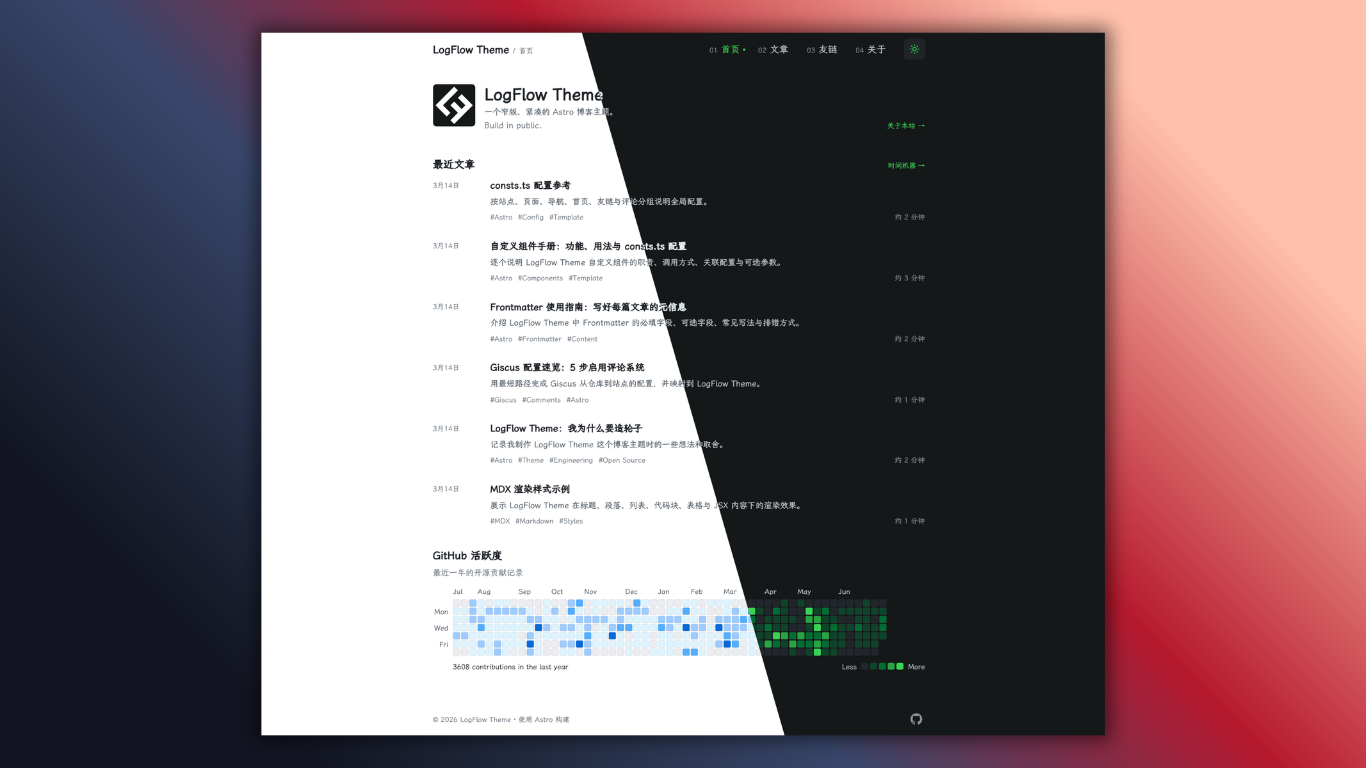
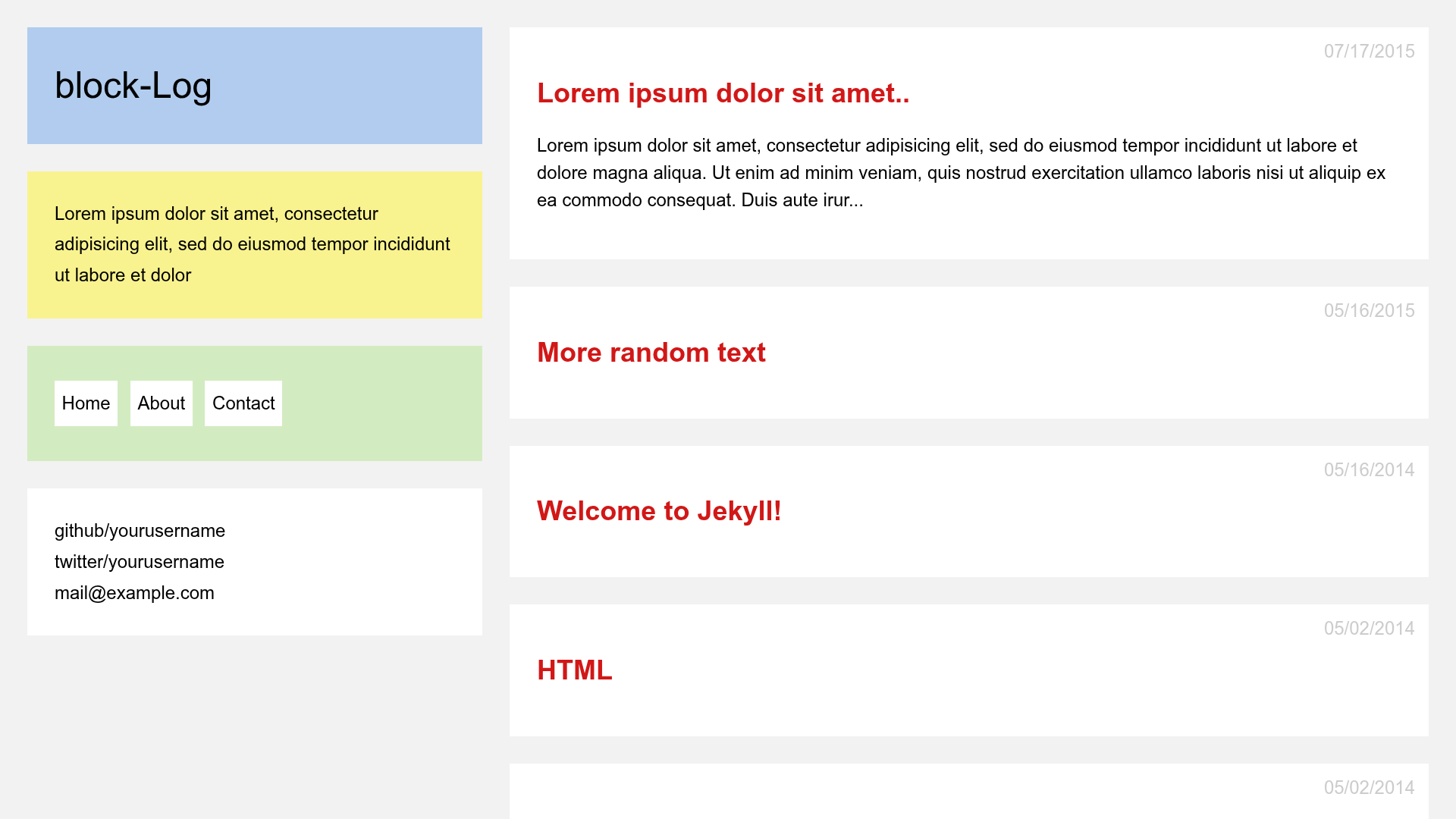
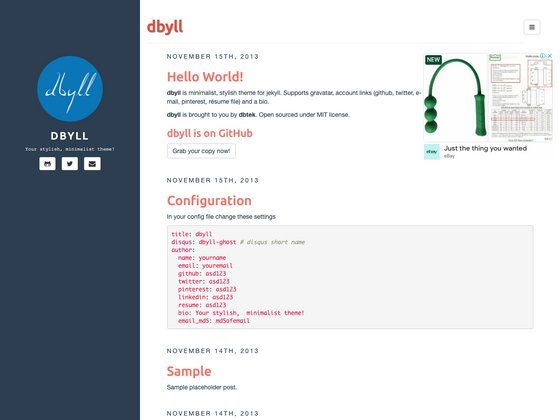
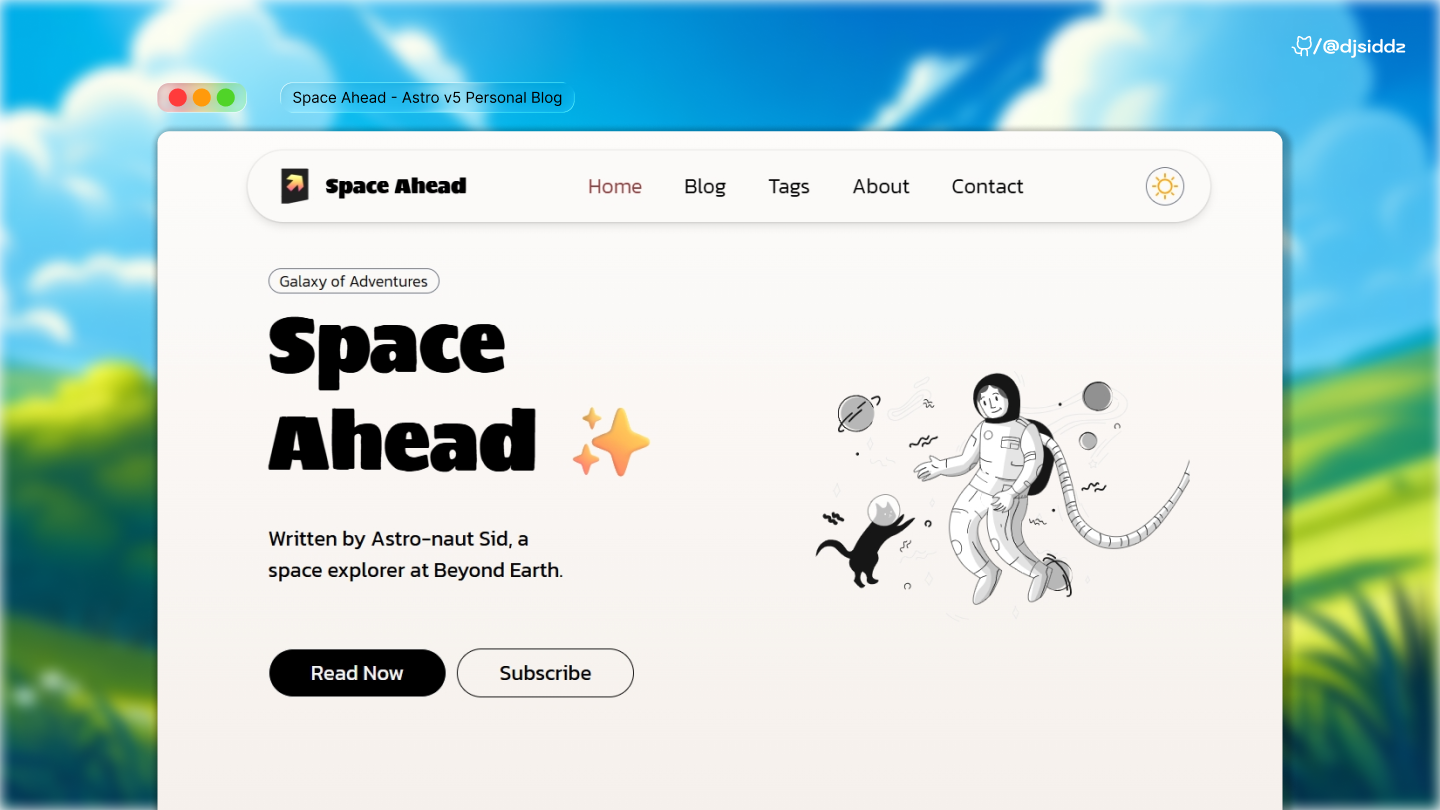
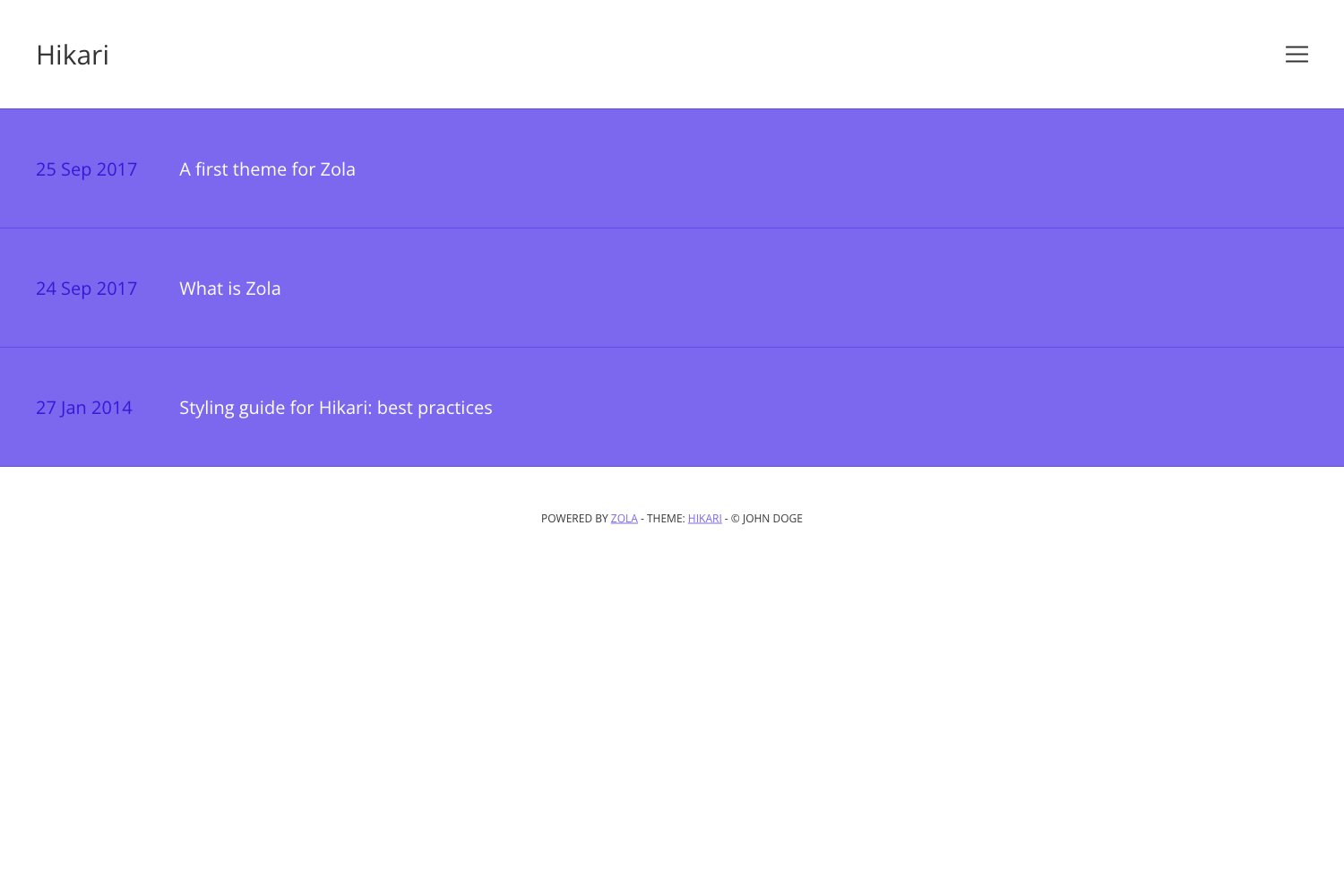
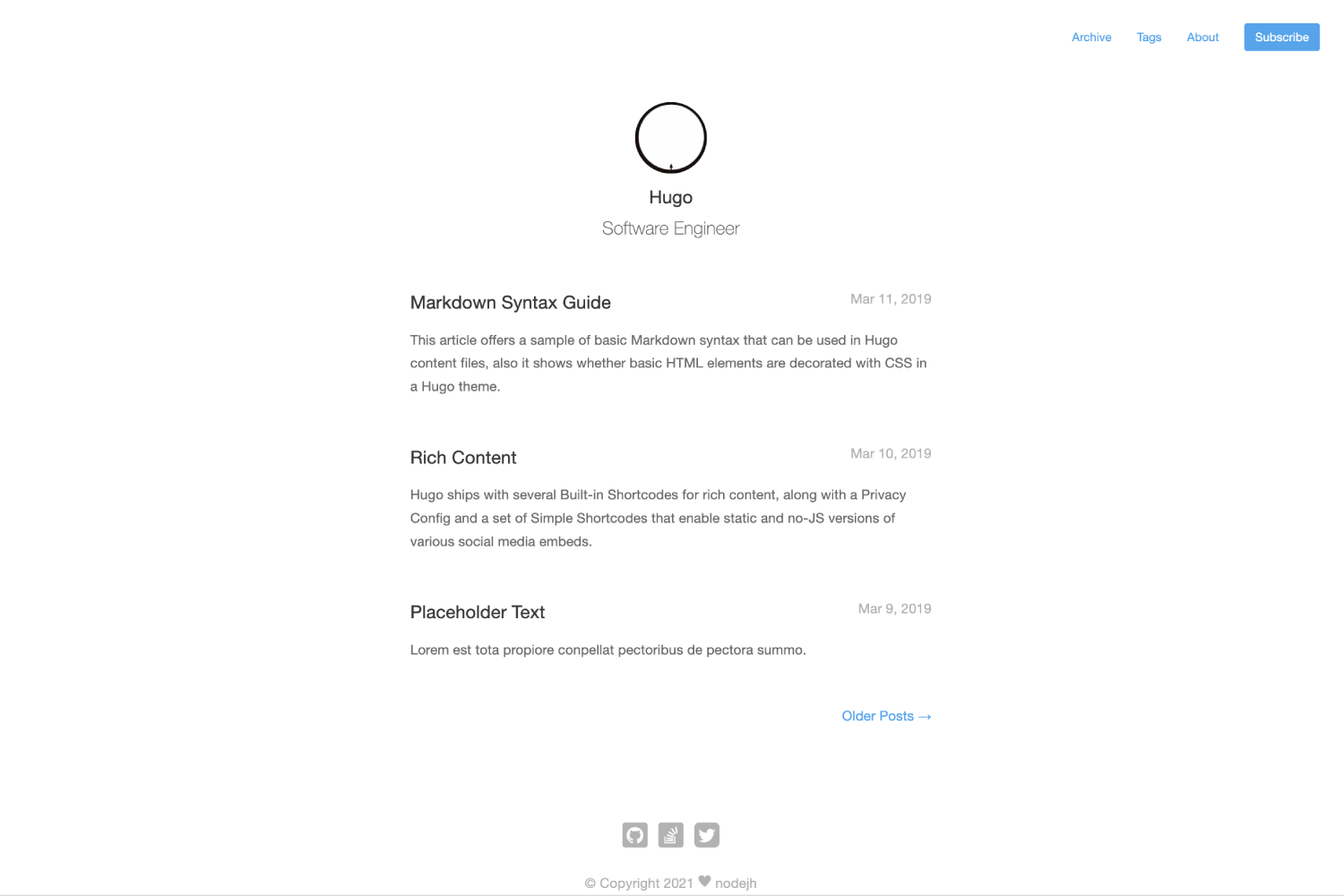
- 28 built-in themes — Choose from a catalog of 28 themes to change your site's look without touching code.
- In-browser workflow — Create, edit, and preview everything online; no local Node.js environment is needed.
- Flexible and open — The source is open on GitHub (224 stars) and can be forked, modified, and self-hosted.
- Modern tech stack — Uses Next.js with React, TypeScript, Tailwind CSS, DaisyUI, and Contentlayer for content management.
- Detailed documentation — A dedicated docs site covers setup, theming, and deployment in depth.
- Local development support — For advanced users, the repo supports
npm install,npm run dev, andnpm run build.
Who is it for?
- Non-programmers who want a personal blog or portfolio without setting up a development environment.
- Content creators who need a customizable site with ready-made themes and browser-based editing.
- Developers who want a Next.js starter using Contentlayer and Tailwind to build their own custom site quickly.
What can you do with Daymd?
- Create a personal blog — Write posts and publish a themed site without leaving the browser.
- Build a portfolio page — Use one of the 28 themes to showcase work and projects.
- Deploy a static site — Generate a static output that can be hosted on Netlify (matching the docs domain) or any static host.
- Run locally for advanced customization — Clone the repo and use standard npm scripts to develop and build.
How do you run Daymd locally?
The repository includes standard npm scripts: clone the source, run npm install to install dependencies, run npm run dev to start the development server, and run npm run build to produce a production build.
FAQ
Is Daymd free to use?
Yes, Daymd is an open-source project hosted on GitHub, so you can use, modify, and deploy it without charge. The repository is public and has 224 stars.
Does Daymd require a local environment?
No, the primary workflow operates fully in the browser, so you can build, preview, and deploy without installing Node.js or other local tools. Local commands are available for developers who want them.
What technologies does Daymd use?
Daymd is built with Next.js, React, TypeScript, Tailwind CSS, DaisyUI, and Contentlayer. It uses PostCSS for processing CSS and JSX for components.
How many themes does Daymd offer?
Daymd ships with 28 built-in themes. You can switch between them from the browser interface without writing code.
Where can I find documentation for Daymd?
Detailed documentation is available at daymd.netlify.app, covering installation, theme customization, content organization, and deployment.