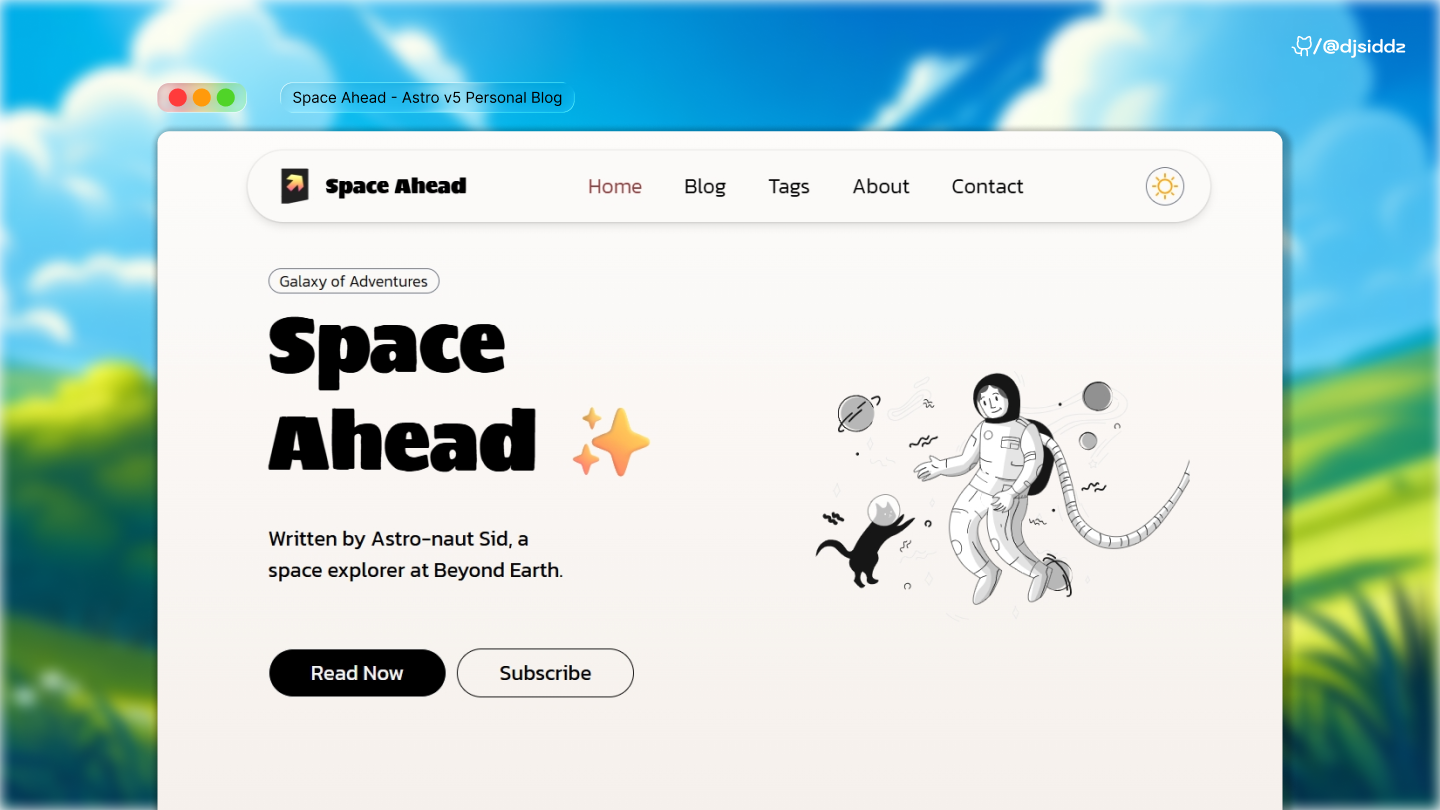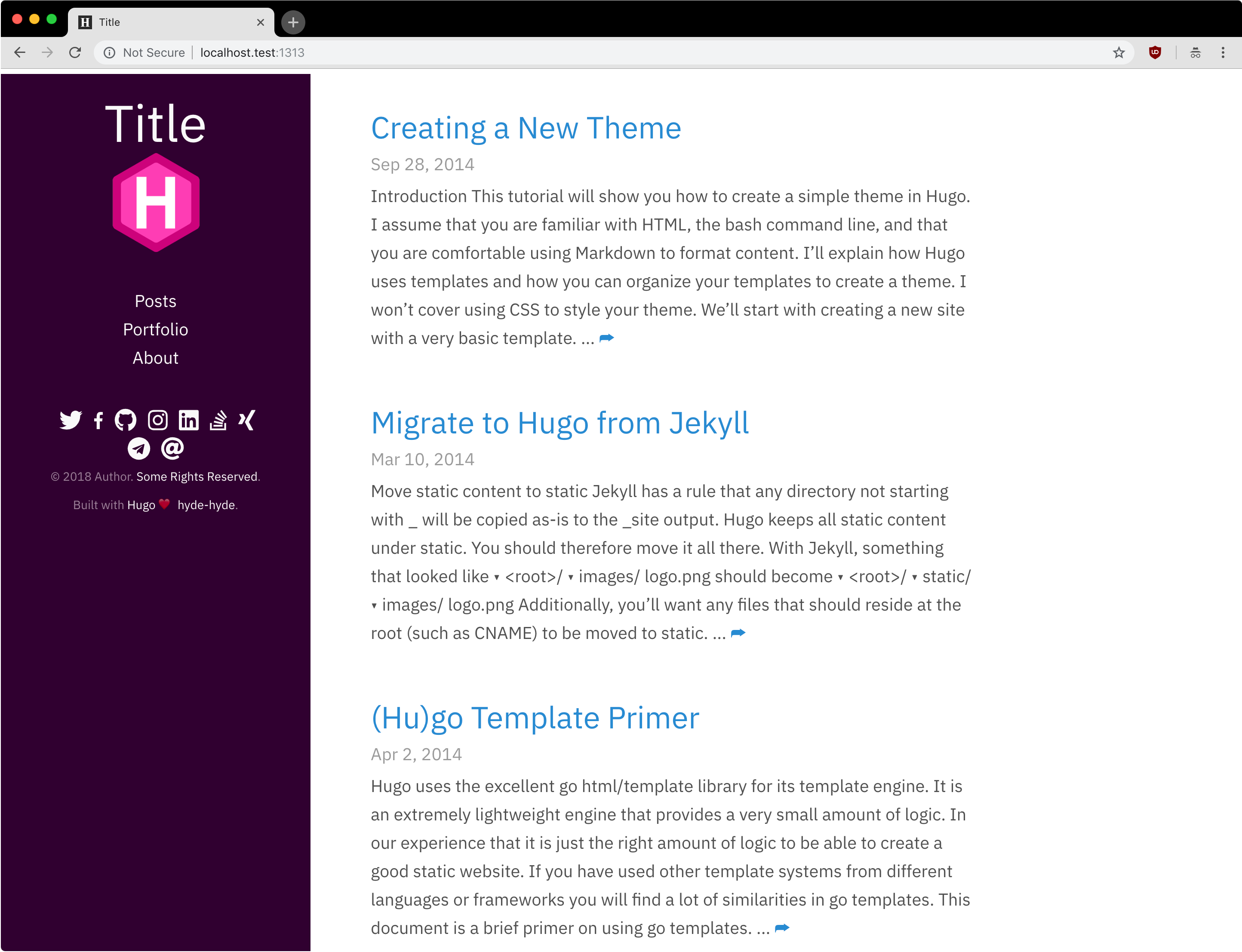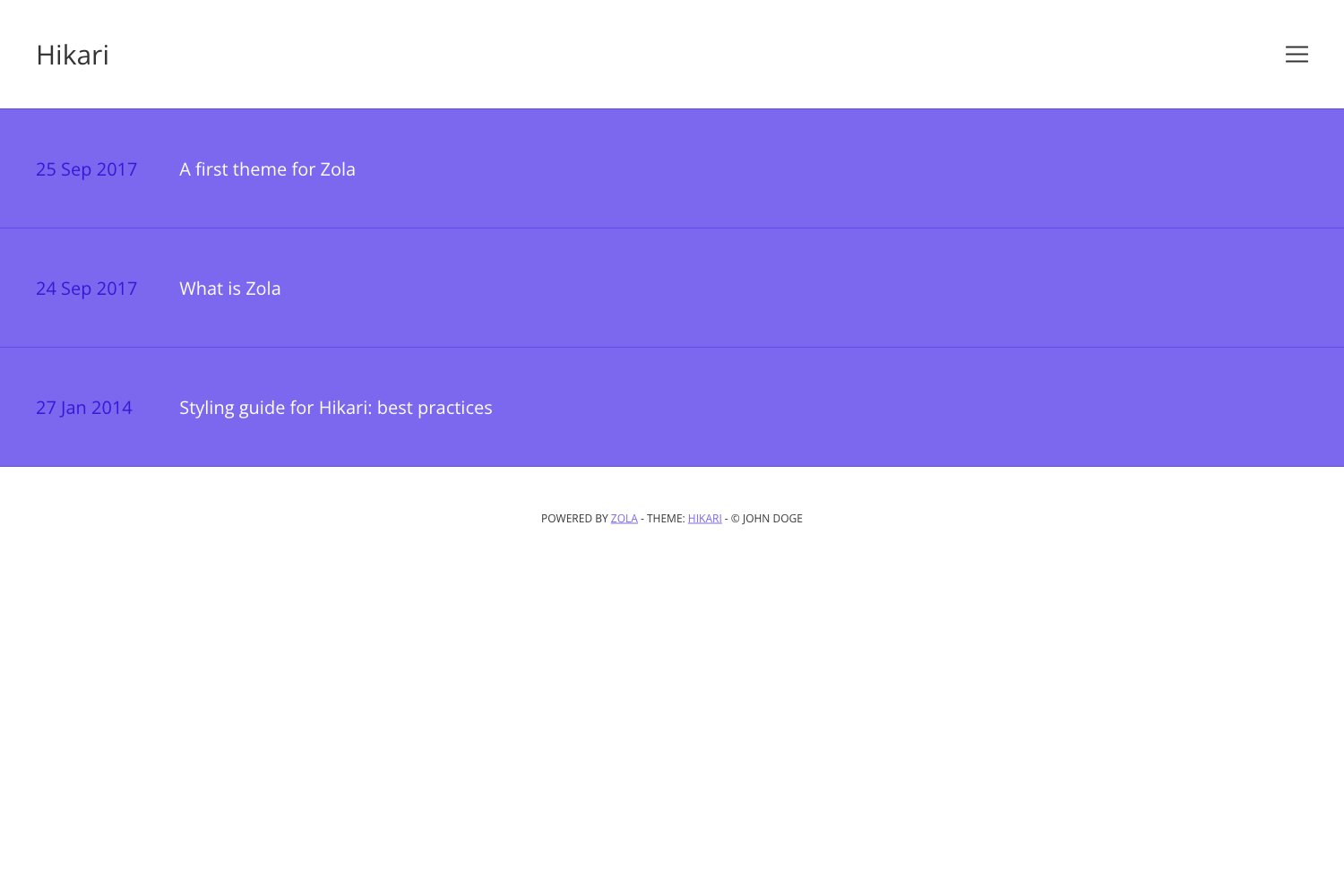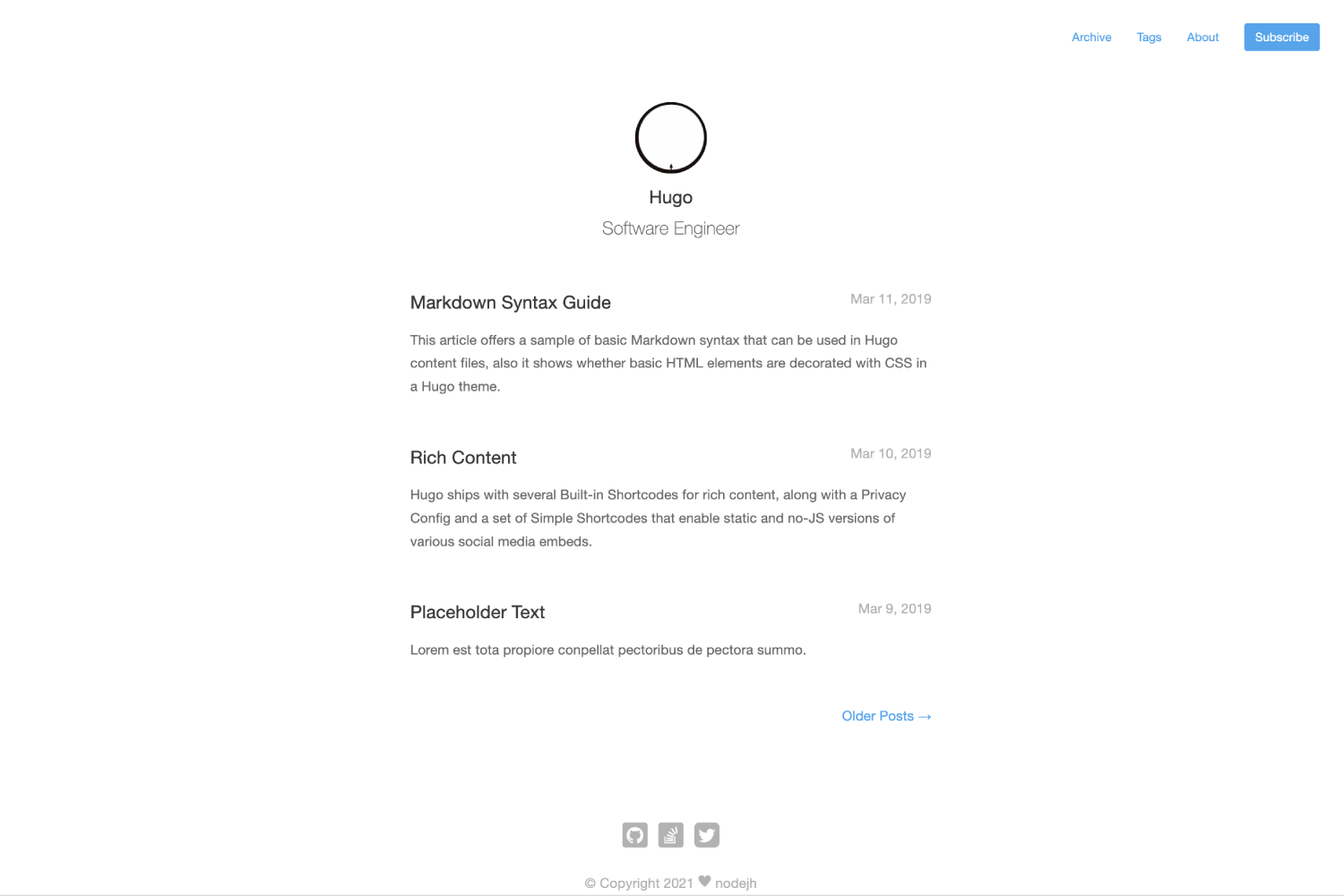
Template details
LogFlow Theme
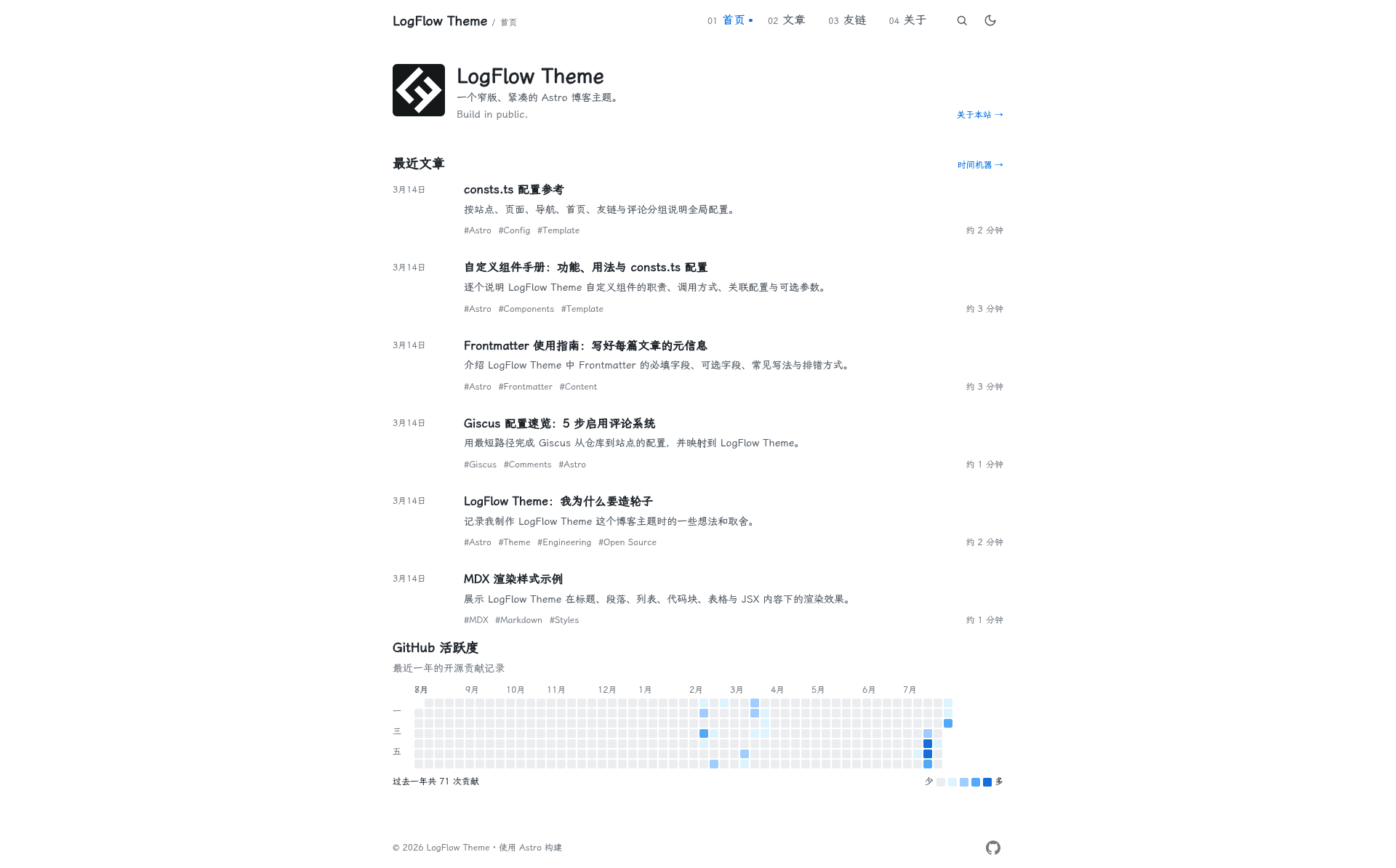
A clean, content-first Astro blog theme for Chinese writing and personal sites, with static search, Giscus comments, and GitHub Pages deployment.
About this template
LogFlow Theme is an open-source Astro blog template that turns Markdown/MDX files in src/content/blog/ into a static content-first site with built-in search, Chinese-language defaults, and one-command GitHub Pages deployment.
What is LogFlow Theme?
LogFlow Theme is an Astro-powered blog theme designed for content-first writing, personal homepages, and technical documentation. It takes articles written in .md or .mdx format with YAML frontmatter and generates a fully static site with RSS, sitemap, and Open Graph metadata. The theme is developed by kevynf and distributed under the MIT license, with the repository at kevynf/logflow-theme. It requires Node.js version 22.12.0 or newer to run the dev server and build.
Key Features
- Markdown/MDX support — Write posts with syntax-highlighted code blocks, a one-click copy button, and optional hero images referenced via frontmatter.
- Archives and taxonomies — Built-in views for collections (topics), tags, year-based archives, friend links, and an About page.
- Zero-dependency static search — A search index is generated at build time from article titles, summaries, and tags (not full text), then loaded client-side; configurable via
SEARCH.enabledandSEARCH.maxResults. - Dark/light theme and responsive navigation — Toggleable themes, mobile-friendly nav, and keyboard focus styles for accessibility.
- SEO and social metadata — RSS feed, sitemap.xml, canonical URLs, Open Graph, and Twitter Card tags are included out of the box.
- Optional comments and GitHub activity — Giscus (GitHub Discussions) comments and a GitHub contribution activity component can be enabled through configuration.
- GitHub Pages CI/CD — A GitHub Actions workflow auto-deploys on push to
main, settingSITE_URLandBASE_PATHfor project pages.
Who is it for?
- Chinese-language bloggers — The default UI text and README are in Chinese (with an English README), and the theme's compact, typography-focused layout suits long-form Chinese writing.
- Open-source developers — Use it to build project documentation or a personal site that documents your coding journey, with collections like "Astro" to group related posts.
- Personal homepage owners — Configure your avatar, intro, motto, and post count in the
HOMEsection ofsrc/consts.ts.
Use cases
- Write and organize a blog — Add posts in
src/content/blog/withtitle,description, andpubDate; optionalupdatedDate,collection,tags, andheroImagefields enrich the display. - Deploy a personal site for free — Point GitHub Pages at Actions, push to main, and the included workflow publishes the site automatically.
- Customize design tokens — Override colors, fonts, spacing, width, and border radius in the CSS variables at the top of
src/styles/global.csswithout touching components.
How does LogFlow Theme work?
After cloning the repository, run npm install and npm run dev to start a local server at http://localhost:4321. Write articles in Markdown or MDX, then run npm run build to generate the static output and npm run preview to test it locally. Most site-wide settings live in src/consts.ts, and friend links are edited in src/config/friend-links.ts.
Pricing
LogFlow Theme is free and open source under the MIT license.
FAQ
What is the minimum Node.js version required?
Node.js version 22.12.0 or newer is required to run npm run dev, npm run build, and the included astro check command.
How do I add comments to my blog?
Enable GitHub Discussions on your repository, then fill in the COMMENTS section in src/consts.ts with the repoId and categoryId. Comments are disabled by default, and the page shows a configuration hint if the fields are incomplete.
Does the search index include article content?
No. The search index is generated at build time and only contains article titles, summaries, and tags, not the full body text. The index is loaded by the browser when the search dialog first opens, so there is no server or third-party search dependency.
Can I use LogFlow Theme without a hero image?
Yes. The heroImage frontmatter field is optional; omitting it avoids broken images and empty social media image metadata.