Template details
Zola Theme Hikari
Port of the Jekyll Hikari theme to Zola, a simple blog theme for dev-savvy bloggers.
About this template
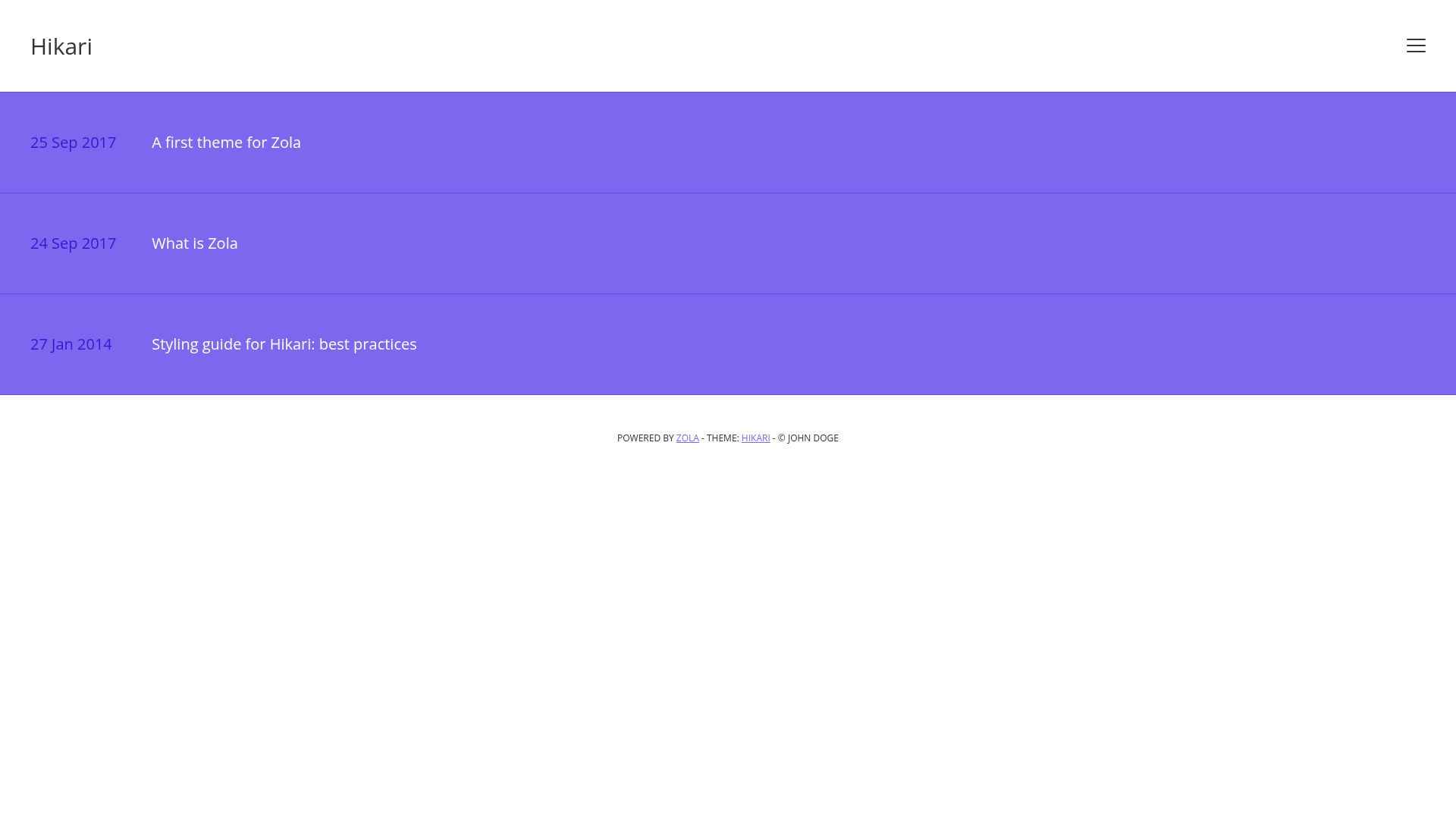
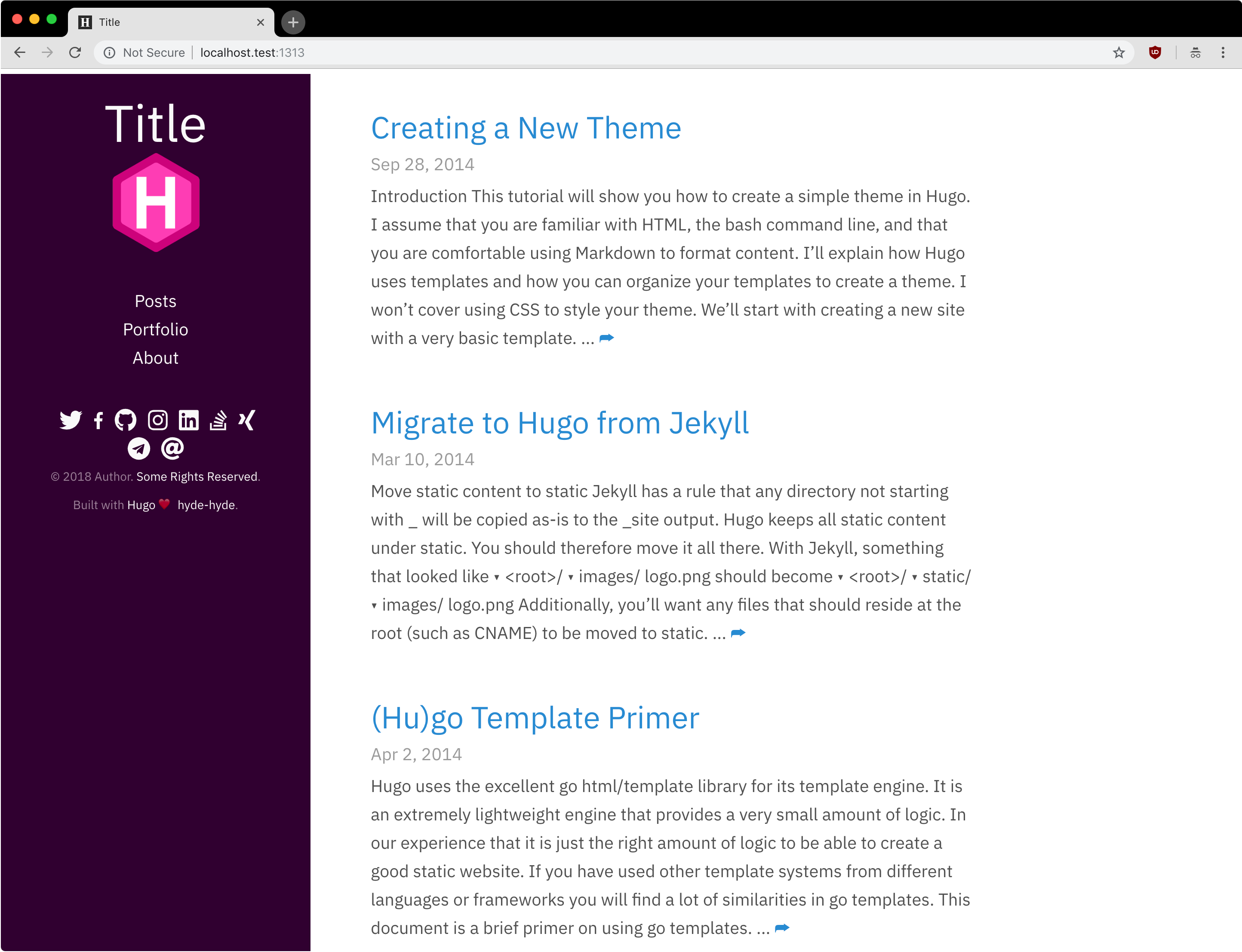
Zola Hikari is a simple blog theme for the Zola static site generator, ported from the Jekyll theme of the same name for developers who want a text-focused publishing setup.
What is the Hikari Zola theme?
Zola Hikari is a port of the Jekyll Hikari theme to Zola, a Rust-based static site generator. It accepts Markdown content and produces a static blog with a clean, minimal layout aimed at developers. The theme was created by waynee95 and is released under the MIT license.
Key Features
- Zola-native port — Brings the Hikari design to Zola without the Ruby dependency of the original Jekyll version.
- Simple installation — Clone the repository into your
themesdirectory and settheme = "hikari"inconfig.toml. - Configurable author profile — Set
author,author_bio, and social links for Twitter, GitHub, and Instagram via the[extra]table. - Optional MathJax support — Toggle
enable_mathjaxto render LaTeX math in posts. - Minimalist design — A fast, light layout with minimal JavaScript, suitable for personal blogs.
- MIT License — Free to use, modify, and distribute for personal or commercial projects.
Who is it for?
Hikari is for developers and technical writers who run a personal blog and prefer a clean, no-frills design. It's also for Zola users who previously liked the Jekyll Hikari theme and want the same aesthetic on a different static site generator. Finally, it suits anyone wanting a quickly configurable, self-hosted blog with minimal maintenance overhead.
What can you do with it?
- Developers: Publish technical posts, code snippets, and project updates in Markdown; the theme formats them into a coherent blog feed.
- Technical writers: Use it for documentation or changelog sites where author bio and social links help establish credibility.
- Math-focused bloggers: Enable MathJax to include equations, a feature not present in every minimalist theme.
How does it work?
After cloning the theme and enabling it in config.toml, you write content as Markdown files in Zola's content directory. The theme uses Zola's template engine to generate a static site. Author details and social links are read from the [extra] configuration, and MathJax can be toggled per site with the same configuration.
License and Pricing
Hikari is open source under the MIT license, so it is completely free to use with no paid tiers or subscription.
FAQ
How do I install the Hikari theme for Zola?
Clone the repository into your themes directory, then add theme = "hikari" to your config.toml. After that, create Markdown files in the content folder and run the Zola build command to generate your site.
Does Hikari support social media links?
Yes, the theme supports Twitter, GitHub, and Instagram links configured in the [extra] section. Set each to a username or set to false to hide the link.
Can I enable MathJax on my Hikari blog?
Yes, set enable_mathjax = true in the [extra] configuration. This loads MathJax to render LaTeX math in your posts.
Is the Hikari theme free to use?
Yes, it is released under the MIT license, permitting free use, modification, and distribution, including in commercial projects.