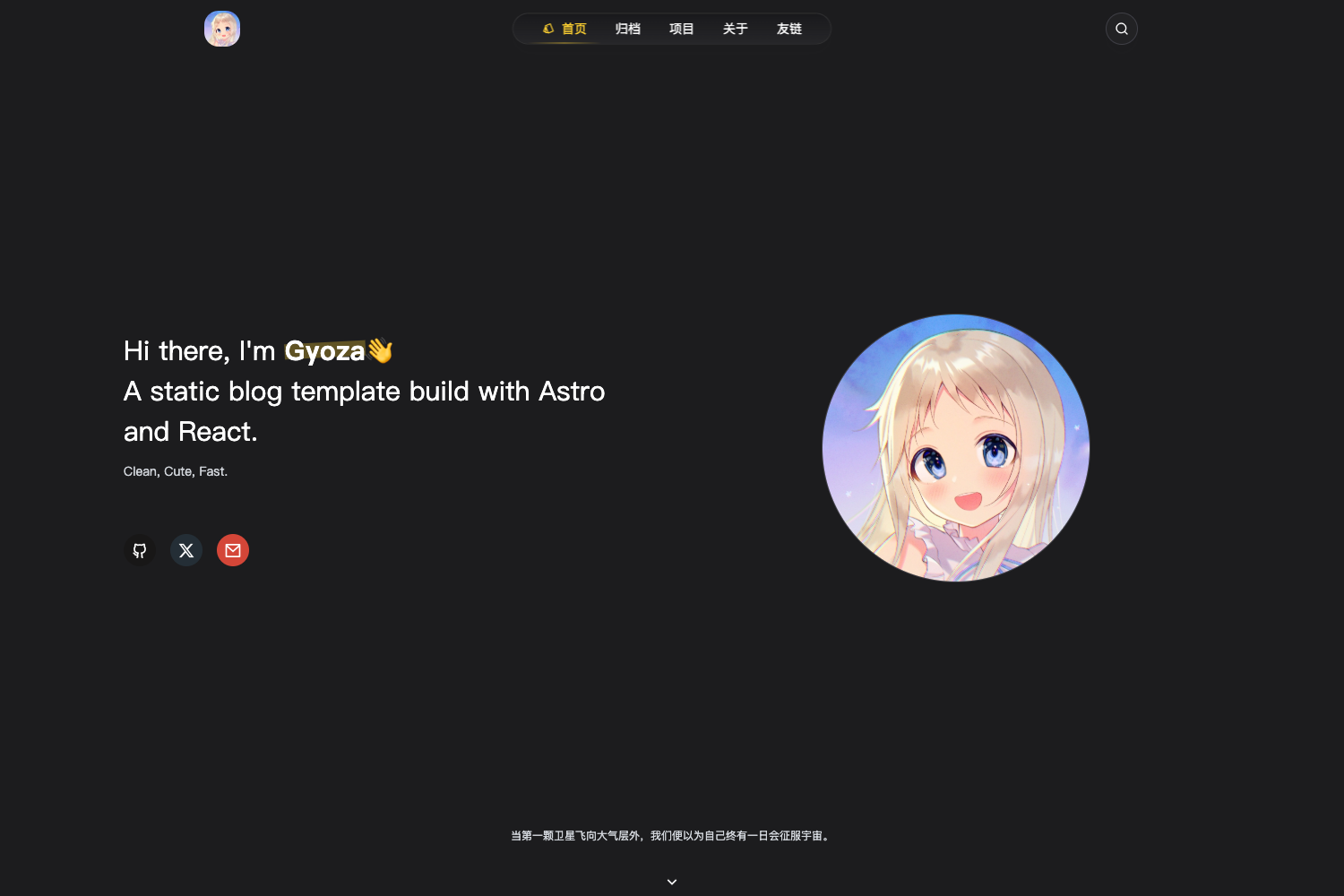
Template details
Space Ahead
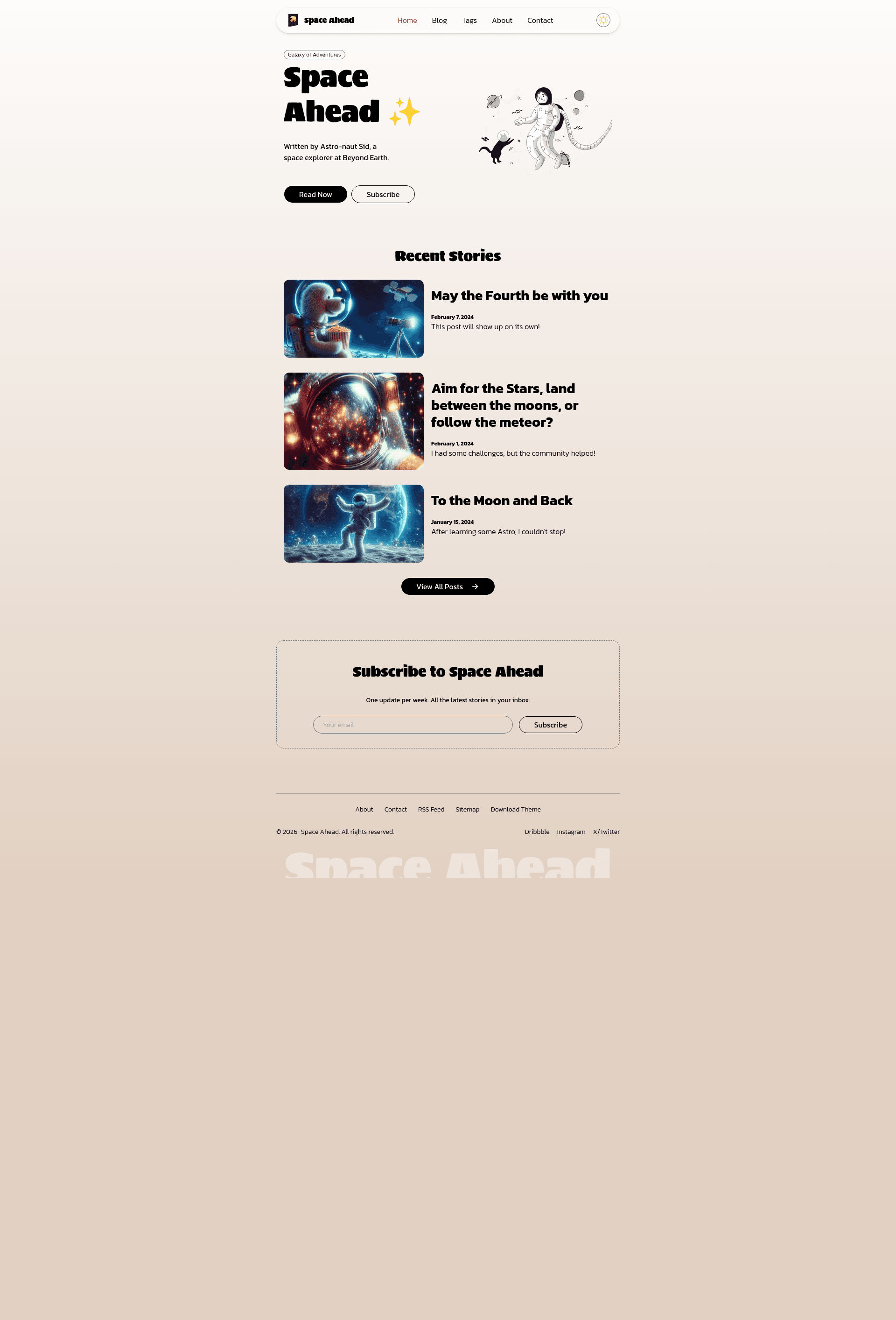
Minimal space-inspired personal blog template built with Astro v7 and Tailwind CSS v4.
About this template
Space Ahead is a minimal, space-inspired personal blog template built with Astro v7 and Tailwind CSS v4, designed to turn Markdown files in a content collection into a static blog with tags, pagination, RSS, and sitemap support.
What is Space Ahead?
Space Ahead is an open-source personal blog template created by Siddhesh Thadeshwar, published under the GNU GPL v3 license. It takes blog posts written as Markdown files in src/content/blogs/ and builds them into a static site that includes a hero section with a short bio, blog listing with pagination, tag archive pages, custom About, Contact, and 404 pages. The template runs on the Astro v7 framework and is styled with Tailwind CSS v4, installed as a Vite plugin following the latest Astro documentation.
Key Features
- Astro v7 and Tailwind CSS v4 — The template is built on Astro v7 with Tailwind v4 integrated via the Vite plugin, following current Astro docs.
- Dark and light color mode — Users can toggle between dark and light themes; the toggle component uses SVG icons from
src/assets/. - Mobile-first responsive layout — The entire layout is designed mobile-first, so blog pages adapt to phones, tablets, and desktops.
- Custom About, Contact, and 404 pages — The template ships with dedicated About and Contact pages plus a custom 404 page, all editable under
src/pages/. - Blog content collection with tags and pagination — Posts live in
src/content/blogs/as Markdown files; tag pages and pagination are generated automatically from the collection. - View transitions via Swup.js — Page transitions are handled by Swup.js integration.
- RSS and sitemap support — Uses
@astrojs/rssand@astrojs/sitemapto generate an RSS feed and sitemap on build. - Subscription form (UI only) — A visually complete email subscription form is included, but it does not connect to a backend service.
Who is it for?
- Personal bloggers — writers who want a clean, minimal blog with Markdown authoring and tag-based organization.
- Developers — Astro users looking for a ready-made blog starter that can be customized through
astro.config.mjsandsrc/site.config.ts. - Portfolio-minded creatives — people who want a hero bio plus blog pages and plan to add a portfolio/projects collection later (explicitly listed as future scope).
What can you do with Space Ahead?
- Publish blog posts: Write posts in Markdown with frontmatter metadata, drop them into
src/content/blogs/, and the template generates listing, tag, and pagination pages. - Customize site-wide settings: Edit
src/site.config.tsto manage site information, navigation, and content without touching page components. - Deploy to any static host: Use the Astro deployment guide to publish the generated static site to Netlify, Vercel, GitHub Pages, or other providers.
- Demonstrate a real blog: The creator published a "real-like demo" blog, Mumbai Stories, built on this template with its source available on GitHub.
How does Space Ahead work?
Setting up the template follows a straightforward path: create a new repository from the template link, clone it locally, then run pnpm install and pnpm dev. Customization happens in astro.config.mjs and src/site.config.ts, while homepage, About, and Contact content live in separate Astro pages under src/pages/. Blog posts are added by replacing the sample Markdown files in src/content/blogs/ with your posts, keeping the same frontmatter format.
Pros and cons
Pros
- Free to use under GNU GPL v3.
- Built-in pagination, tags, RSS, and sitemap require no extra setup.
- Dark/light mode and mobile-first styling come out of the box.
- Includes custom pages (About, Contact, 404) plus a hero bio section.
Cons
- The subscription form is visual only and needs a backend integration to actually collect emails.
- MDX support and SEO canonical/OpenGraph tags are listed as future scope, not yet implemented.
- A paid customization service is offered by the author, but the template itself remains free.
Pricing
The template is free to use under the GNU GPL v3 license. The author, Siddhesh Thadeshwar, separately offers paid services for customizing and setting up his Astro templates, which can be requested through his Contra page.
Alternatives
- Dante — an Astro blog theme by JustGoodUI, cited as an inspiration for Space Ahead.
- Chiri — an Astro blog template by the3ash, also cited as an inspiration.
FAQ
Does Space Ahead support dark mode?
Yes, the template includes a dark and light color mode with a toggle component located in src/components. The toggle uses SVG icons stored in src/assets/.
What content format does Space Ahead use?
Blog posts are written in Markdown and placed in src/content/blogs/. The template reads them via Astro Content Collections and validates frontmatter with an optional schema defined in src/content.config.ts.
Does the subscription form actually collect email addresses?
No, the subscription form is UI only and does not connect to a backend, email service, or database. You would need to add your own integration to make it functional.
Is MDX supported?
Not yet. The README lists MDX support via the @astrojs/mdx integration as future scope. Currently only Markdown posts are supported.
What package manager should I use?
The instructions use pnpm. After cloning the repository, run pnpm install and then pnpm dev to start the local development server.