Template details
Remiii Website Remibarbe
Source code of Rémi Barbe's personal website, a Jekyll template with blog, Docker, and CI setup.
About this template
Remiii Website Remibarbe is a Jekyll-based personal website template that serves as the source code for remibarbe.fr, Rémi Barbe's personal site.
What is Remiii Website Remibarbe?
Remiii Website Remibarbe is a static website built with Jekyll, the Ruby-based static site generator, using HTML, CSS, and JavaScript. It takes content written for Jekyll (Markdown posts, layouts, and configuration files) and generates a fully static HTML site ready for deployment. The template is authored by @Remiii and licensed under the MIT license.
Key Features
- Jekyll static site generator — Built on Jekyll, so the output is plain HTML/CSS/JS with no server-side dependencies, making it fast and easy to host anywhere.
- Personal blog structure — Includes the standard Jekyll blog layout with posts, and its GitHub topics list includes blog, personal, and personal-website, indicating it is designed for personal articles and portfolio content.
- Docker support — A docker-compose.yml file is included, allowing you to run the site in a containerized environment with a single
docker-compose upcommand. - Travis CI integration — The repository displays a Travis CI build status badge, so the project is set up for continuous integration and automated testing.
- MIT license — The template is released under the MIT license (see LICENSE.md), so you are free to reuse and modify it with attribution.
- Dev-friendly configuration — The development workflow uses a separate
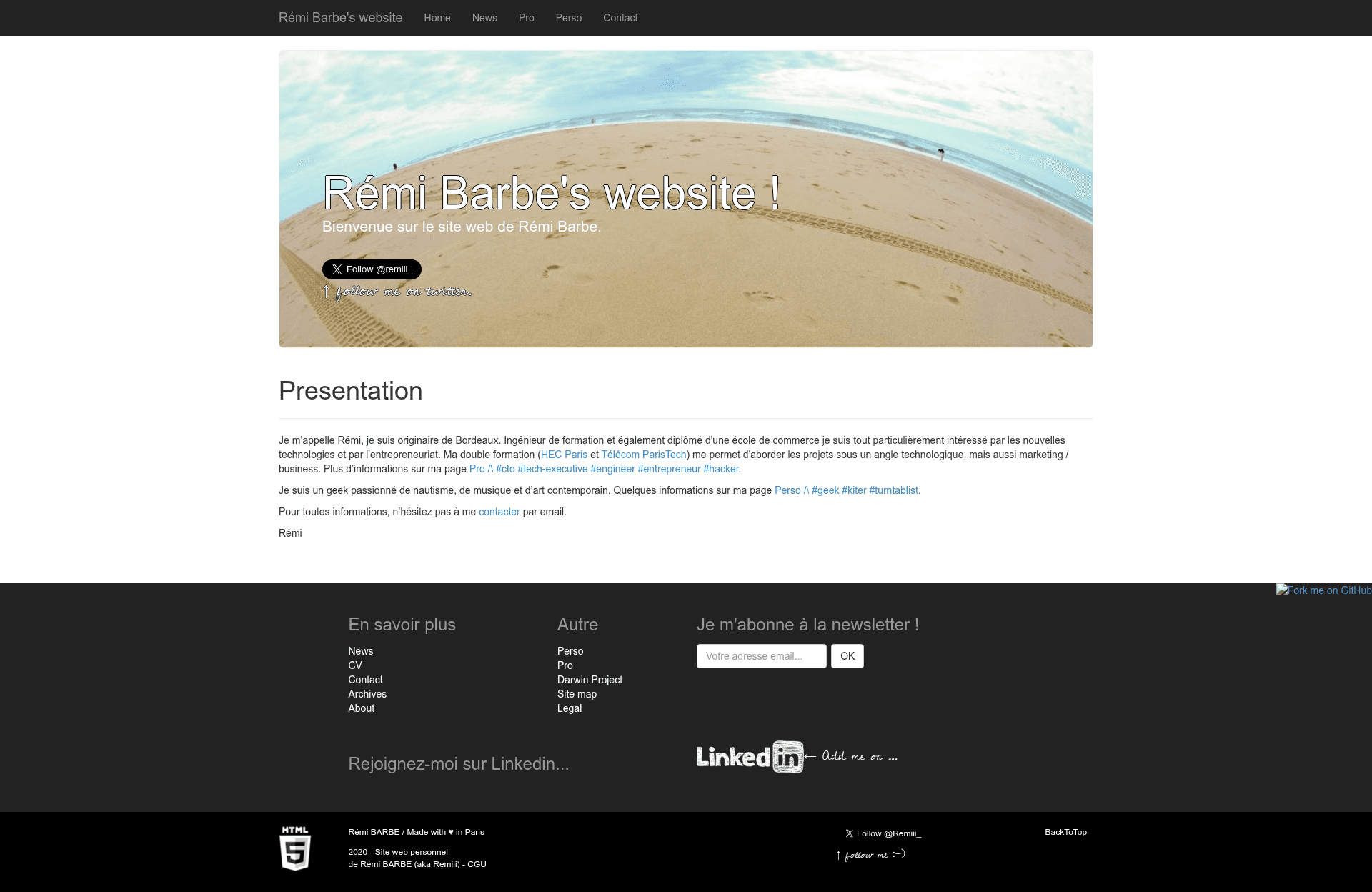
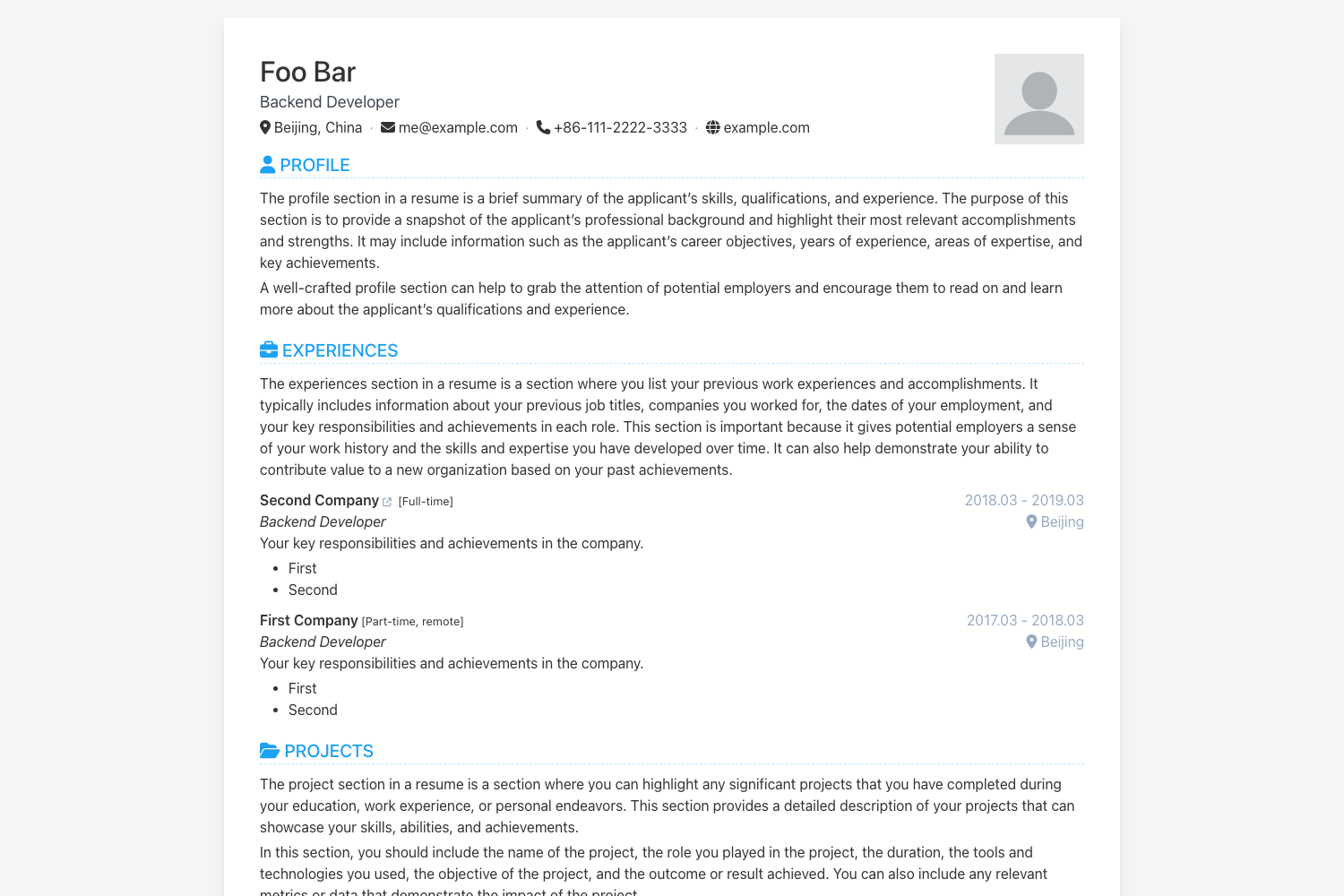
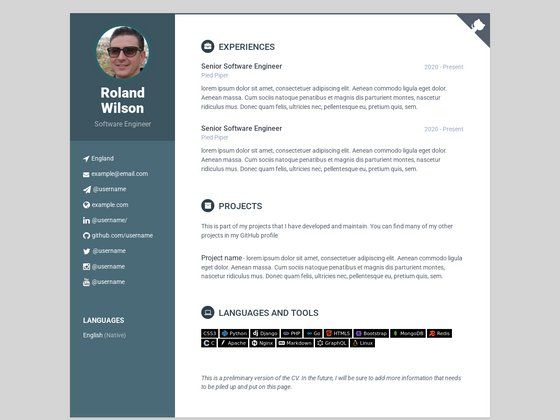
_config-dev.ymlfile that is merged with the base_config.ymlwhen running Jekyll serve, so you can keep local settings separate from production. - Documentation screenshot — A screen capture is stored in
_documentation/screen_001.pngto give you a visual preview of the site before you set it up.
Who is it for?
- Jekyll developers looking for a minimal, working personal site template they can fork and customize for their own online presence.
- Personal website owners who want a blog or portfolio built on a static site generator, deployable to GitHub Pages, Netlify, or similar hosting.
- Rubyists who prefer a Ruby-based toolchain and want to modify layouts, Sass, or configuration directly in a familiar ecosystem.
How does Remiii Website Remibarbe work?
The README outlines a straightforward local development setup. First, create a _site directory for Jekyll's generated output. Then edit _config-dev.yml to add your own site information. To run the site locally, execute bundle exec jekyll serve --config _config.yml,_config-dev.yml --watch, which merges the two config files and serves the site with live reloading. Alternatively, you can run docker-compose up to start the site using Docker.
Use cases
- Developers: Publish a personal blog with technical articles and project notes using Jekyll's built-in blog tooling.
- Freelancers or creatives: Showcase a portfolio of work on a static site that loads quickly and requires minimal maintenance.
- Open-source learners: Study how a real, MIT-licensed Jekyll site is structured, including its Docker and CI configuration, and adapt it to your own needs.