Template details
Suntrise
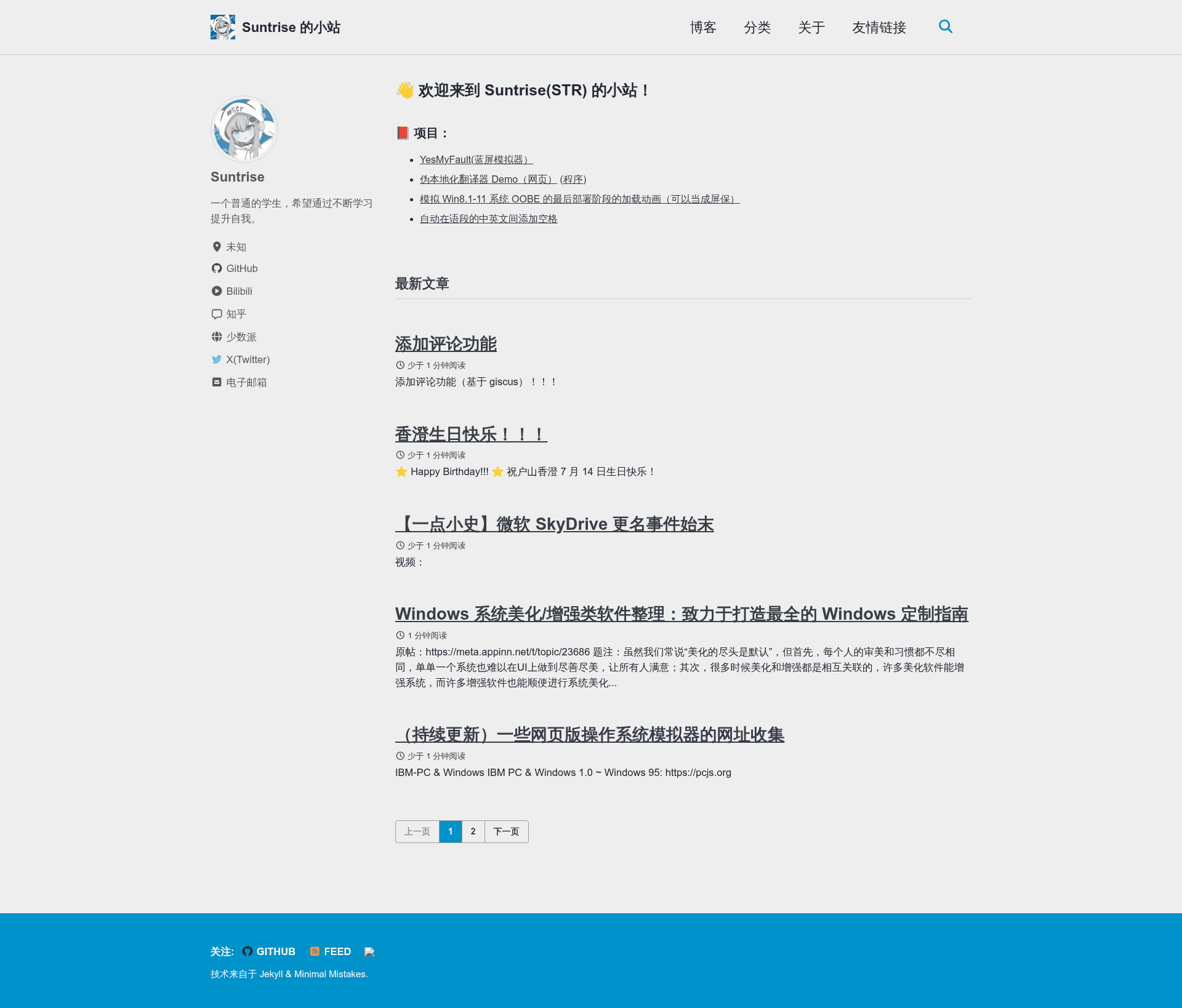
A personal GitHub profile README by student Suntrise, showcasing projects, stats, and contact links.
About this template
Suntrise is a personal GitHub profile README created by the student developer "suntrise" that acts as a self-hosted landing page for their open-source projects, social accounts, and live GitHub statistics, hosted on GitHub Pages at suntrise.github.io.
What is this profile page?
This is the README content for the GitHub user suntrise, written bilingually in Chinese and English. It functions as a personal homepage within the GitHub profile section, displaying an introduction, a list of three projects with links, contact links, and two dynamically generated GitHub statistics cards. The page runs entirely in the browser using GitHub Readme Stats and a profile counter widget, with no server-side code required.
Key features
- Bilingual layout — Written in both Chinese and English, introducing the author as an ordinary student who wants to improve through continuous learning.
- Project showcase — Links to YesMyFault (a BSOD simulator), a pseudo-localization demo, and a Windows OOBE animation made with HTML, each on its own subpage.
- Live GitHub stats — Uses the GitHub Readme Stats API to show commit counts and top languages, with dark/light theme variants via the picture and source HTML tags.
- Visitor counter — Displays the number of profile visits through the profile-counter.glitch.me service.
- Social links — Provides direct links to Zhihu, SSPai, and Bilibili profiles, letting visitors connect on Chinese social platforms.
- Embedded HTML — Uses standard HTML picture elements inside Markdown to switch background-dependent images.
Who is this page for?
This profile format suits students or junior developers who want a straightforward, no-framework way to present their learning progress and projects. It also works for developers who maintain several small open-source projects and need a one-page hub linking to each. Because it is bilingual, it is especially helpful for Chinese-speaking developers who want to reach both local and international audiences.
Use cases
- Student developers: present their coursework side projects and share them with recruiters or classmates via a single GitHub link.
- Open-source maintainers: list their repositories and social channels so visitors can find all work in one place.
- Developers exploring GitHub customisation: copy the structure of this README to add stats cards and a visitor counter to their own profile.