Template details
Dockerz – Tailwind CSS Documentation Template
Free multipage Tailwind CSS documentation website template with search, light/dark modes, and 11+ pre-built pages.
About this template
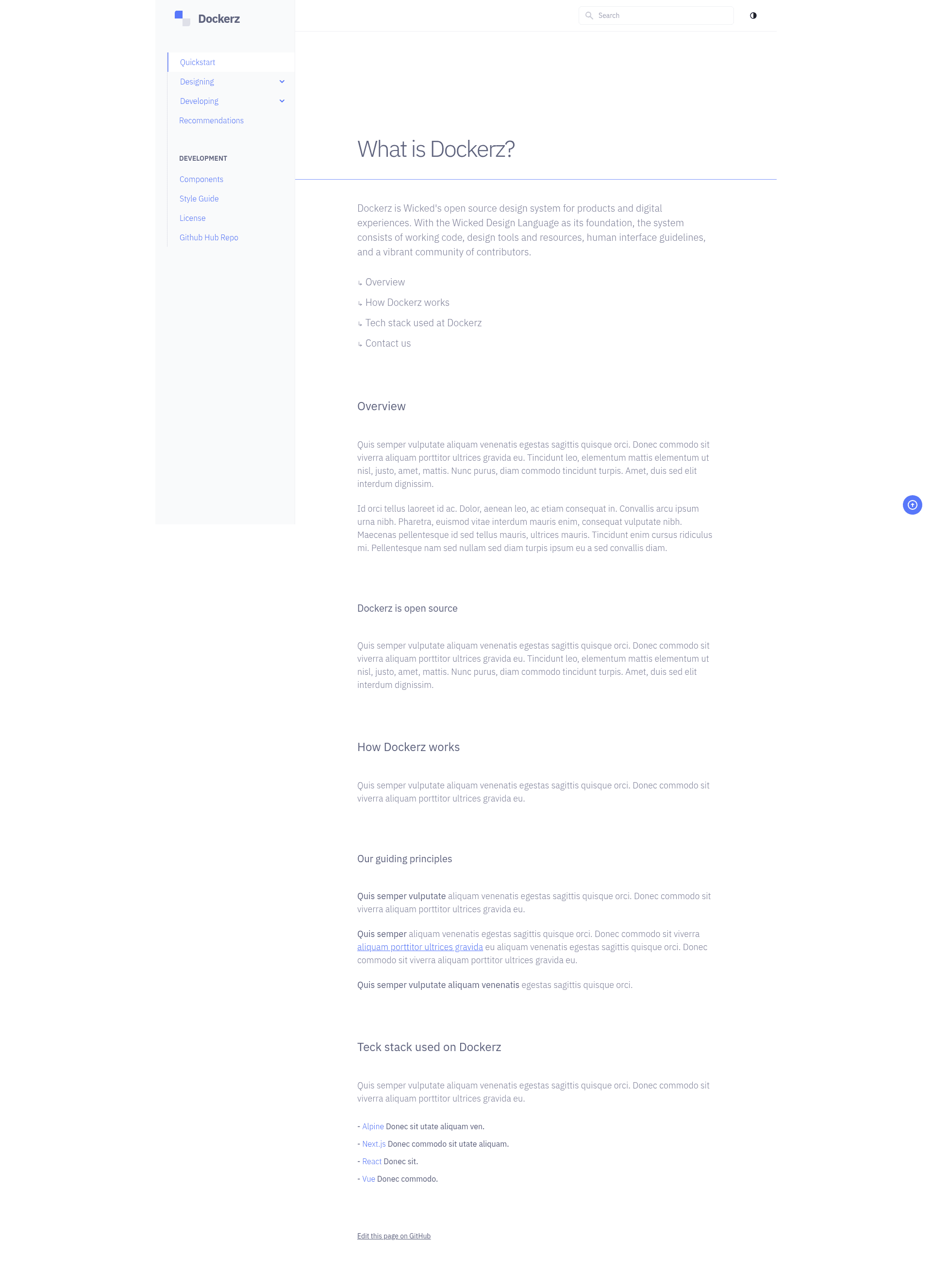
Dockerz is a free, multipage Tailwind CSS documentation website template from ThemeWagon that provides a complete layout for software, component library, and web framework docs, with a live preview at https://themewagon.github.io/dockerz/.
What is Dockerz?
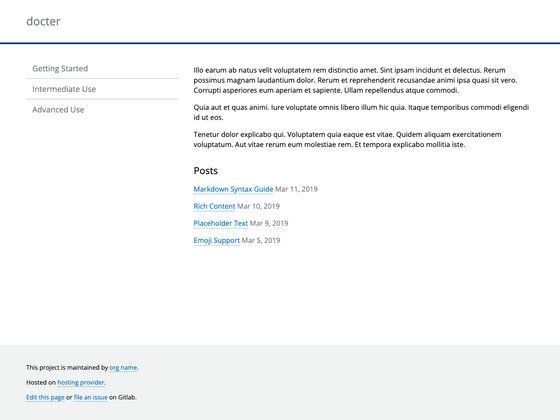
Dockerz is a free website template for building documentation pages. It takes static HTML and Tailwind CSS files as input and outputs a responsive documentation site with a sidebar, dropdown menus, search filter, and light/dark themes. The template was created by the ThemeWagon author tailawesome and is distributed on ThemeWagon. It is built with Tailwind CSS v3.0.24 and HTML5 and is compatible with Android, Chrome, Edge, Firefox, iPad, iPhone, Mobile, Opera, and Safari.
Key Features
- Tailwind CSS v3.0.24 — The template uses Tailwind CSS v3.0.24 as its only listed library/plugin, alongside clean HTML5 markup for an uncluttered codebase.
- 11+ pre-built pages — The package includes 11 or more ready-made pages, all demo images, and the library/plugins needed to start customizing immediately.
- Side navigation and dropdown menu — A fixed sidebar navigation and dropdown menu bar let you organize multi-level documentation content.
- Search filter — A built-in search filter helps readers find topics quickly across the documentation set.
- Light & dark modes — Users can toggle between light and dark color schemes, matching the style of modern developer tools.
- Fully responsive mobile-first design — The layout is fully responsive and mobile-first, so it works on all screen sizes.
- Page-speed-optimized and cross-browser-compatible — The theme is optimized for page speed and has few cross-browser bugs; the product page lists compatibility with Android, iOS, Chrome, Edge, Firefox, Opera, and Safari.
- Extra UI elements — Includes a back-to-top button, detailed footer, social media icons, on-hover effects, and call-to-action buttons out of the box.
Who is it for?
- Open-source maintainers — Publish project documentation with a professional layout by replacing the demo content and deploying to any static host.
- Component library teams — Present component APIs, installation guides, and changelogs using the multipage structure and sidebar navigation.
- Technical writers — Build a searchable knowledge base with light/dark modes and a structured information hierarchy.
- Indie developers and startups — Get a free, SEO-friendly docs site for a commercial product, since the open-source license allows commercial use.
What can you do with Dockerz?
- Launch a docs site for a software product: Create a fully functional documentation website with navigation, search, and theme switching.
- Build a knowledge base or FAQ center: Use the multipage design and dropdown menus to group topics logically.
- Create an API reference: Organize endpoint and parameter pages with the call-to-action buttons and detailed footer blocks.
- Pair with a landing page template: Add documentation to an existing marketing site using the same responsive, mobile-first styling.
Pricing
Dockerz is offered as a free download. The license is open source, permits use in commercial projects, and includes lifetime free updates. According to ThemeWagon's free-versus-premium comparison, the free version requires credit and does not include support, whereas premium templates offer 24/7 support, no attribution, and Figma files.
FAQ
Is Dockerz free?
Yes, Dockerz is a free template available for download from ThemeWagon. It is open source, allows commercial use, and receives lifetime free updates. The free version requires credit and does not include support.
What Tailwind CSS version does Dockerz use?
Dockerz is built with Tailwind CSS v3.0.24, which is listed as the template's library/plugin. The design also uses HTML5 and other modern web technologies.
How many pages are included?
The In The Box section lists 11+ pre-built pages, all demo images, and the library/plugins needed for customization.
Does Dockerz require attribution?
Yes, the free version requires credit per ThemeWagon's free/license comparison. Premium templates do not require attribution.
Can I use Dockerz in commercial projects?
Yes, the download page states that the template is open source and can be used in commercial projects, with lifetime free updates.