Template details
Docus Default Starter
Markdown-first documentation starter for Nuxt 4 with search, dark mode, and Tailwind CSS.
About this template
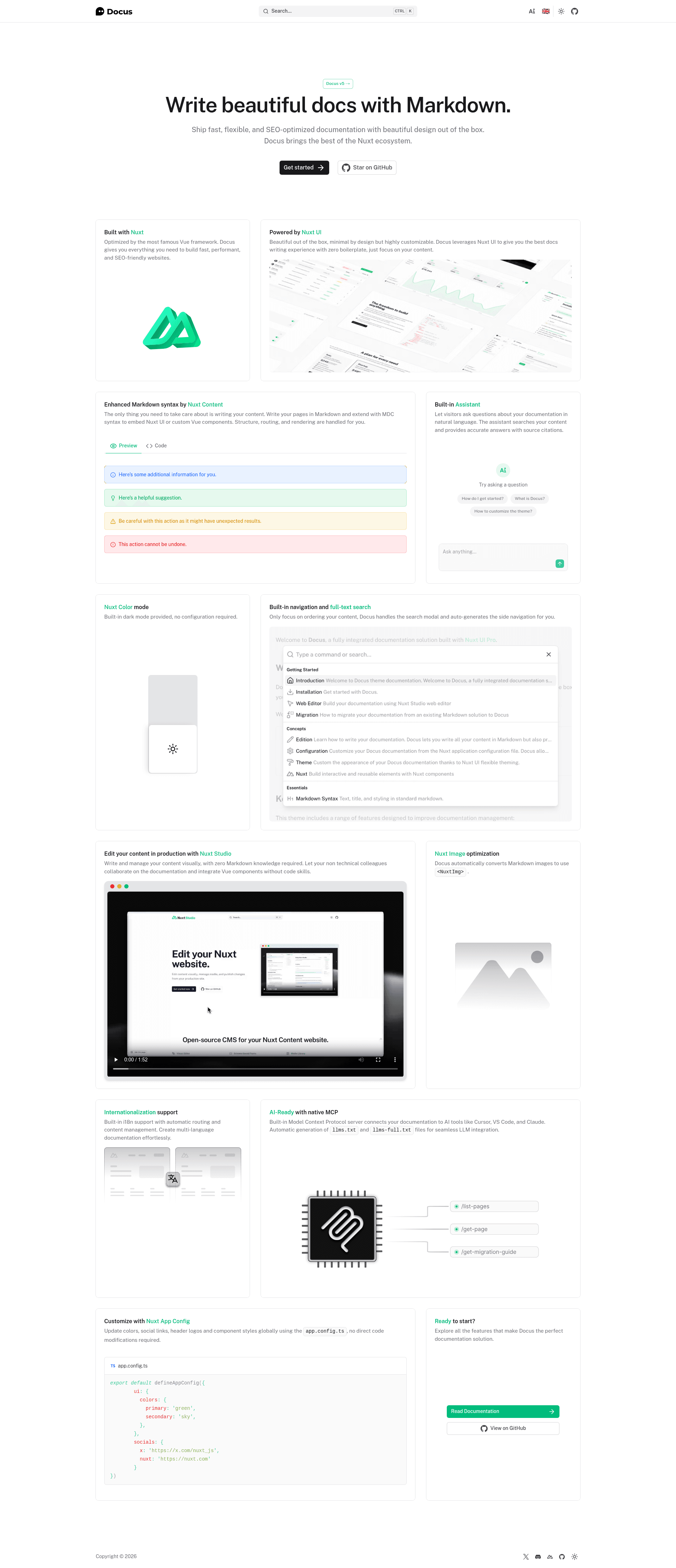
Docus Default Starter is the official Markdown-first documentation template from the nuxt-themes/docus repository, built on Nuxt 4 to turn content files in a content folder into a full-featured documentation website with search, dark mode, and responsive layout.
What is Docus Default Starter?
Docus Default Starter is the default template for the Docus documentation theme, developed by the Nuxt team and published under the MIT License. It takes Markdown files placed in a content/ directory as input and produces a static or server-rendered documentation site as output, running on Nuxt 4 with Nuxt Content as the file-based CMS. The starter comes pre-configured with Nuxt UI, Nuxt Image, Tailwind CSS 4, and the Docus Layer, and it has accumulated more than 2,900 GitHub stars.
Key Features
- Beautiful Design — A clean, modern documentation layout with built-in light and dark mode support.
- Mobile-First Responsive — The design adapts to phones, tablets, and desktop viewports without extra styling work.
- Full-Text Search — Visitors can search the entire documentation content from a built-in search interface.
- Markdown Enhanced — Markdown is extended with MDC components and callout blocks such as the TIP note seen in the README.
- Customizable Theming — Brand colors and layout options are configurable through the Docus Layer.
- Nuxt 4 and TypeScript — The starter is written for Nuxt 4 with full TypeScript support and optimized performance.
- Tailwind CSS 4 — Utility-first styling is pre-configured so you can override the theme with Tailwind utilities.
- File-Based Content — Documentation is stored as Markdown in a content directory, so no database or CMS admin is required.
Who is it for?
- Open-source maintainers — Publish project documentation with a polished, searchable site without designing a frontend from scratch.
- Developer advocates and technical writers — Write guides and API reference in Markdown and embed interactive Vue components where needed.
- Startup teams — Ship a public product docs site quickly and then build it for production with a single npm run build command.
What can you do with Docus Default Starter?
- Launch a documentation site — Drop Markdown files into the content directory and get automatic navigation, search, and dark mode.
- Accelerate setup with an AI assistant — Run
npx skills add nuxt-content/docusto load Docus best practices, MDC examples, and configuration tips into Cursor or Claude. - Deploy to Node.js hosts — Run
npm run buildto generate a .output directory ready for deployment to any provider that supports Node.js.
How does Docus Default Starter work?
After cloning the repository, run npm install and then npm run dev to start a development server at http://localhost:3000. Content lives in the content/ directory, where index.md becomes the homepage and numbered subfolders such as 1.getting-started and 2.essentials define the sidebar structure. When you are ready to publish, npm run build compiles everything into the .output folder.
Pricing
Docus Default Starter is free and open source under the MIT License, with no paid tiers or usage limits described in the template documentation.
Alternatives
- VitePress — a Vue-powered static site generator from the Vue core team that also builds documentation sites from Markdown files.
- Astro Starlight — a documentation theme for Astro that includes dark mode and built-in search.
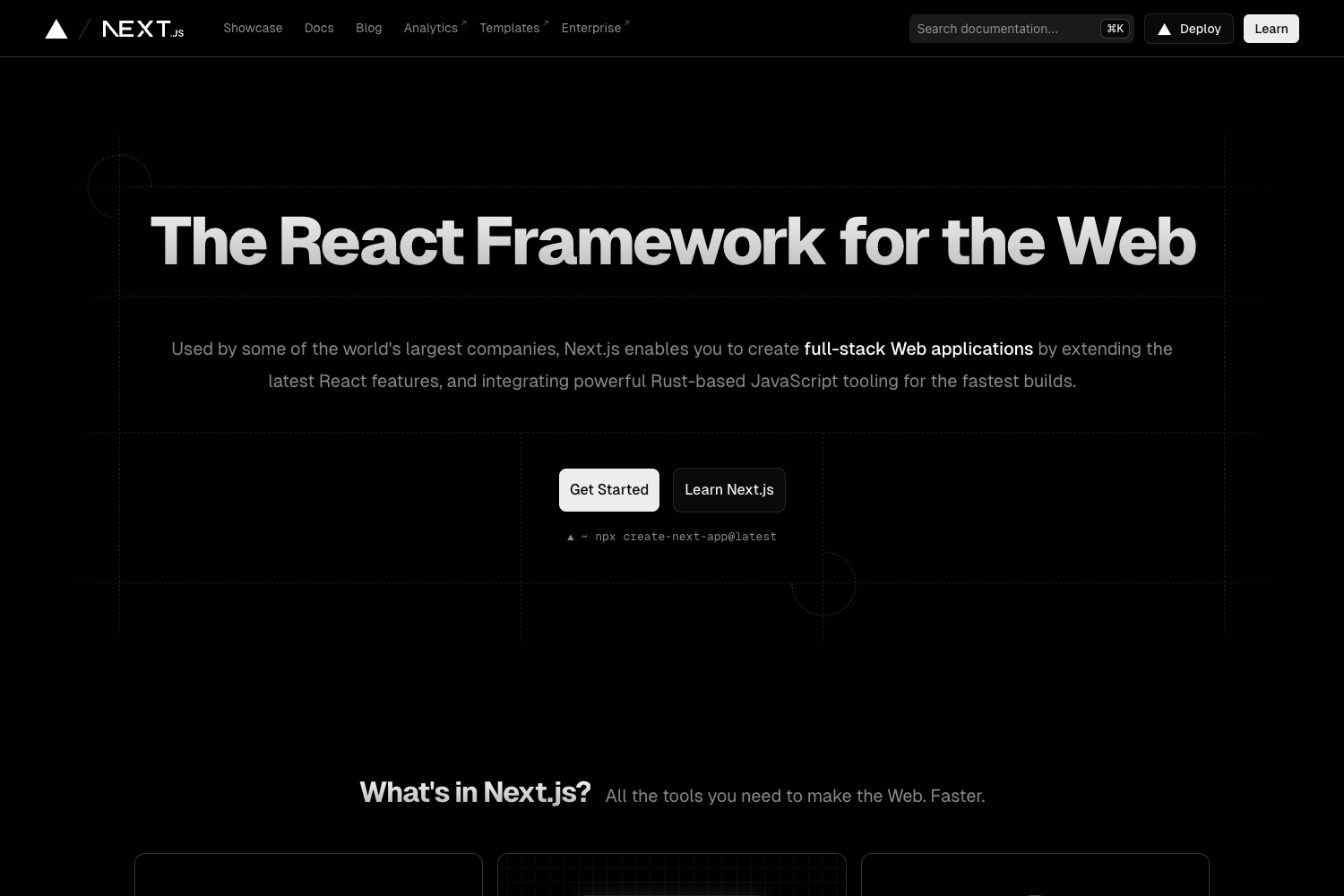
- Next.js documentation templates — options for teams that prefer the React ecosystem.
FAQ
Is Docus Default Starter free?
Yes, the starter is released under the MIT License, so it can be used for personal or commercial projects without paying license fees.
What do I need to run it?
You need Node.js and npm. Install dependencies with npm install, then start the local server with npm run dev.
Does it support internationalization?
The default starter does not include i18n support. The Docus repository provides a separate i18n starter, which is linked from the template README, for multilingual documentation.
Where do I write my documentation?
Write all content as Markdown files inside the content directory. The index.md file becomes the homepage, and folders with numeric prefixes become the sidebar sections.
Can I customize the design?
Yes, the Docus Layer exposes theming options, and Tailwind CSS 4 is pre-configured so you can override styles with utility classes or adjust the theme configuration.