Template details
Gatsby Starter Krisp
A minimal, clean, responsive Gatsby starter that scaffolds a new static site with React and JavaScript, ready to deploy to Netlify.
About this template
Gatsby Starter Krisp is a minimal, clean, responsive Gatsby starter that scaffolds a new static site using React and JavaScript, ready for instant deployment to Netlify.
What is Gatsby Starter Krisp?
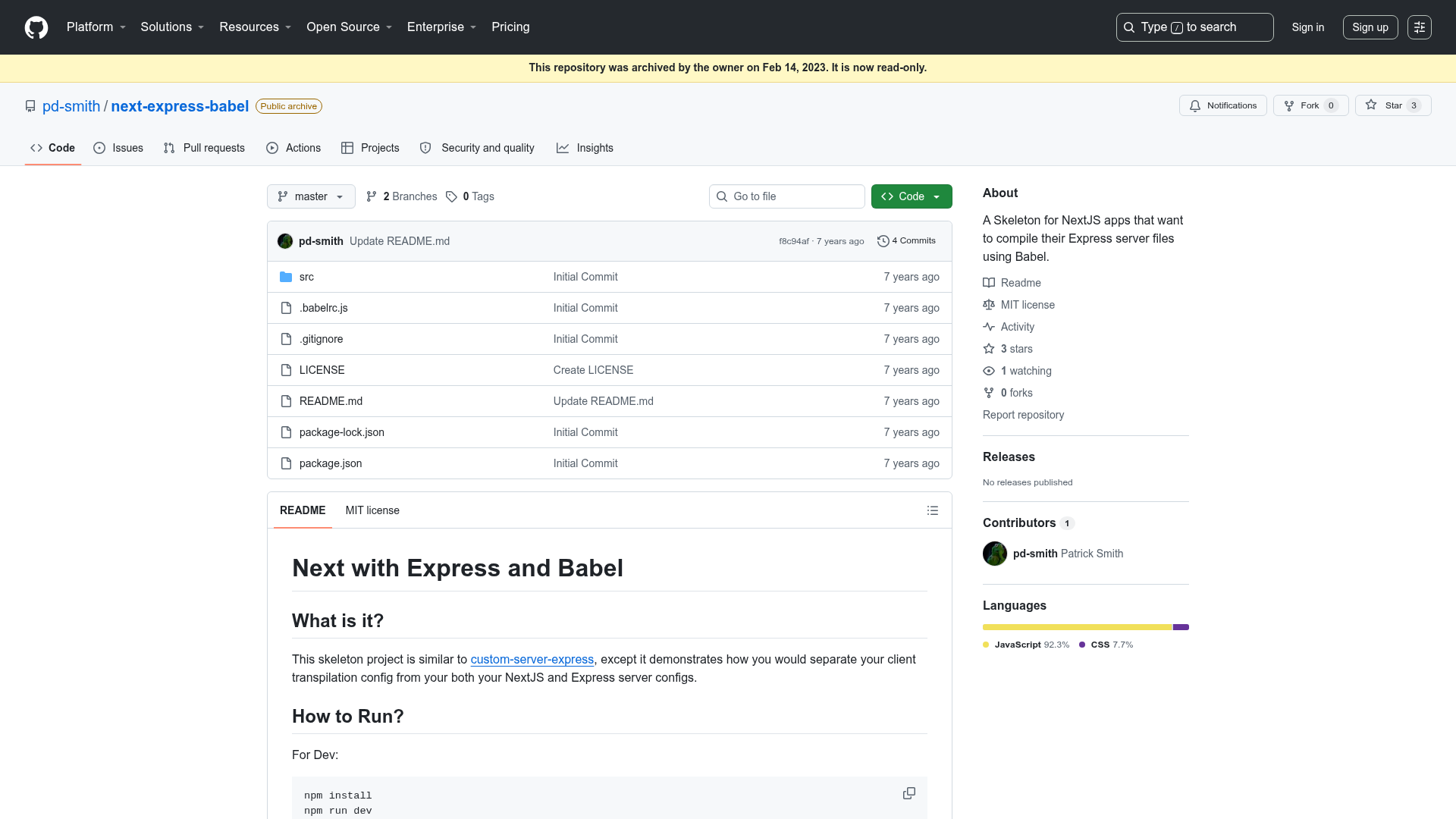
Gatsby Starter Krisp is a boilerplate repository for creating Gatsby-based static websites. When you run gatsby new with its GitHub URL, it generates a new project containing all the standard Gatsby configuration files, a src directory for source code, and a package.json manifest. It runs on the Gatsby framework, which builds fast, static HTML sites that can be served from any CDN or static host. The starter was created and shared by GitHub user mohanmonu777 and is distributed under the MIT license.
Key Features
- Gatsby framework — Built entirely on Gatsby, so it inherits Gatsby's static generation, code splitting, and performance optimizations out of the box.
- React and JavaScript — The starter is written in JavaScript and uses React for component-based UI development.
- Responsive design — The repository is described as responsive, meaning the generated site adapts to different screen sizes by default.
- Standard Gatsby file structure — Includes
gatsby-config.jsfor site metadata and plugins,gatsby-node.jsfor Node API customization,gatsby-browser.jsfor browser APIs, andgatsby-ssr.jsfor server-side rendering. - Prettier configuration — A
.prettierrcfile is included to keep code formatting consistent across contributors. - Netlify deployment — The README includes a one-click "Deploy to Netlify" button, linking directly to a preconfigured deployment repository.
- GraphiQL data explorer — During development, the local server exposes a GraphQL playground at
localhost:8000/___graphqlfor querying Gatsby's data layer. - Minimal source structure — The
srcfolder contains the editable front-end code, and the homepage lives atsrc/pages/index.js.
Who is it for?
- Front-end developers who want a pre-configured Gatsby environment without spending time on the initial setup can clone this starter and begin editing components immediately.
- React developers who want to practice building static sites with Gatsby and GraphQL, using the included GraphiQL tool.
- Small-site publishers who need a clean, responsive base for a simple portfolio, blog, or landing page and plan to host on Netlify.
What can you do with Gatsby Starter Krisp?
- Start a new Gatsby project quickly: Run
gatsby new your-site-name https://github.com/mohanmonu777/gatsby-starter-krisp.gitto scaffold a site with a single command. - Customize the homepage: Open
src/pages/index.jsin any editor; the browser will hot-reload with your changes. - Explore the data layer: Use the GraphiQL interface at
localhost:8000/___graphqlto query site metadata and experiment with Gatsby data fetching. - Deploy to Netlify: Click the "Deploy to Netlify" button in the README to connect the repository and get a live URL without configuring build settings.
How does Gatsby Starter Krisp work?
The starter follows the standard Gatsby workflow. First, you create a project with the Gatsby CLI, pointing it to this repository. Then you run gatsby develop, which starts a development server at localhost:8000 with hot reloading. From there, you edit the source files, and Gatsby compiles them into static pages when you run a production build. The local development server also offers the GraphiQL explorer at localhost:8000/___graphql to inspect data queries.
FAQ
Is Gatsby Starter Krisp free?
Yes, the starter is open-source and hosted on GitHub. The repository includes an MIT license, so you can use, modify, and distribute it freely, including for commercial projects.
How do I install Gatsby Starter Krisp?
Install it with the Gatsby CLI by running gatsby new your-site-name https://github.com/mohanmonu777/gatsby-starter-krisp.git in your terminal. This creates a new folder with the starter's files and installs all npm dependencies automatically.
What does Gatsby Starter Krisp include?
It includes the core Gatsby configuration files (gatsby-config.js, gatsby-node.js, gatsby-browser.js, gatsby-ssr.js), a src directory with the homepage component, a Prettier config, a README, a LICENSE, and a package.json—everything needed to start developing a static site.
How do I deploy Gatsby Starter Krisp?
The simplest method is to click the "Deploy to Netlify" button in the README, which forks the repository into your Netlify account and sets up continuous deployment. You can also build it locally and deploy the public/ folder to any static host.
What is the demo site for Gatsby Starter Krisp?
A live demo is hosted at https://gatsby-starter-krisp.netlify.com/. It shows the default homepage the starter produces, so you can see the minimal layout and styling before committing to the template.