Template details
Hingle
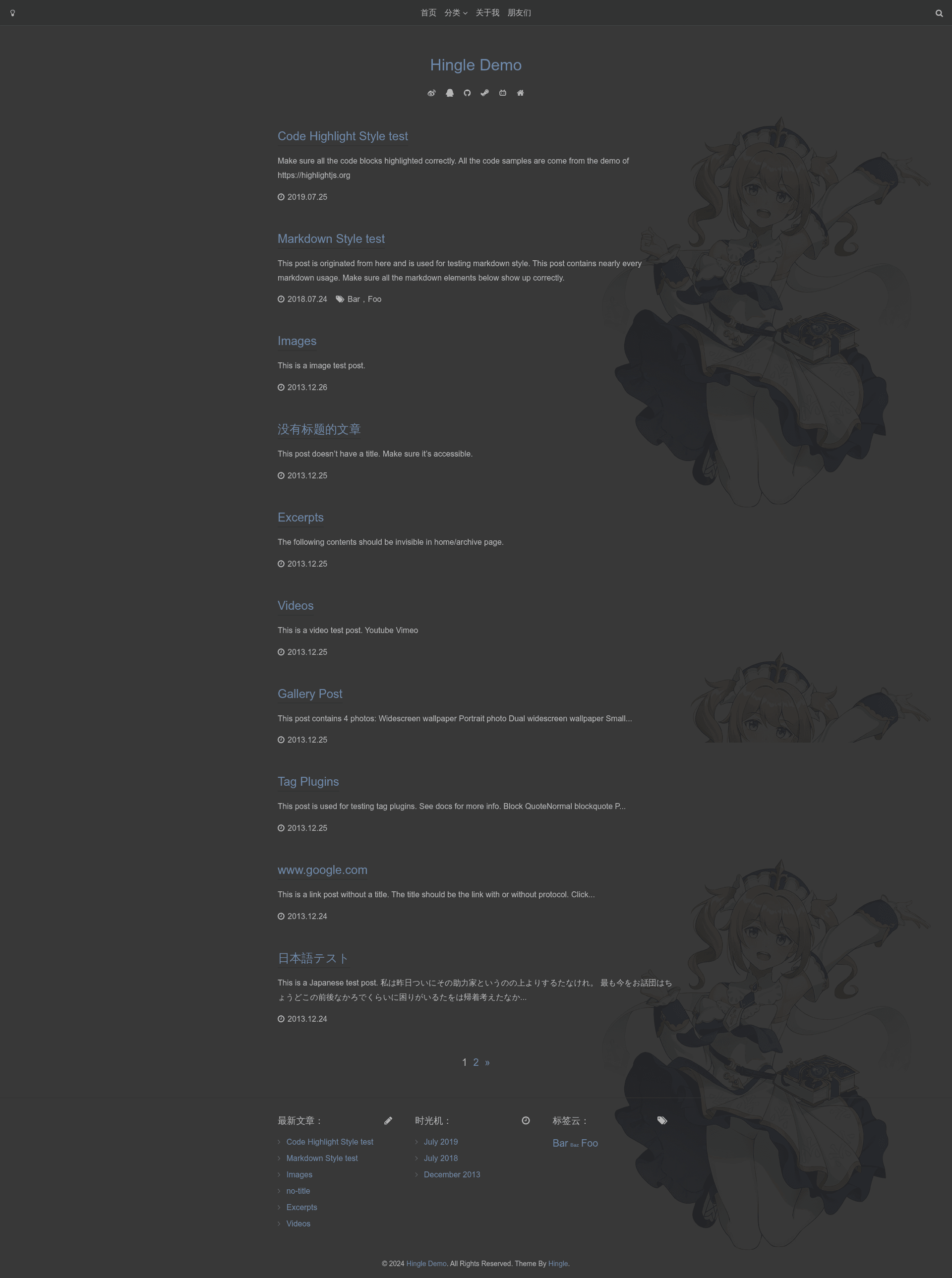
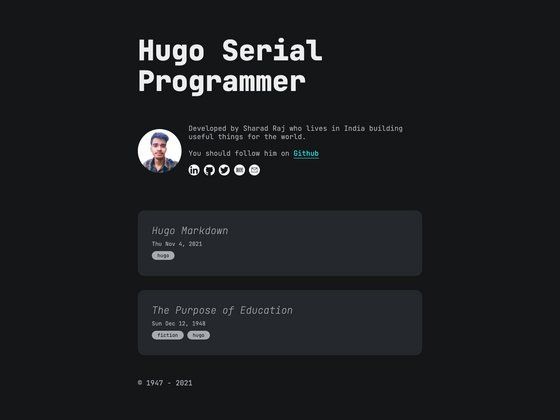
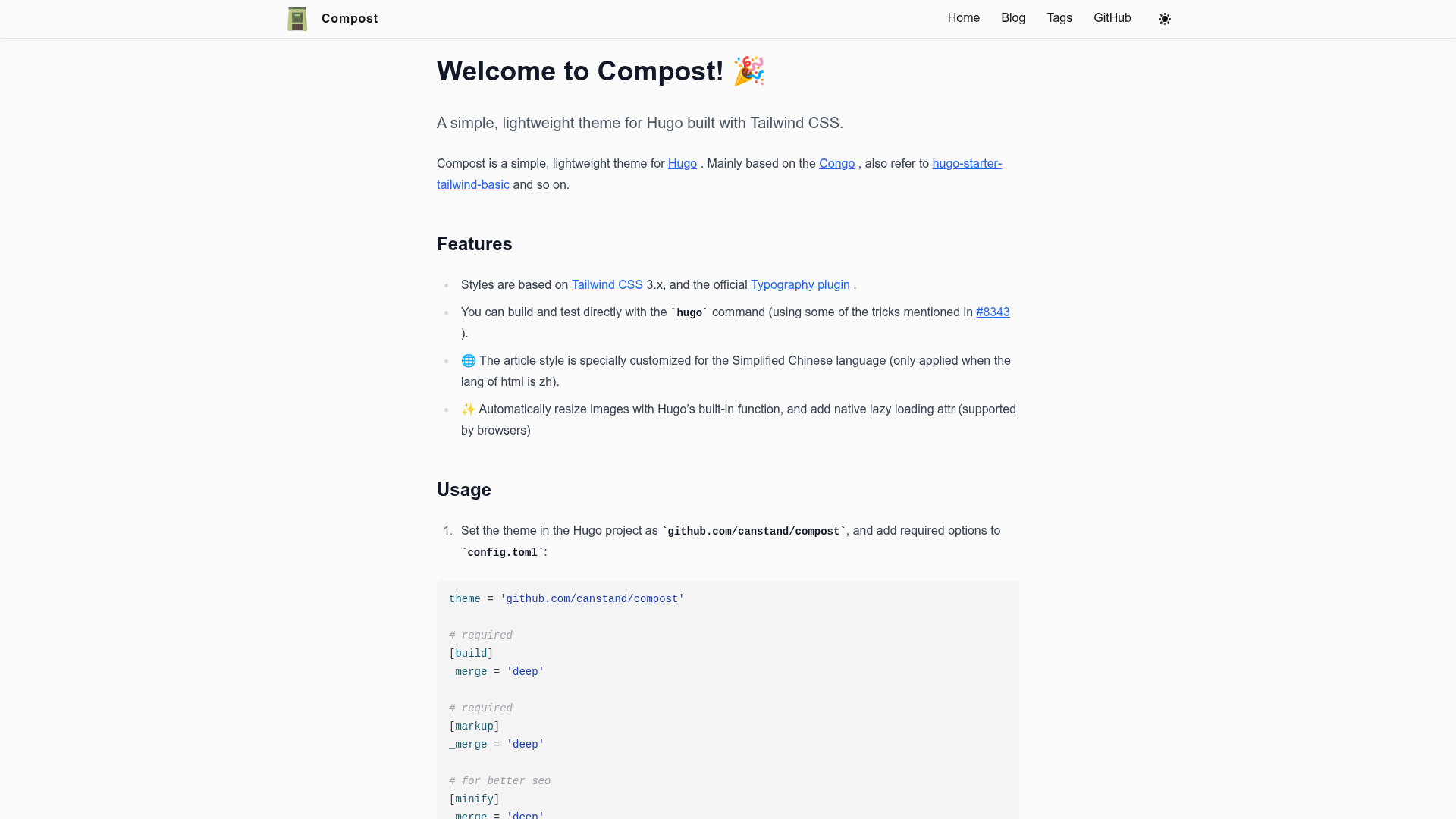
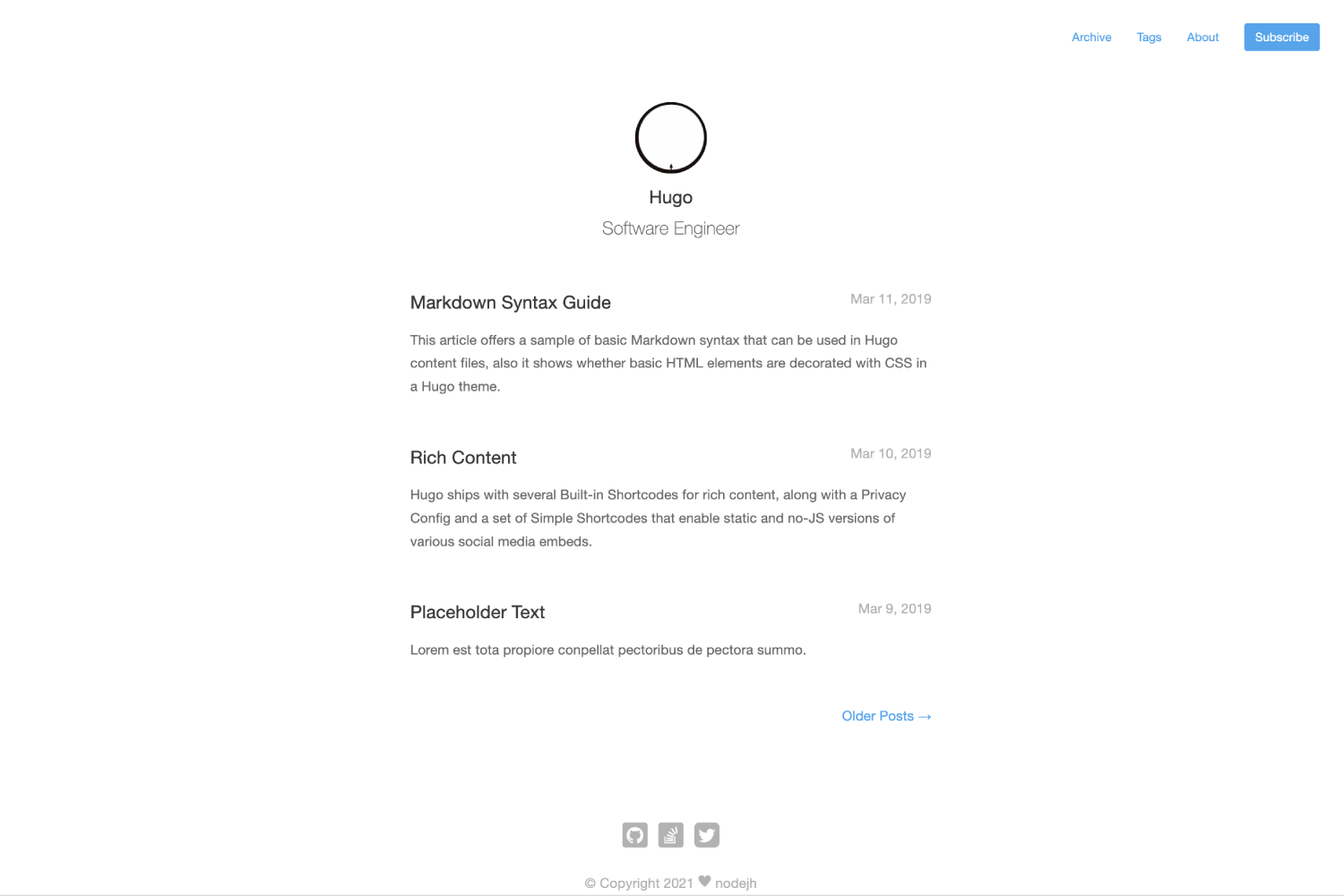
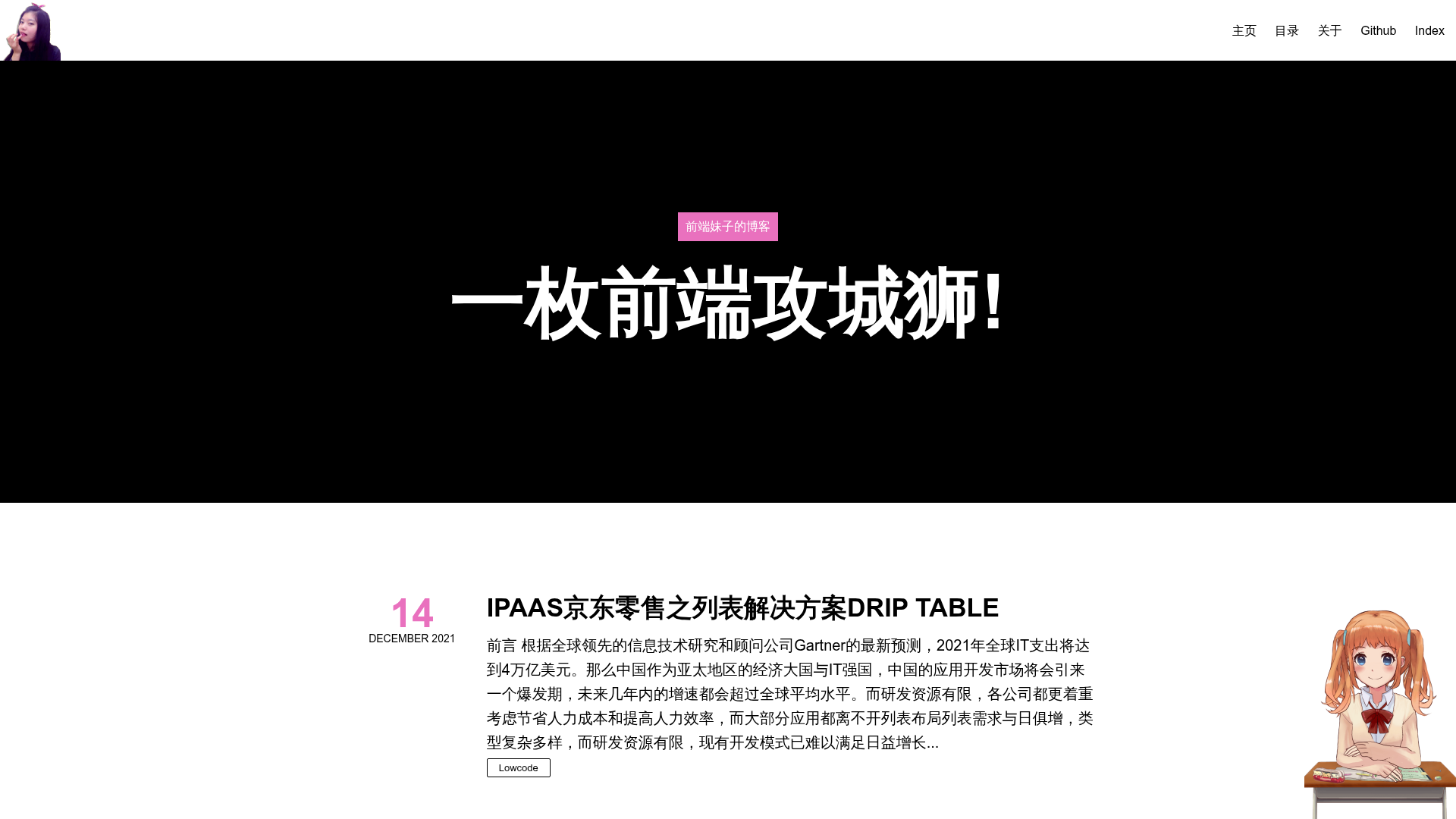
A minimalist Hexo blog theme with dark mode, table of contents, image lightbox, and code highlighting.
About this template
Hingle is a free and open-source Hexo blog theme created by Dreamer-Paul, designed to turn a standard Hexo site into a clean, minimal single-column blog with a dark mode toggle, article table of contents, image lightbox, code highlighting, and smooth scrolling. It installs by downloading the theme source, renaming the folder to hingle, placing it in the Hexo project's themes directory, and switching the site config's theme field. The theme is based on the author's Typecho theme Single, with some effect differences that are gradually being reconciled.
What is Hingle?
Hingle is a free and open-source Hexo blog theme developed by Dreamer-Paul. It transforms a standard Hexo site into a clean, minimal single-column blog with a dark mode toggle, article table of contents, image lightbox, code highlighting, and smooth scrolling. The theme is distributed as a GitHub repository and installs by placing the renamed theme folder into a Hexo project's themes directory and switching the site config's theme field to hingle. It is based on the author's Typecho theme Single, with some differences in effects that are gradually being reconciled.
Key Features
- Dark mode — Built-in night mode with a toggle, though the author notes it currently has some rendering issues.
- Table of contents — Automatically generates a table of contents for articles, making long posts easier to navigate.
- Image lightbox — Opens images in an overlay for closer inspection without leaving the page.
- Code highlighting — Highlights code blocks for better readability of technical content.
- Smooth scrolling — Animated page scrolling for a more polished browsing feel.
- No jQuery — The theme does not depend on the jQuery library, keeping the front-end lighter.
- MIT licensed — Free to use and modify, with the requirement to retain the original author's copyright comments in CSS and JS files.
Who is it for?
- Hexo bloggers — People who run a Hexo-powered blog and want a simple, elegant theme with modern conveniences like dark mode and a table of contents.
- Personal sites — Individuals who want a minimal single-column layout for personal writing, portfolios, or journals.
- Technical writers — Developers and tech writers who need code highlighting and a clean reading experience for programming tutorials.
What can you do with Hingle?
- Set up a blog in minutes — Download the theme, drop it into a Hexo project, and change the theme field in the site config to activate it.
- Navigate long articles — Use the table of contents and smooth scrolling to skim lengthy posts.
- Read comfortably at night — Switch to dark mode to reduce eye strain in low-light environments.
- Customize via config — Edit the theme's
_config.yml(with reference to_config.example.ymland the official docs) to adjust settings.
How does Hingle work?
Hingle follows the standard Hexo theme workflow. After installing, you configure it by editing the theme's _config.yml file, using the example config and the official documentation at docs.paul.ren/hingle. The theme integrates with Hexo's post rendering pipeline to display Markdown content with its own styles and JavaScript features.
Pros and cons
- Pros: No jQuery dependency (lighter pages), built-in TOC/lightbox/highlighting, MIT license, and active development from a known author.
- Cons: The dark mode is noted to have some issues, and the theme is a port from Typecho so some effects may differ initially.
Pricing
Hingle is free and open-source under the MIT license. You can download it from GitHub, use it for personal or commercial projects, and modify it as long as you keep the original copyright comments.
FAQ
Is Hingle free?
Yes, Hingle is released under the MIT open-source license, so it is free to use, share, and modify. The only condition is that you retain the original author's copyright notices in the CSS and JS files.
How do I install Hingle?
Download the theme source from GitHub, rename the folder to hingle, place it in your Hexo site's themes directory, then set the theme field in your site's _config.yml to hingle. Details are in the README and official docs.
Does Hingle support dark mode?
Yes, Hingle includes a built-in dark mode with a toggle. However, the developer notes that the dark mode currently has some issues, so some pages or elements may not render perfectly.
What Hexo version do I need?
The README does not specify a minimum Hexo version, but since it is a standard Hexo theme, it should work with recent Hexo releases. Check the official documentation for compatibility notes.
Can I use Hingle without jQuery?
Yes, Hingle is specifically designed to work without the jQuery library, so you don't need to include jQuery for the theme's features to function.