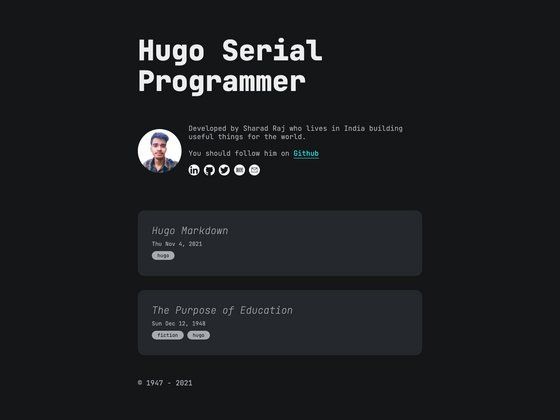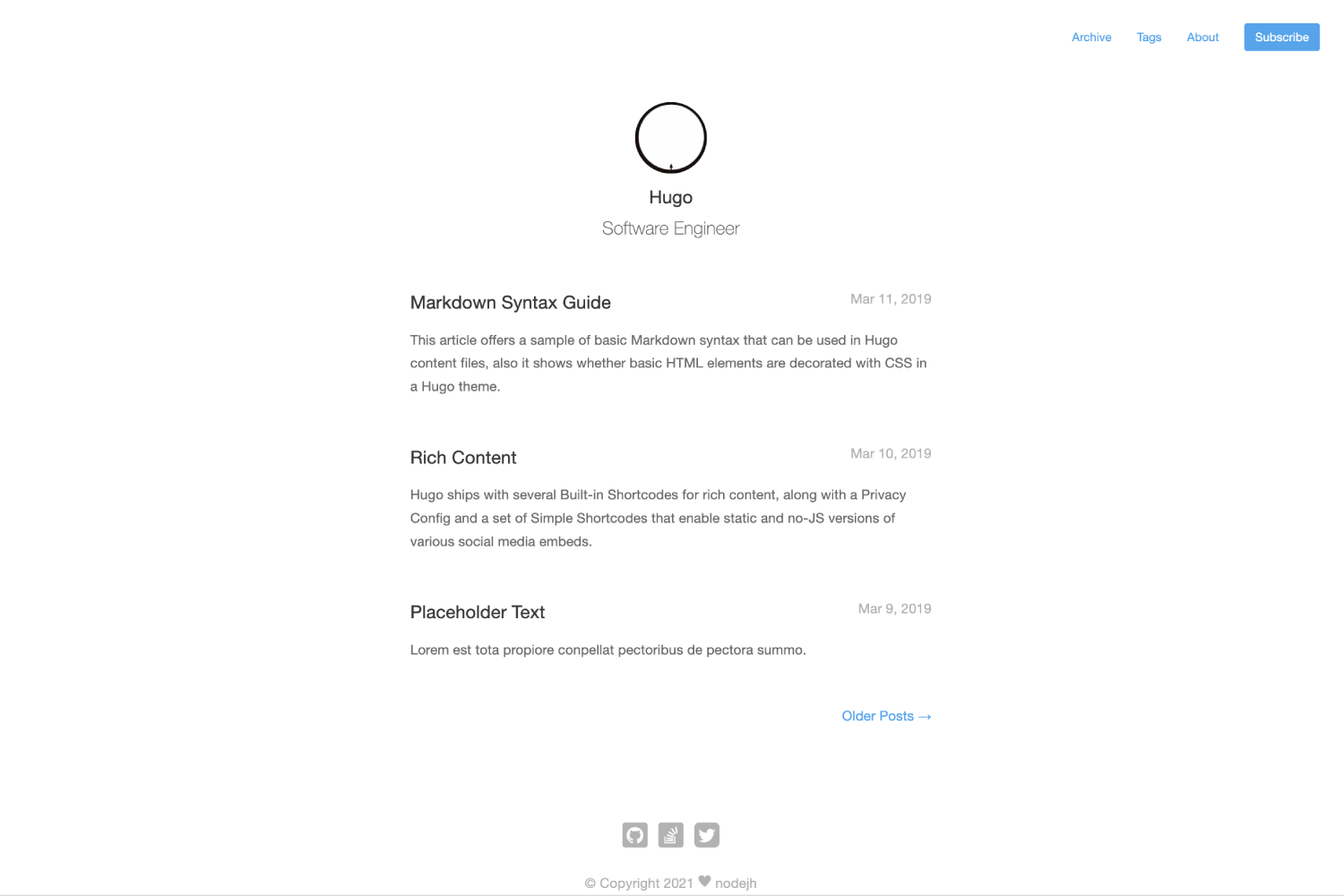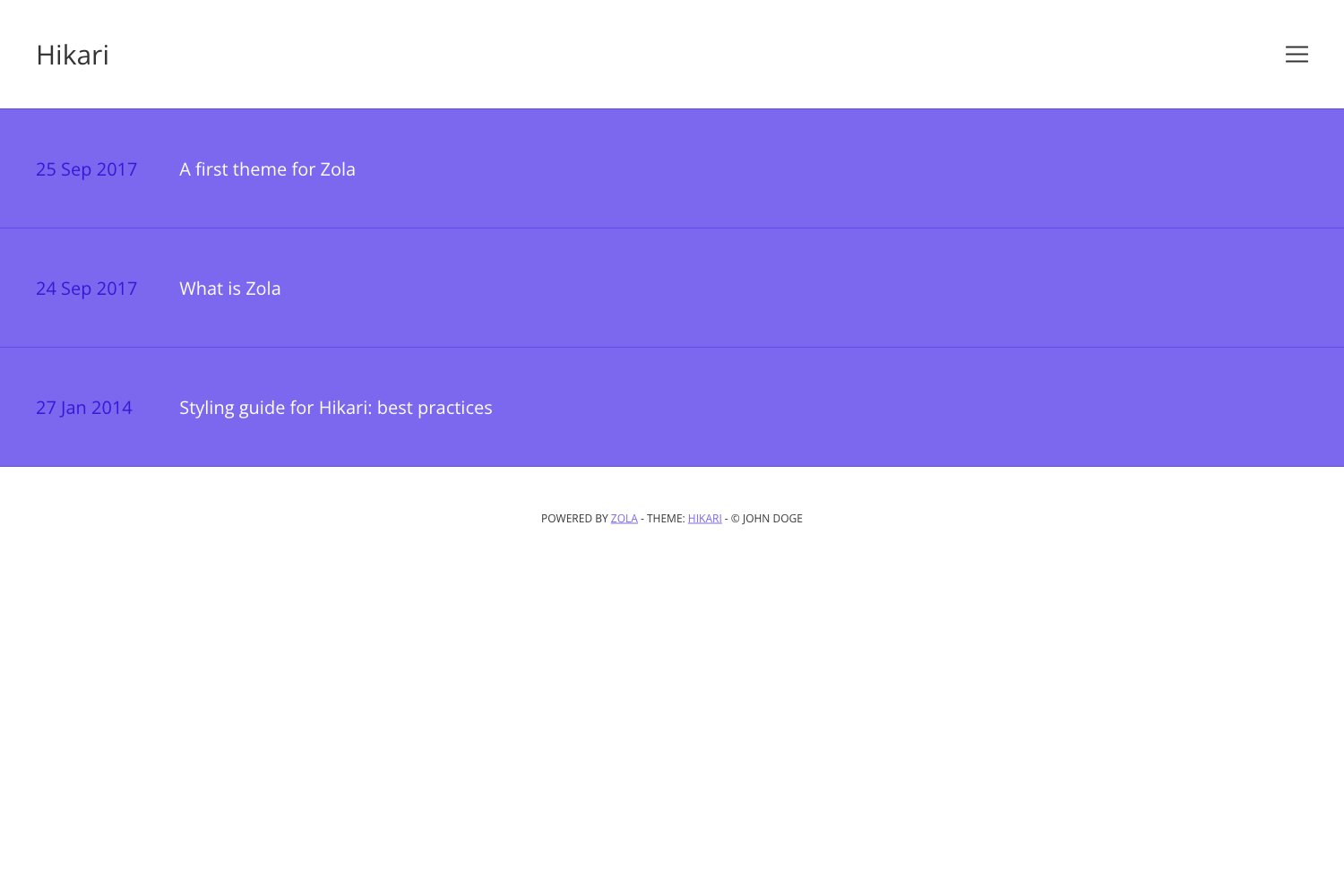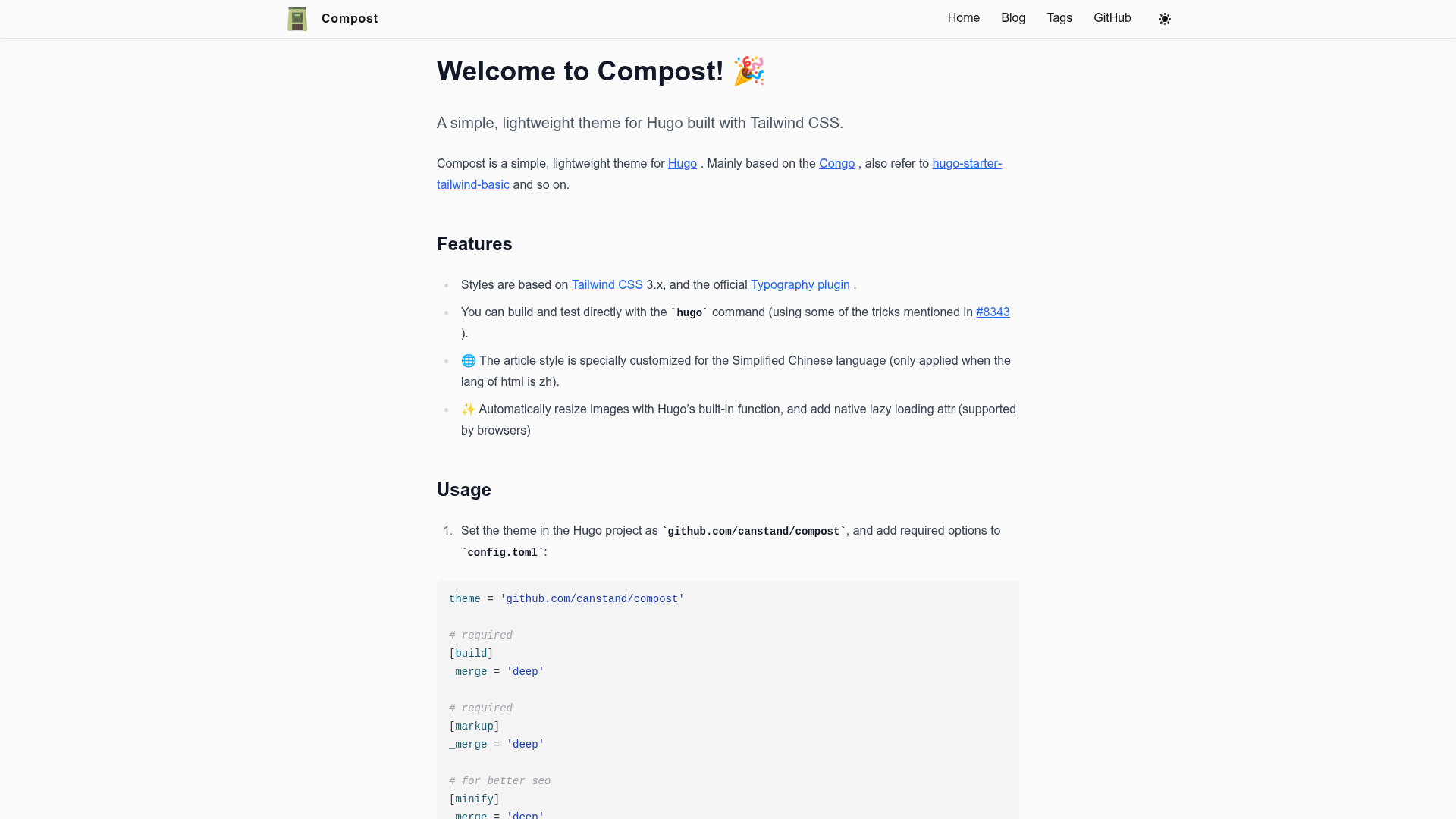
Template details
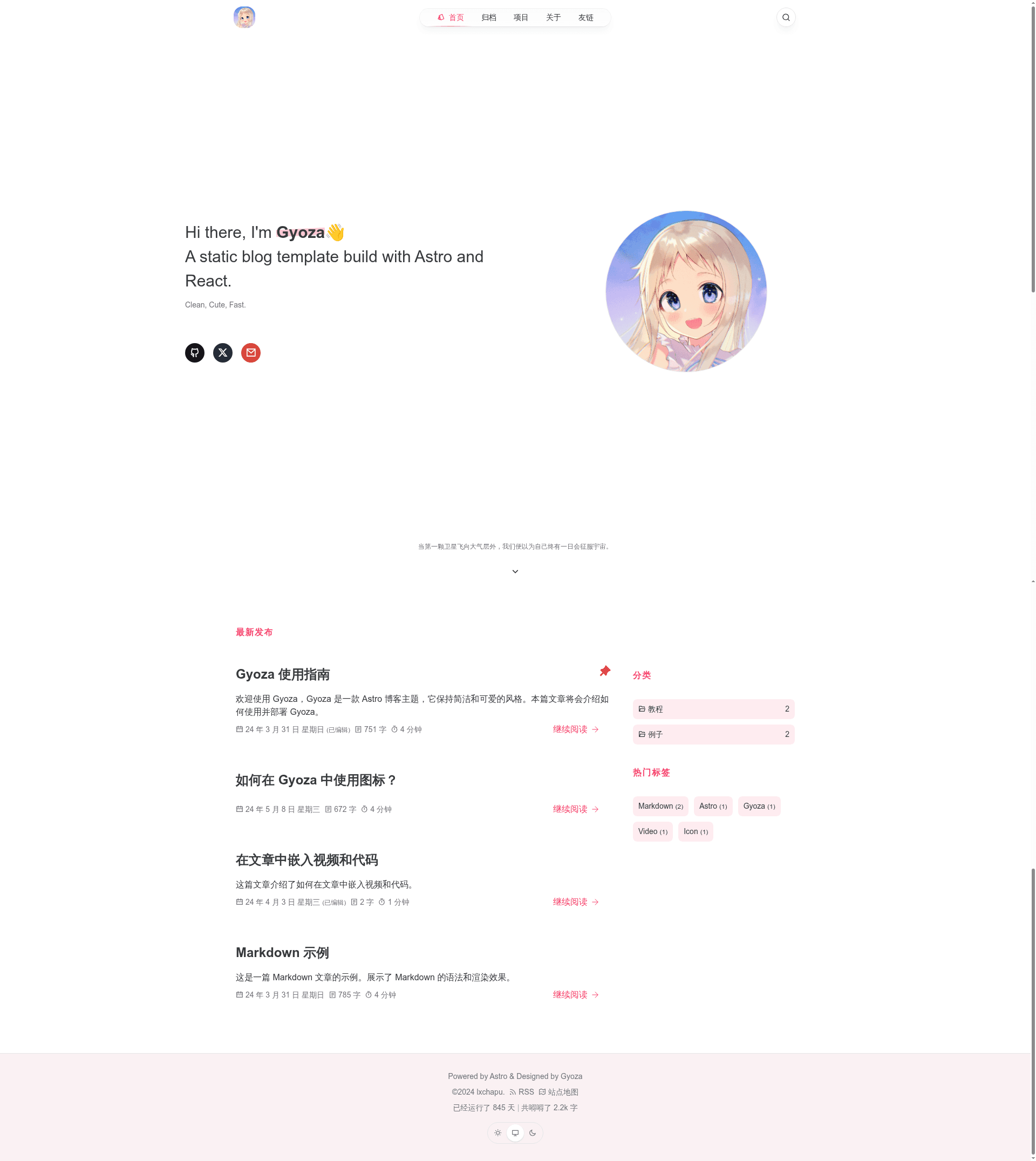
Gyoza
A simple and cute static blog template built with Astro and React, focused on content.
About this template
Gyoza is a static blog template built with Astro and React, designed to generate a fast, content-focused blog from Markdown files.
What is Gyoza?
Gyoza is a static blog template built with Astro and React. It takes Markdown content stored in src/content and site-wide settings from config.json, then builds a static site with support for RSS feeds, sitemap generation, dark mode, and code highlighting. The template runs on Astro 4.6 and requires Node.js 18.18 or higher. It is open-source and hosted on GitHub, with live demo sites at gyoza.lxchapu.com and www.lxchapu.com, plus a documentation guide at gyoza.lxchapu.com/posts/guide.
Key Features
- SEO-friendly — Uses standard URLs and OpenGraph metadata to improve search engine visibility.
- Sitemap support — Automatically generates a sitemap for the site.
- RSS subscription — Provides an RSS feed for readers to subscribe.
- Dark mode — Includes a night mode toggle for comfortable reading in low light.
- Special date grayscale — Gives the site a grayscale effect on special dates.
- Clean theme — Features a simple, clean color scheme that keeps the focus on content.
- Comment system — Includes support for a comment system, though the README doesn't specify a provider.
- Code highlighting — Built-in syntax highlighting for code blocks.
- Technology stack — Built with Astro and React, styled with Tailwind CSS, and enhanced with Framer Motion for animations and Jotai for state management.
Who is it for?
- Bloggers who want a fast, static blog with SEO, RSS, and sitemap features out of the box.
- Developers comfortable with Astro, React, and Tailwind CSS who want a customizable template with a familiar project structure.
- Markdown writers who prefer writing in Markdown and want a simple build workflow to publish a blog without a backend.
What can you do with Gyoza?
- Publish a personal blog: Write posts in Markdown, configure the site via
config.json, and build withpnpm buildto get a static site. - Share technical tutorials: Use the code highlighting and clean layout to present code snippets and explanations.
- Create a documentation hub: Organize guides with Astro's content collections in
src/content.
Project structure and commands
The project structure separates concerns into public/ and src/ directories, with components/, content/, layouts/, pages/, plugins/, store/, and styles/ inside src/. Configuration lives in config.json at the root. The build and development commands are pnpm i to install dependencies, pnpm dev to start the local dev server at localhost:4321, pnpm build to create a production build in ./dist/, pnpm preview to preview the build locally, and pnpm format to format code with Prettier.
FAQ
Does Gyoza support comments?
Yes, the template includes support for a comment system, though the specific provider is not mentioned in the README. You can integrate the comment service of your choice.
How do I configure Gyoza?
Site-wide configuration is stored in config.json at the project root. Edit this file to change site metadata, navigation, and other global settings.
What Node.js version is required?
The template's badges indicate Node.js 18.18 or higher is needed to run the project.
Is there a demo I can visit?
Yes, live demos are available at gyoza.lxchapu.com and www.lxchapu.com, and a guide is published at gyoza.lxchapu.com/posts/guide.