Template details
Triple-hyde
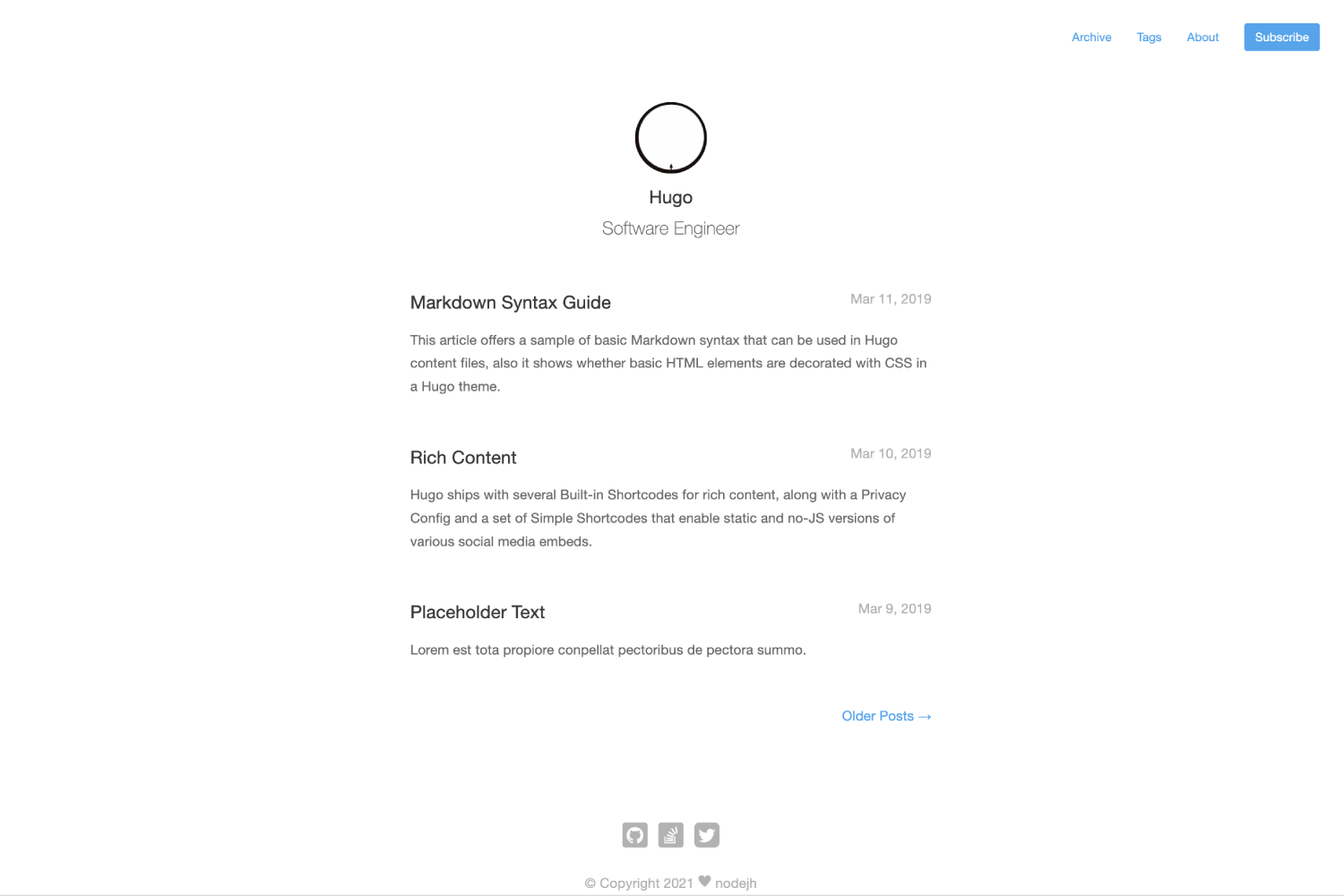
A Hugo blog theme that extends hyde-hyde with Google Analytics v4, Mastodon support, giscus comments, and a portfolio page.
About this template
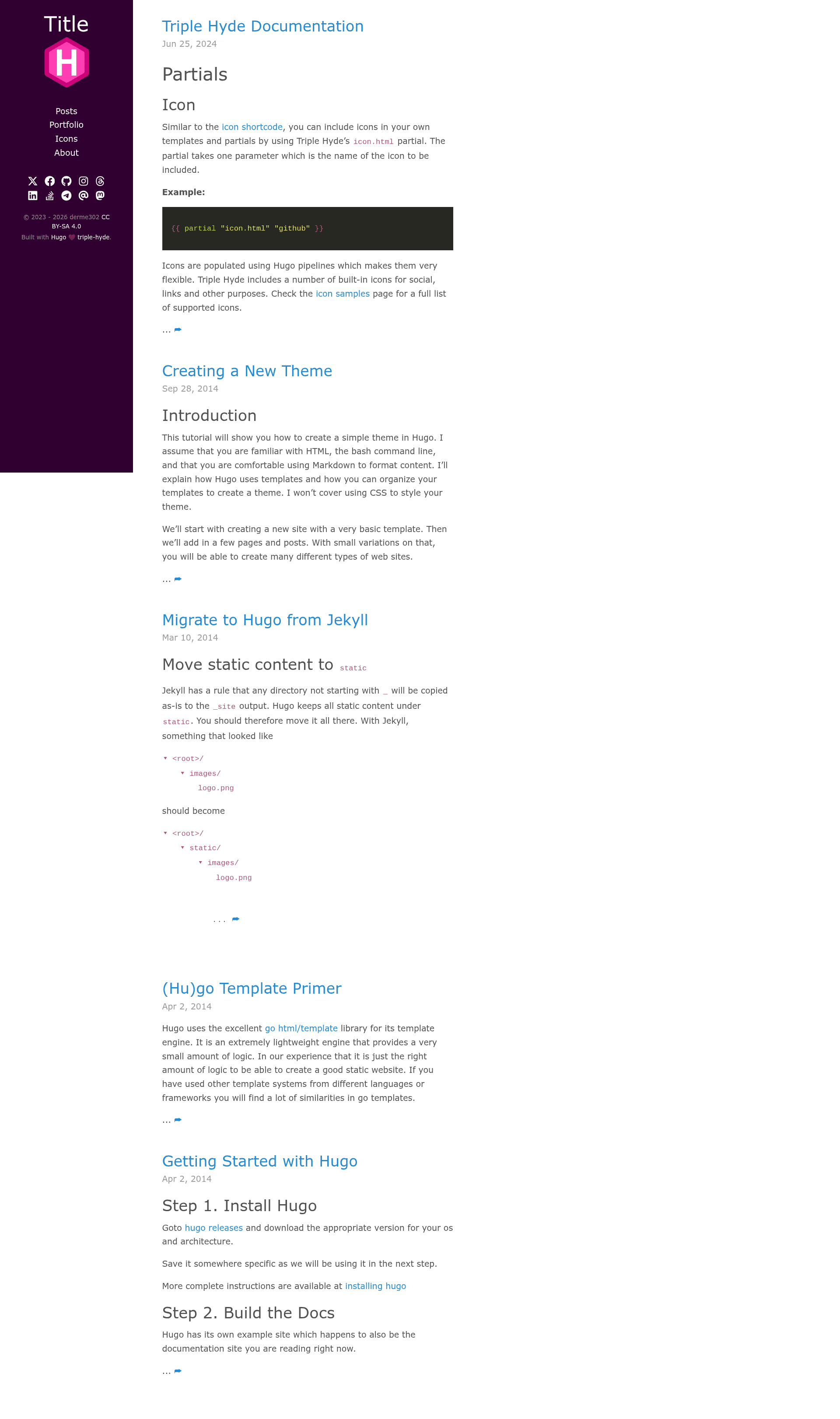
Triple-hyde is a Hugo blog theme that forked and extends the hyde-hyde theme, adding modern integrations like Google Analytics v4, Mastodon linking, and giscus comments while keeping the classic Hyde sidebar layout.
What is Triple-hyde?
Triple-hyde is an open-source Hugo theme for building static blogs and portfolio sites. It takes Hugo content written in Markdown and renders a responsive site with a two-column layout: a sidebar with author bio and social links, plus a main content area for posts. The theme is maintained by derme302 as a fork of htr3n's hyde-hyde, itself derived from spf13's Hyde and Nate Finch's blog design, and is released under the MIT license.
What makes Triple-hyde stand out?
- Google Analytics v4 — updated from the older analytics snippet via PR #1, so site traffic is tracked with the current GA4 measurement protocol.
- Mastodon social sidebar — a
mastodonparameter in the[params.social]section adds a Mastodon icon and link to the sidebar, contributed by @eatingbrb. - Image alignment shortcode — append
#center,#left, or#rightto a Markdown image link to align images inside content without custom HTML. - Giscus comments — drop-in support for giscus, a GitHub Discussions-based comment system, via the
giscusoption. - Font Awesome 6 SVG icons — inline vector icons for social links and UI elements, with documentation adapted from the Blowfish theme.
- Portfolio page — since version 2.0, the theme ships a portfolio list layout where each project is a Markdown file with front matter for description, date, link, and screenshot, and can be marked
featured. - Multiple comment engines — choose between built-in Disqus, GraphComment, Utterances, or Commento by setting the corresponding config option, with the others disabled.
- Flexible code highlighting — set
highlightjs = trueto switch from Hugo's built-in highlighter to highlight.js and pick a style, or disable highlighting per post in front matter.
Who should use Triple-hyde?
- Bloggers — use Triple-hyde to stand up a clean, fast static blog on Hugo with a pre-built sidebar for author bio and social links.
- Developers — the theme's SCSS styles and modular layouts under
assets/scss/triple-hydeandlayouts/are easy to fork and override, making it a good base for custom Hugo projects. - Freelancers and creatives — the built-in portfolio section lets you showcase projects with screenshots, descriptions, and external links alongside your blog posts.
- Open-source maintainers — because it's MIT-licensed and a direct fork, you can reuse the code or contribute PRs that fold changes back into the theme.
What can you do with Triple-hyde?
- Publish a personal blog — write Markdown posts with optional per-page code highlighting and automatically get previous/next post navigation and related posts when enabled.
- Showcase a project portfolio — create a
portfoliocontent folder, set each project's front matter with a title, description, date, link, and screenshot, and list them on a dedicated portfolio page linked from the main menu. - Add modern social links — configure any of a dozen social identities in
[params.social], including Mastodon, GitHub, LinkedIn, and Xing, and they appear as Font Awesome 6 icons in the sidebar. - Run a multilingual or date-sensitive site — international dates are rendered correctly thanks to PR #19, and the theme works with Hugo's standard multilingual setup.
How does Triple-hyde work?
- Install the theme by cloning or adding
triple-hydeas a Git submodule into your Hugo project'sthemes/directory. - Set
theme = "triple-hyde"in yourconfig.tomlorconfig.yaml. - Write content in Markdown, configure options like
highlightjs,postNavigation,relatedPosts, and comment engine, then runhugoto generate a static site.
Pricing
Triple-hyde is free and open source under the MIT license. There are no paid tiers or premium features; you only pay for the hosting of the generated static site.
Alternatives
Alternatives include the original Hyde theme (the basis of this theme) and hyde-hyde (the direct upstream from which Triple-hyde forked).
FAQ
Is Triple-hyde free?
Yes, Triple-hyde is open source and released under the MIT license, so you can use, modify, and distribute it freely for personal or commercial projects.
What comment systems does Triple-hyde support?
Triple-hyde supports four commenting options: built-in Disqus, GraphComment, Utterances, and Commento, plus the newer giscus integration. Each is enabled by setting the corresponding config option, and they are meant to be used exclusively with disqusShortname.
Does Triple-hyde work with Google Analytics 4?
Yes. PR #1 updated the analytics snippet to support Google Analytics v4, so you can track site traffic with the current GA4 measurement protocol.
How do I install Triple-hyde?
Install it by cloning the repository into your Hugo project's themes/ directory with git clone https://github.com/derme302/triple-hyde.git themes/triple-hyde or by adding it as a Git submodule, then set theme = "triple-hyde" in your config.toml or config.yaml.
What is the difference between Hyde, hyde-hyde, and triple-hyde?
The original Hyde theme was created by Mark Otto and ported to Hugo by Steve Francia. hyde-hyde is a fork by Alex T that added SCSS styling and more options. Triple-hyde is a further fork by derme302 that adds GA4 support, Mastodon, giscus, Font Awesome 6 icons, and a portfolio page.