Template details
Hito Blog
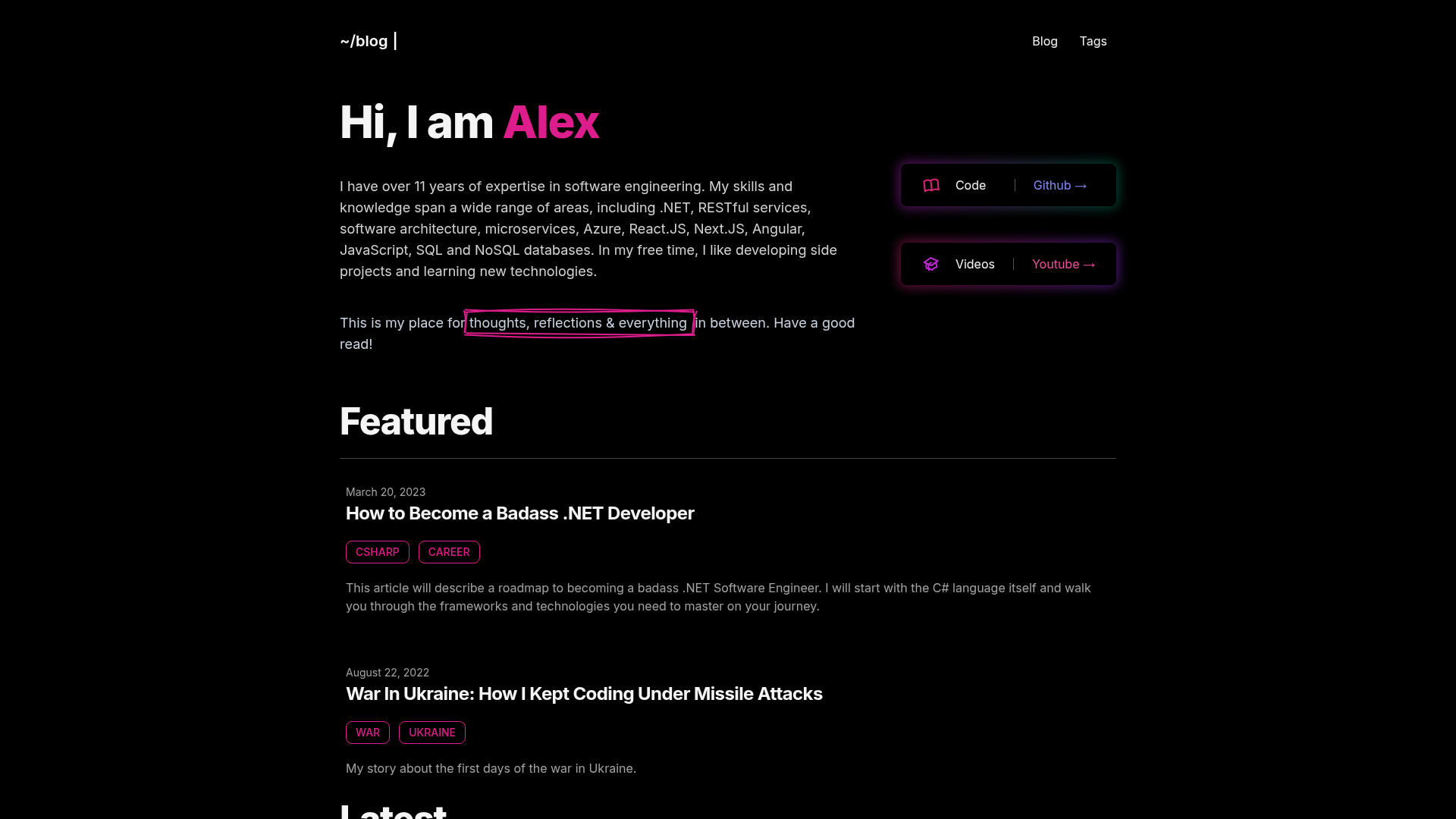
Minimalist Astro blog template with Markdown/MDX, RSS, sitemap, SEO, and 100/100 Lighthouse performance.
About this template
Hito Blog is a minimalist Astro blog template that turns Markdown and MDX posts into a static website with RSS, sitemap, and SEO metadata built in.
What is Hito Blog?
Hito Blog is a lightweight, minimalist blog template built on the Astro framework by damenordev. It takes Markdown and MDX files from the src/content/blog collection and generates a static website with a homepage, blog pages, RSS feed, sitemap, and canonical/OpenGraph metadata. The template is distributed as a GitHub repository and can be installed with bun or npm-compatible commands.
Key Features
- Minimal styling — The template ships with a clean CSS foundation in src/styles, so you can replace the design without unpicking a theme.
- 100/100 Lighthouse performance — The project is engineered to hit perfect scores across performance, accessibility, best practices, and SEO, per the README claim.
- SEO-friendly metadata — Every page includes canonical URLs and OpenGraph data, so shared links render with proper titles and previews.
- Sitemap support — A sitemap is generated automatically during the Astro build, helping search engines index posts.
- RSS Feed support — The template outputs an RSS feed for your blog, so readers can subscribe via feed readers.
- Markdown & MDX support — Write posts as .md or .mdx files in src/content/blog, with frontmatter schema type-checking through Astro's content collections.
- Astro-native project structure — Includes preconfigured folders for components, layouts, assets, constants, styles, and types, following Astro's standard file layout.
Who is it for?
- Personal bloggers who want a fast, minimal blog without configuring SEO and RSS plumbing themselves.
- Portfolio owners who need a lightweight site to showcase projects with Markdown-based case studies.
- Developers starting an Astro project who want a clean, documented base structure with content collections already wired up.
What can you do with Hito Blog?
- Create a blog: Write Markdown or MDX posts in the content collection and get automatically generated routes from each file name.
- Customize the design: Edit the minimal CSS and component files in src to match your own brand without removing a heavy theme.
- Run local development: Use
bun devto launch a dev server at localhost:4321 with hot reload, thenbun run buildto output the site to ./dist. - Deploy anywhere static: Since Astro outputs plain HTML, the generated dist folder can be hosted on any static host.